


English | 简体中文 | 繁體中文 | 日本語 | 한국어 | Bahasa Indonesia




Copy a JSON, get a style. Drop one style.json into ChatGPT, Claude, Nano Banana Pro, or any LLM image workflow. Replace the variables, keep the visual system.
A curated library of plug-and-play visual prompt styles for AI image generation, distilled from visual design references and structured for more consistent, reusable output.
Curated by @VigoCreativeAI, structured with assistance from OpenAI Codex. Star this repo to follow new style drops.
🖼️ Browse the online gallery · or jump to the All Styles gallery / full catalog below.
💬 Made something with a style? Share it in Show and tell · Want a style that isn't here? Request it
| Category | Good for | Start with |
|---|---|---|
| Photo + Doodle | Social snapshots, lifestyle scenes, playful overlays | Playful Mascot Doodle Snapshot, Cozy Bedroom Doodle Companion |
| Zine + Collage | Fashion posters, music visuals, maximalist editorial layouts | K-pop Apocalypse Ransom Zine, Y2K Grunge Hip-hop Cutout Poster |
| Type Posters | Big headline systems, loud campaign graphics, visual punch | Impact Burst Halftone Comic Poster, Neon Kinetic Typographic Poster |
| Travel + City | Destination posters, street scenes, urban diaries | Clean Triptych Travel Vlog Thumbnail, Tokyo Kawaii Travel Collage Poster |
| Editorial + Minimal | Cleaner compositions, structured layouts, quieter art direction | Tri Color Hardcut Portrait Poster, Soft Analog Future Editorial Poster |
| Product + Campaign | Launch ads, product heroes, retail graphics | Sunlit Coastal Product Blitz, Electric Blue Silhouette Product Launch |
Most AI image prompts are one-off text blobs: hard to reuse, hard to compare, and hard to iterate on. This repo takes a different approach: each visual style is distilled into a structured style.json you can drop into any LLM-based image generation workflow. Same JSON, more consistent style direction across generations.
- Browse the Featured Styles, Quick Links, or All Styles.
- Open a style folder and copy the
style.json. - Paste the full JSON into ChatGPT, Claude, Nano Banana Pro, or any LLM-based image workflow.
- Provide your own values for the variables declared in
environment_variables, or edit a case inexamples[*].values. - Generate the final image prompt and send it to your image model.
See the Complete Example below for a full input-to-output walkthrough.
This workflow works best with end-to-end multimodal image models that can read long structured JSON prompts and generate the final image in one step.
- ChatGPT Images 2 (OpenAI, gpt-image-2) — strong text rendering, 2K/4K output, reasoning before generation
- Nano Banana Pro (Google, Gemini 3 Pro Image) — 4K output, multilingual text accuracy, strong subject consistency
Other multimodal LLMs that accept long JSON prompts may also work but are not the primary recommendation.
This example uses Mono Noir Type Portrait Poster Style.
prompt_template excerpt
Create a {ASPECT_RATIO} monochrome editorial poster in the Mono Noir Type Portrait Poster Style. Style fidelity lock: {STYLE_FIDELITY_ANCHORS}. Source content to avoid: {SOURCE_CONTENT_TO_AVOID}. Scene: {SUBJECT} {SUBJECT_ACTION} with {PRODUCT_OR_PROP} in {LOCATION}. Background elements: {BACKGROUND_ELEMENTS}. Wardrobe and styling: {WARDROBE_STYLE}. Composition: one large high-contrast black-and-white photographic subject, close crop, deep charcoal background, sparse negative space, shallow depth of field, serious noir editorial mood. If the aspect ratio is 16:9, make a landscape poster with the subject weighted to the right side and the headline block on the left. If the aspect ratio is 9:16, make a vertical poster with the headline stacked in the upper-left or middle-left field and the subject cropped large on the right or lower-right. Typography: render the exact readable lowercase headline text "{MAIN_TEXT}" as three short left-aligned lines...
SUBJECT = a tired architect with silver hair
SUBJECT_ACTION = studying a folded blueprint in a late-night pause
PRODUCT_OR_PROP = a rolled plan tube and a pencil held low
LOCATION = a dim concrete studio after midnight
BACKGROUND_ELEMENTS = soft charcoal wall gradient, blurred drafting table edge, deep empty space
MAIN_TEXT = focus / outlasts / noise.
SECONDARY_TEXT = studio log 02:14
ACCENT_SYMBOL = a tiny white plus
WARDROBE_STYLE = dark work jacket over a plain black shirt
ASPECT_RATIO = 16:9
Create a 16:9 monochrome editorial poster in the Mono Noir Type Portrait Poster Style. Style fidelity lock: black-and-white photographic portrait, deep charcoal background, giant lowercase left-aligned headline, first word in a white label, remaining words in white, high contrast, sparse negative space, close crop. Source content to avoid: no young woman with blunt bangs, no freckles close-up, no discipline beats procrastination text, no copied face or exact source crop. Scene: a tired architect with silver hair studying a folded blueprint in a late-night pause with a rolled plan tube and a pencil held low in a dim concrete studio after midnight. Background elements: soft charcoal wall gradient, blurred drafting table edge, deep empty space. Wardrobe and styling: dark work jacket over a plain black shirt. Composition: one large high-contrast black-and-white photographic subject, close crop, deep charcoal background, sparse negative space, shallow depth of field, serious noir editorial mood. If the aspect ratio is 16:9, make a landscape poster with the subject weighted to the right side and the headline block on the left. If the aspect ratio is 9:16, make a vertical poster with the headline stacked in the upper-left or middle-left field and the subject cropped large on the right or lower-right. Typography: render the exact readable lowercase headline text "focus
outlasts
noise." as three short left-aligned lines with tight leading; put the first headline word as black type inside a crisp white rectangular label, then set the remaining lines in heavy white type directly on the dark background. Add "studio log 02:14" only as tiny unobtrusive white microcopy if it fits. Use a tiny white plus only as a minimal typographic mark. Keep type sharp, flat, square-cornered, and massive. Photo treatment: realistic black-and-white studio photography, strong shadow falloff, visible facial or fabric texture, subtle grain, no color, no illustration, no collage, no extra panels, no logos, no watermark.

Prefer the short path? Browse the generated Copy Prompt Library for a copy-ready prompt per style. The full reusable style systems still live in each style.json.
Six visual systems to start with. Every style ships as one JSON plus two preview images. Browse the complete set of 180 in the All Styles gallery below.
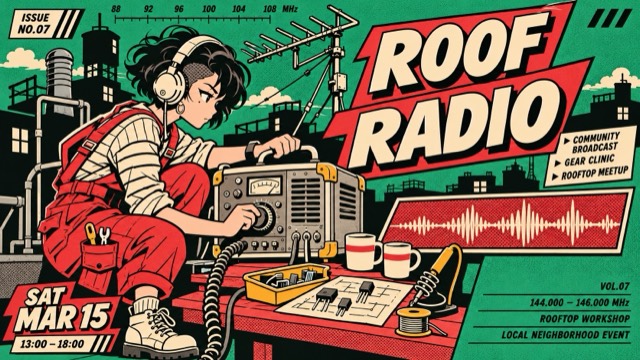
A fused character-led neighborhood bulletin: scarlet comic panel energy and cream outlined lettering intersect jade-and-black street-print silhouettes, arranged as staggered editorial modules. |
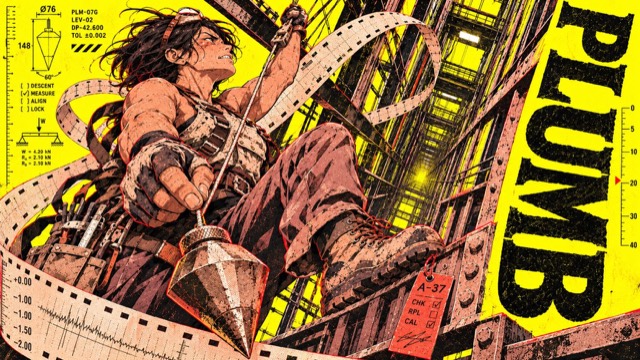
A shift-worker character zine on sulphur paper: workers, oversized tools and perforated recorder strips spat from machines compress each moment of operation into a rough-printed character poster. |
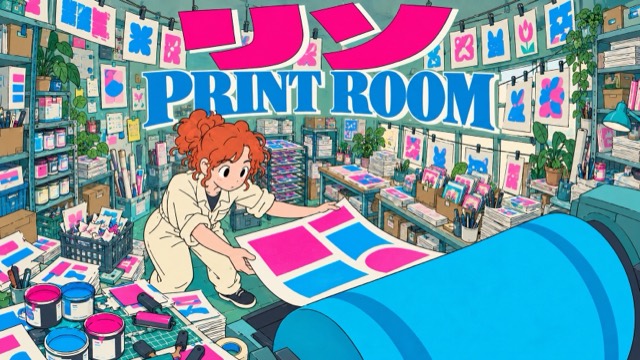
Flat, slightly naive hand-inked maker posters in densely lived-in workshops: cold teal/cyan and grey-green, strong fisheye perspective, fluorescent pink katakana and blue serif top mastheads. |
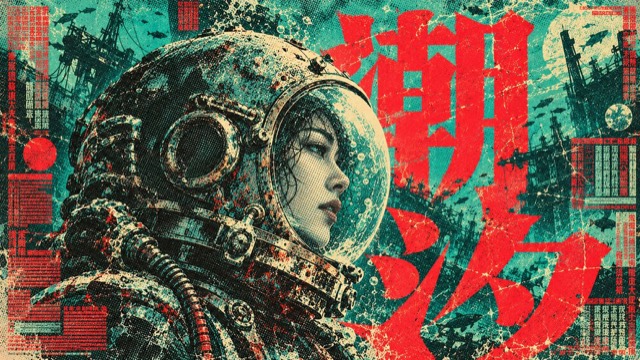
High-density sci-fi film poster language built from teal-green paper, giant vermilion title glyphs, cream highlights and ink-black halftone; it keeps occlusion, misregistration and wear while reorganizing the layout around new stories at different scales. |
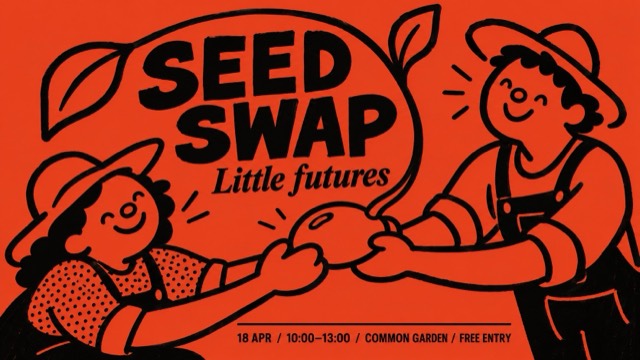
Folk event poster in full-bleed vermilion with uneven thick black marker strokes: naive round-headed figures sharing an action, patches of dense dot texture, and a compact two-typeface information hierarchy. By default it redesigns the figures' interaction and layout around a new theme. |
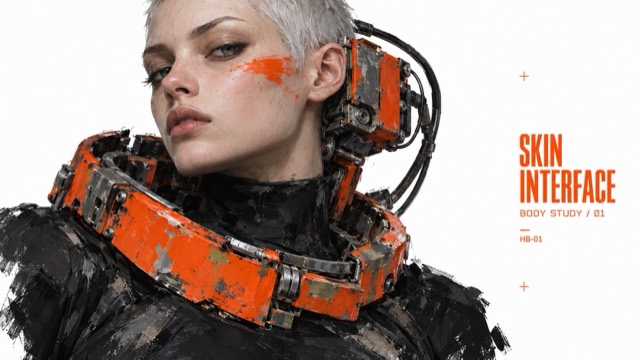
Speculative industrial fashion editorials: altered human silhouettes, oversized worn mechanical body interfaces, painterly abrasion, black clothing and signal-orange hardware isolated on white. |
styles/<style-slug>/
  style.json          # Machine-readable prompt template
  preview-16x9.jpg    # Landscape preview
  preview-9x16.jpg    # Portrait preview
Every style.json is self-contained: copy the whole file into your LLM, then provide values for the variables declared in environment_variables or edit one of the examples[*].values cases.
prompt_templateis the reusable style prompt with{VARIABLE}placeholders.environment_variablesdeclares every placeholder the template can use.- Newer styles set
"schema_version": "2.2"and declare only the variables their template uses (for exampleSUBJECT,MAIN_TEXT,DESIGN_DIRECTION); older v2.1 styles use the ten standard variables. examplescontains ready-to-edit cases; each case stores onlycase_nameandvalues.style_fidelity_anchorsandsource_content_to_avoidtell the model what to preserve and what not to copy.negative_promptkeeps watermarks, logos, direct source recreations, and off-style outputs away.
Rendered prompts such as prompt_9x16, prompt_16x9, or full_prompt are intentionally not stored. They are derived at generation time from prompt_template plus chosen values, so the JSON stays compact and does not drift.
Validate the library with:
python3 scripts/validate-style-json.py .Browse all 180 styles below.
The complete library, including the featured styles above. Parts of a series share one card. For full descriptions and all file links per style, see docs/CATALOG.md.
|
Jade Scarlet Panel Press |
Sulphur Shift |
Ink Orbit Club |
|
Vermilion Jade Halftone |
Vermilion Marker Folk |
Salvage Body Editorial |
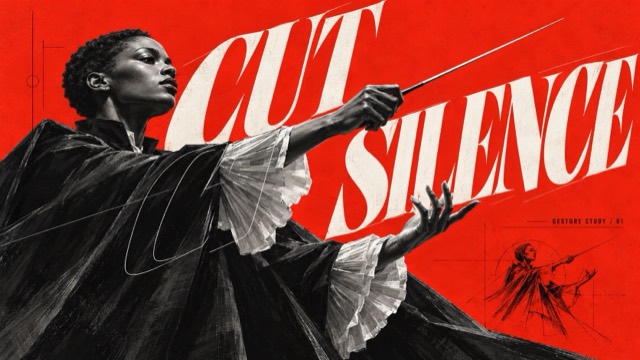
Scarlet Outline Monument |
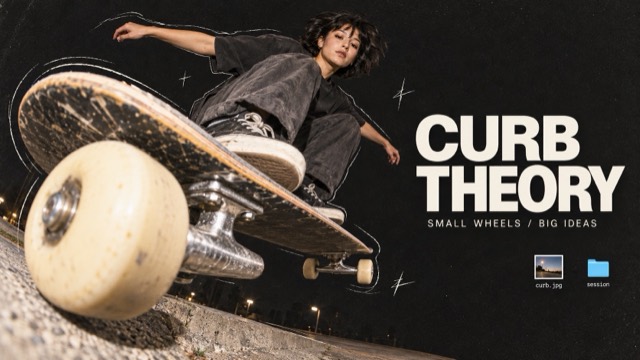
Fisheye Desktop Zine |
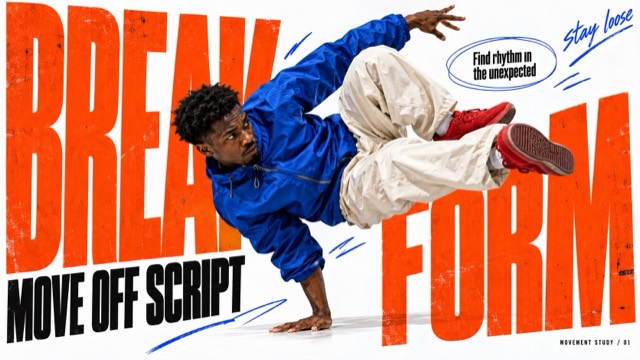
Orange Type Street Editorial |
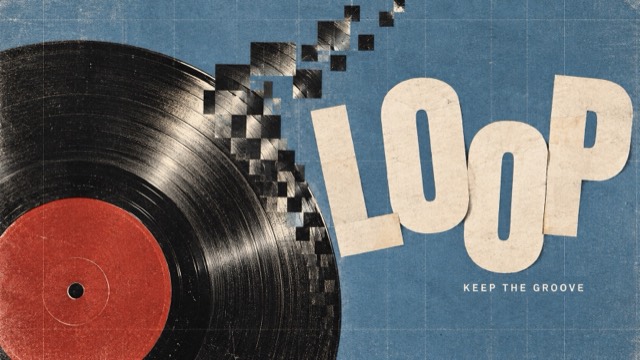
Pixel Weave Editorial |
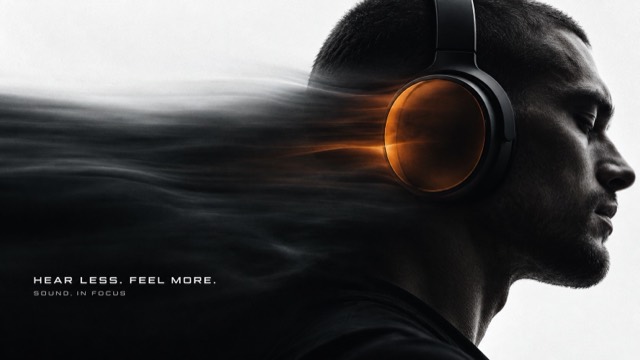
Obsidian Signal Motion |
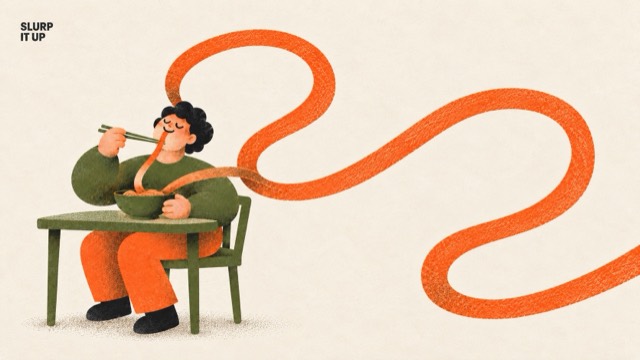
Everyday Riso |
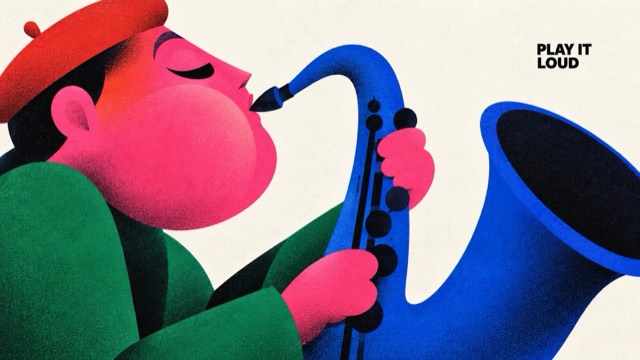
Chromatic Gesture Characters |
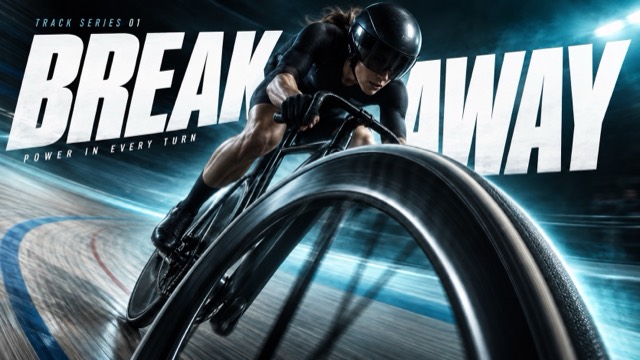
Velocity Type Sport |
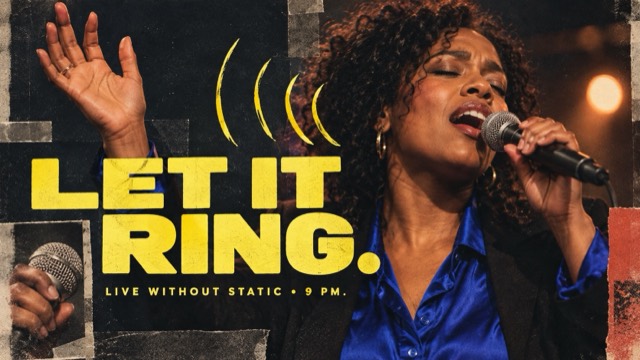
Acid Jolt Portrait Collage |
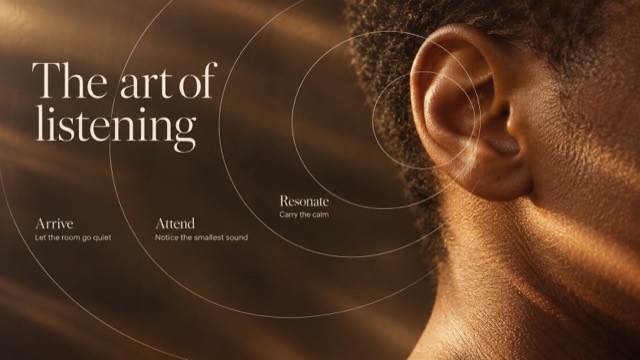
Amber Orbit Editorial |
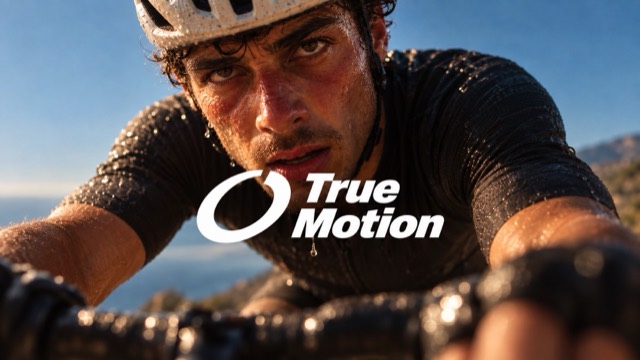
Felt Motion Brand Campaign Series: Set 2 |
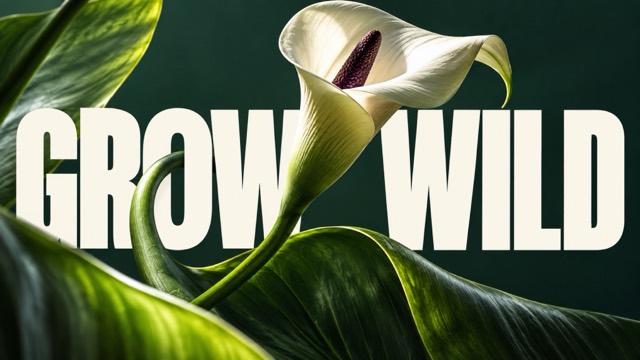
Monumental Editorial — Set 02 |
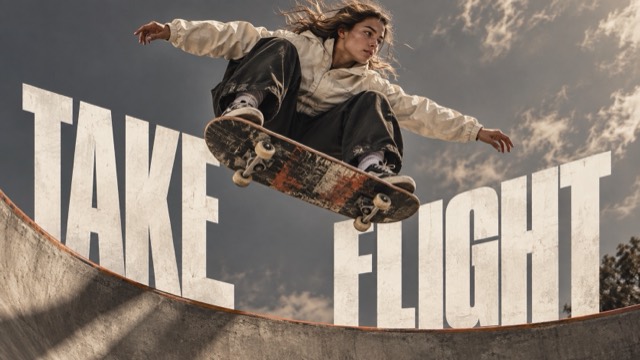
Monumental Sport Editorial |
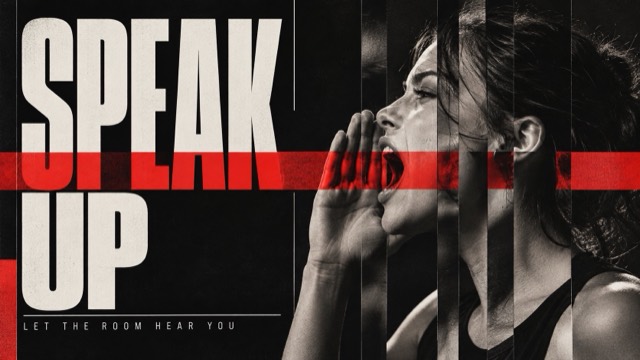
Slice Signal Editorial |
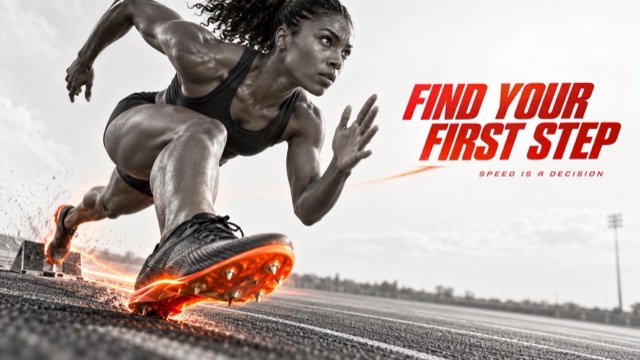
Chromatic Impact Athlete |
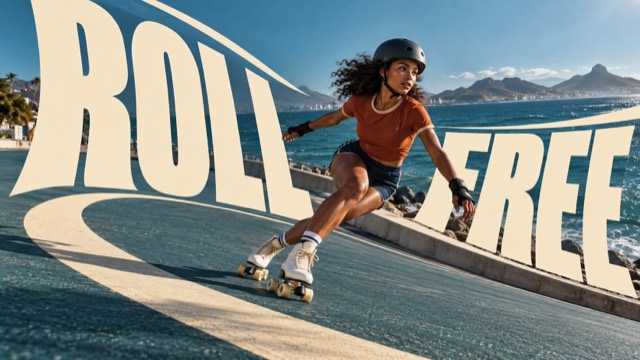
Cream Curve Editorial |
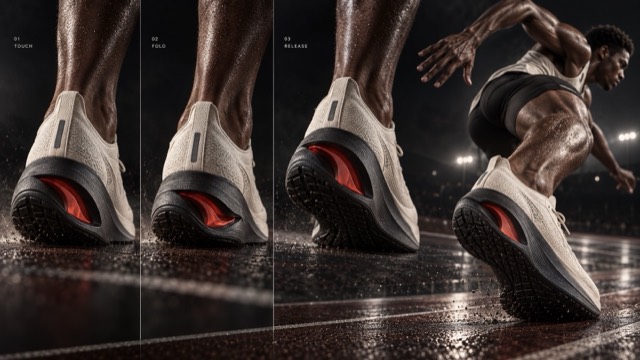
Kinetic Footwear Process |
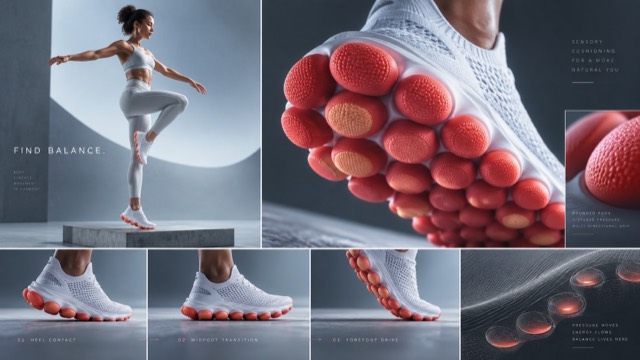
Sensory Footwear Lab |
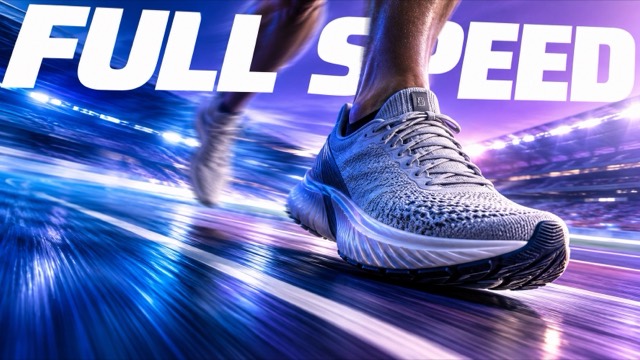
Visual OS 051 — Freeze the Gear |
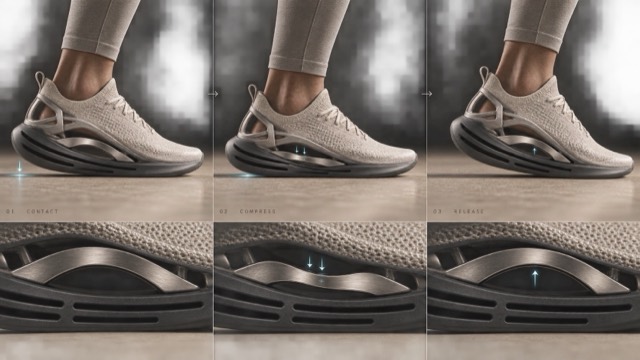
Vector Process Study |
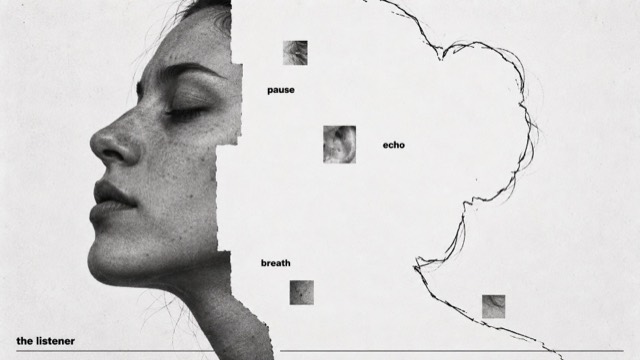
Annotated Absence |
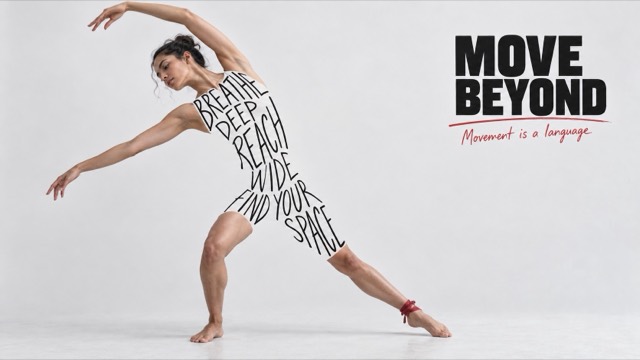
Ink Body Manifesto |
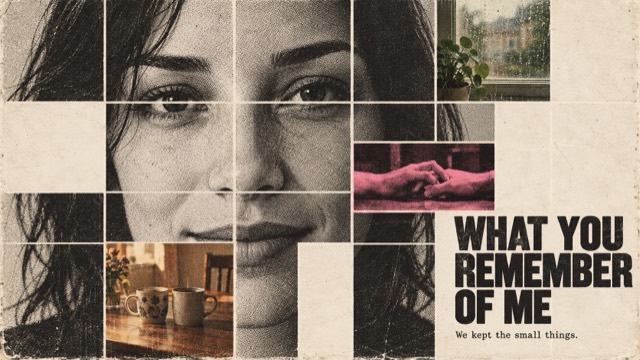
Memory Fragment Portrait |
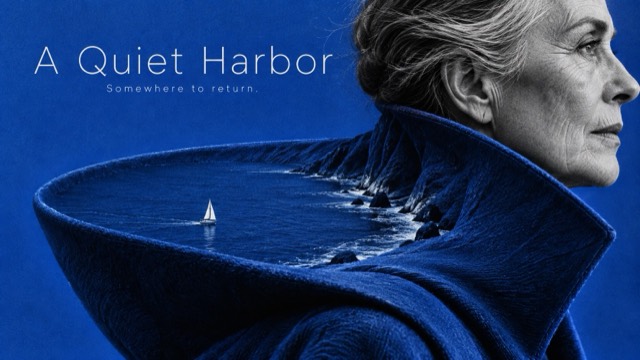
Portrait as Terrain |
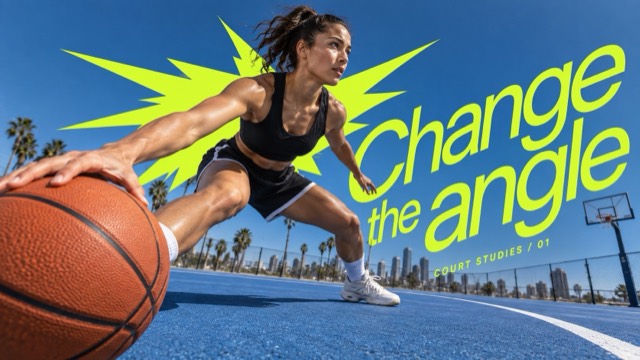
Acid Burst Motion Type |
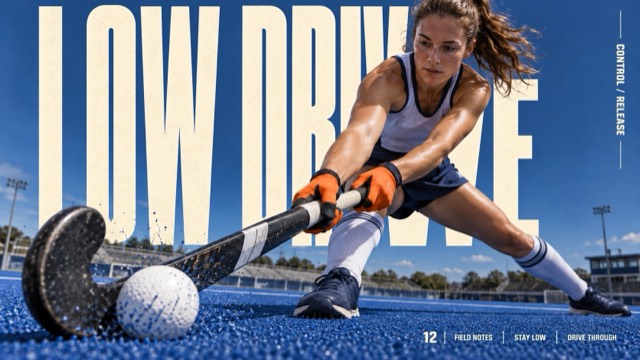
Cream Megatype Impact Editorial |
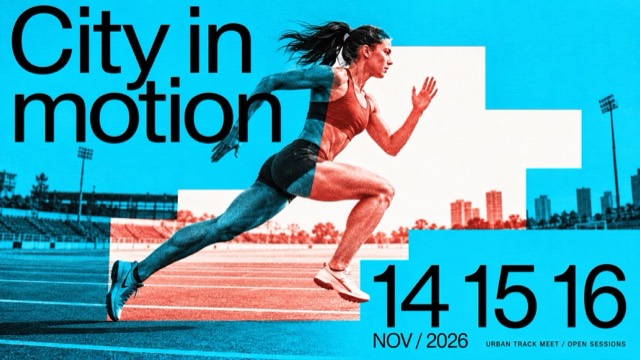
Duotone Step Window Editorial |
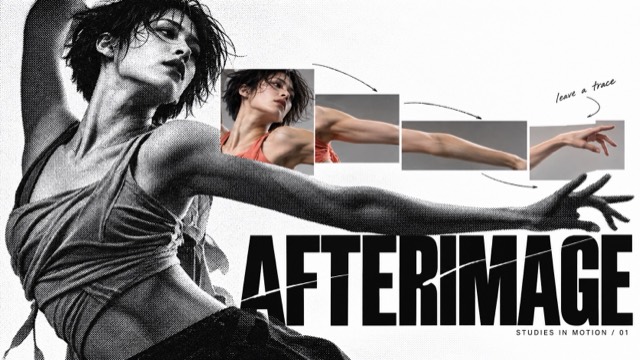
Halftone Chroma Fragment Editorial |
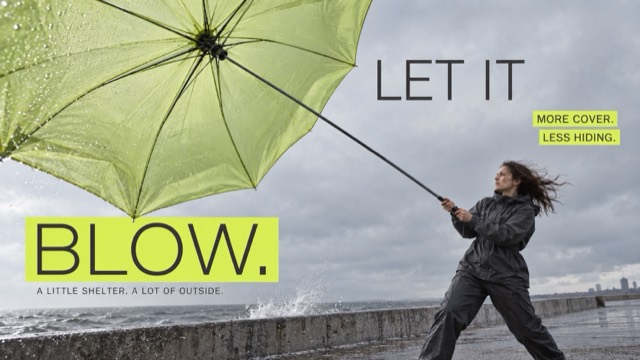
Neon Strip Low Angle Campaign |
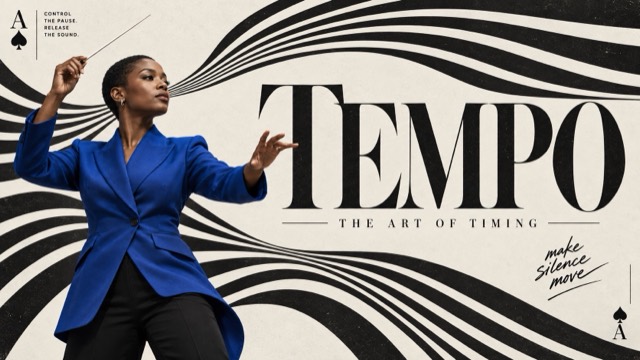
Op Stripe Card Editorial |
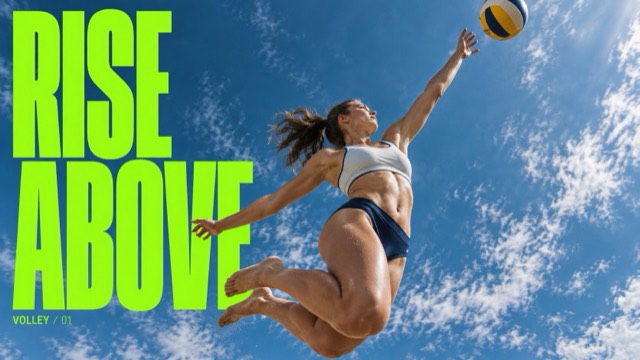
Skyward Condensed Action |
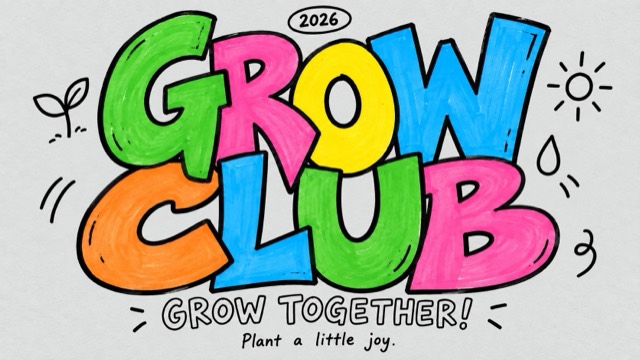
Color Pop Interlocked Marker Type |
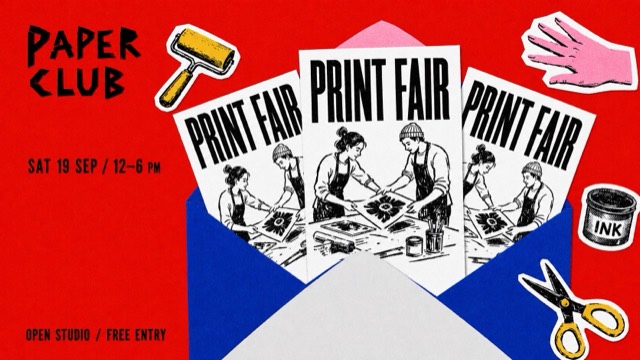
Grainy Envelope Flyer Collage |
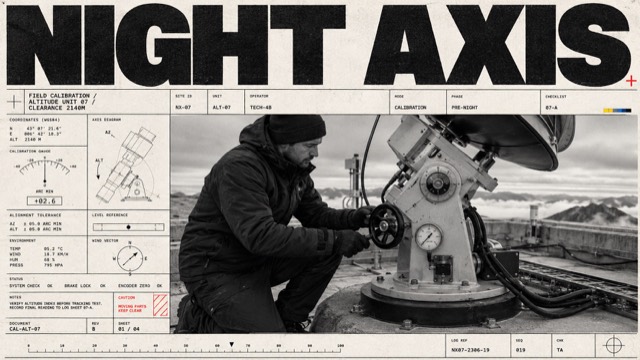
Monochrome Tech-Grid Editorial |
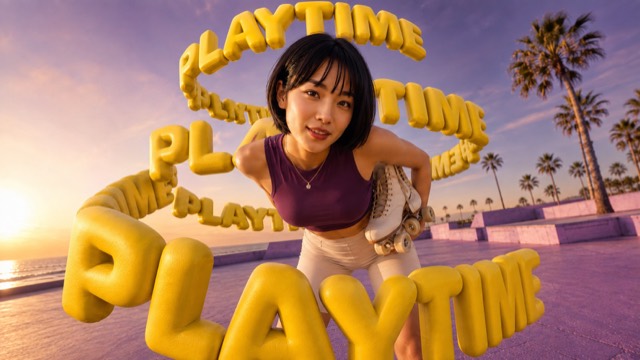
Sculptural Type Helix — Refined |
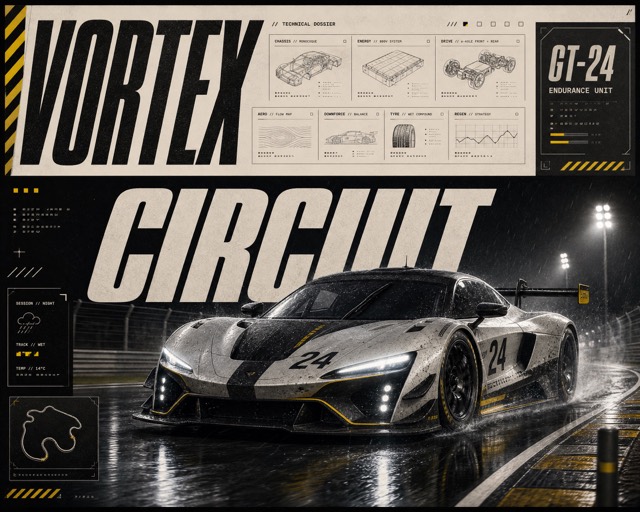
Motorsport Technical Editorial |
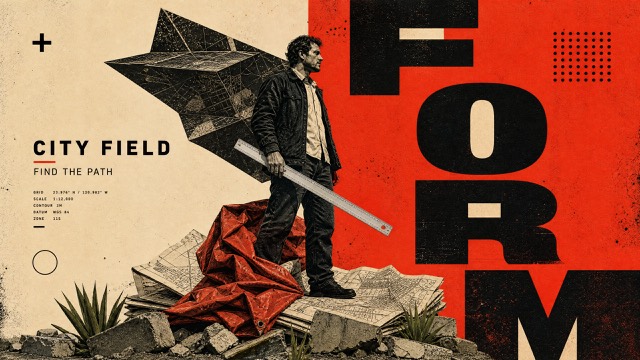
Split Ink Monumental Editorial |
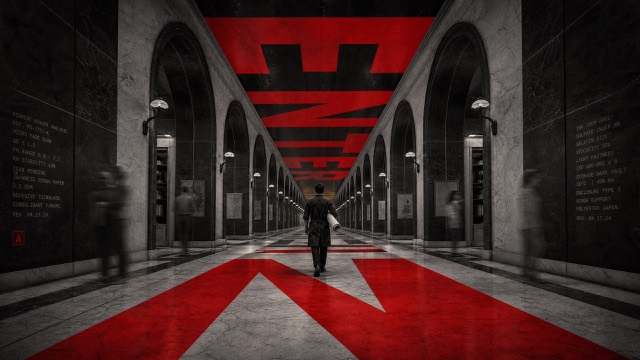
Crimson Vanishing Point Editorial |
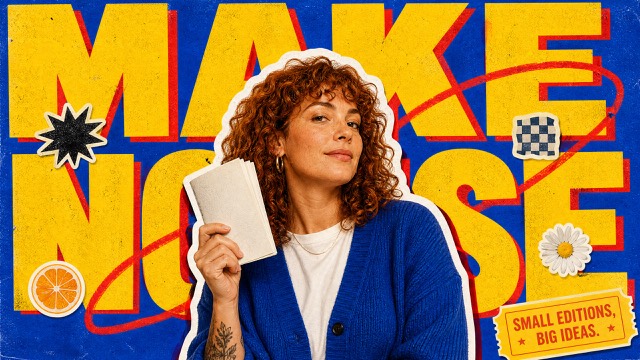
Retro Pop Sticker Cutout |
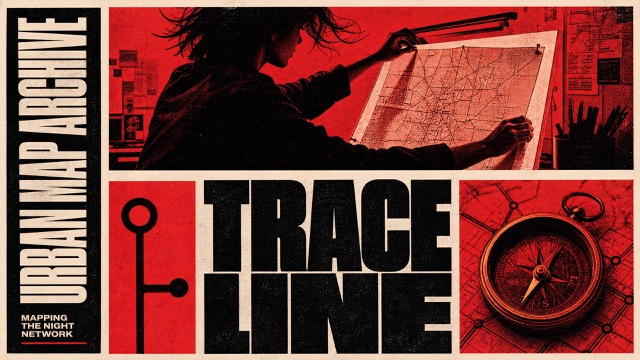
Red Monochrome Editorial Grid |
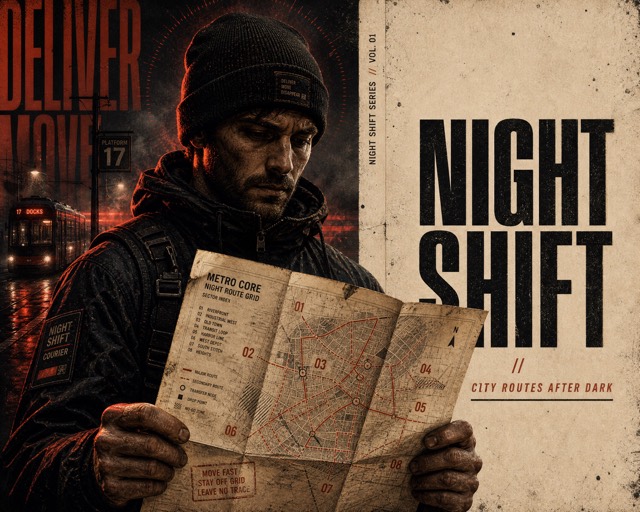
Split Scorched Editorial Poster |
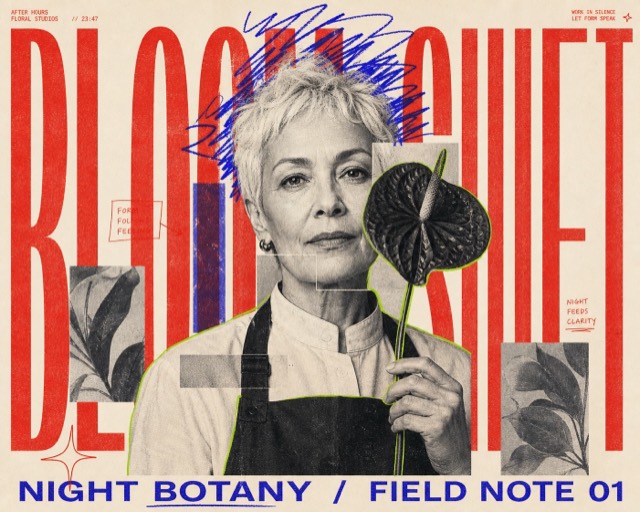
Neon Scribble Editorial Poster |
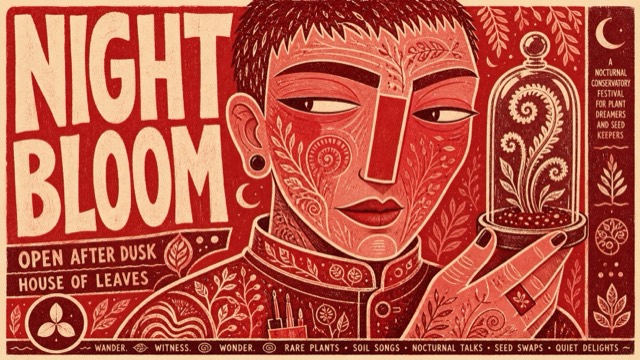
Vermilion Folk Screenprint Character Poster |
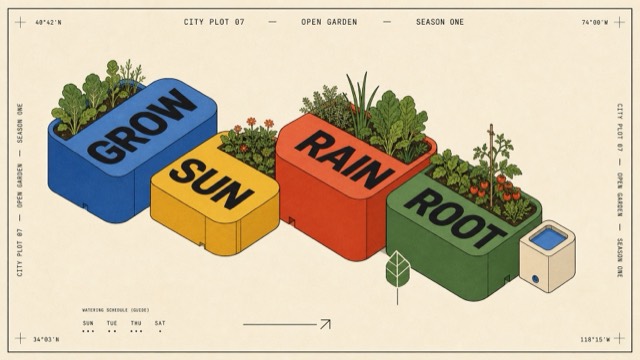
Primary Block Isometric Editorial Poster Style |
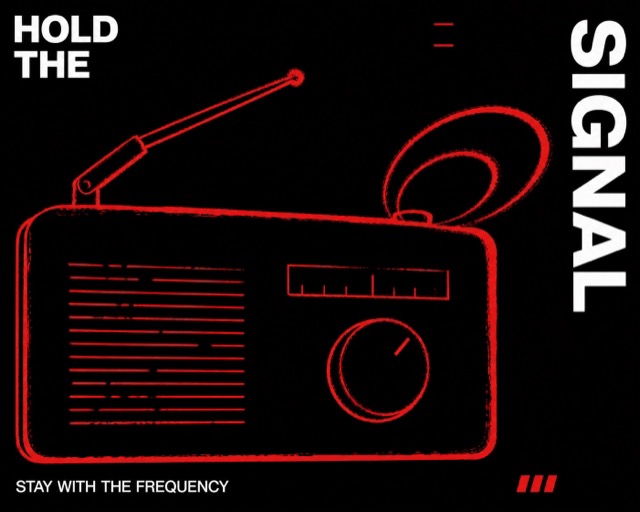
Signal Red Contour Poster |
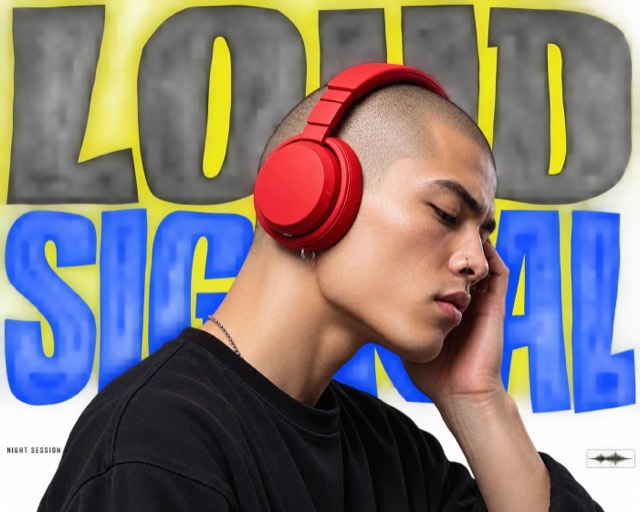
Electric Yellow Cutout Megatype Poster Style |
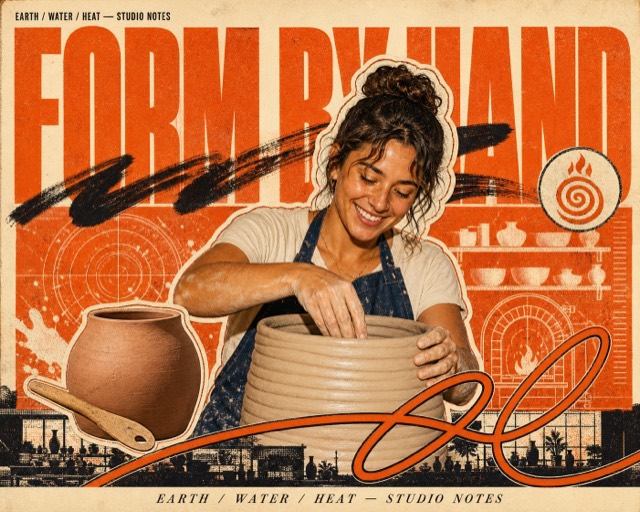
Burnt Orange Halftone Hero Collage |
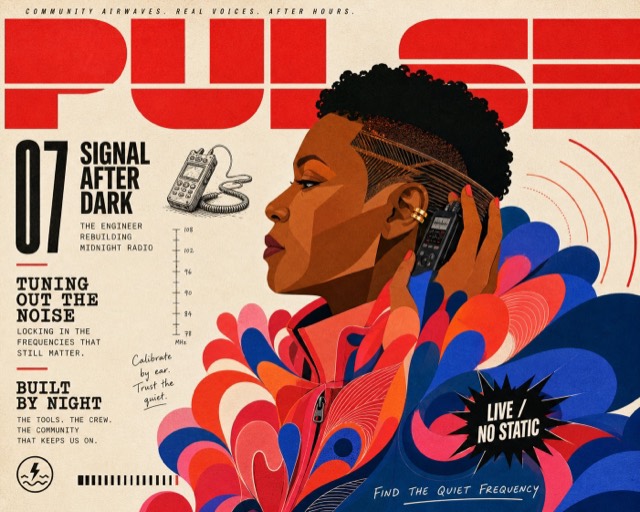
Signal Red Petal Profile Editorial Cover |
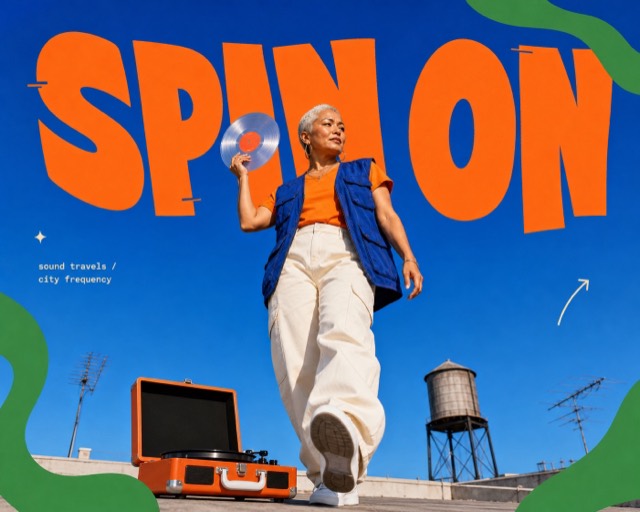
Cobalt Pop Cutout Editorial |
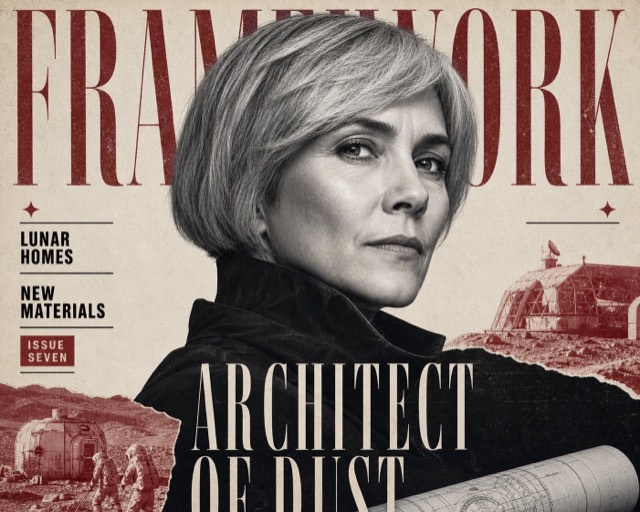
Crimson Noir Newsprint Editorial |
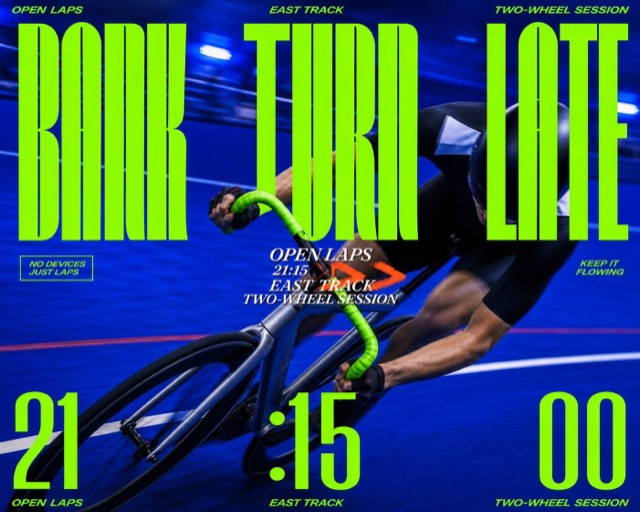
Electric Cobalt Motion Type Poster |
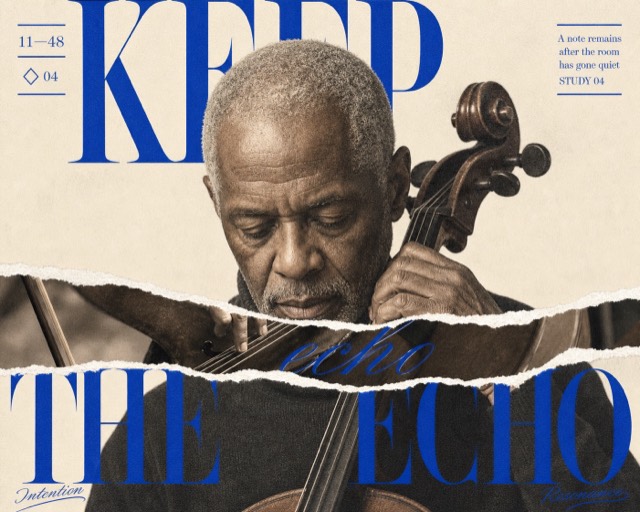
Cobalt Torn Didone Portrait Editorial |
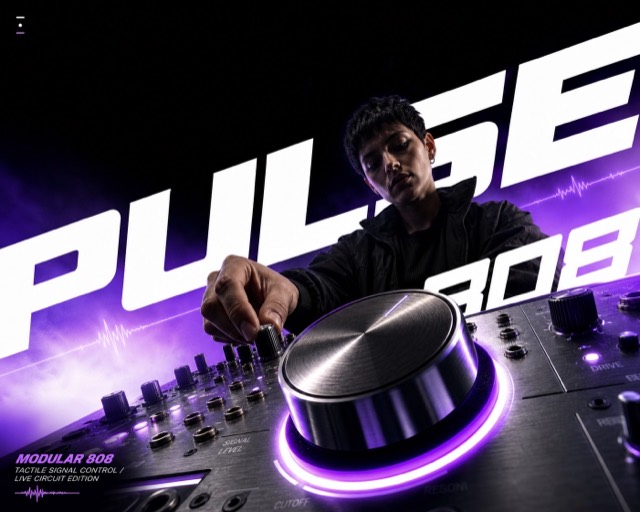
Foreshortened Gradient Impact Ad Style |
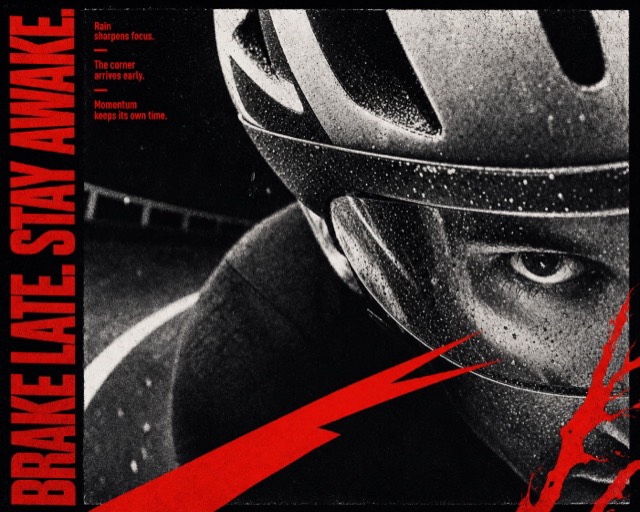
Vermilion Photocopy Tension Editorial |
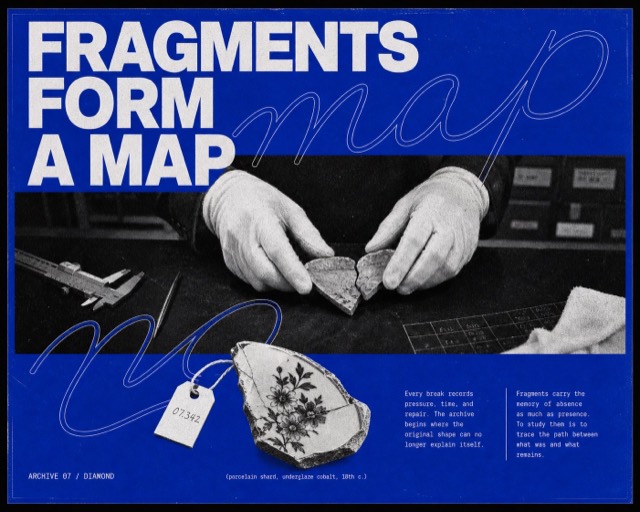
Cobalt Xerox Script Editorial Poster |
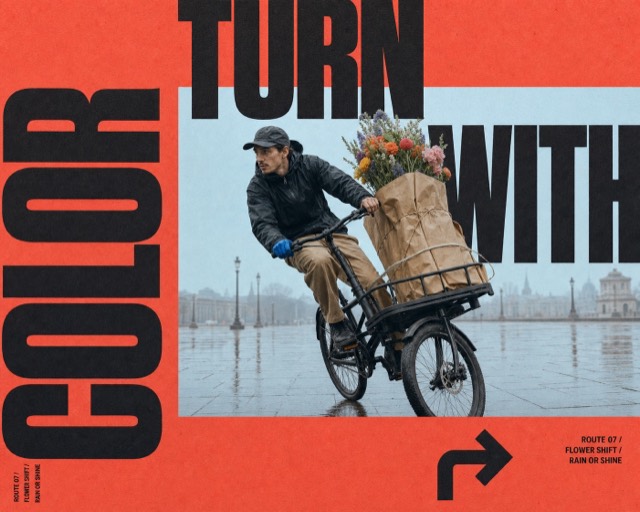
Coral Window Megatype Motion Poster |
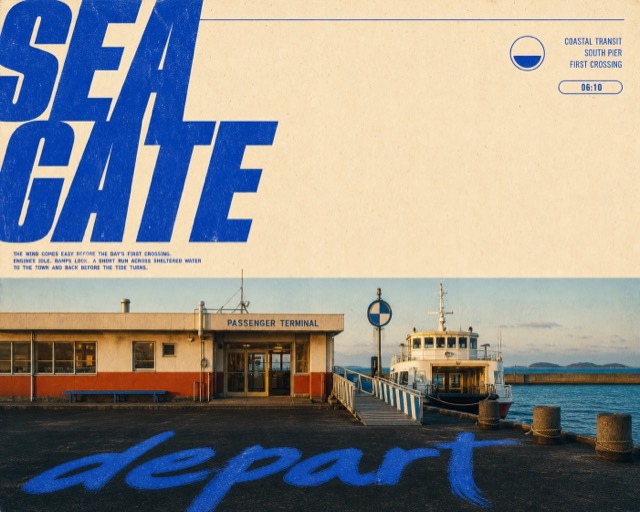
Cobalt Megatype Roadside Travel Editorial |
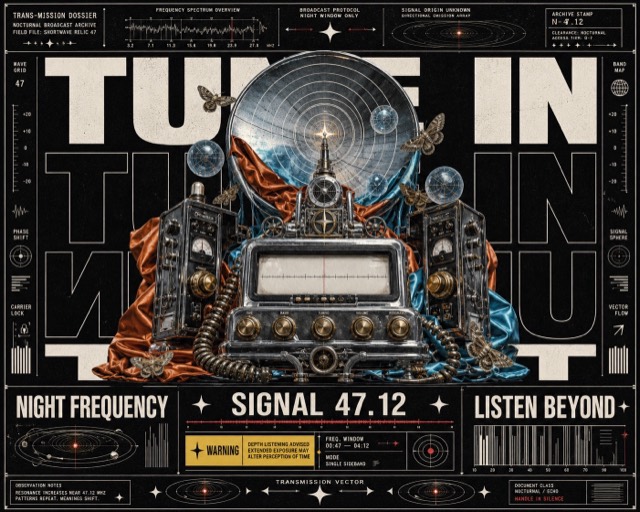
Surreal Megatype Dossier Collage |
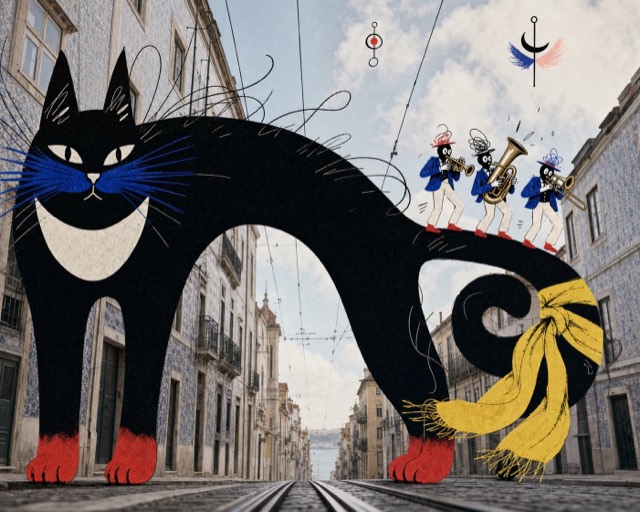
Urban Photo Ink Beast Collage Style |
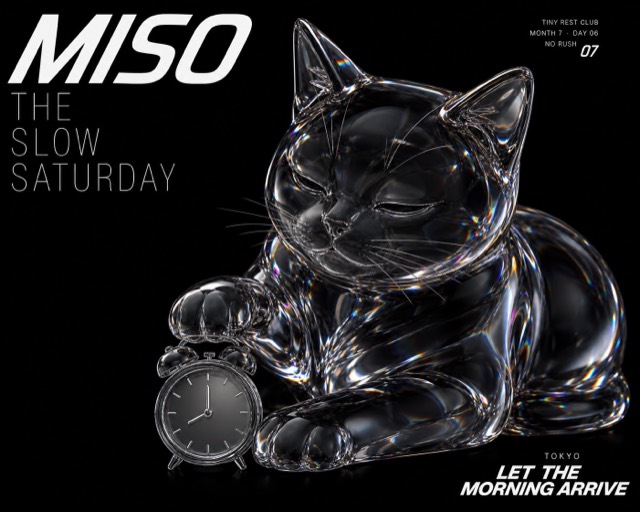
Prismatic Glass Animal Weekend Editorial |
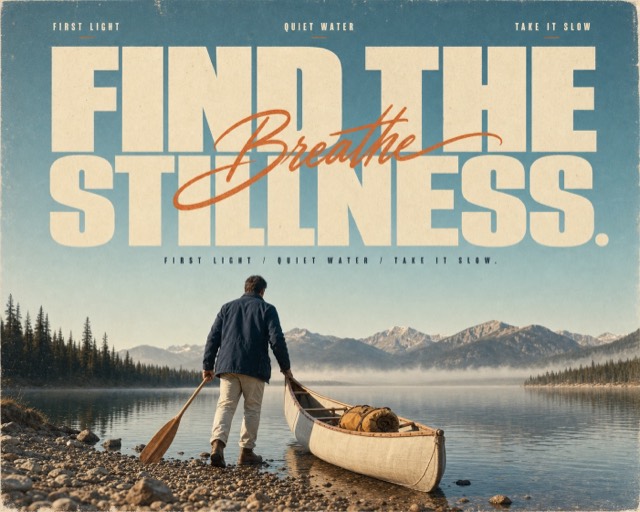
Sun-Faded Scenic Editorial Poster |
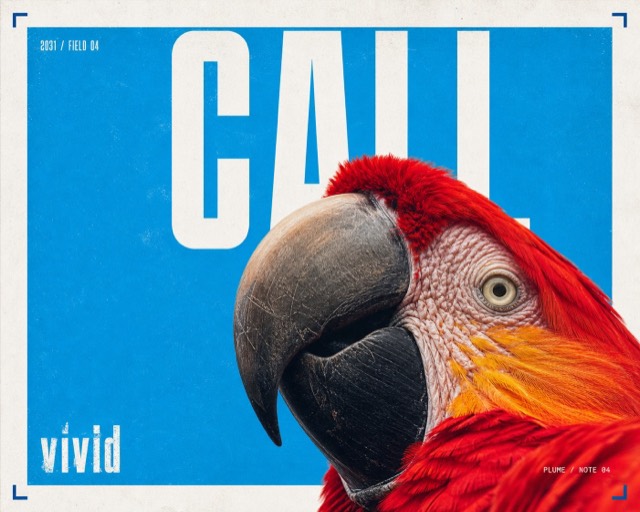
Cyan Grain Macro Megatype Poster |
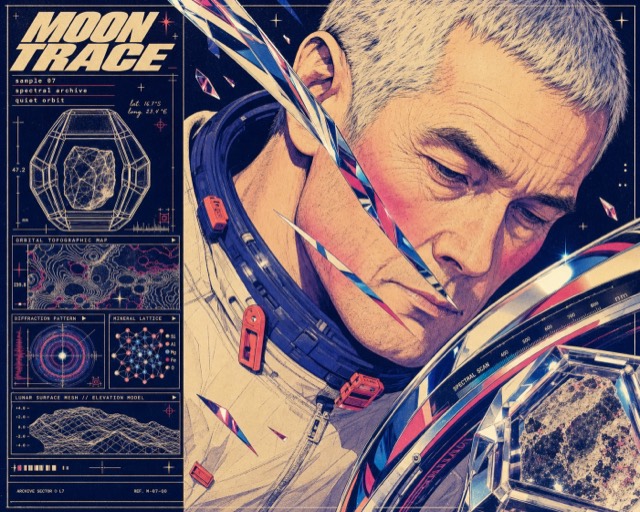
Retro Future Chrome Portrait Dossier |
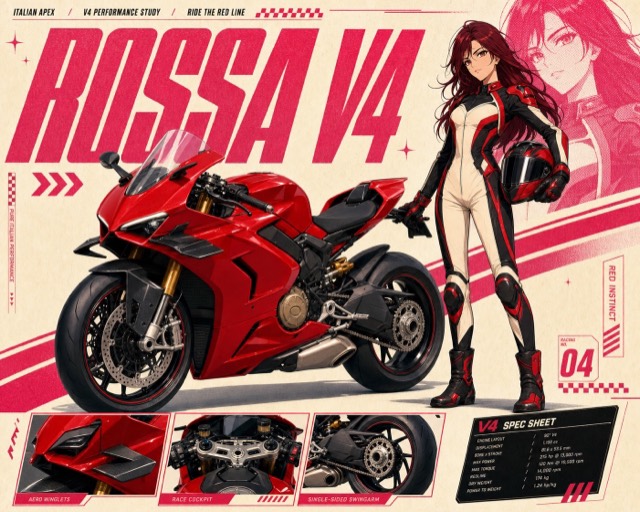
Pink Anime Motorcycle Spec Poster Style |
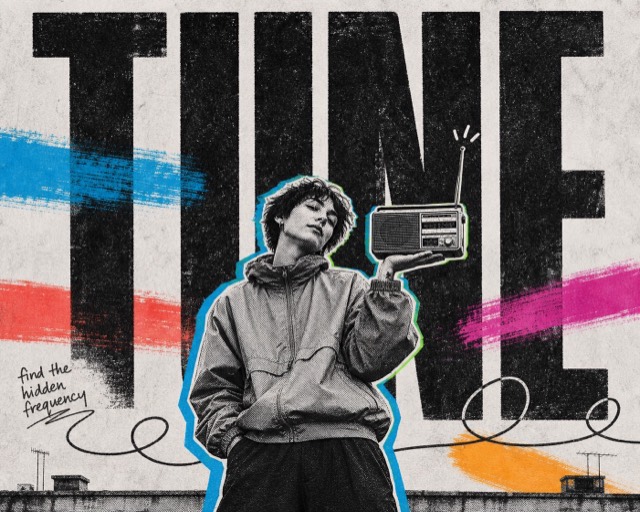
Xerox Neon Editorial Collage |
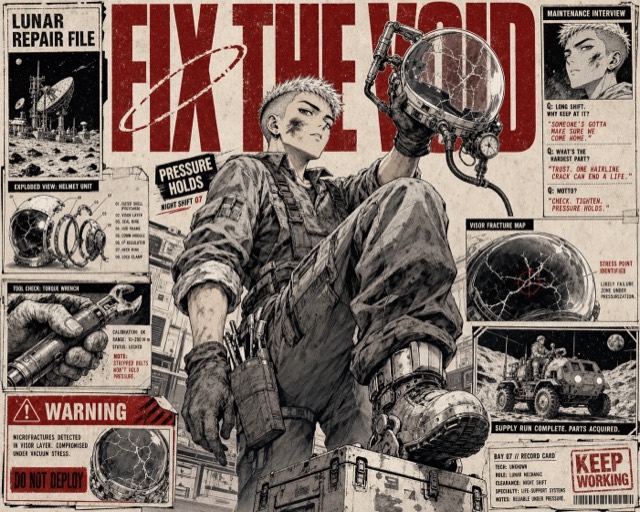
Crimson Ink Manga Dossier |
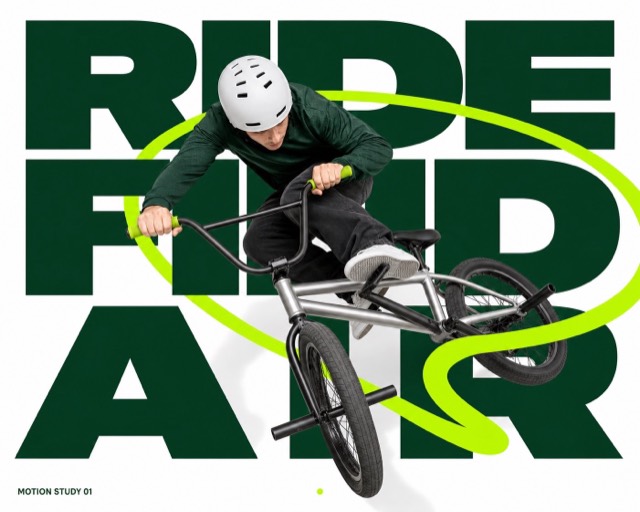
Lime Loop Megatype Action Poster |
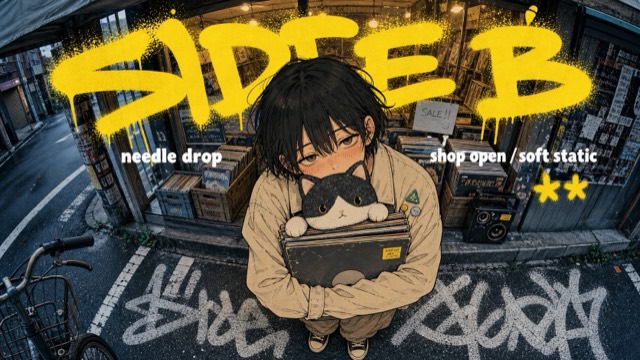
Yellow Graffiti Fisheye Manga Street Poster Style |
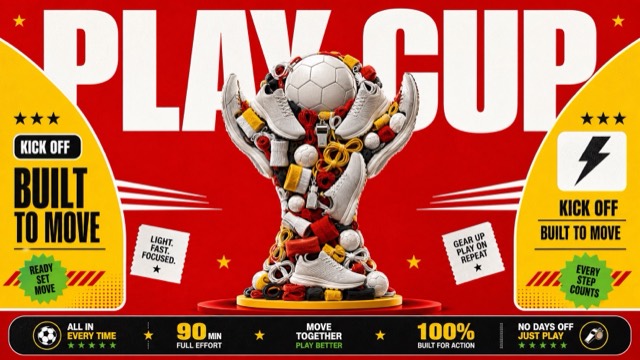
Red Yellow Product Trophy Collage Style |
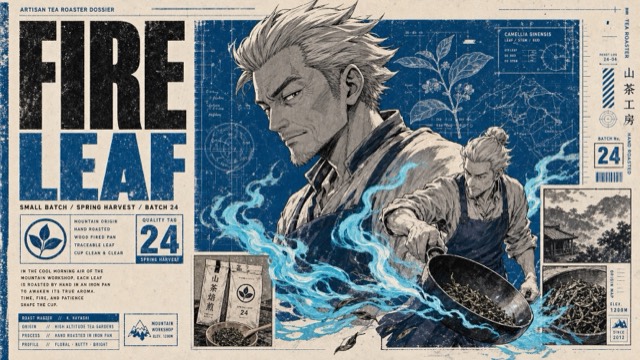
Manga Dossier Blueprint Poster |
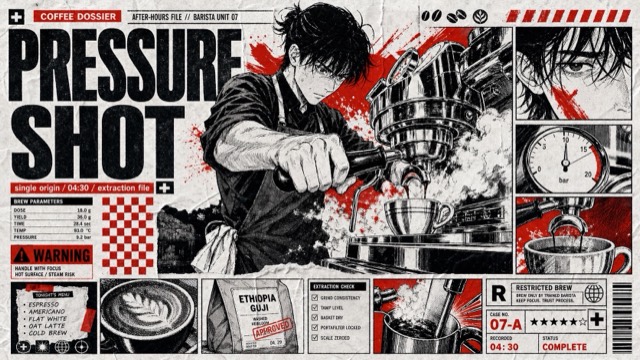
Red Black Manga Tabloid Poster Style |
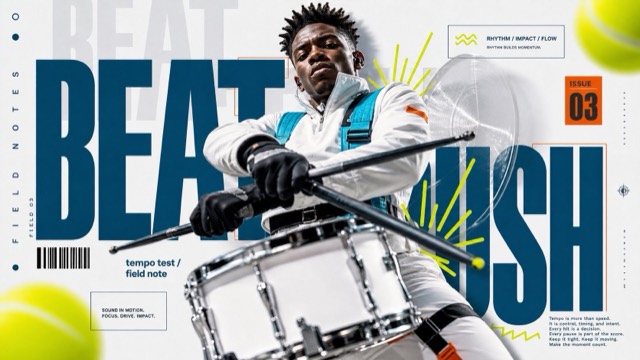
Ice Cyan Megatype Action Poster Style |
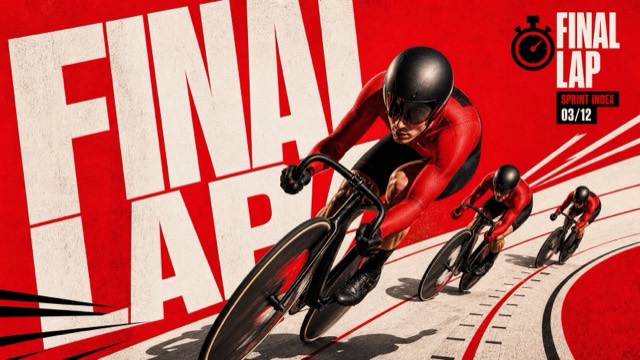
Scarlet Megatype Action Collage Style |
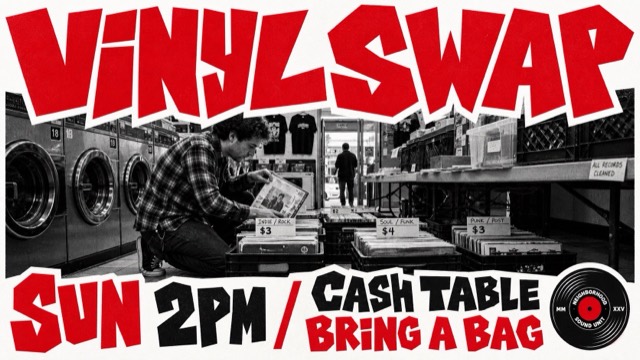
Jagged Red Street Photo Event Poster Style |
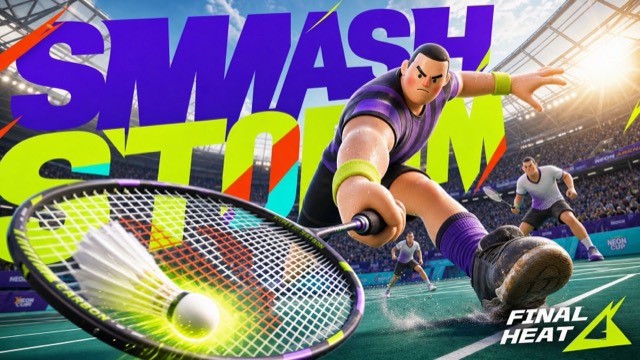
Neon Stadium 3D Hero Type Poster Style |
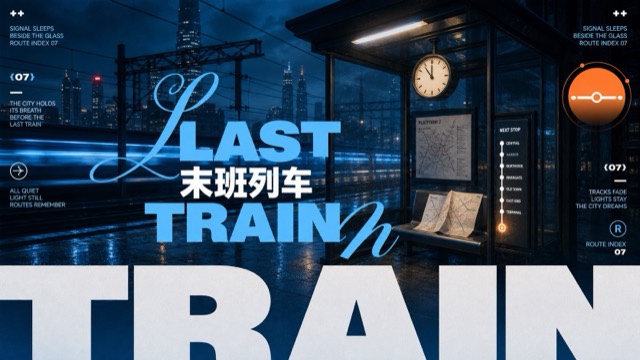
Dusk Cyan Layered Type Poster Style |
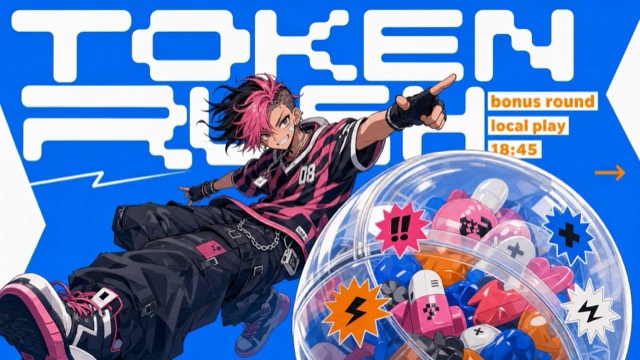
Electric Blue Cutout Manga Poster Style |
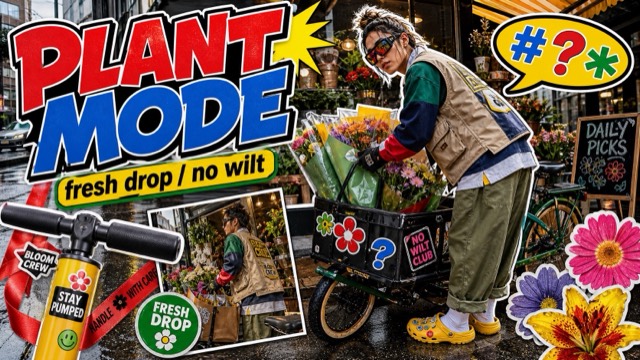
Y2K Streetwear Sticker Collage Style |
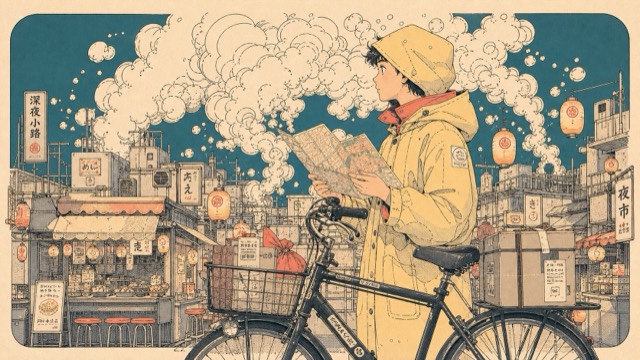
Cream Smoke City Manga Poster Style |
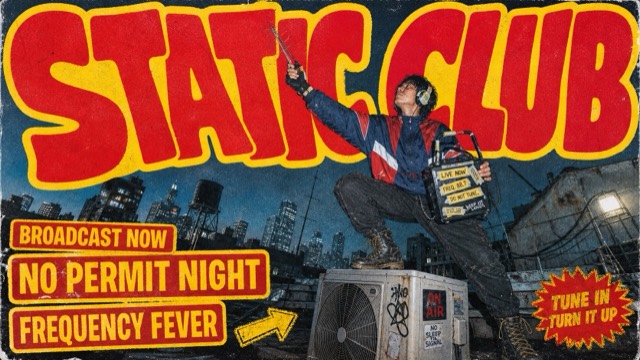
Red Yellow Grunge Skate Cover Style |
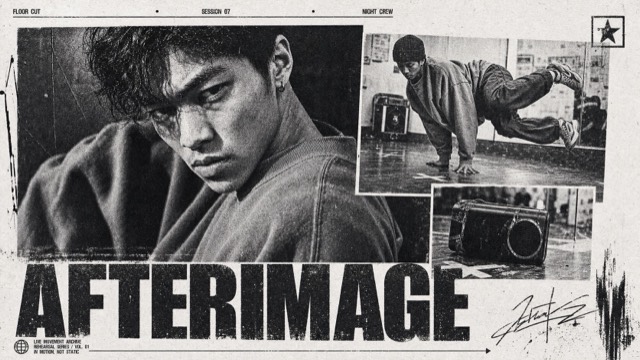
Monochrome Xerox Sports Dossier |
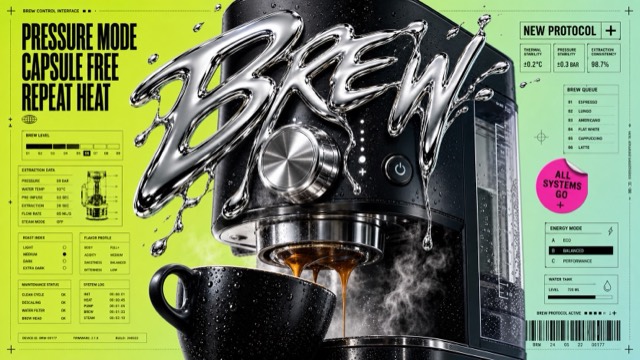
Liquid Chrome Clearance Poster Style |
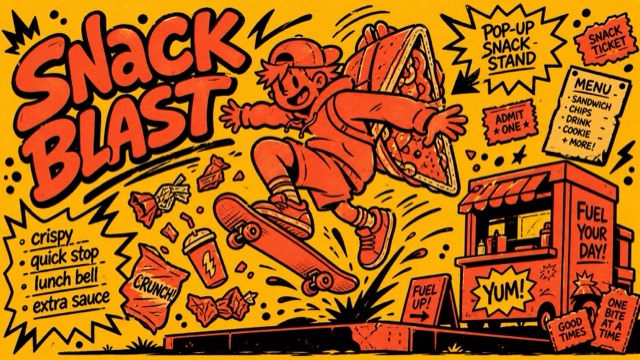
Hot Ink Comic Poster |
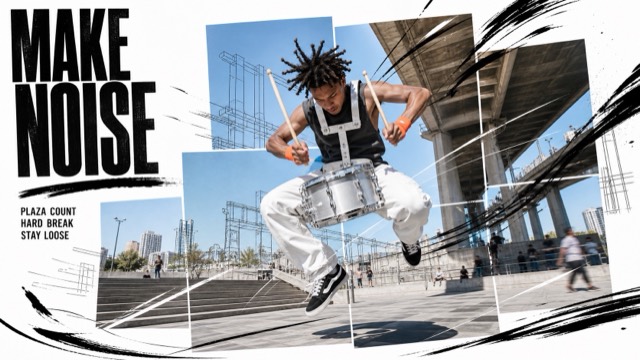
Kinetic Editorial Photo Collage |
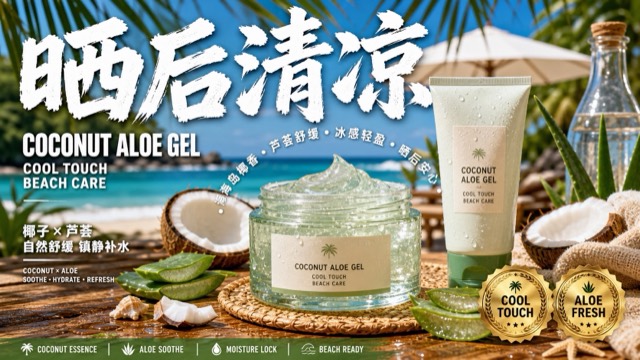
Sunlit Coastal Product Blitz |
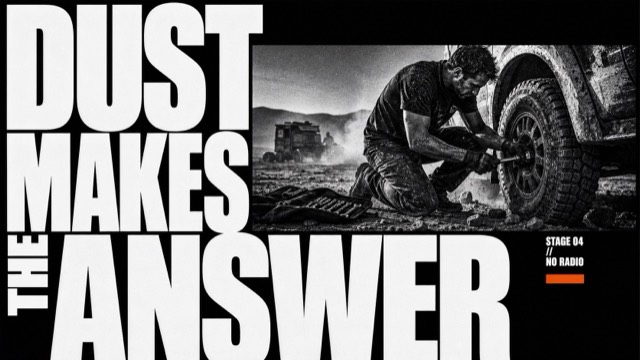
Monochrome Grid Sneaker Tech Spec |
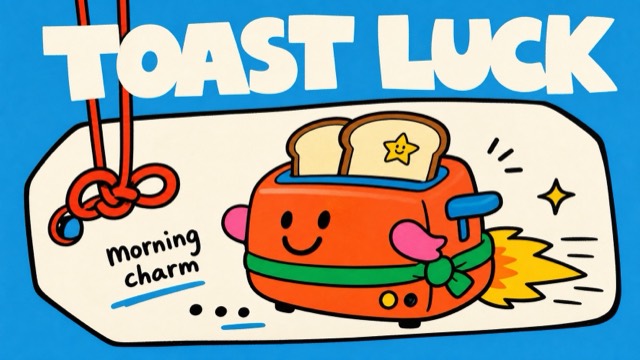
Sky Blue Lucky Tag Doodle Poster Style |
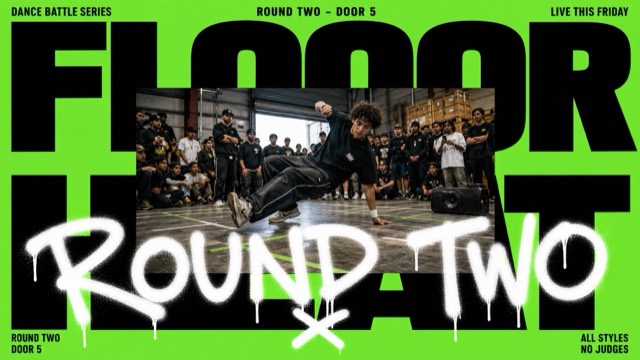
Neon Type Photo Scribble Poster |
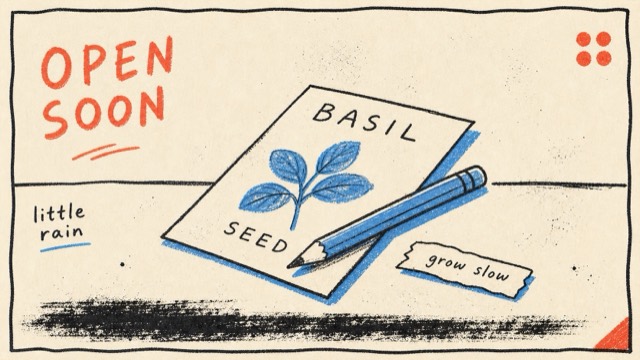
Loose Scribble Riso Print Style |
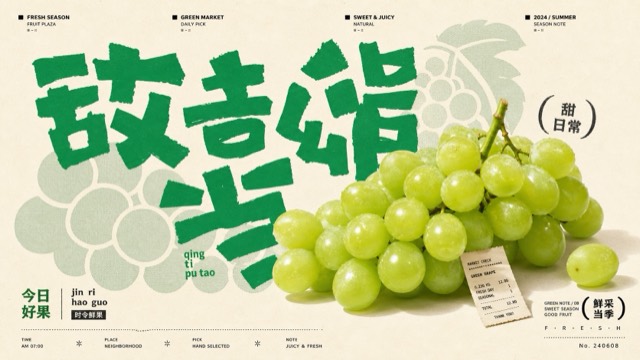
Jade Glyph Grocer Collage Poster Style |
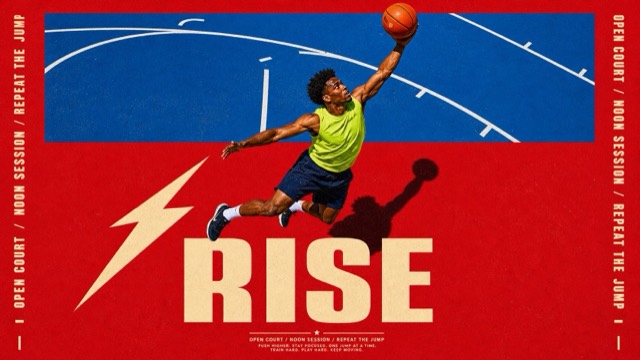
Scarlet Court Photo Type Poster |
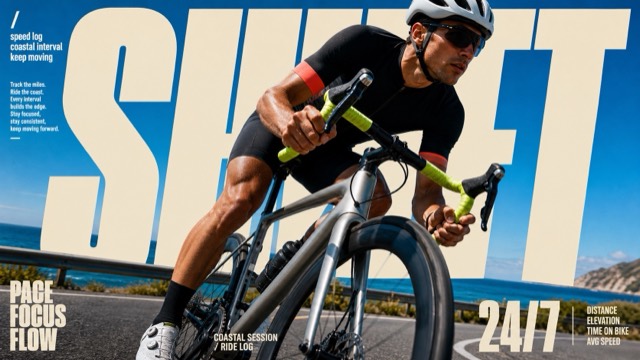
Sunlit Kinetic Block Type Photo Poster |
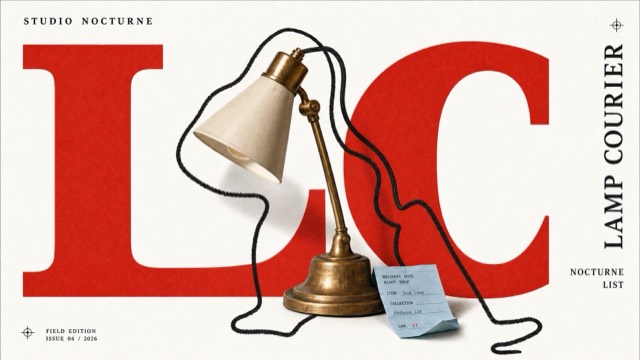
Scarlet Block Cutout Doodle Book Cover Style |
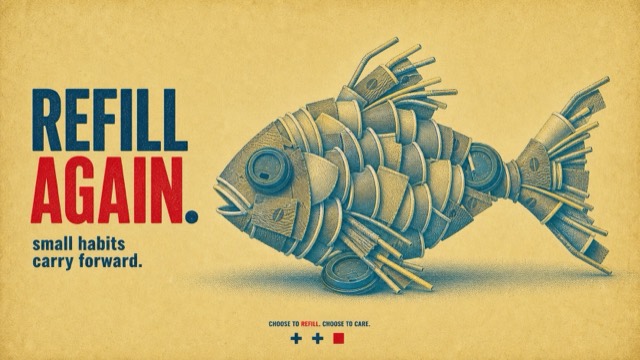
Halftone Assemblage Metaphor PSA Poster Style |
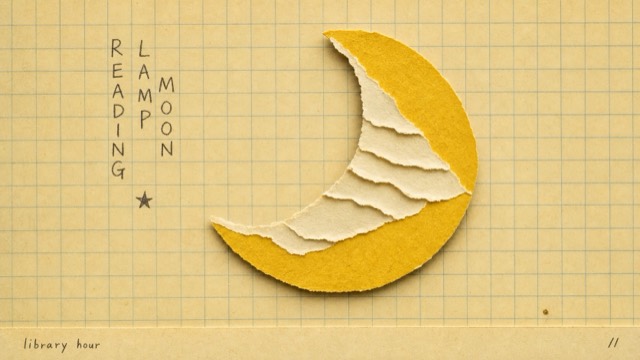
School Grid Paper Cutout Poster |
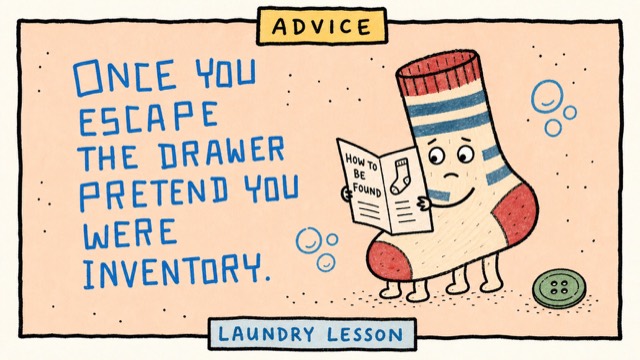
Naive Marker Quote Card Style |
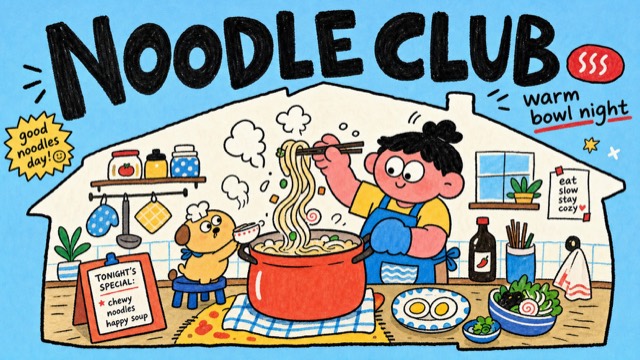
Sky Blue Home Life Doodle Poster Style |
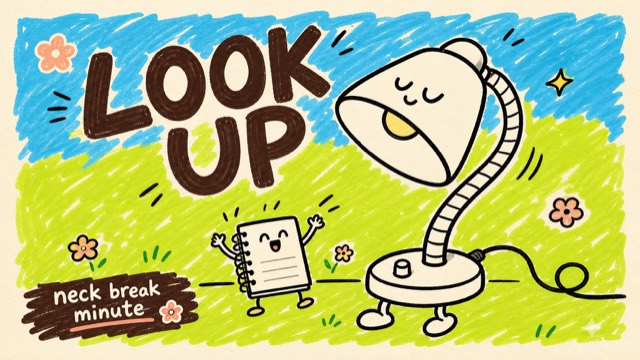
Playful Marker Grounding Poster Style |
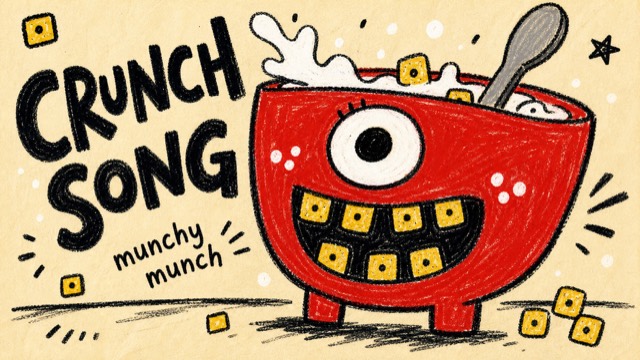
Rough Marker Monster Poster Style |
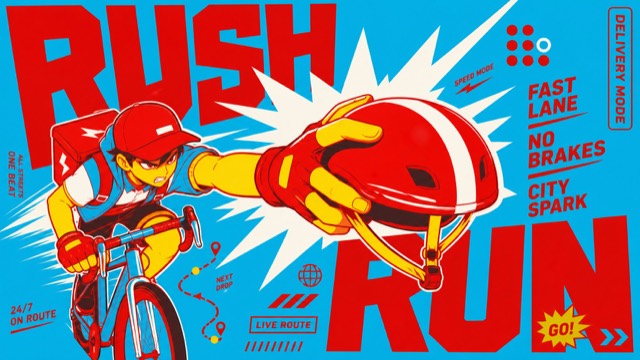
Cyan Red Shockwave Type Poster Style |
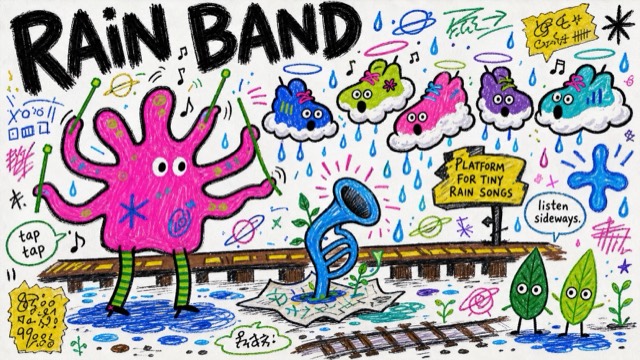
Fantasy Scribble Mascot Poster Style |
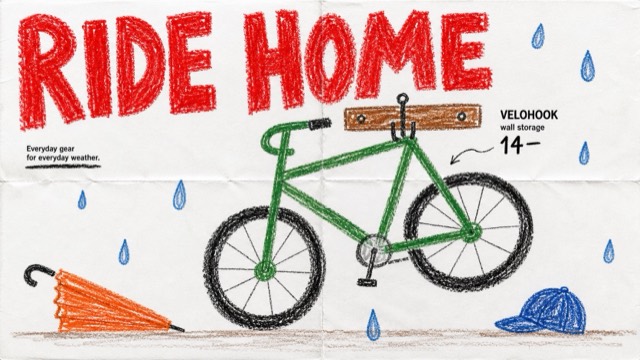
Crayon Catalog Doodle Poster Style |
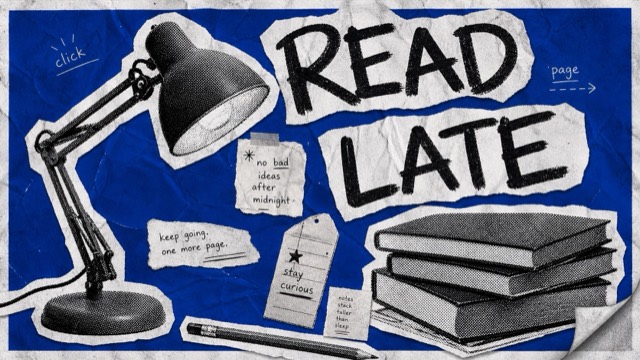
Blue Halftone Ransom Zine Poster Style |
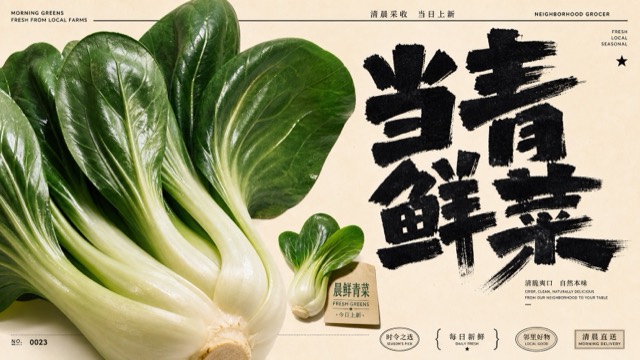
Market Brush Produce Poster Style |
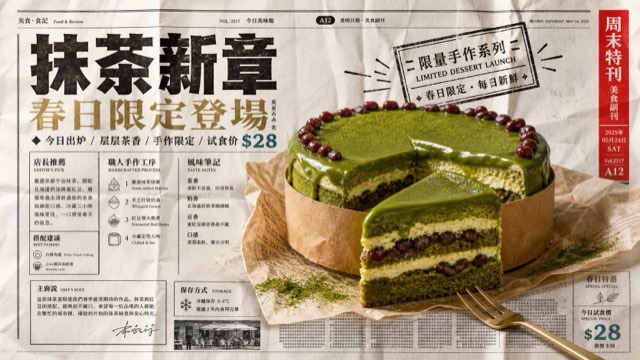
Folded Newspaper Product Ad Style |
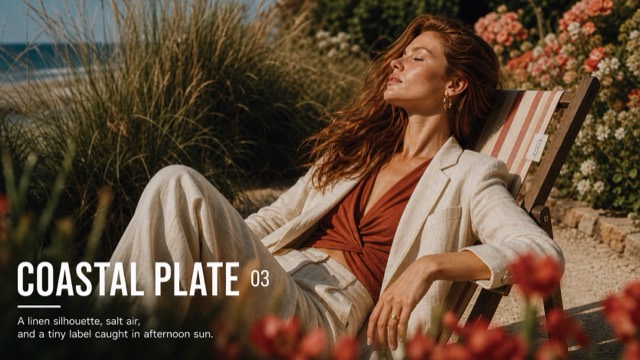
Sunlit Supermodel Nameplate Editorial |
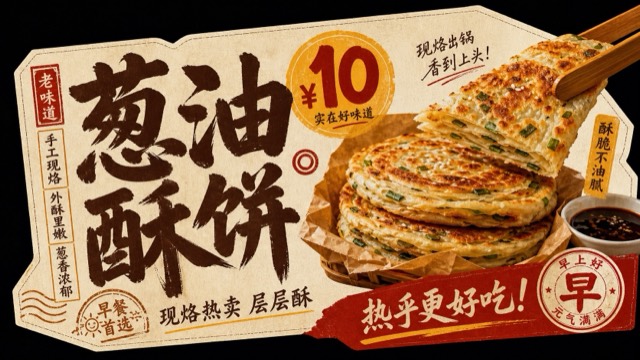
Black Cutout Food Card Ad |
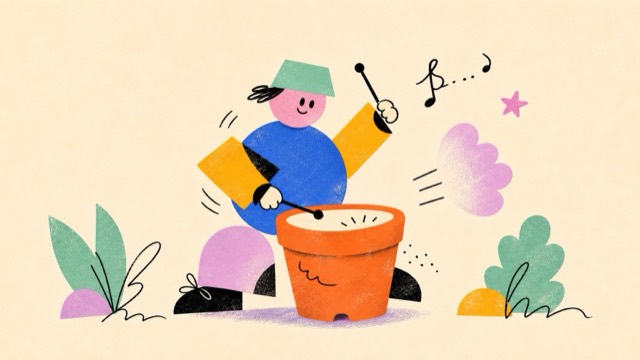
Kinetic Geometric Doodle Cutouts |
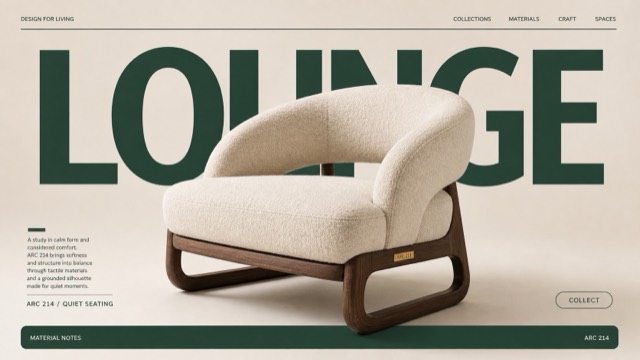
Quiet Luxury Furniture Nameplate Poster Style |
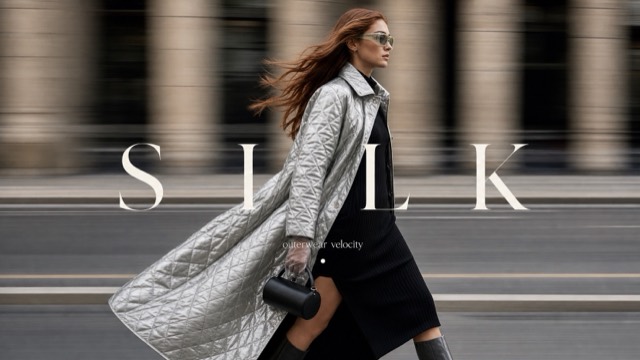
Kinetic Luxury Street Fashion Cover Style |
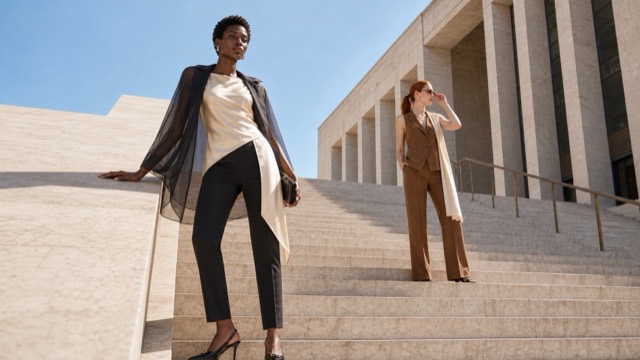
Sunlit Architectural Fashion Editorial |
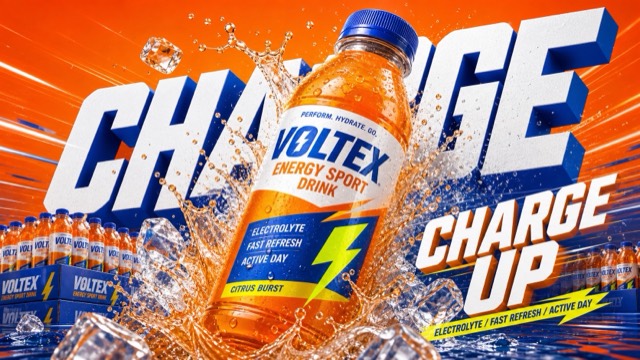
Multi-Color Beverage Splash Ad System Style |
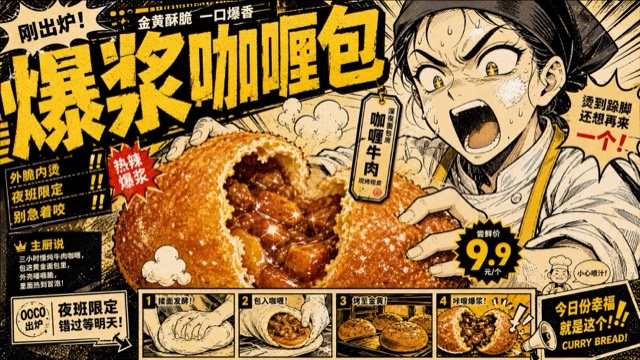
Yellow Black Manga Food Zine Ad Style |
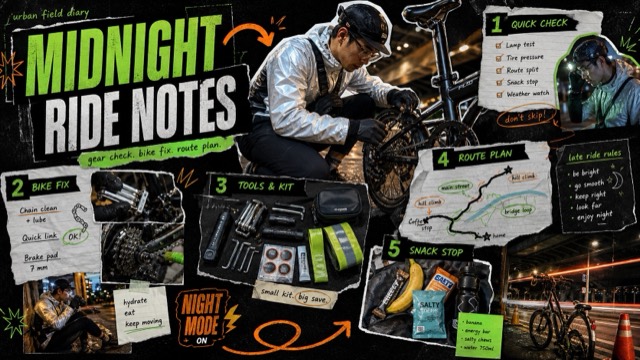
Neon Outdoor Diary Longform Collage Style |
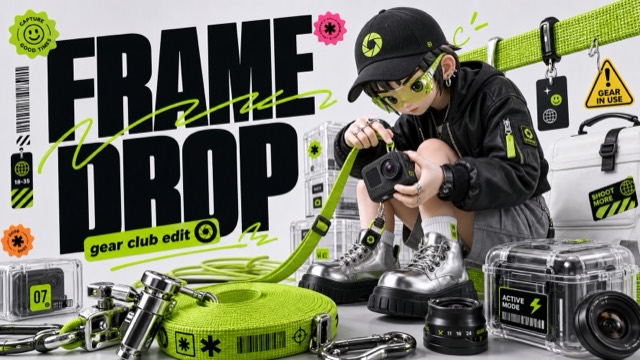
Acid Lime 3D Streetwear Type Poster Style |
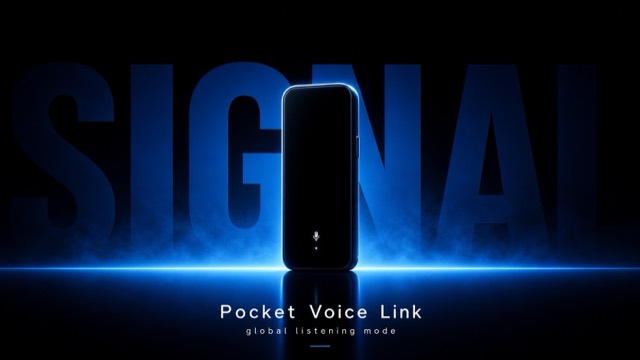
Electric Blue Silhouette Product Launch Style |
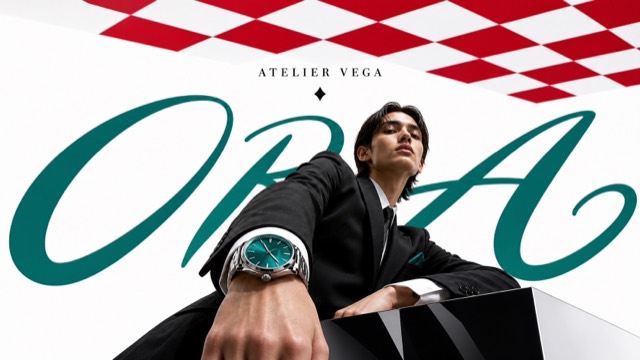
Luxury Perspective Checkerboard Editorial |
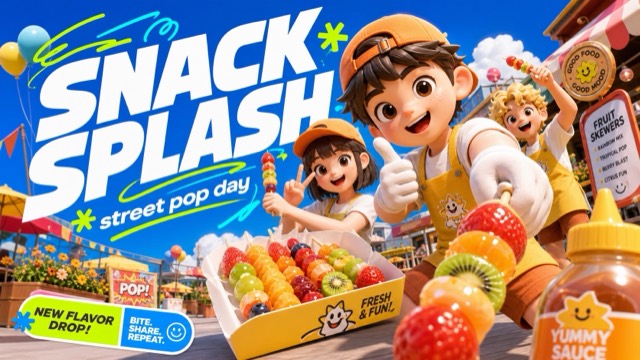
Sunny 3D Avatar Campaign Style |
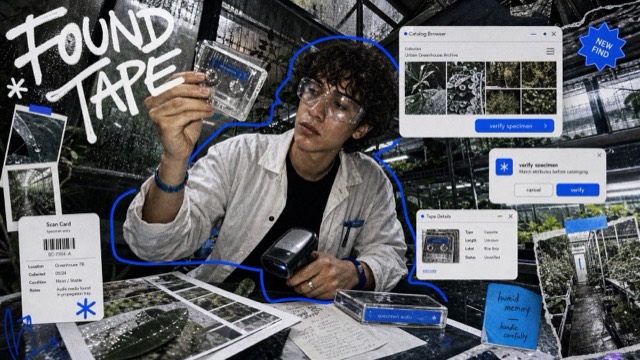
Y2K Mirror UI Scribble Collage Style |
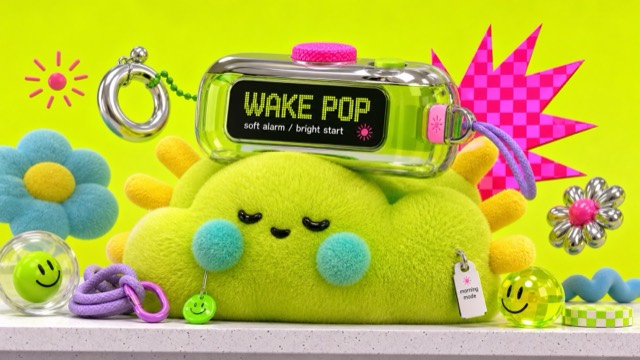
Neon Plush Gadget Pop 3D Style |
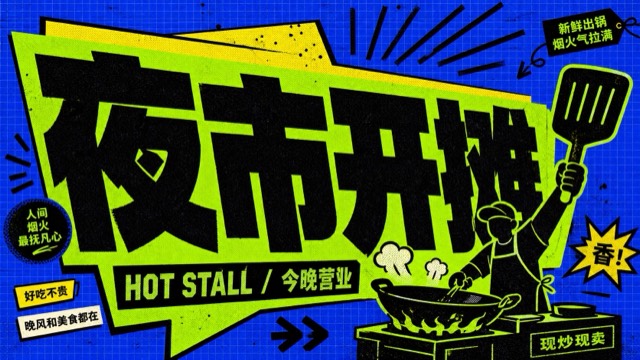
Blue Lime Kinetic Comic Type Poster Style |
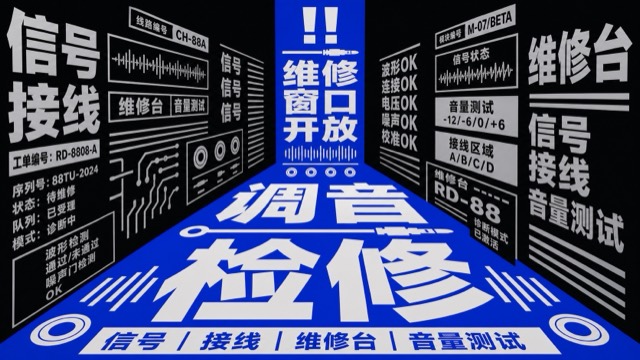
Blue Chinese Perspective Type Canyon Style |
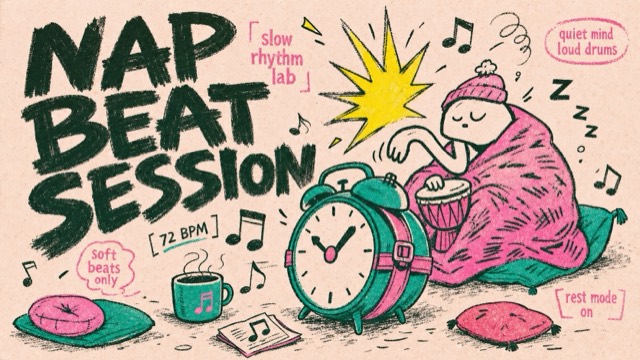
Rough Ink Music Doodle Poster Style |
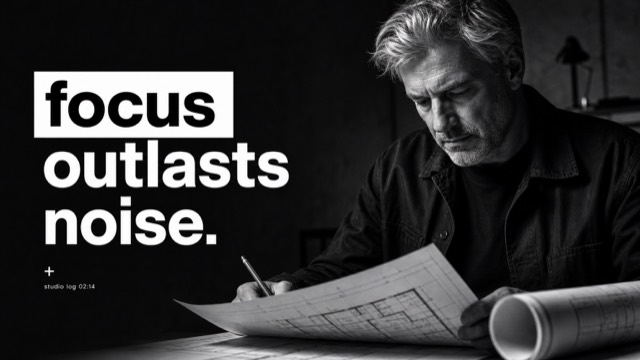
Mono Noir Type Portrait Poster Style |
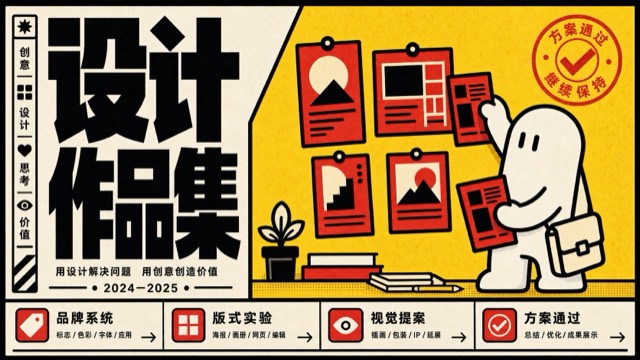
Bold Block Mascot Poster Style |
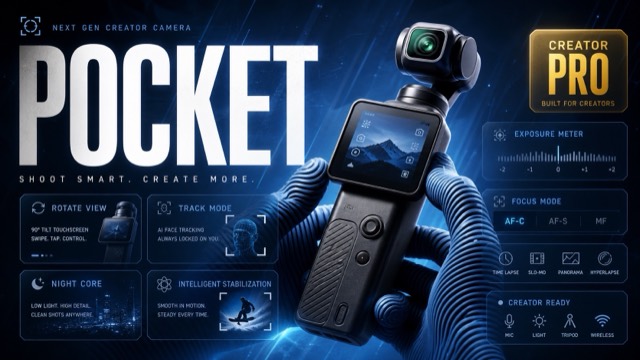
Blue HUD Macro Creator Tech Poster |
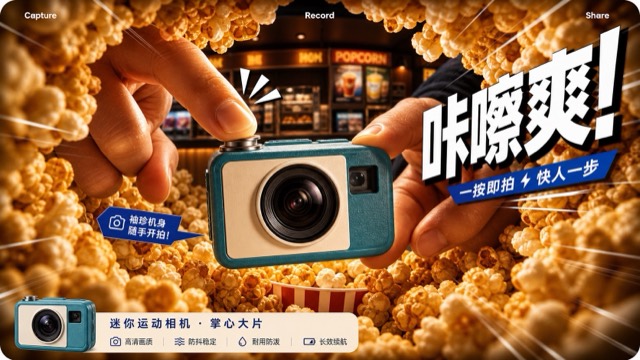
Warm Fisheye Product Impact Ad Style |
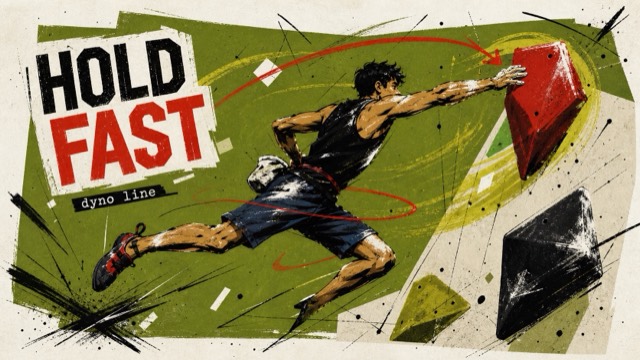
Olive Scribble Sports Poster Style |
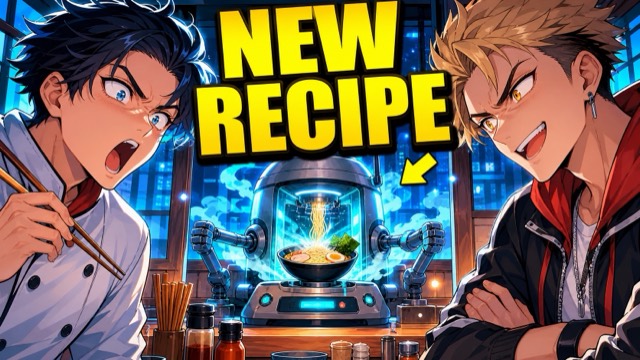
Bold Anime Reaction Thumbnail Style |
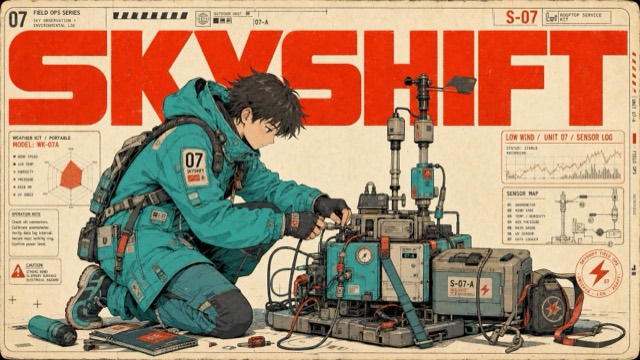
Turquoise Red Techno Manga Poster Style |
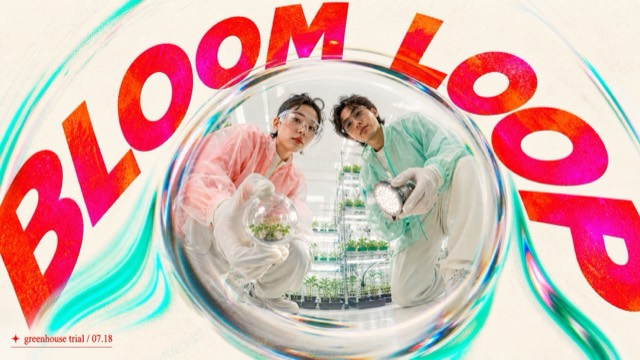
Chromatic Fisheye Orbit Pop Poster Style |
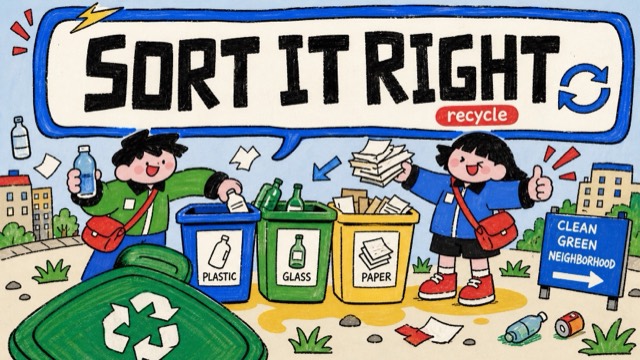
Naive Marker PSA Poster Style |
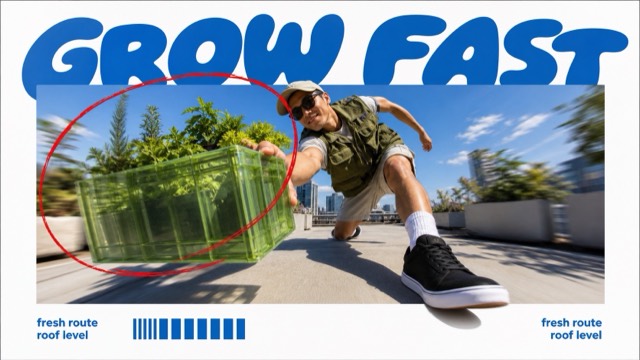
Blue Bubble Fisheye Action Poster Style |
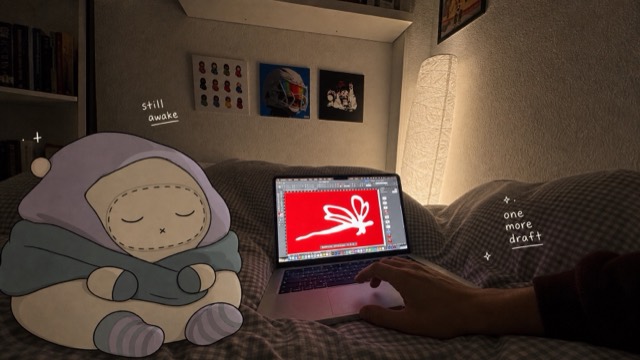
Cozy Bedroom Doodle Companion Snapshot Style |
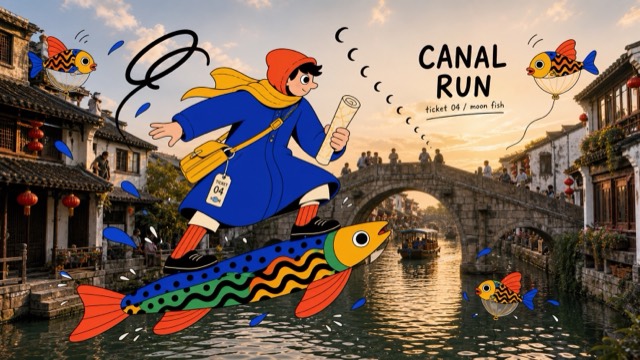
Surreal Fish Doodle Landmark Photo Collage Style |
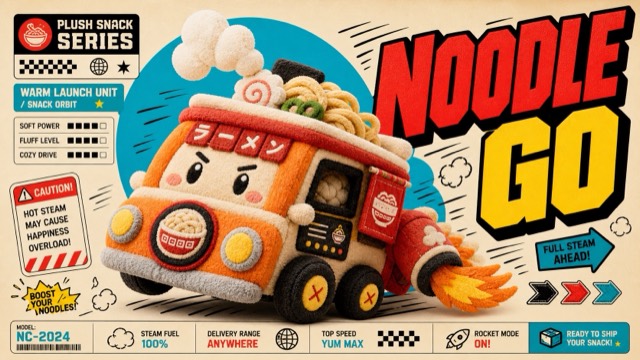
Plush Comic Toy Product Poster Style |
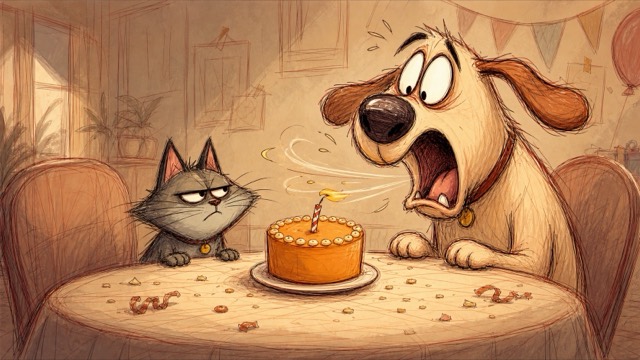
Rough Animation Pet Sketch Storyboard Style |
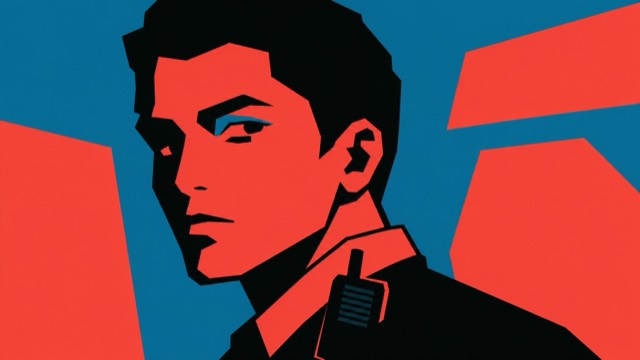
Tri Color Hardcut Portrait Poster Style |
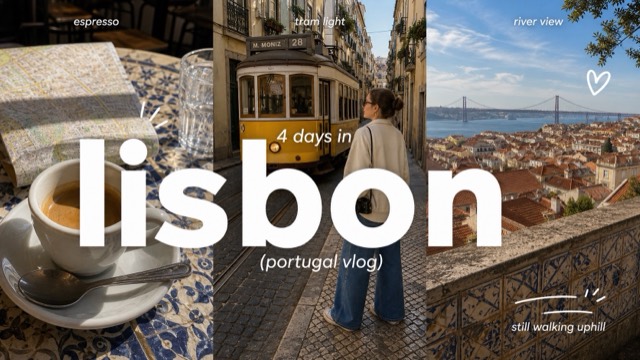
Clean Triptych Travel Vlog Thumbnail Style |
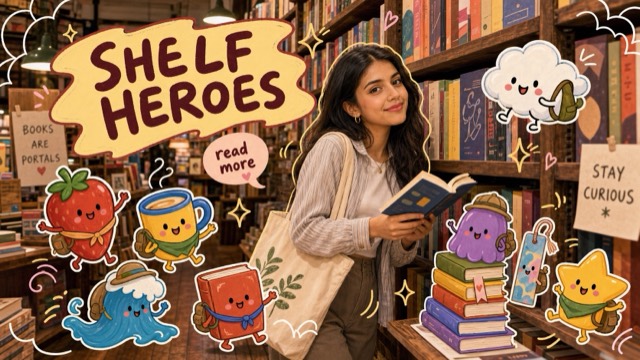
Playful Mascot Doodle Snapshot Style |
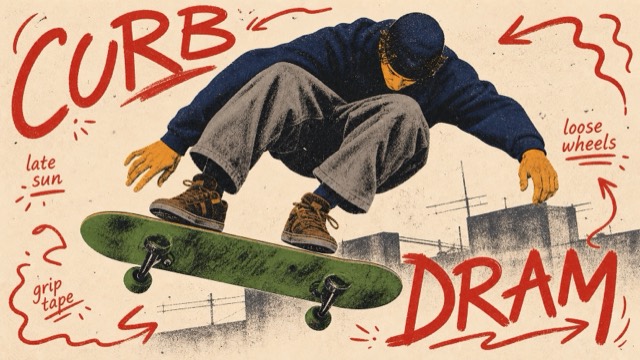
Teenage Skate Scribble Screenprint Poster Style |
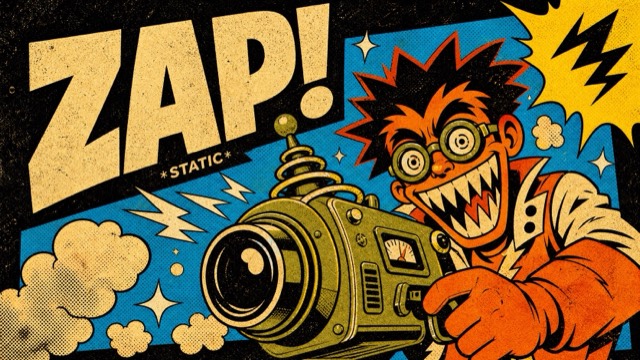
Impact Burst Halftone Comic Poster Style |
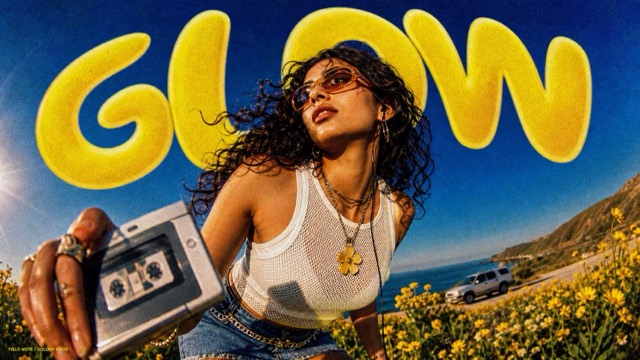
Sunburst Fisheye Bubble Type Poster Style |
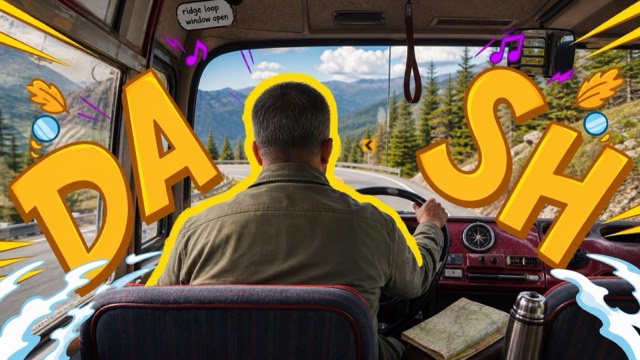
Backseat Transit Doodle Letter Poster Style |
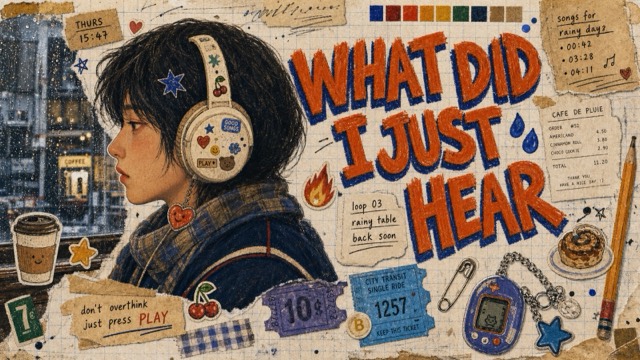
Analog Sticker Diary Portrait Poster Style |
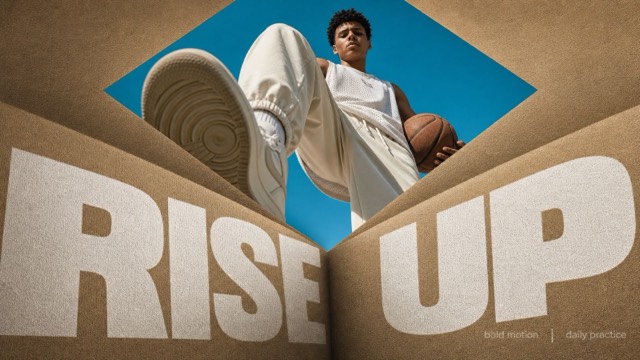
Folded Diamond Perspective Type Poster Style |
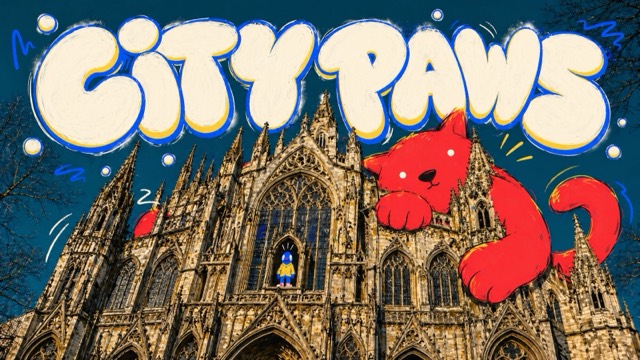
Gothic Cat Doodle Photo Collage Style |
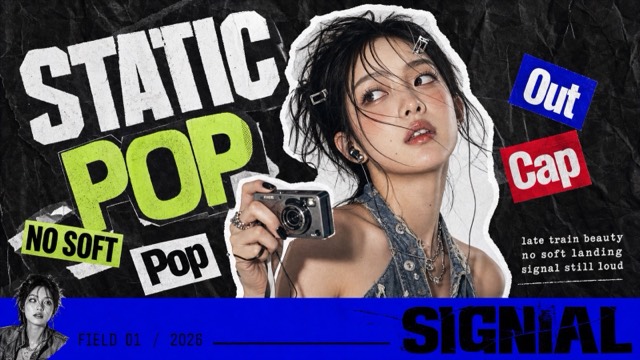
K-Pop Apocalypse Ransom Zine Style |
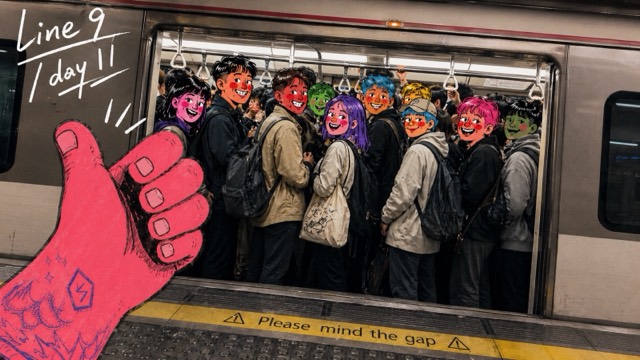
Metro Doodle Snapshot Diary |
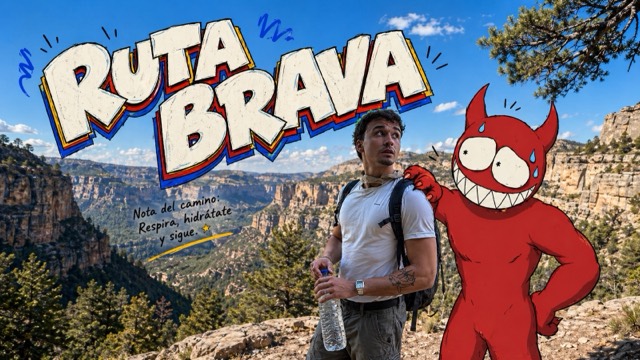
Mountain Trail Monster Doodle Poster Style |
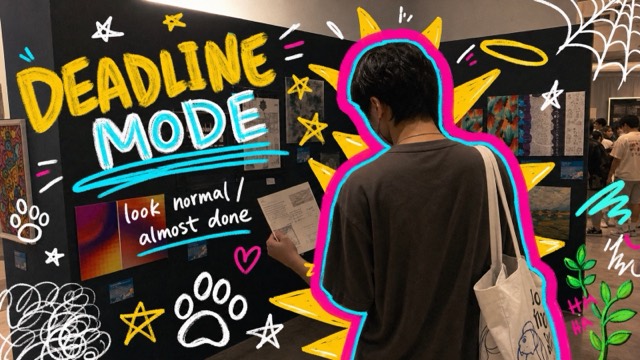
Neon Doodle Gallery Snapshot |
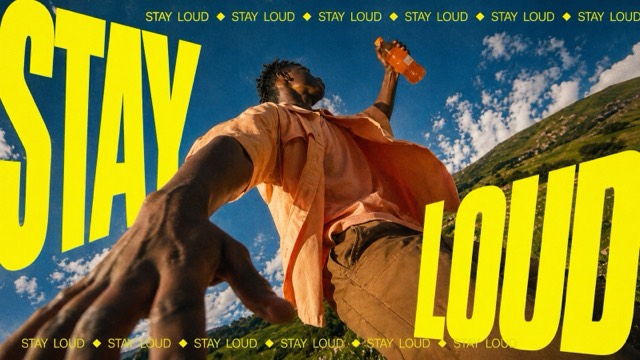
Neon Kinetic Typographic Poster |
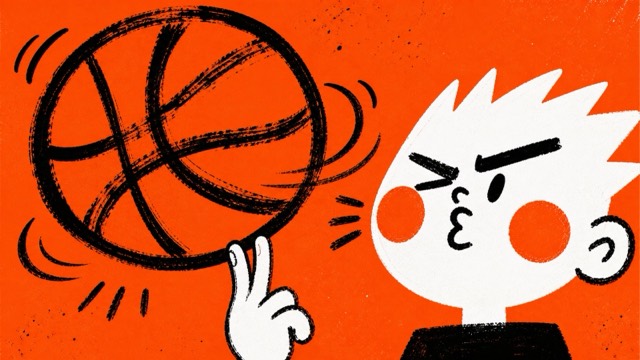
Orange Brush Mascot Action Poster Style |
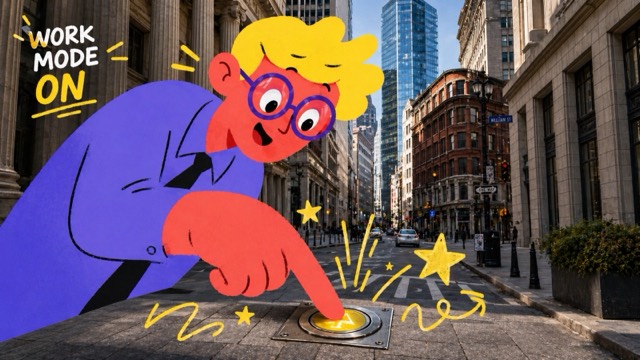
Photo Illustration Overlay Poster |
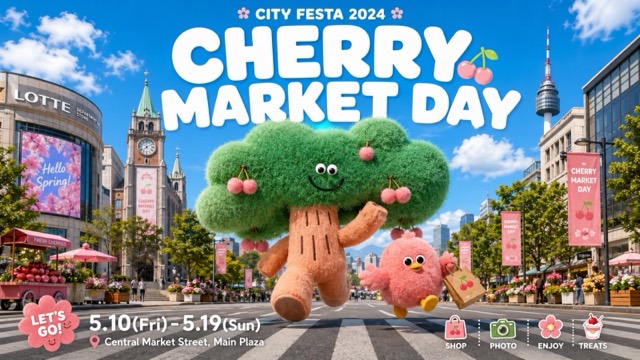
Plush City Festival Mobile Poster |
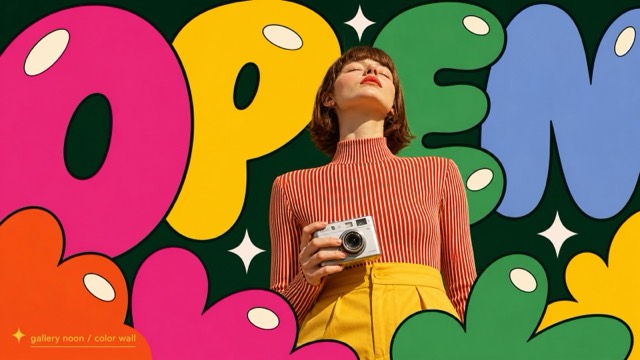
Pop Bubble Letter Photo Poster Style |
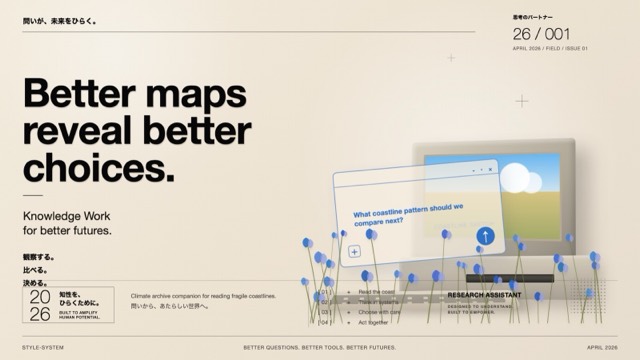
Soft Analog Future Editorial Poster |
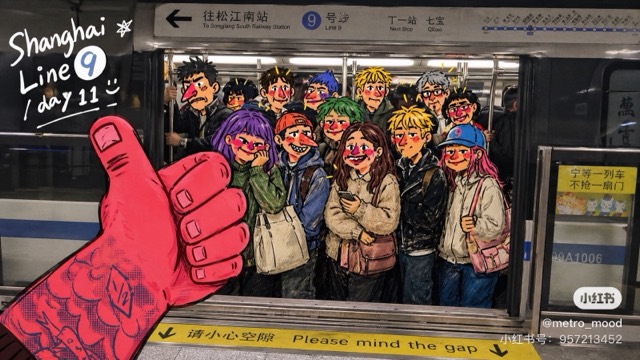
Subway Doodle Photo Hybrid |
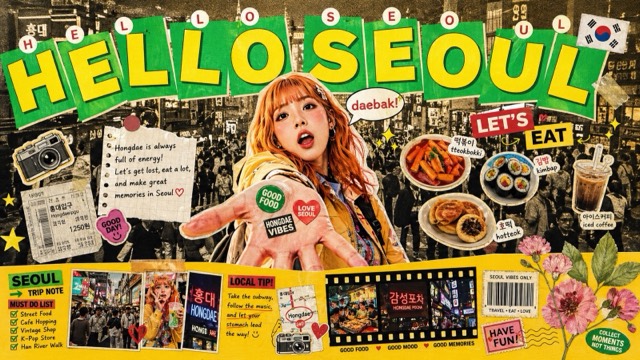
Tokyo Kawaii Travel Collage Poster |
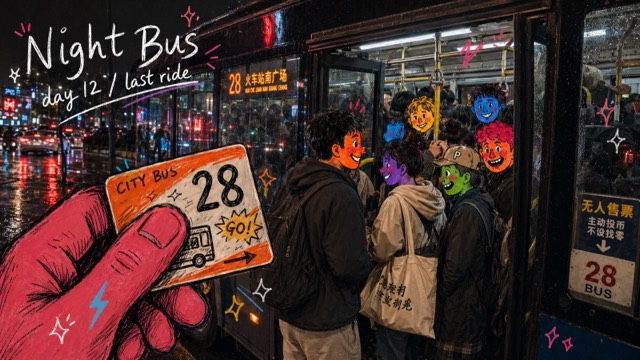
Urban Transit Doodle Diary Style |
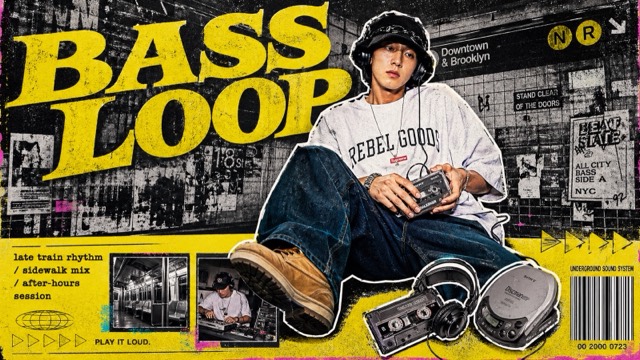
Y2K Grunge Hip-Hop Cutout Poster Style |
- One directory = one style
- New styles appear first in Featured Styles and the All Styles gallery, with full descriptions added to docs/CATALOG.md
- Main branch contains only
style.jsonplus two preview JPGs per style - Full galleries are not included in this repository
- Do not publish original reference images, watermarks, platform identifiers, QR codes, account handles, private prompts, or brand-owned assets without permission
New style submissions should follow the public package shape and validation rules in CONTRIBUTING.md.
Code, scripts, and documentation are released under the MIT License. The style.json prompt content is licensed under CC BY 4.0 — feel free to reuse and adapt with credit to @VigoCreativeAI. Preview images are included as visual references only.


