

把 AI 生成的演示文稿,变成可以继续编辑的单文件 HTML。
Create stunning single-file HTML decks that stay editable after generation.
一个适用于 Claude Code / Codex 的技能,用来生成惊艳、带动画、单文件的 HTML 演示文稿,并内置浏览器编辑器:可拖拽对象、调整大小、编辑文本、重排页面、本地保存,并导出干净的独立 HTML。
A Claude Code / Codex skill for creating stunning, animation-rich, single-file HTML presentations with a built-in browser editor: drag objects, resize blocks, edit text, reorder slides, save locally, and export a clean standalone HTML.





快速安装 / Install · 样式图库 / Gallery · 试用参考 / Try it · Star History
如果这个 skill 帮你把 deck 从“一次性生成”变成“可继续打磨”,欢迎点一个 Star 支持。
If this helps your decks stay editable instead of disposable, a Star helps more people find it.
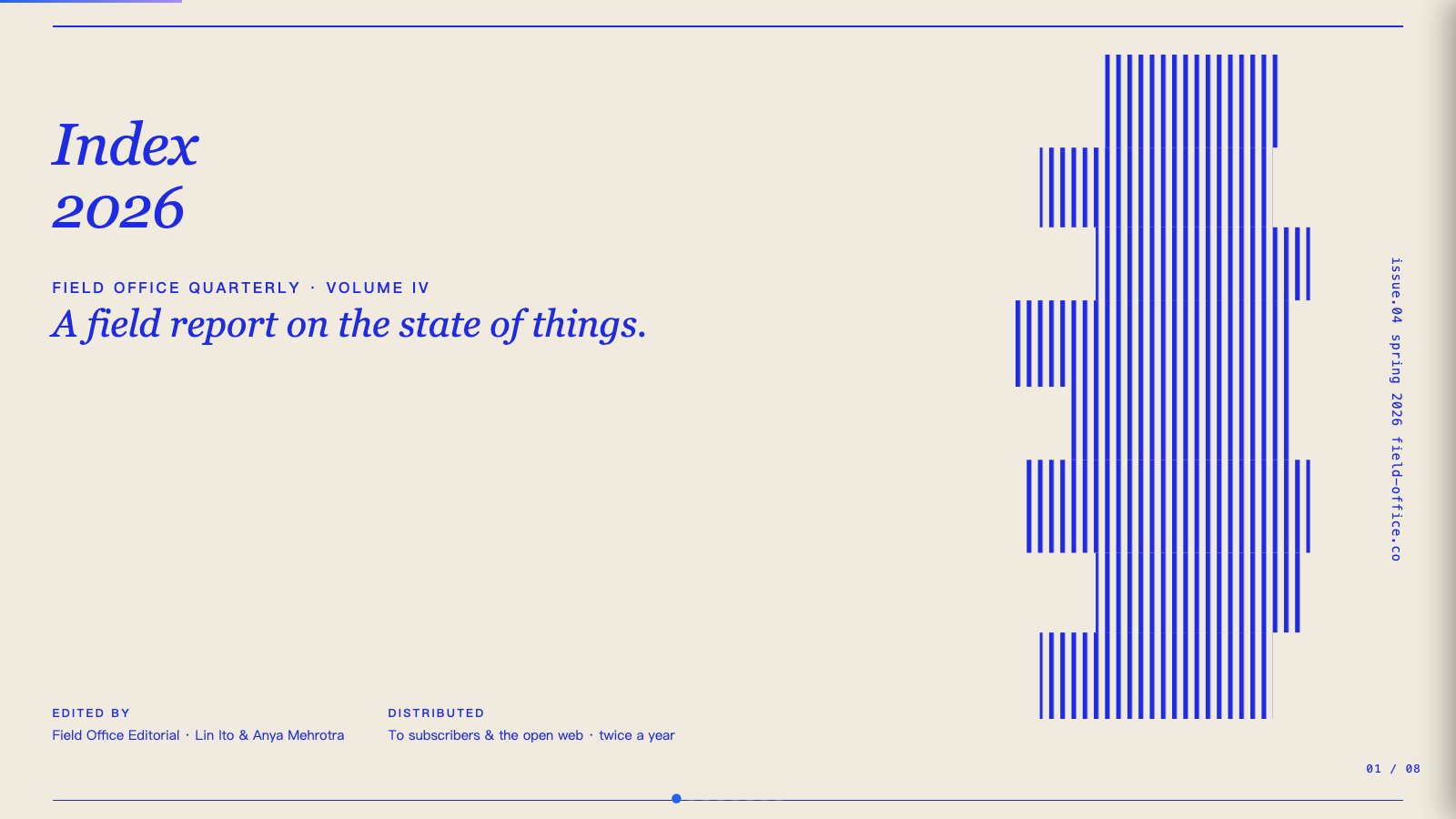
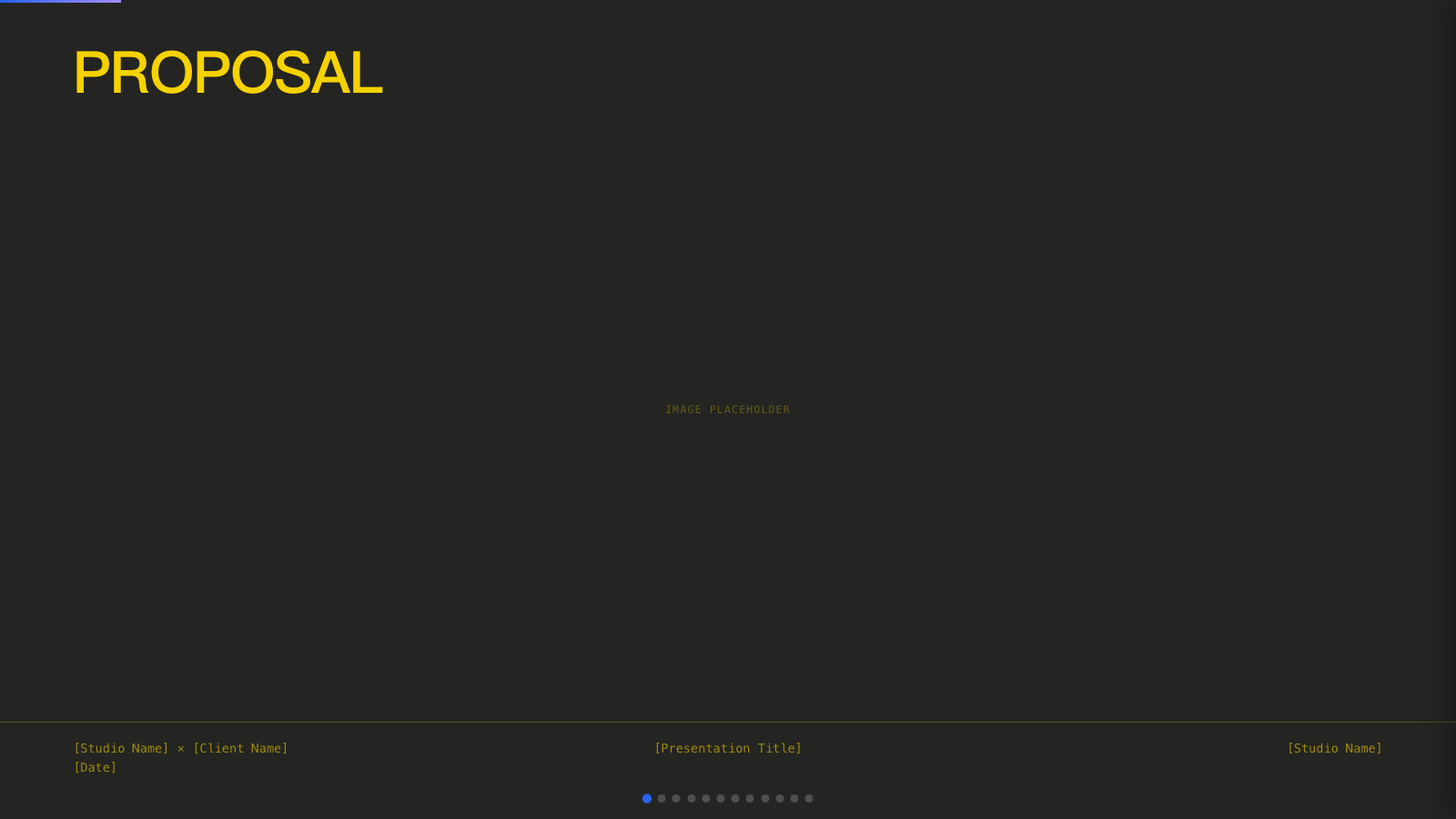
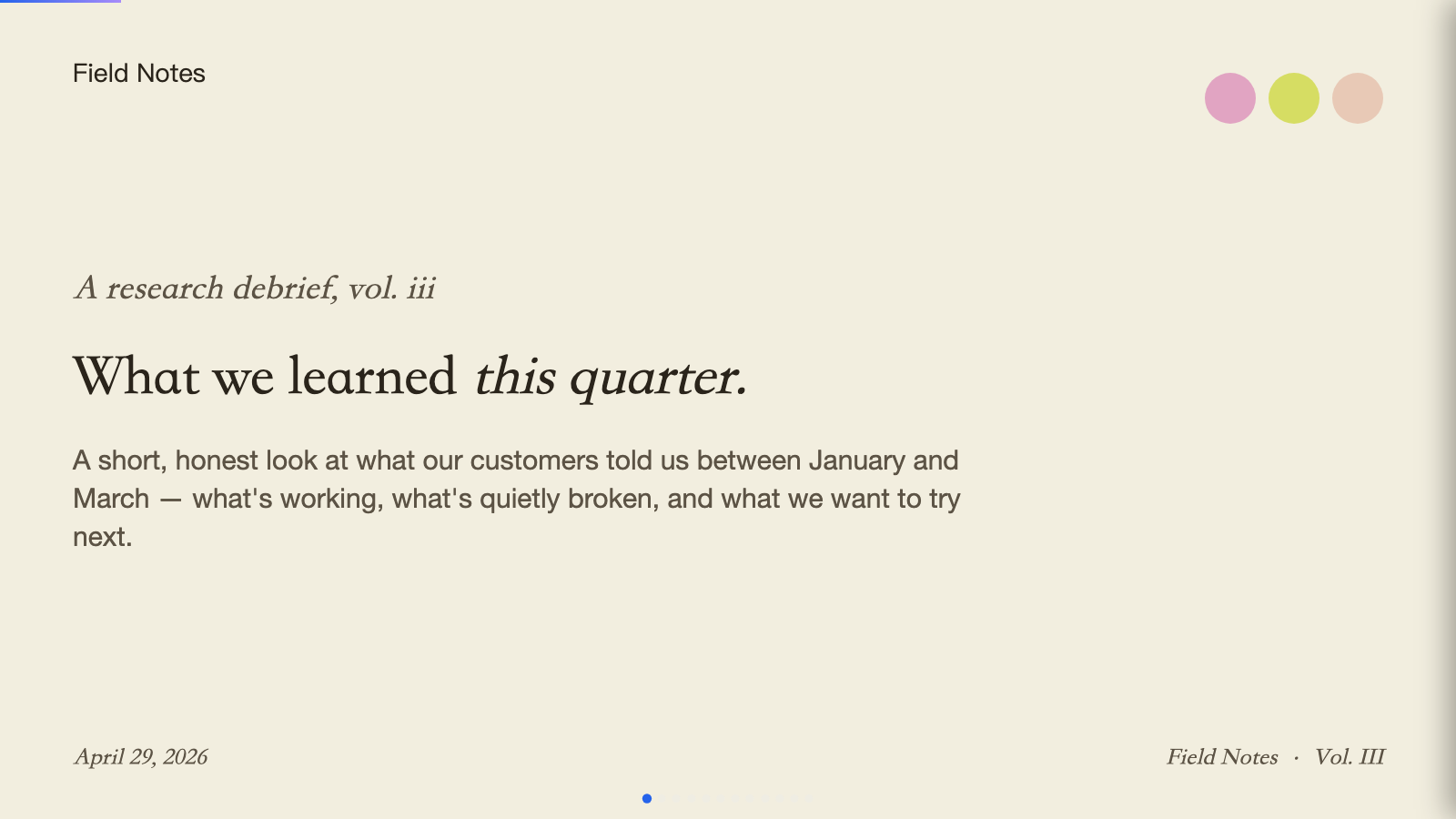
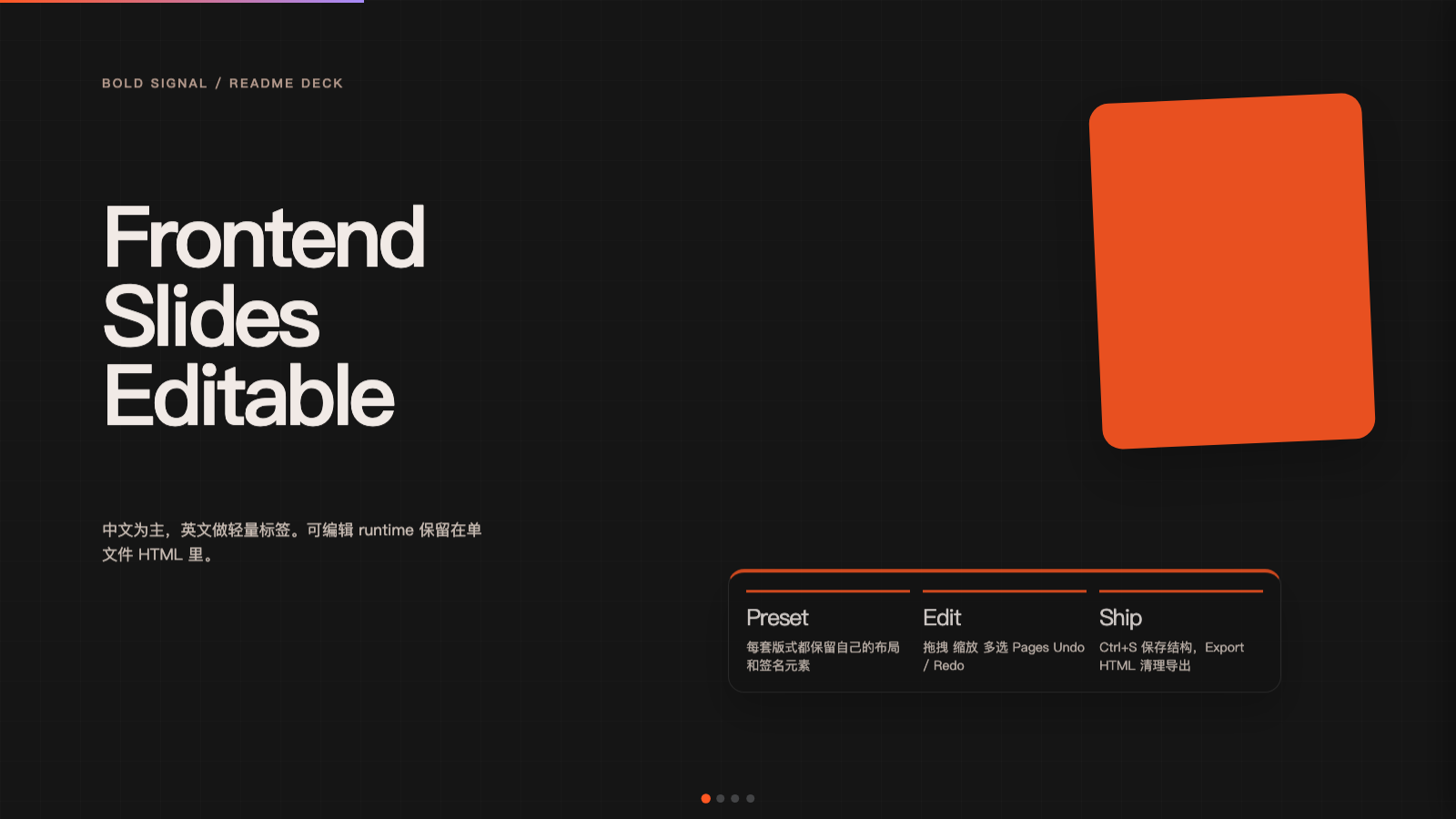
- v2.0 更新摘要 · Release 2.0 highlights
- 这个 Skill 是做什么的 · What this does
- 安装 · Installation
- 用法 · Usage
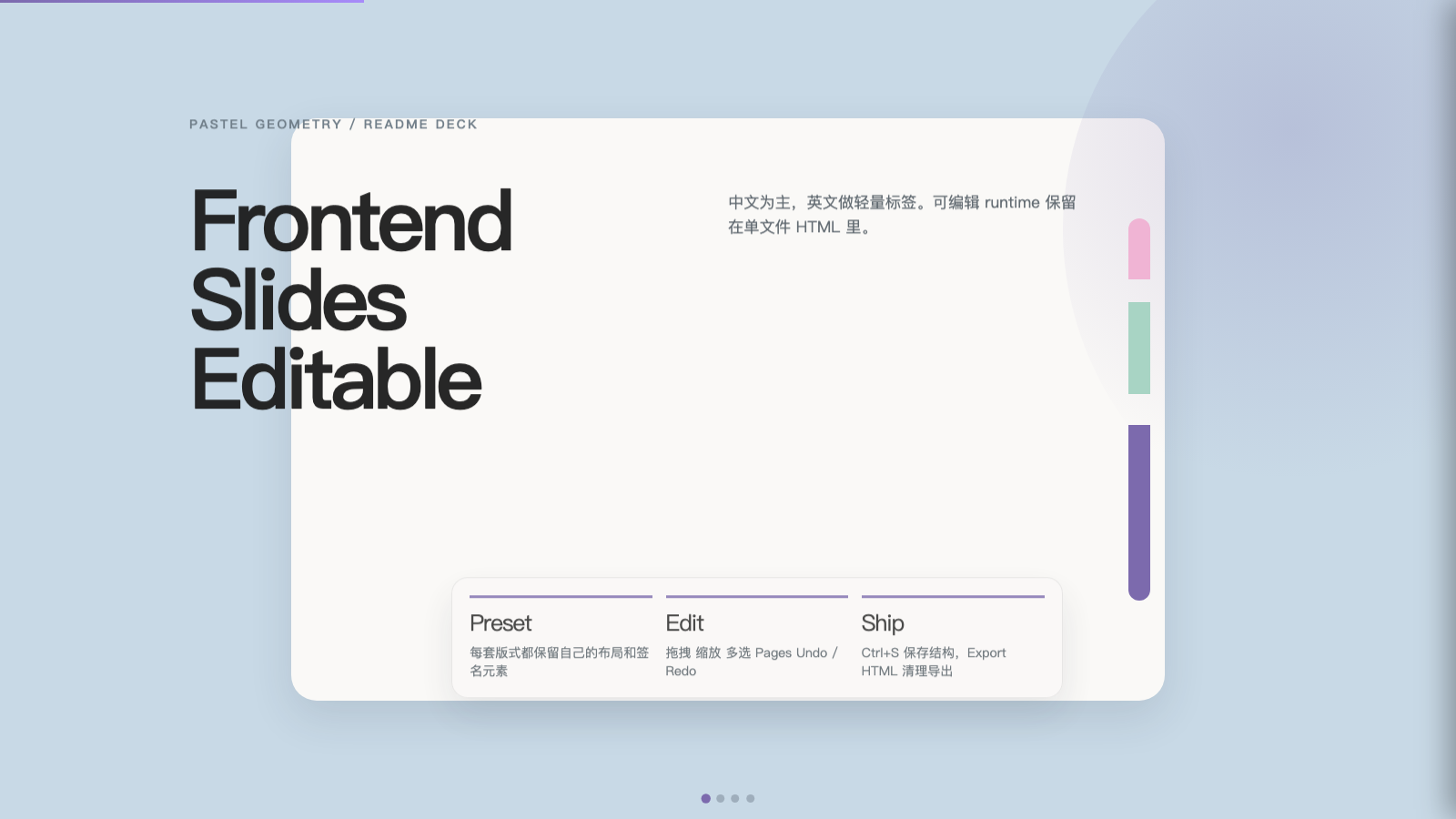
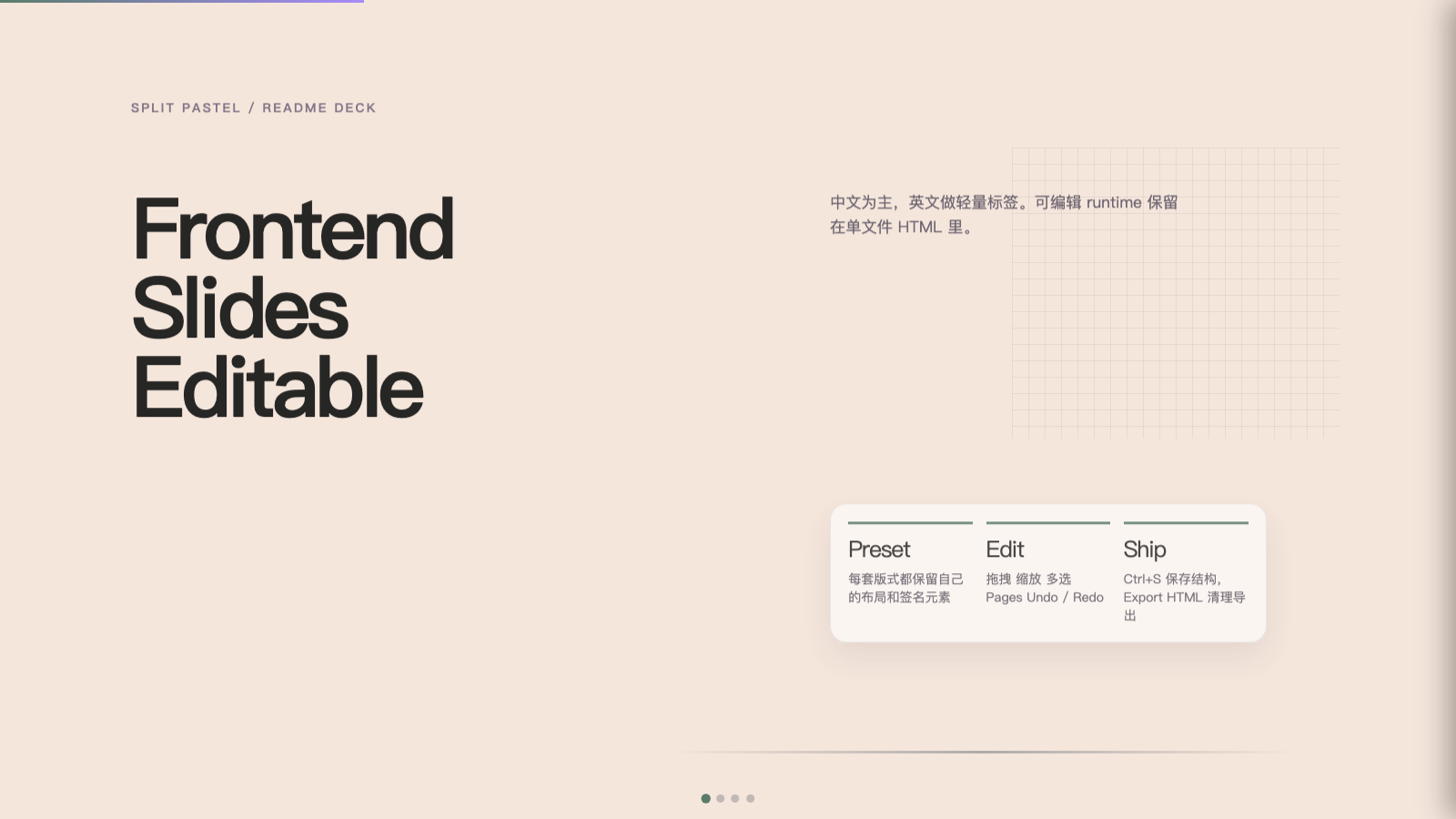
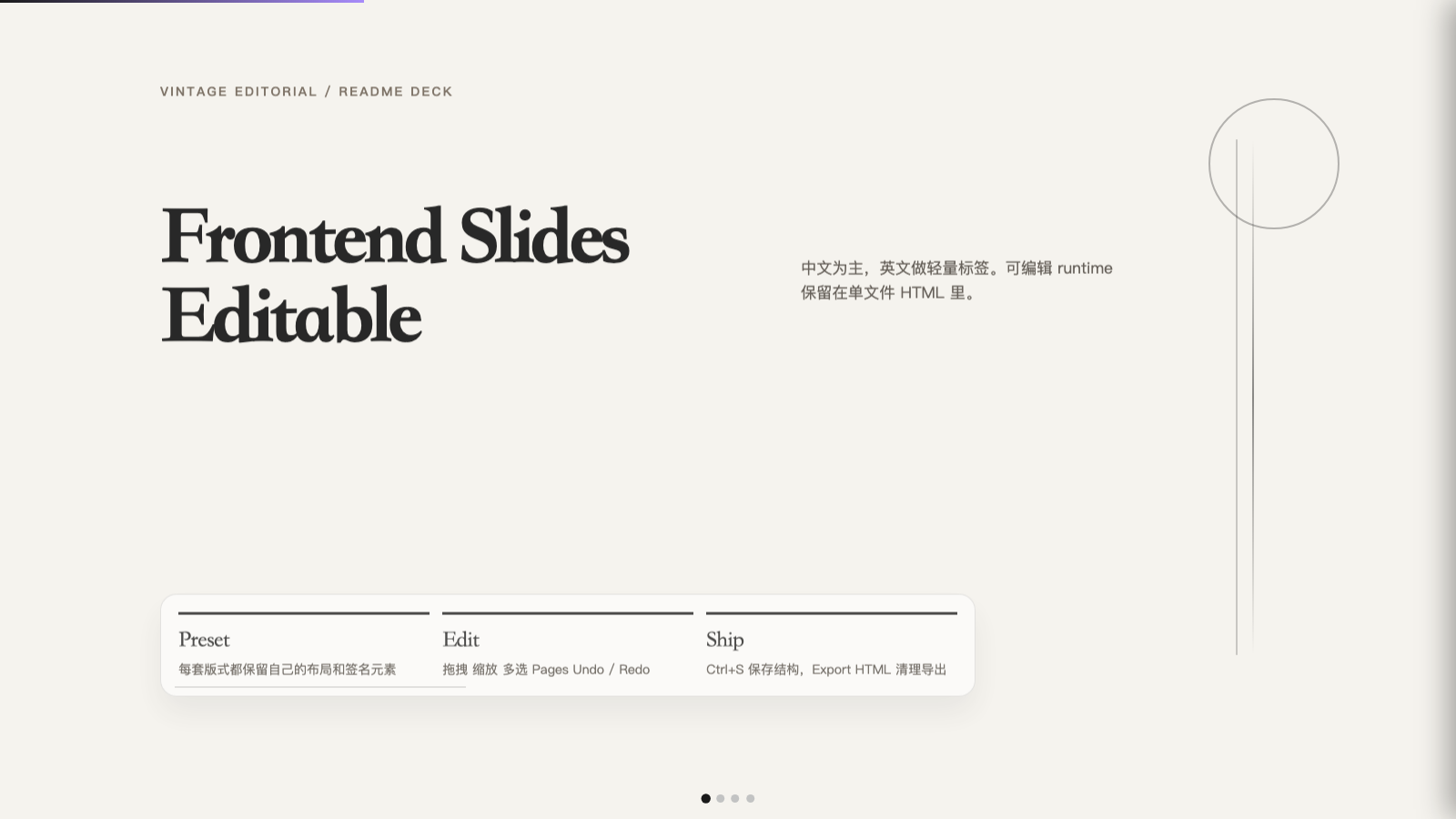
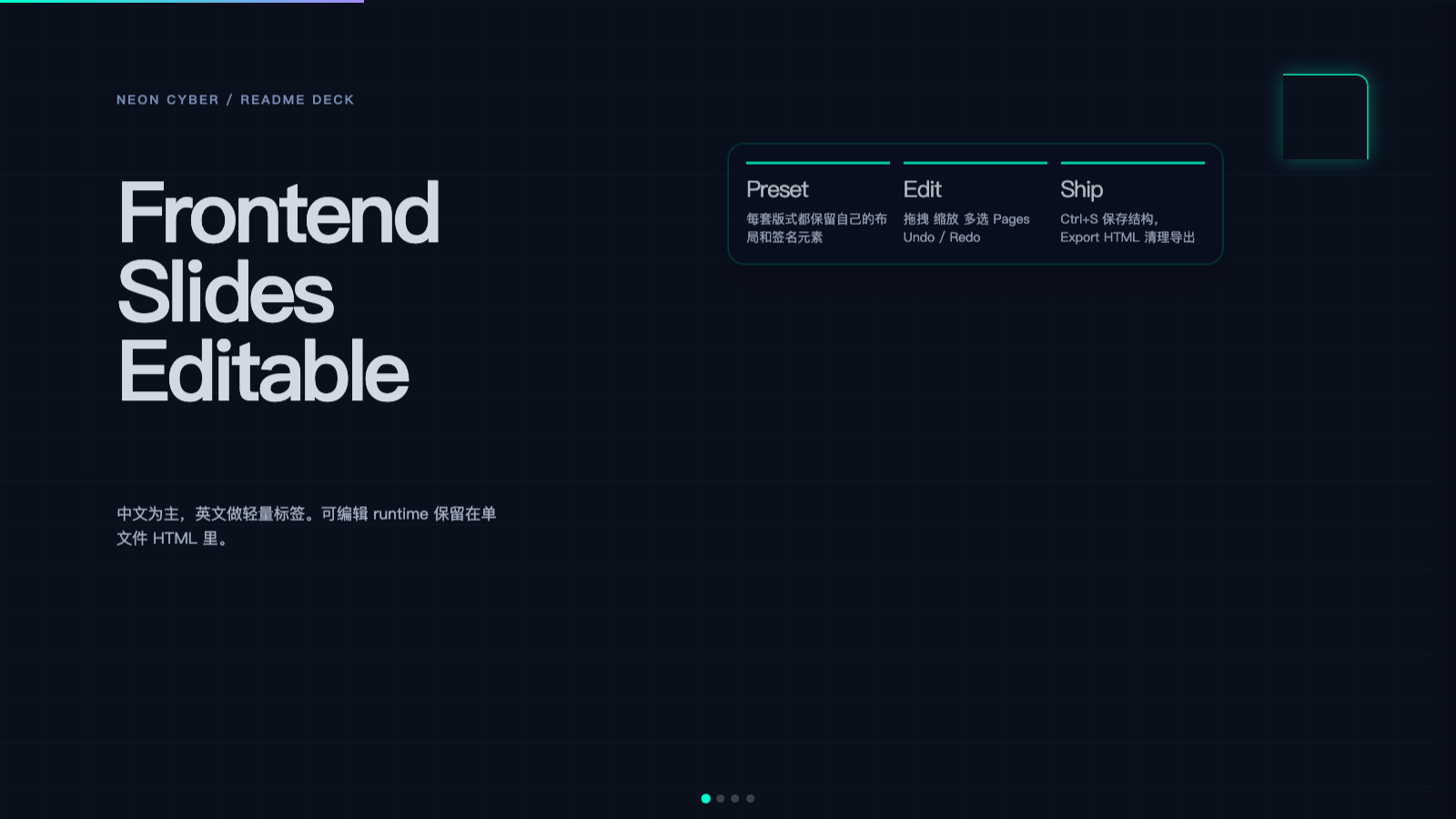
- 样式预览图库 · Style preview gallery
- 文档结构 · Documentation map
- 依赖要求 · Requirements
- 试用参考 · Try the reference
- Star History
本轮将可编辑运行时与交付体验整体推进到 2.0:更强媒体工作流、更顺手的排版工具栏,以及更明确的缩放与导出行为。 This release bumps the editable runtime and authoring workflow to 2.0: stronger media workflows, a smoother formatting toolbar, and clearer resize + export behavior.
-
Add element(添加对象):编辑模式下可从当前页插入文本 / 图片 / 视频占位,并与撤销栈联动。 Add element: insert text / image / video placeholders on the current slide from edit mode, wired into undo/redo.
-
图片与视频(Images & video):支持本地文件选择、
FileReader写入 data URL(单文件自包含);图片支持剪贴板 Ctrl+V / ⌘V 粘贴(非富文本焦点时);双击已有图/视频可重新选择文件。 Images & video: pick local files and embed as data URLs (single-file friendly); paste images with Ctrl/Cmd+V when not typing in rich text; double-click existing media to replace. -
缩放与媒体框(Resize & media box):选中对象后除右下角外,增加右侧 / 底边手柄,便于沿单边调整;幻灯片内图片/视频取消不当的
max-height限制,缩放框体时画面会随对象尺寸填满(object-fit: contain)。 Resize & media box: corner handle plus right and bottom edge handles; in-slide images/videos no longer clamp to a globalmax-height, so resizing the frame actually scales the visible media (object-fit: contain). -
富文本工具栏(RTE):字体 / 字号档位收纳为抽屉;自定义像素字号改为内联数字输入 + Apply(避免嵌入环境
prompt不可用);在工具栏上改字体/字号时会尽量保留文本选区。 RTE toolbar: font / size controls live in drawers; custom px size uses an inline numeric field + Apply (noprompt); selection is preserved when applying font/size from the toolbar where possible. -
对象与页面(Objects & pages):每个对象带删除控件;Pages 删页等有更稳妥的确认与文案;导出 HTML 时会剥离仅编辑器用的上传按钮与
file输入。 Objects & pages: per-object delete control; safer slide-delete confirmation copy; export strips editor-only upload UI and file inputs. -
演示工具(Presentation tools):左上角热区新增 Laser 与 Fullscreen;Laser 提供一个纯激光点(轨迹效果已按设计移除),激光点跟随指针移动,进入编辑模式或按 Esc 会自动关闭,Fullscreen 使用浏览器 Fullscreen API。 Presentation tools: the top-left hover cluster now includes Laser and Fullscreen; Laser is a dot only (the trailing-stroke effect was removed by design) — the dot follows the pointer, it exits on edit mode or Esc, and no trail nodes are ever created. Fullscreen uses the browser Fullscreen API.
-
预设与构建(Presets & build):
examples/generated/presets/现在分两层维护:12 套 legacy preset 仍由scripts/build-preset-decks.py生成,用于 runtime smoke + 风格预览;34 套 ported preset 由scripts/build-template-port-decks.py从真实上游模板移植,保留原始 CSS、字体、slide classes、装饰语言,并统一注入 Swiss/reference 编辑器 + locked slot adapter。重名输出由 ported 层覆盖,以保持 46 个最终 preset 文件。 Presets & build:examples/generated/presets/now has two build layers: 12 legacy presets still come fromscripts/build-preset-decks.pyfor runtime smoke + visual preview, while 34 ported presets are generated byscripts/build-template-port-decks.pyfrom real upstream templates, preserving original CSS, fonts, slide classes, decorative vocabulary, and using the shared Swiss/reference editor plus a locked slot adapter. Overlapping output names are intentionally replaced by the ported layer, keeping 46 final preset files. -
真实模板移植(Template ports):当前 ported 覆盖本地
beautiful-html-templates索引中的 34 套模板。输出 slug 默认沿用上游 slug,早期 7 套保留兼容别名(如signal-gold.html、studio-volt.html、monochrome-ledger.html)。这些文件复制并改造本地beautiful-html-templates/templates/{source_slug}/template.html;data-edit-slot内容槽位使用 Swiss 的 RTE/Undo/Redo/Save/Export 体验,网格、纹理、hairlines、glitch、纸张质感等设计骨架锁定,用户新增对象仍可自由拖拽缩放。 Template ports: ported coverage now includes all 34 templates in the localbeautiful-html-templatesindex. Output slugs default to upstream slugs, while the original seven keep compatibility aliases such assignal-gold.html,studio-volt.html, andmonochrome-ledger.html. These files adapt localbeautiful-html-templates/templates/{source_slug}/template.html;data-edit-slotcontent uses the Swiss RTE/Undo/Redo/Save/Export experience, while grids, textures, hairlines, glitch treatments, and paper systems remain locked. User-added objects remain freely draggable/resizable. -
槽位与对象的区别(Slots vs objects):真实模板的原生标题、正文、指标、图片等通过
data-edit-slot原地编辑,保持原模板布局不被拖散;只有通过 Add element 新增到.slide-edit-layer的内容会成为带手柄的data-slide-object,可拖拽、缩放、删除和多选。 Slots vs objects: native template titles, body copy, metrics, and images are edited in place throughdata-edit-slotwhile the original layout stays locked. Only content added through Add element into.slide-edit-layerbecomes a handleddata-slide-objectthat can be dragged, resized, deleted, and multi-selected. -
解锁布局(Unlock layout):ported decks 默认使用
data-template-edit-mode="slots"。如果需要自由移动原生模板内容,可在编辑模式点击 Unlock layout,当前页的可编辑槽位会移动/包装成可拖拽/缩放的data-slide-object,保留原始 tag、class 与计算后的字体样式,并支持 Undo 恢复到原布局位置;背景、网格、轴线、纹理、glitch、SVG 细节和纯布局容器仍保持锁定。 Unlock layout: ported decks default todata-template-edit-mode="slots". When users need free placement, click Unlock layout in edit mode; editable slots on the current slide are moved/wrapped into draggable/resizabledata-slide-objectcomponents while preserving the original tag, classes, and computed typography, with Undo restoring the original layout position. Backgrounds, grids, axes, textures, glitch layers, SVG internals, and pure layout wrappers remain locked.
参考实现仍以单文件 examples/editable-deck-reference.html 为契约;生成新 deck 时请继续遵循本仓库 SKILL.md 与 editor-runtime.md。
The reference contract remains the single file examples/editable-deck-reference.html; follow SKILL.md and editor-runtime.md when generating new decks.
Frontend Slides - Editable 是 frontend-slides 的可编辑分支。它保留了原始 skill 的风格探索流程、视口适配规则和 PPT / PDF 转换能力,并在此基础上加入完整的浏览器内编辑运行时。交付用的幻灯片仍应按 STYLE_PRESETS.md 实现各预设的布局与签名元素;可编辑只是增加运行时,不是把多套风格压成同一套版式原型。examples/generated/presets/ 是运行时自检 + 风格预览样例。
Frontend Slides - Editable is the editable fork of frontend-slides. It preserves style discovery, viewport discipline, and PPT / PDF conversion from the original skill, then adds a full in-browser editing runtime. Real decks should still implement each preset’s layout and signature elements from STYLE_PRESETS.md — edit mode is an add-on, not permission to reuse one generic slide prototype for every aesthetic. examples/generated/presets/ is for runtime smoke tests and visual previews.
中文:以下为 1.0 时期在浏览器中的操作录屏,便于快速感受可编辑运行时;2.0 的变更请见上文「v2.0 更新摘要」与下文「样式预览图库」中的静态截图。若 GitHub 页面未内嵌播放视频,请直接打开下方链接在浏览器中观看。 English: This is a 1.0-era walkthrough (not a full 2.0 feature tour). See Release 2.0 highlights above and the Style preview gallery screenshots below for 2.0 deltas. If the embedded player does not load, open the URL directly.
slides.preview.mp4
它适合“生成后还要继续改”的场景,例如:
It is designed for workflows where the generated output must remain editable:
-
直接在幻灯片上移动对象
-
使用 Ctrl+点击 多选
-
调整文本框大小并让文字自动重排
-
对文本进行 粗体 / 斜体 / 字体 / 字号 编辑(工具栏抽屉 + 自定义 px;改格式时尽量保留选区)
-
使用 Undo / Redo
-
在 Pages 侧栏重排或删除页面
-
用 Laser 临时指示内容,或点击 Fullscreen 进入浏览器全屏
-
添加 文本 / 图片 / 视频对象;图片可本地文件或 粘贴;视频可本地文件
-
将完整 deck 结构保存为浏览器草稿,并在支持时写入/覆盖用户选择的 HTML 文件
-
导出清理过临时编辑状态、内含当前 deck 状态与媒体素材的独立
.html -
move objects directly on slides
-
use Ctrl+click multi-select
-
resize text blocks with automatic reflow; edge + corner handles for media objects
-
edit text inline with bold / italic / font / size (drawer toolbar + custom px; selection preserved when possible)
-
use Undo / Redo
-
reorder and delete slides from the Pages sidebar
-
use Laser for temporary pointing, or Fullscreen for browser fullscreen presenting
-
add text / image / video objects; images via local file or paste; video via local file
-
persist full deck structure as a browser draft and, when supported, write/overwrite the chosen HTML file
-
export a sanitized standalone
.htmlthat embeds the current deck state and media assets
如果只需要更轻量的只读输出,请使用父 skill frontend-slides(仓库见链接)。
If you only need the smallest read-only output, use the parent frontend-slides skill (repository link).
| 维度 / Dimension | frontend-slides |
frontend-slides-editable |
|---|---|---|
| 核心定位 / Primary job | 生成更轻量的只读 HTML 演示 / Generate lighter read-only HTML decks | 生成可继续编辑的 HTML 演示 / Generate editable HTML decks |
| 输出重量 / Output weight | 更小、更干净 / Smaller and lighter | 更重,但包含完整编辑器 / Heavier, with full editor runtime |
| 样式流程 / Style flow | 依赖父 skill 当前安装版本 / Depends on the installed parent-skill version | 先问样式偏好,再推荐预设,再决定直选或看预览 / Ask style preference first, recommend presets, then choose direct pick or previews |
| 预设表现 / Preset fidelity | 按 STYLE_PRESETS 逐套实现版式与签名元素 / Implement layout + signatures per preset |
同上,不得因可编辑而统一成单一首屏模板 / Same — do not collapse all styles into one title-slide template |
| 浏览器内编辑 / In-browser editing | 可选文本编辑 / Optional text editing | 默认完整编辑运行时 / Full editing runtime by default |
| 页面管理 / Slide management | 无 Pages 侧栏 / No Pages sidebar | 有缩略图侧栏、重排、删除 / Sidebar with thumbnails, reorder, delete |
| 对象操作 / Object manipulation | 不支持对象级拖拽缩放 / No object-level drag or resize | 支持拖拽、边角/边缘缩放、吸附、多选、添加与删除对象 / Drag, corner/edge resize, snap, multi-select, add & delete objects |
| 历史记录 / Undo and redo | 无完整对象历史 / No full object history | 内置 Undo / Redo / Built-in undo and redo |
| 本地保存 / Local persistence | 仅在启用编辑时保存文本改动 / Save text edits when editing is enabled | 保存浏览器草稿,并导出/写入可迁移 HTML / Save a browser draft and export/write portable HTML |
| 适合场景 / Best for | 交付成品、体积敏感、只读展示 / Final delivery, size-sensitive, read-only decks | 评审后继续改稿、团队协作、客户反馈迭代 / Post-review edits, collaboration, iterative feedback |
| 什么时候选它 / When to choose it | 你已经接近定稿 / You are close to final | 你预期还会持续改布局和内容 / You expect continued layout and content changes |
-
零依赖:单个 HTML 文件,CSS/JS 内联,无需 npm、构建工具或框架
-
可视化风格探索:通过预览选风格,而不是抽象描述
-
完整可编辑运行时:拖拽、多选、边角/边缘缩放、对象删除、添加图/文/视频、缩略图侧栏与历史记录
-
PPT / PDF 转换:将
.pptx或.pdf抽成与 PPT 相同的中间 JSON(extracted-slides.json+assets/),再生成可编辑网页幻灯片 -
视口安全:每一页都要求适配视口,不允许内部滚动
-
持久化与导出:
Ctrl+S保存浏览器草稿,并在支持时写入用户选择的 HTML;导出时剥离临时编辑态,并把当前 deck 状态与媒体素材嵌入文件 -
反模板感:通过精选风格预设,避免千篇一律
-
Zero dependencies: Single-file HTML with inline CSS/JS, no npm/build/framework
-
Visual style discovery: pick by preview, not design jargon
-
Full editable runtime: drag, multi-select, corner/edge resize, object delete, add text/image/video, filmstrip, history
-
PPT / PDF conversion: extract
.pptxor.pdfto the same intermediate JSON (extracted-slides.json+assets/), then build editable web slides -
Viewport-safe output: every slide must fit the viewport without internal scrolling
-
Persistence + export:
Ctrl+Ssaves a browser draft and writes the chosen HTML when supported; export removes transient edit state and embeds the current deck state plus media -
Anti-generic aesthetics: curated presets over bland default templates
适合 frontend-slides-editable:
Use frontend-slides-editable when you want:
-
生成后仍可在浏览器继续微调
-
支持客户/团队评审后的布局修订
-
单文件、零构建的可交付结果
-
PowerPoint / PDF 转网页后继续编辑(PDF 为抽取层 + 再设计版式,非像素级还原)
-
a generated deck you can continue refining in browser
-
post-generation layout iteration during reviews
-
a single-file deliverable with no build step
-
PowerPoint- or PDF-to-web conversion with continued editing (PDF: extract-then-redesign, not pixel-perfect layout)
适合 frontend-slides:
Use frontend-slides when you want:
-
更小更轻的只读输出
-
不需要编辑器界面
-
最轻量的生成文件
-
a smaller read-only output
-
presentation-only HTML without editor chrome
-
the lightest possible generated file
仓库地址:https://github.com/archlizheng/frontend-slides-editable
前置要求:需要先安装 Node.js(建议 LTS,Node 18+);npx 会随 Node.js 一起安装。
Prerequisite: install Node.js first (LTS recommended, Node 18+); npx is included with Node.js.
npx skills add archlizheng/frontend-slides-editable如果你的环境里 skills CLI 版本支持 URL,也可以用:
If your skills CLI supports URL sources, you can also run:
npx skills add https://github.com/archlizheng/frontend-slides-editable如果仓库里未来包含多个 skill,可指定名称安装:
If this repo contains multiple skills in the future, install by name:
npx skills add https://github.com/archlizheng/frontend-slides-editable --skill frontend-slides-editable安装后请确认本地 skill 目录中出现 frontend-slides-editable,并包含 SKILL.md、STYLE_PRESETS.md、examples/。
After installation, confirm frontend-slides-editable exists in your local skills directory and contains SKILL.md, STYLE_PRESETS.md, and examples/.
然后在对话中直接调用:
Then invoke it in chat:
/frontend-slides-editable
当 npx skills add 不可用时,可用手动安装。
If npx skills add is unavailable, install manually.
Codex
mkdir -p ~/.codex/skills
git clone https://github.com/archlizheng/frontend-slides-editable.git ~/.codex/skills/frontend-slides-editable
Claude Code
mkdir -p ~/.claude/skills
git clone https://github.com/archlizheng/frontend-slides-editable.git ~/.claude/skills/frontend-slides-editable
若目标目录已存在,请先删除旧目录,或进入目录执行 git pull 更新。
If the target folder already exists, remove it first or run git pull inside that folder.
仓库更新后,重新执行安装命令即可;必要时先删除旧目录再安装。
When updates are available, re-run the install command; if needed, remove the old folder first.
/frontend-slides-editable

> "帮我做一个关于 AI agents for product teams 的分享"
这个 skill 会:
The skill will:
-
Phase 1(内容发现)— 先集中问齐:除非用户同一条消息里已给齐 目的、篇幅(页数量级或精确页数)、内容或大纲(非仅主题)、风格偏好方向、是否确认完整可编辑运行时、图片资源意向,以及需要时的语言/双语,否则一次成组提问;缺啥就只补问缺失项。仅调用
/frontend-slides-editable不算答完。有素材后再做配图评估,并与大纲一起敲定(非「先瞎写页再插图」)。详见SKILL.md的 Discovery gate。 -
Phase 2(风格发现)— Show, don’t tell:结合
STYLE_PRESETS.md与仓库内样例(如examples/generated/presets/)缩小范围;推荐 2–4 个预设后,让用户直选或生成预览再定稿,然后进入生成。 -
若 Phase 1 确认有图:评估素材并与幻灯片结构共同设计;若无图则跳过图片评估。
-
产出带编辑运行时的单文件 HTML,并在浏览器中打开。
-
Phase 1 (content discovery) — batch first: Unless the user supplies in one message purpose, length band (or exact count), content or outline (not topic-only), style direction, confirmation of full editable runtime vs read-only parent skill, image intent, and language/locale when relevant, send one grouped Phase 1; next turn asks only missing items. Invoking the skill does not satisfy discovery. After assets exist, run image evaluation and co-design outline ↔ images. See Discovery gate in
SKILL.md. -
Phase 2 (style discovery) — show, don’t tell: Narrow choices using STYLE_PRESETS.md and repo examples (e.g.
examples/generated/presets/); recommend presets, then direct pick or HTML previews, then generate. -
If Phase 1 says images: evaluate assets and align outline; otherwise skip image evaluation.
-
Build a single-file editable HTML deck and open it in the browser.
/frontend-slides-editable

> "Improve this HTML deck and keep it editable"
这个 skill 会:
The skill will:
-
读取现有演示文稿。
-
修改前检查内容密度与视口适配。
-
保护编辑运行时契约(如
section.slide、.slide-edit-layer、data-oid)。 -
在保持编辑/持久化/导出能力的前提下更新 deck。
-
Read the current deck.
-
Validate density and viewport fit before edits.
-
Preserve runtime contracts (
section.slide,.slide-edit-layer,data-oid, etc.). -
Update content while keeping edit/persist/export intact.
/frontend-slides-editable

> "Convert presentation.pptx into an editable web slideshow"
这个 skill 会:
The skill will:
-
运行
scripts/extract-pptx.py:提取文字、图片和演讲者备注。 -
与你确认提取结果(标题、要点、图片数量等)。
-
Phase 1 补全:提取结果≠完整 brief;仍需一次性确认或补问 风格方向、可编辑 vs 只读、语言/地区、是否重组页数目标、提取图片的使用方式 等缺失项。
-
Phase 2:用预设/预览缩小风格(Show, don’t tell),再定预设或混合方向。
-
生成可编辑 HTML deck 并保留内容与资源。
-
Run
scripts/extract-pptx.py: extract text, images, and speaker notes. -
Confirm the extraction (titles, content, image counts).
-
Phase 1 gap-fill: extraction is not the full brief; batch any missing style direction, editable vs read-only, locale, restructuring goals, how to use extracted images, etc.
-
Phase 2: narrow style with presets/previews (show, don’t tell), then lock preset or mix.
-
Generate an editable HTML deck with preserved assets.
/frontend-slides-editable

> "Convert deck.pdf into an editable web slideshow"
依赖: Python + PyMuPDF(pip install pymupdf)。抽取命令:
Dependency: Python + PyMuPDF (pip install pymupdf). Extraction command:
python3 scripts/extract-pdf.py path/to/file.pdf path/to/output_dir
# 可选:无文字且无内嵌图的页面整页渲染为 PNG / Optional: rasterize empty pages
python3 scripts/extract-pdf.py path/to/file.pdf path/to/output_dir --raster-if-empty
与 PPT 相同,输出 extracted-slides.json 与 assets/;每一 PDF 页对应一页「幻灯片」;PDF 无演讲者备注字段。纯扫描件默认抽不出可选文字,需 --raster-if-empty 或外部 OCR。
Same as PPT: writes extracted-slides.json + assets/; one PDF page = one slide; PDFs have no speaker-notes field. Scanned PDFs need --raster-if-empty or external OCR for usable text.
然后同样走 Phase 1 补全 → Phase 2 风格 → Phase 3 生成可编辑 HTML(与 pptx 流程一致,并非「单步机械编译」)。
Then follow the same Phase 1 → 2 → 3 pipeline as PPTX (not a one-step mechanical compile).
生成后的 deck 默认包含:
Generated decks include:
- 编辑模式 / Edit mode:按
E或从左上角呼出控件 - Pages 侧栏 / Pages sidebar:缩略图导航、重排、删除(短英文确认
Delete slide?) - 对象编辑 / Object editing:用 ⠿ 拖动,角点缩放,吸附线对齐;悬停或选中时 × 可删除单个对象
- 添加元素 / Add element:编辑模式下左上角 Add element → Text / Image(本地文件、粘贴或占位)/ Video(本地文件)
- 富文本工具栏 / Rich text toolbar:首行仅 B / I 与 Font / Scale / Px 抽屉按钮;点击展开对应卡片(字体族、相对字号、像素字号与其他);支持光标折叠与选区;点击空白处或 Esc(非输入时)收起抽屉
- 历史记录 / History:
Ctrl+Z、Ctrl+Y、Ctrl+Shift+Z及 macOS 等价键 - 持久化 / Persistence:
Ctrl+S保存完整.slides-offset到localStorage作为浏览器草稿;Chromium 支持时可写入用户选择的 HTML 文件,不支持时下载更新版 - 导出 / Export:下载不含临时编辑态与选中态类名、但内含
#deck-persisted-state与 data URL 媒体的干净.html
- Bold Signal - 自信、高冲击力 / Confident, high-impact
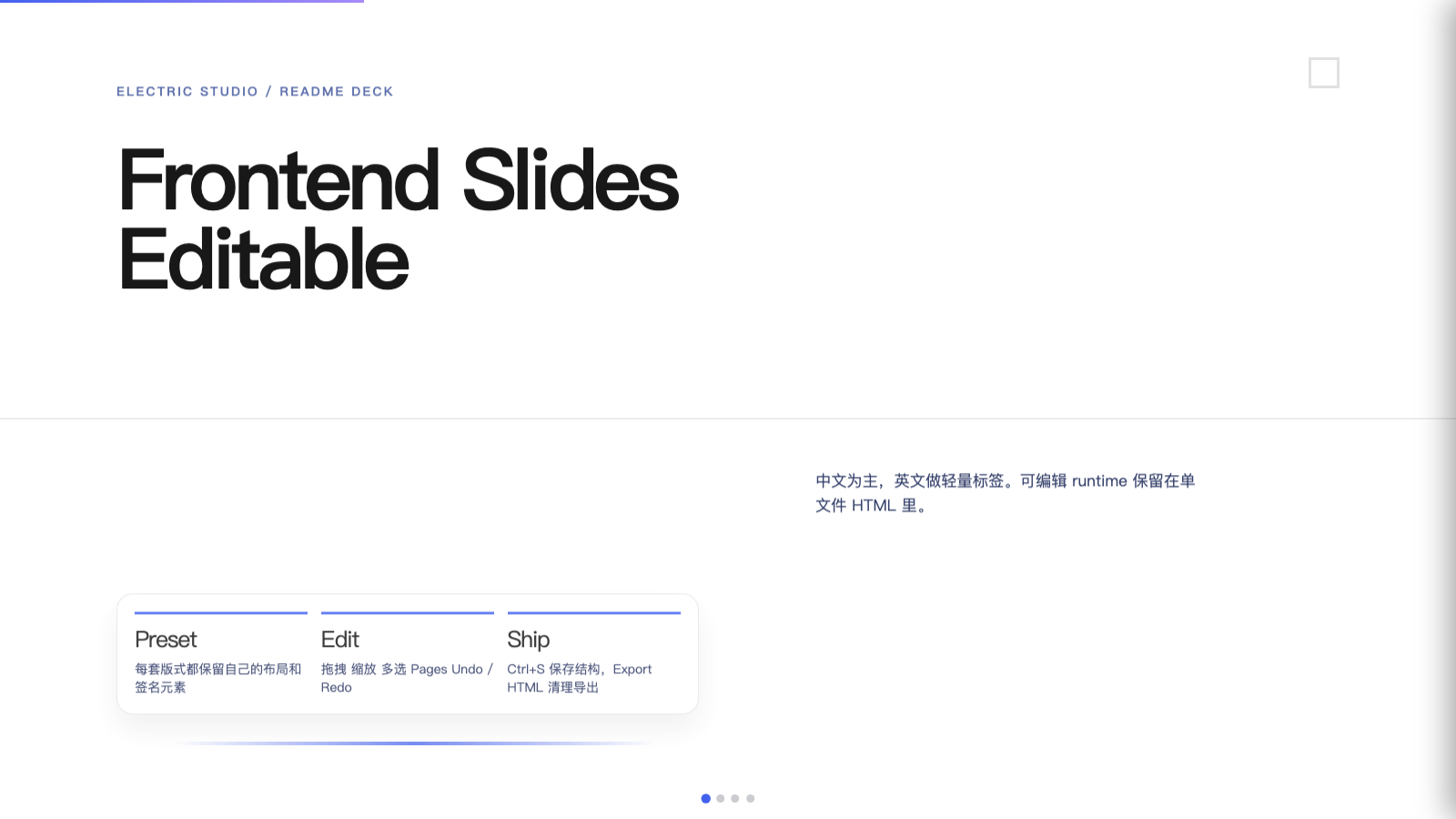
- Electric Studio - 干净、专业 / Clean, professional
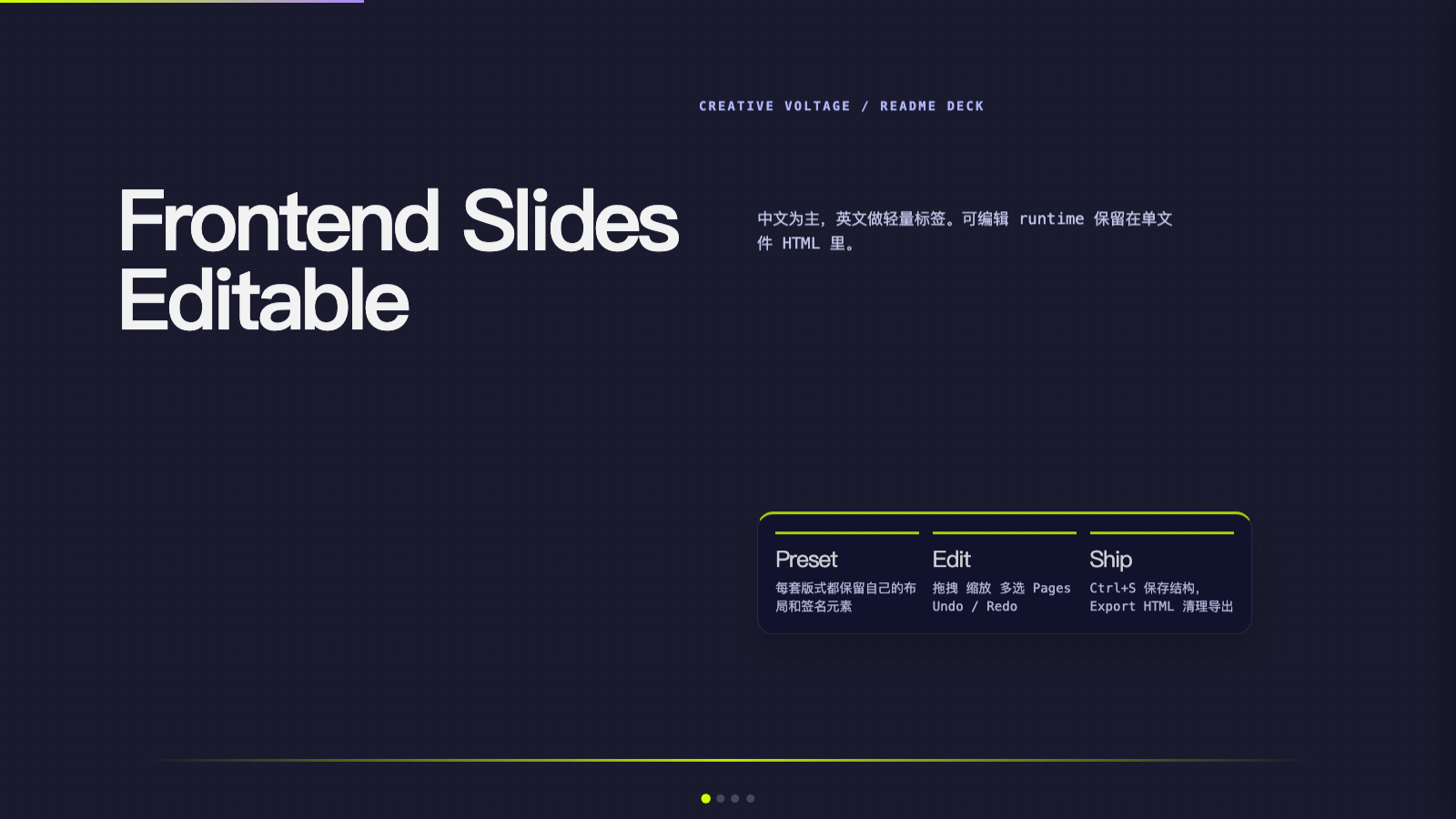
- Creative Voltage - 高能霓虹 / Energetic neon
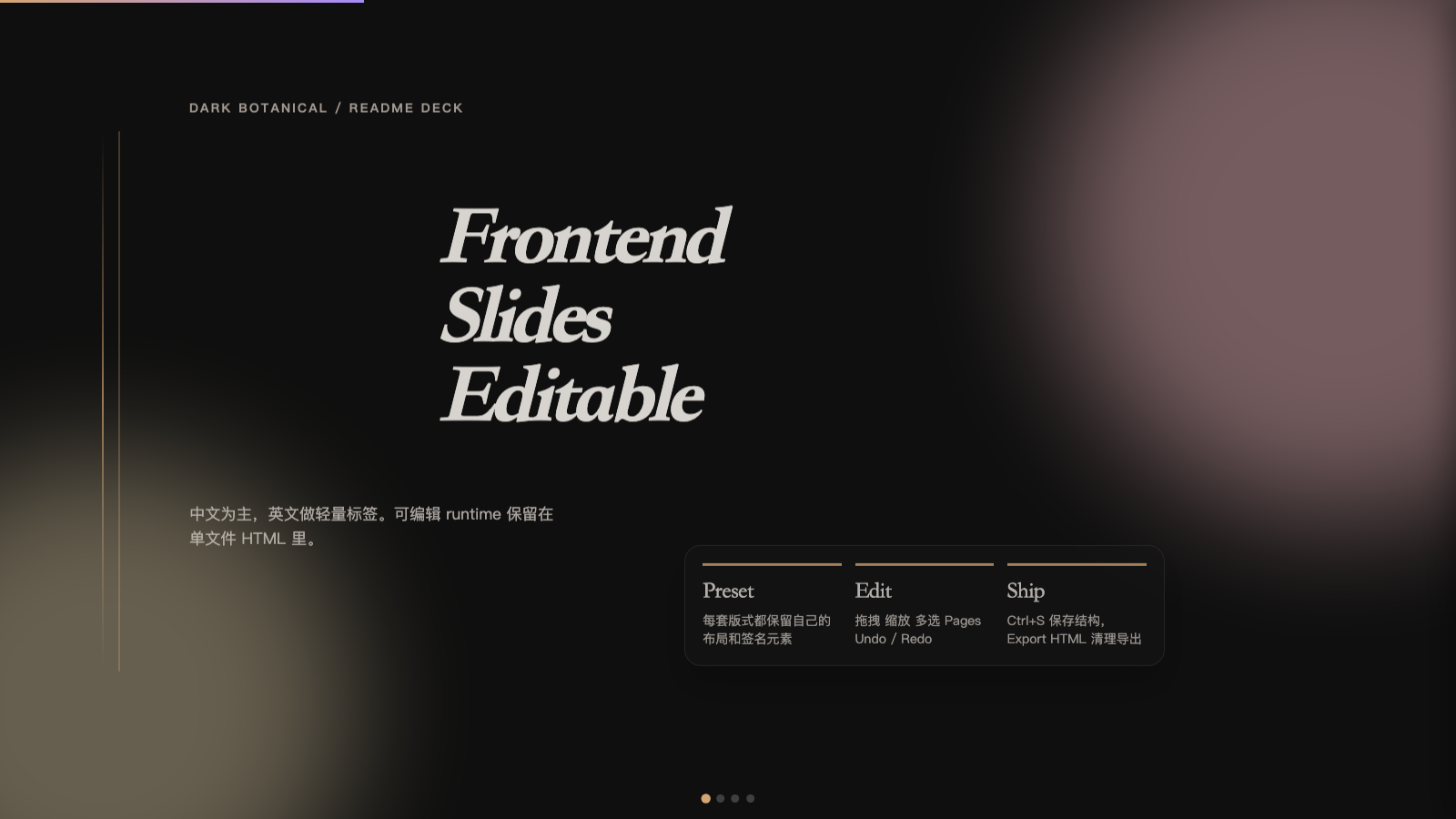
- Dark Botanical - 优雅精致 / Elegant, refined
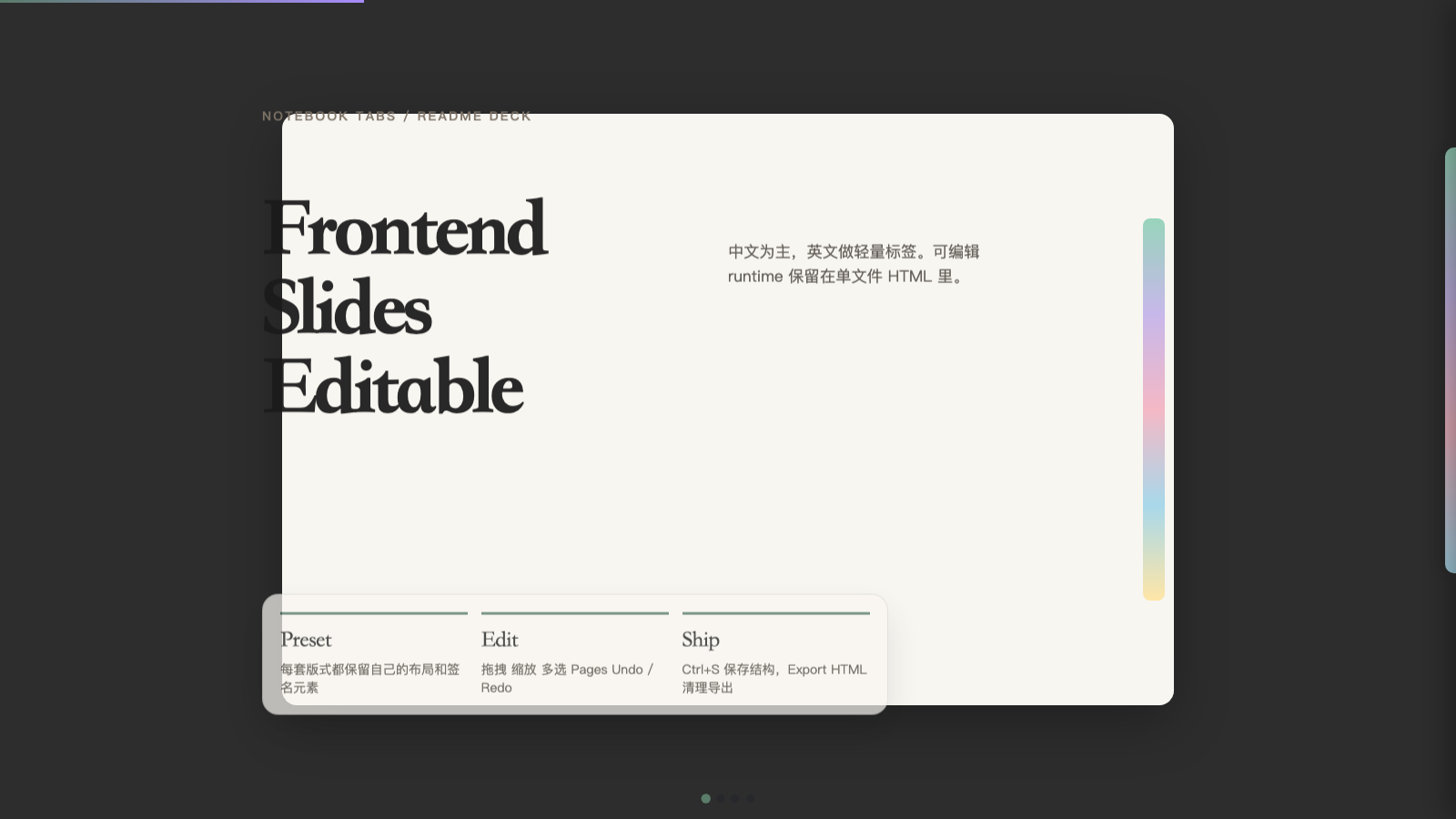
- Notebook Tabs - 编辑感与纸张感 / Editorial paper feel
- Pastel Geometry - 友好轻快 / Friendly pastel geometry
- Split Pastel - 活泼双色分割 / Playful two-tone split
- Vintage Editorial - 杂志感与个性化 / Personality-driven editorial
- Neon Cyber - 未来感霓虹 / Futuristic neon glow
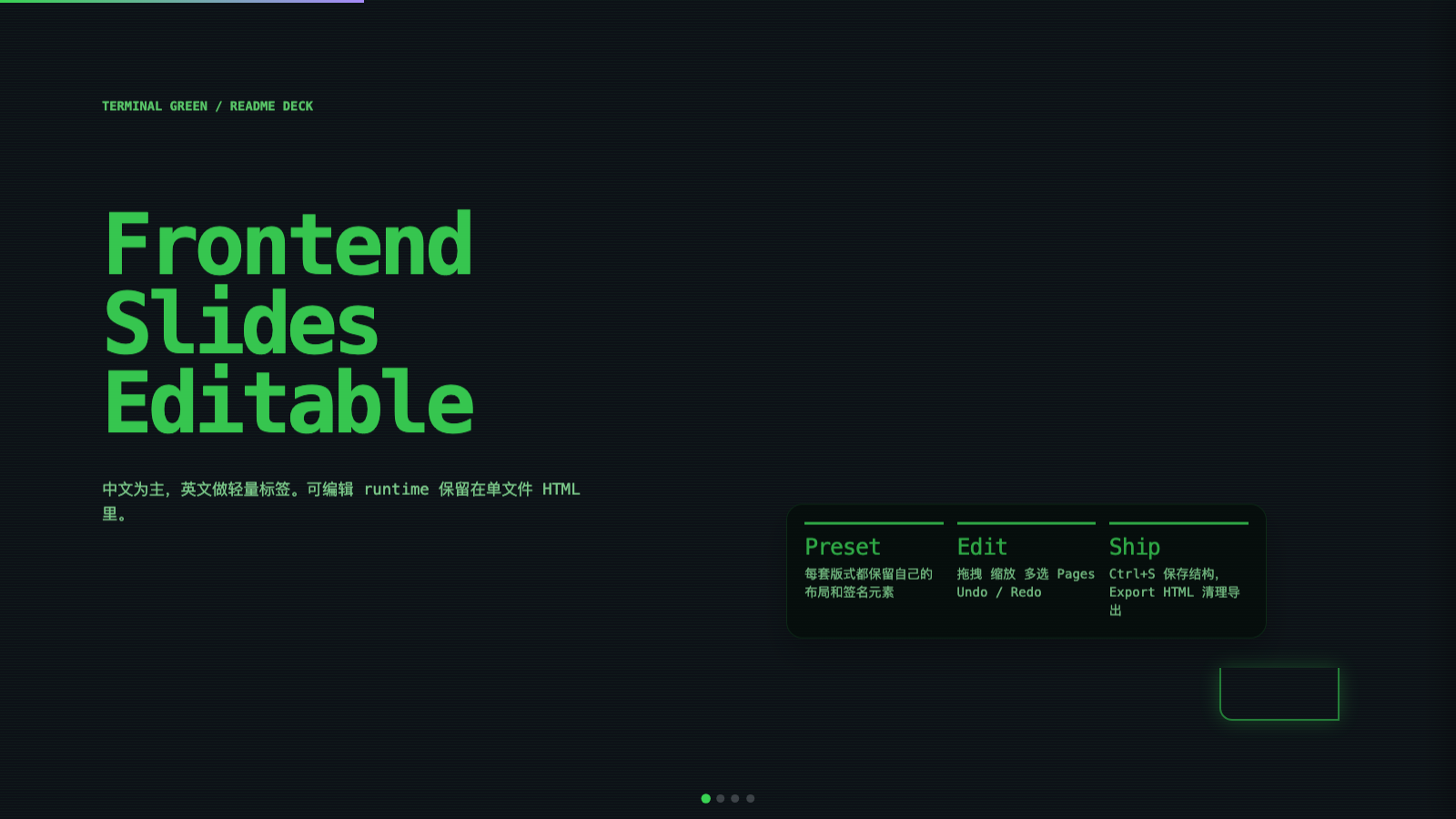
- Terminal Green - 开发者终端风 / Hacker-terminal aesthetic
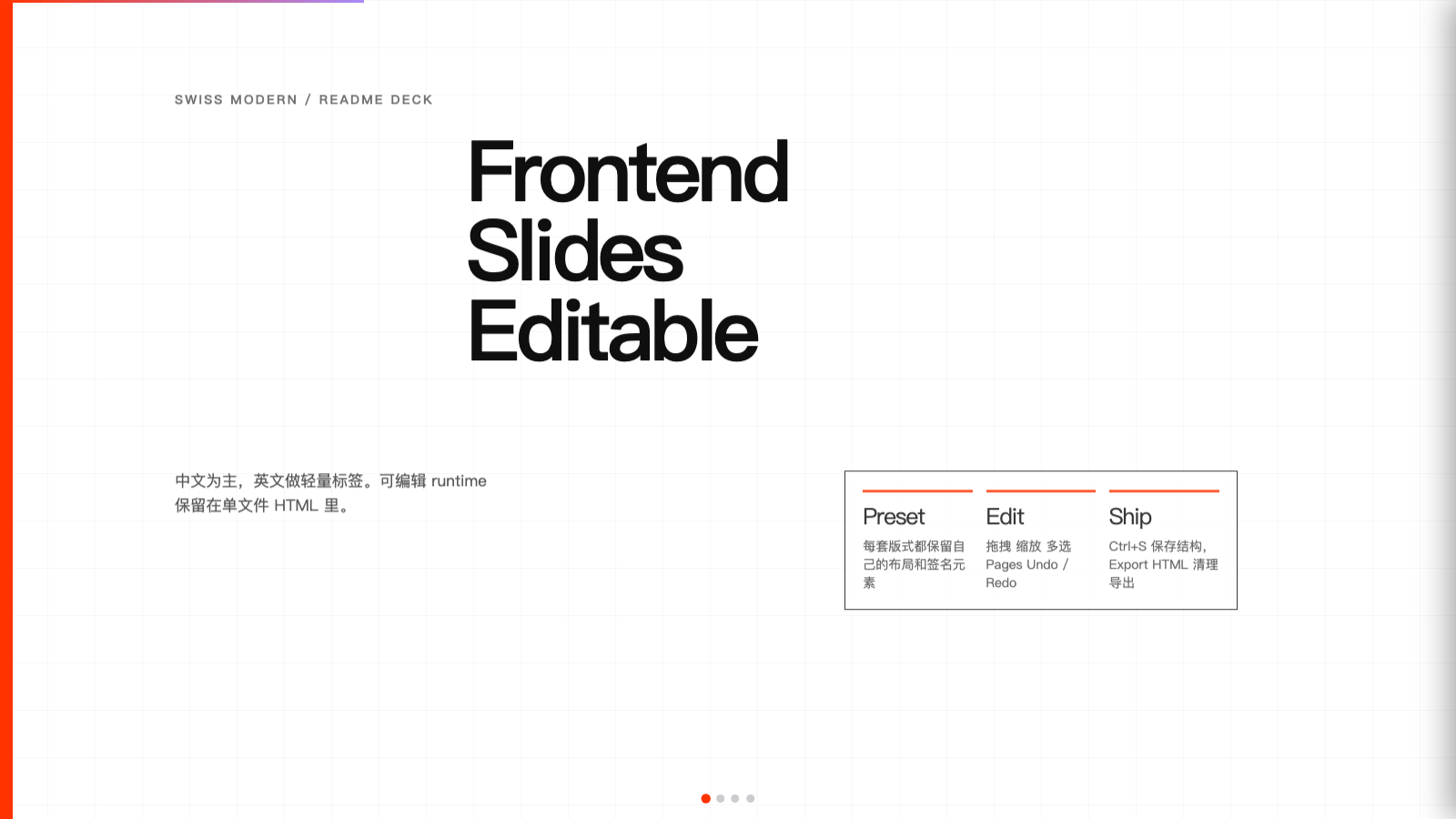
- Swiss Modern - 包豪斯极简 / Bauhaus-inspired minimal
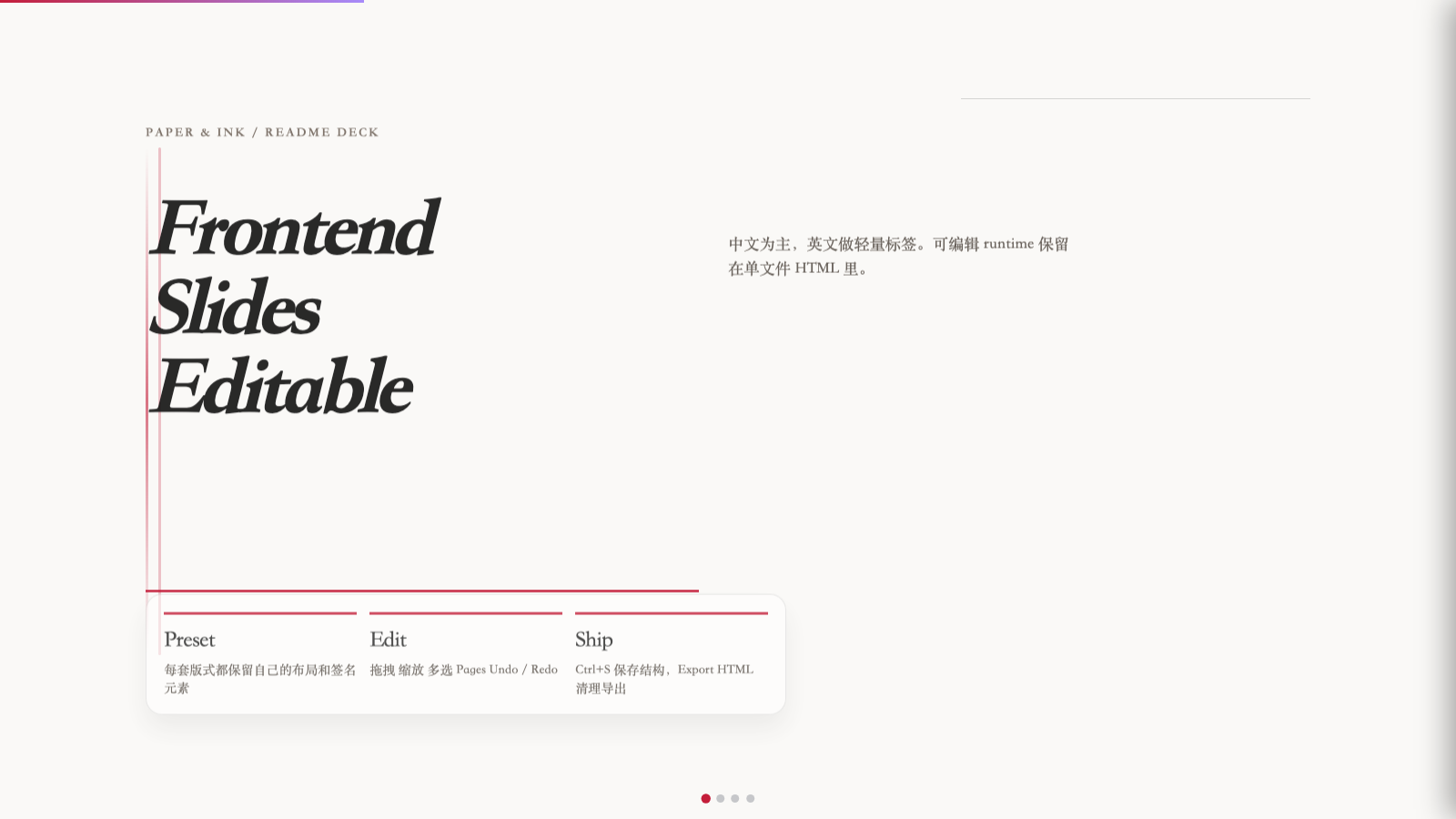
- Paper & Ink - 文艺排版 / Literary paper-and-ink
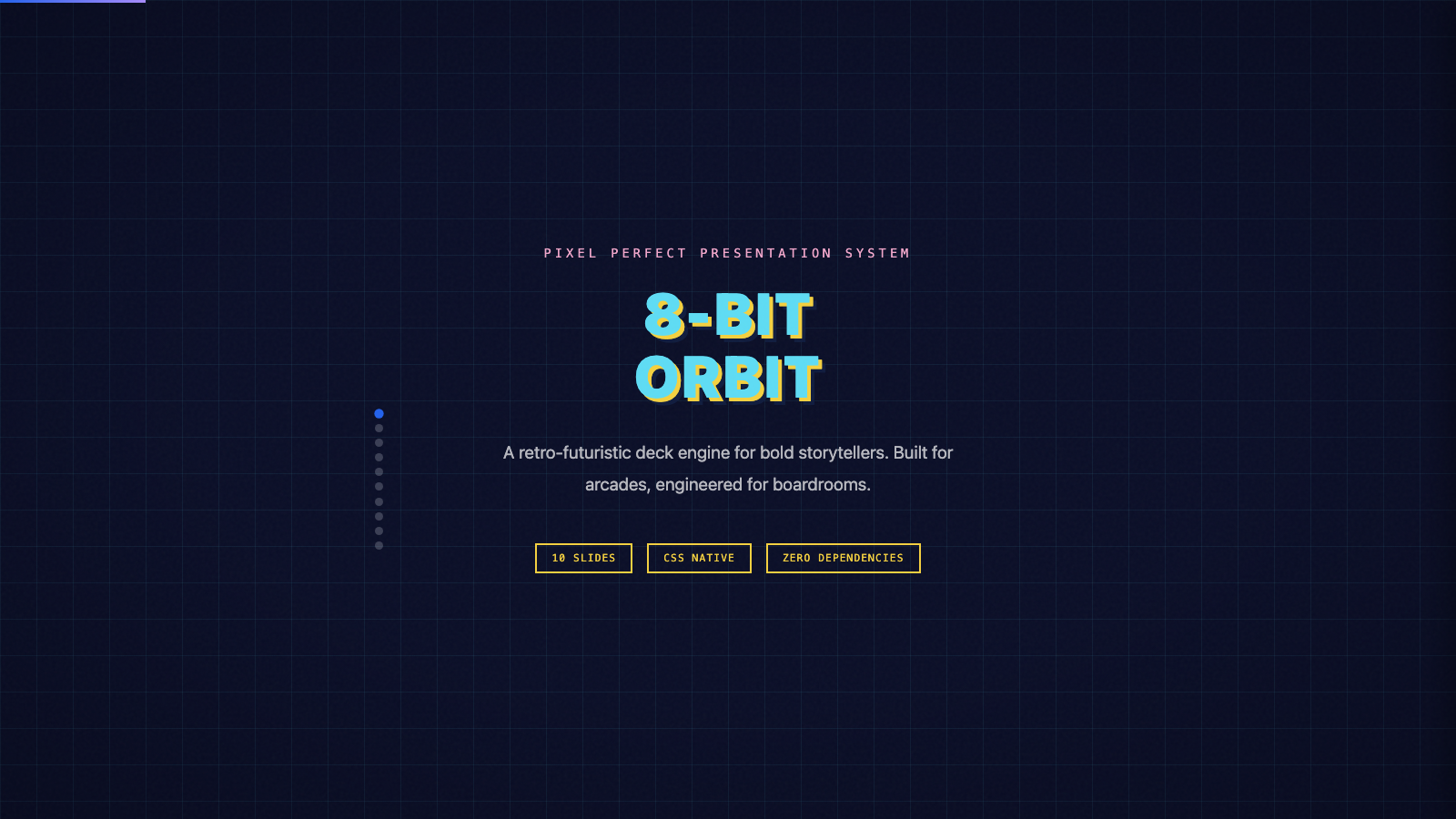
- 8-Bit Orbit (
8-bit-orbit) - Pixel-art neon arcade aesthetic on a deep navy void. - Biennale Yellow (
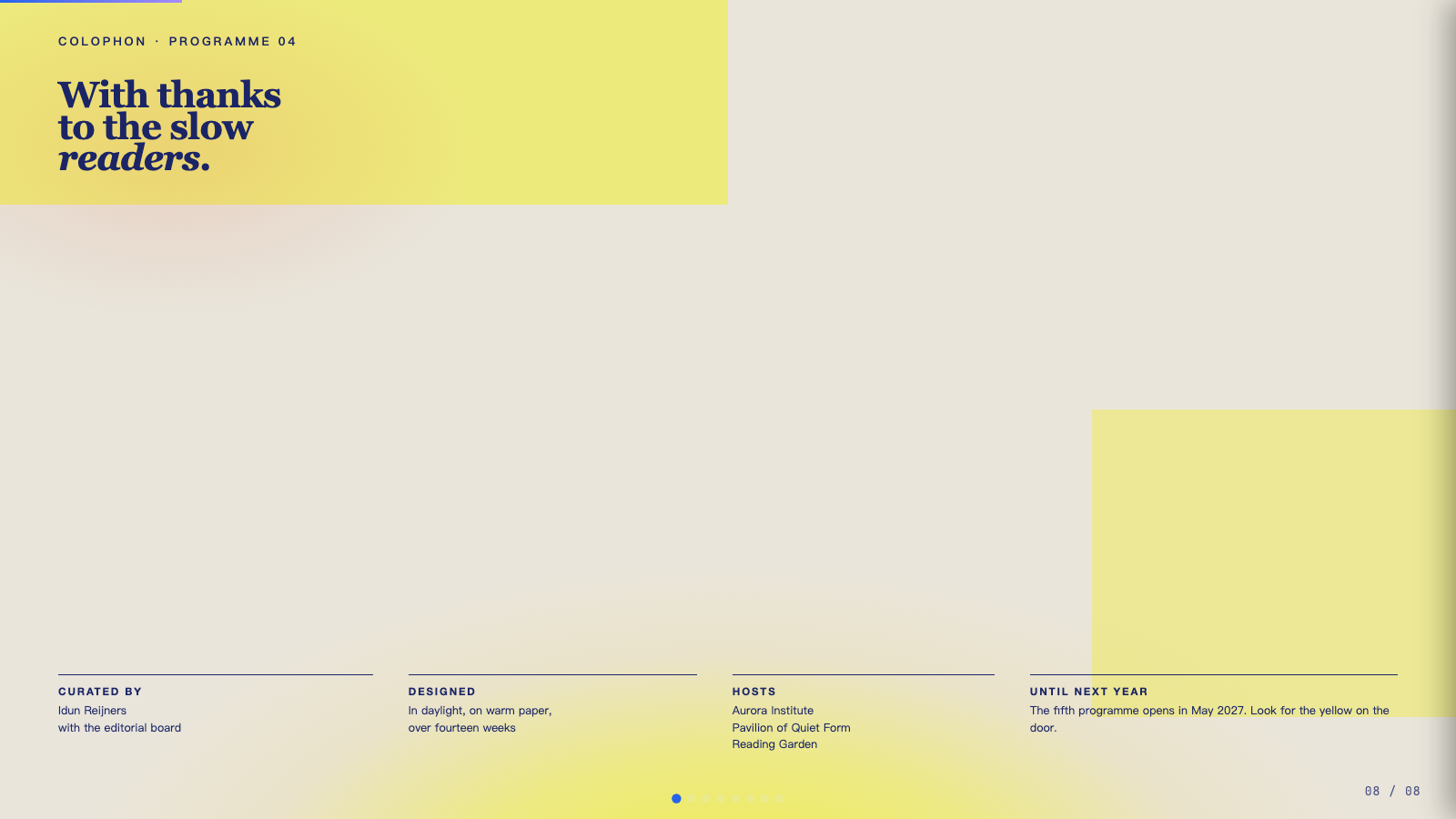
biennale-yellow) - Solar yellow on warm parchment with deep indigo serif and atmospheric sun-glow gradients. - BlockFrame (
block-frame) - Neobrutalist deck with pastel-neon color blocks and chunky black borders. - Blue Professional (
blue-professional) - Cream paper background with electric cobalt blue accents; clean modern professional. - Bold Poster (
bold-poster) - Editorial poster aesthetic with massive Shrikhand display and a single fire-engine red accent. - Broadside (
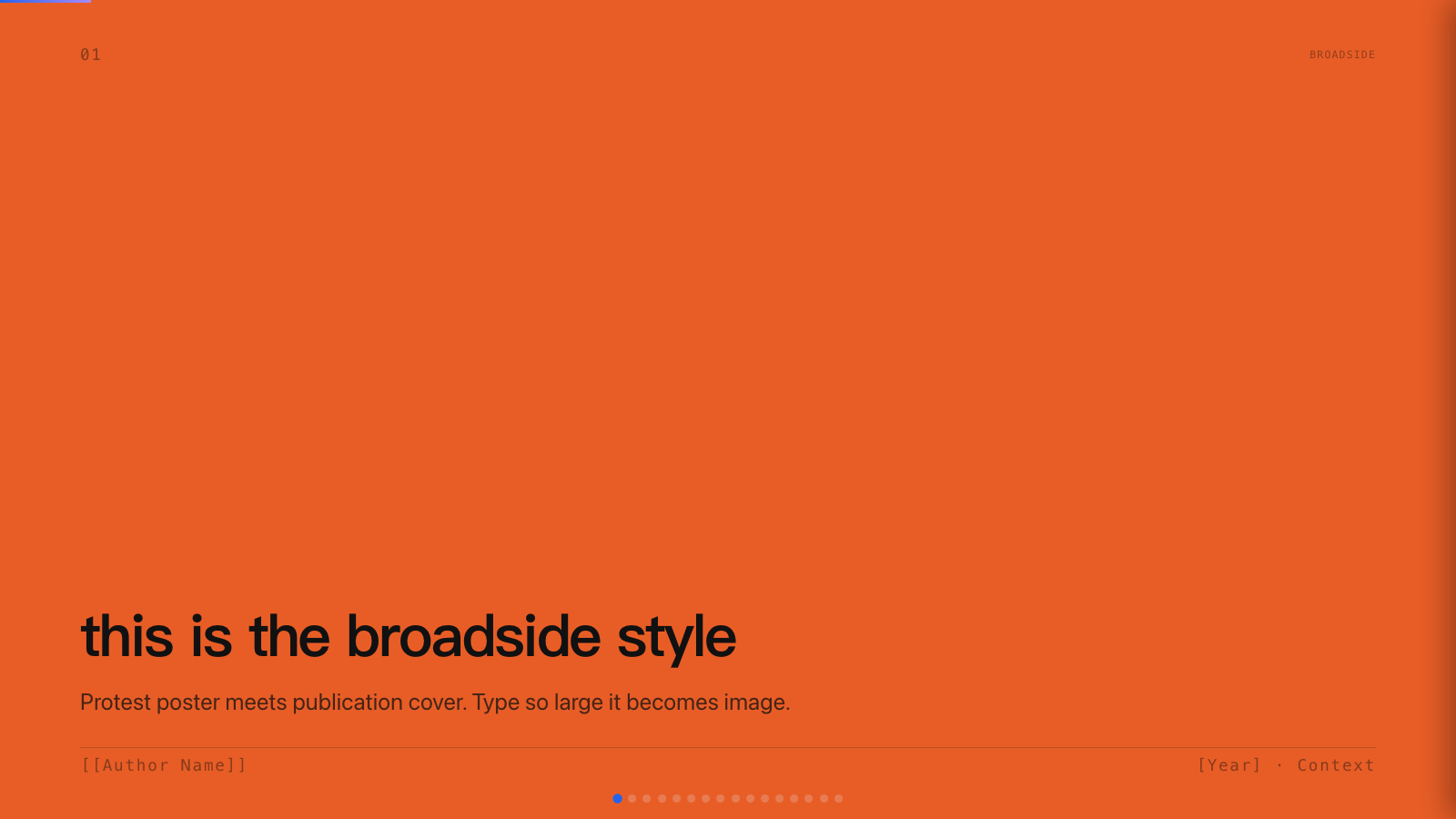
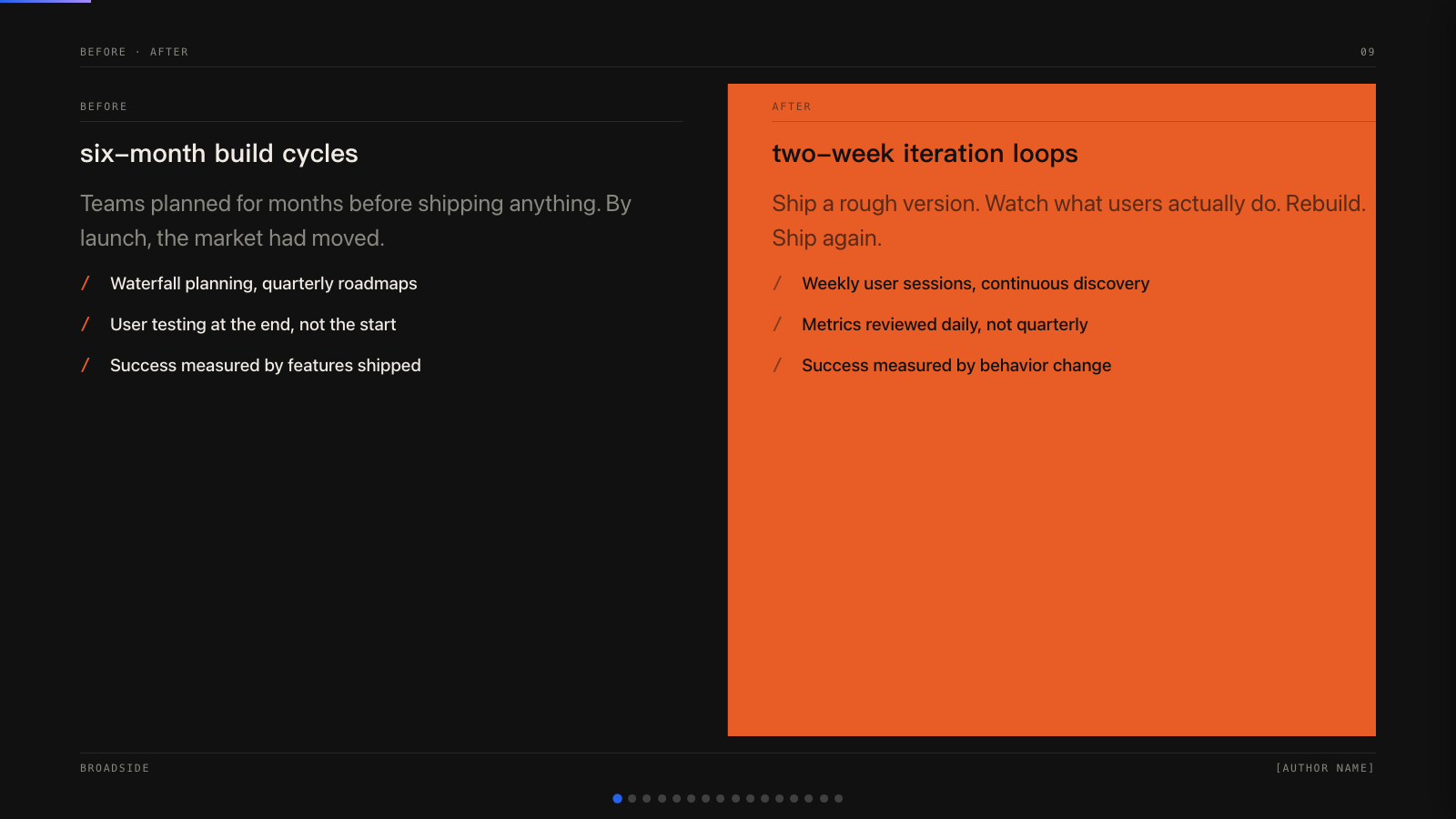
broadside) - Dark editorial canvas with a single fire orange accent and bilingual Latin/Chinese type stack. - Capsule (
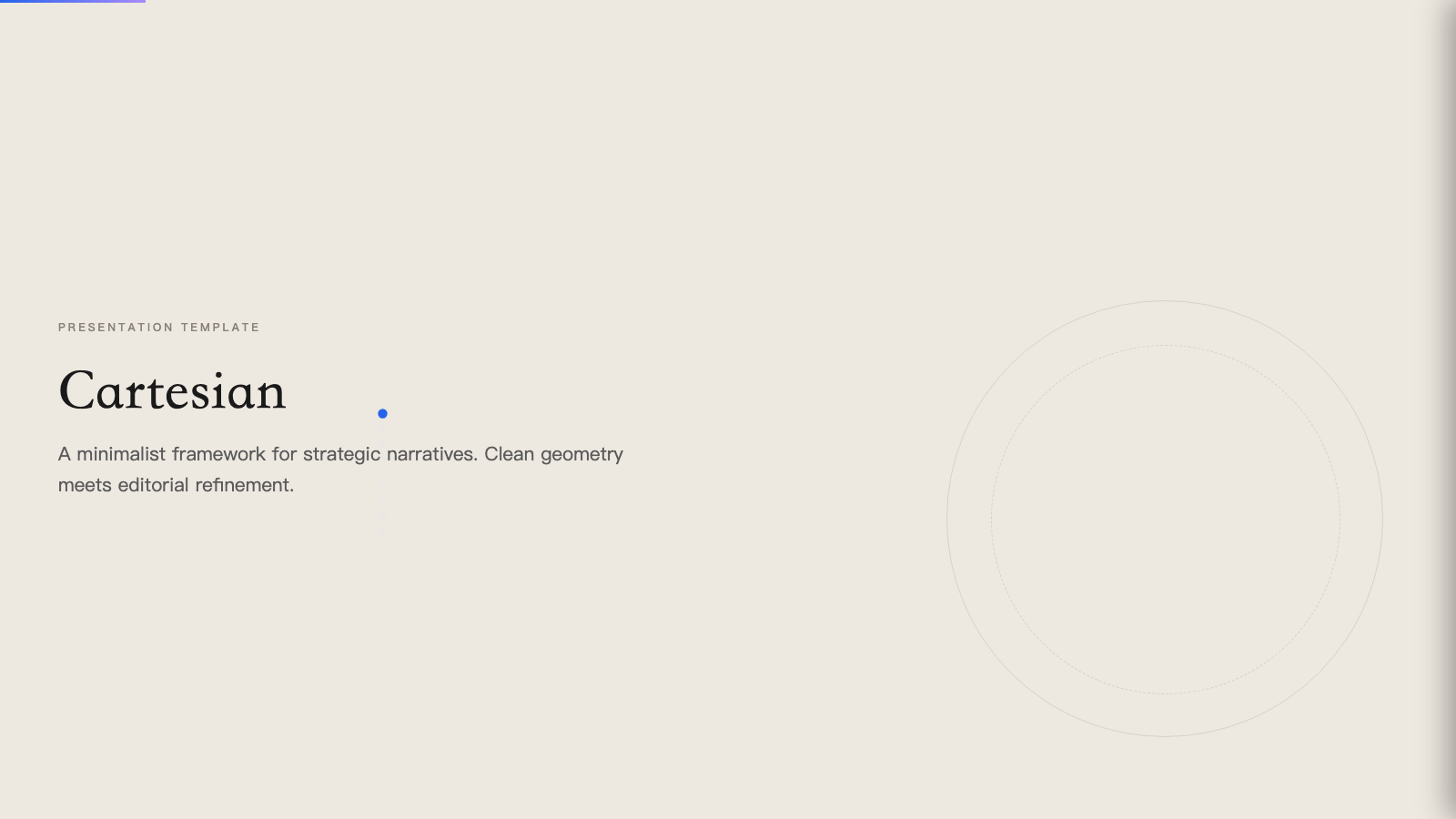
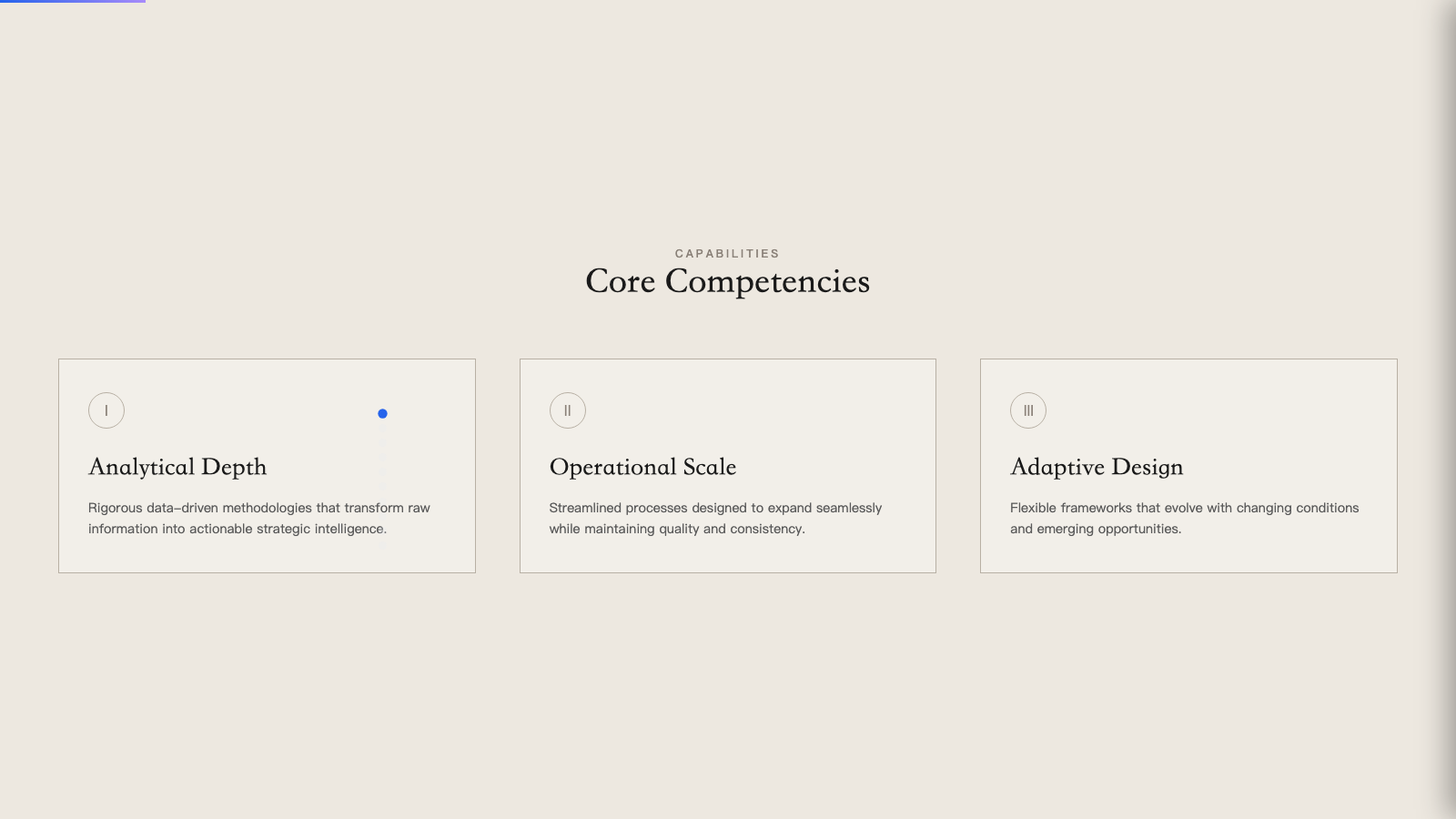
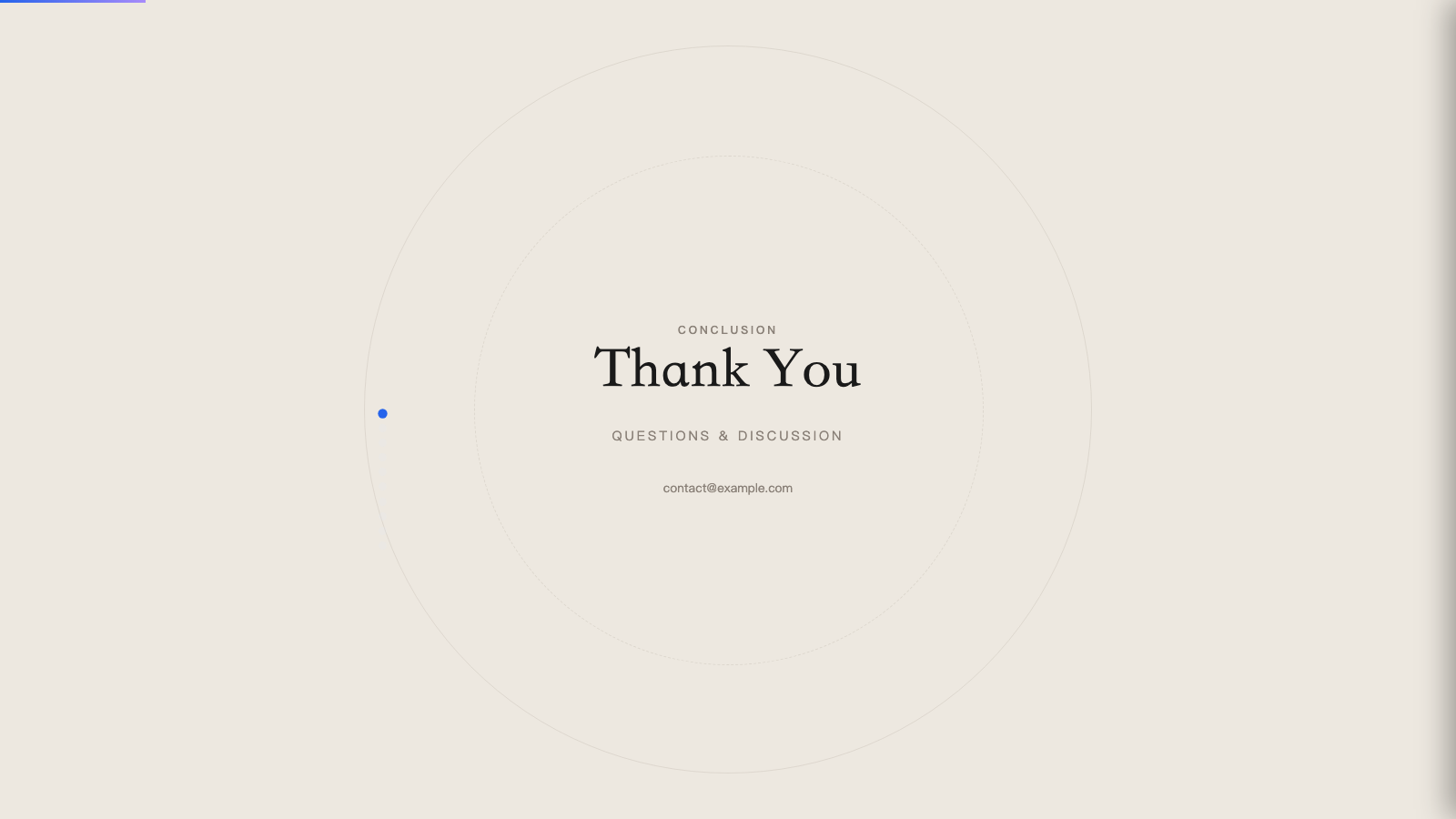
capsule) - Modular pill-shaped cards on warm bone with a full pastel-pop palette. - Cartesian (
cartesian) - Quiet warm-neutral palette with classical Playfair serifs; tasteful and unhurried. - Cobalt Grid (
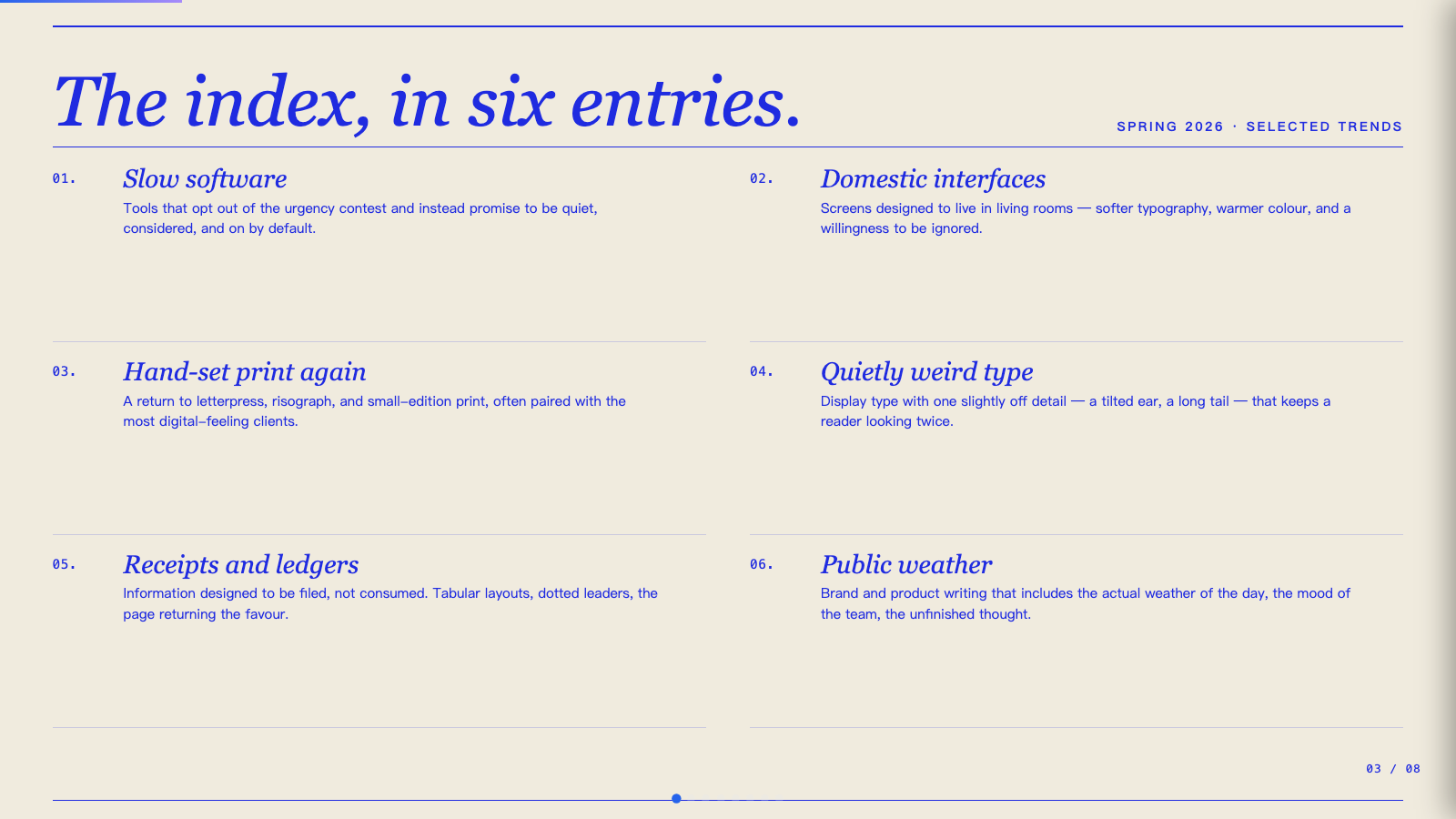
cobalt-grid) - Electric cobalt italic serifs on a graph-paper canvas, anchored by stair-stepped pixel-glitch decorations and slim hairline rules. - Coral (
coral) - Cream and coral on near-black, set in oversized Bebas Neue. - Creative Mode (
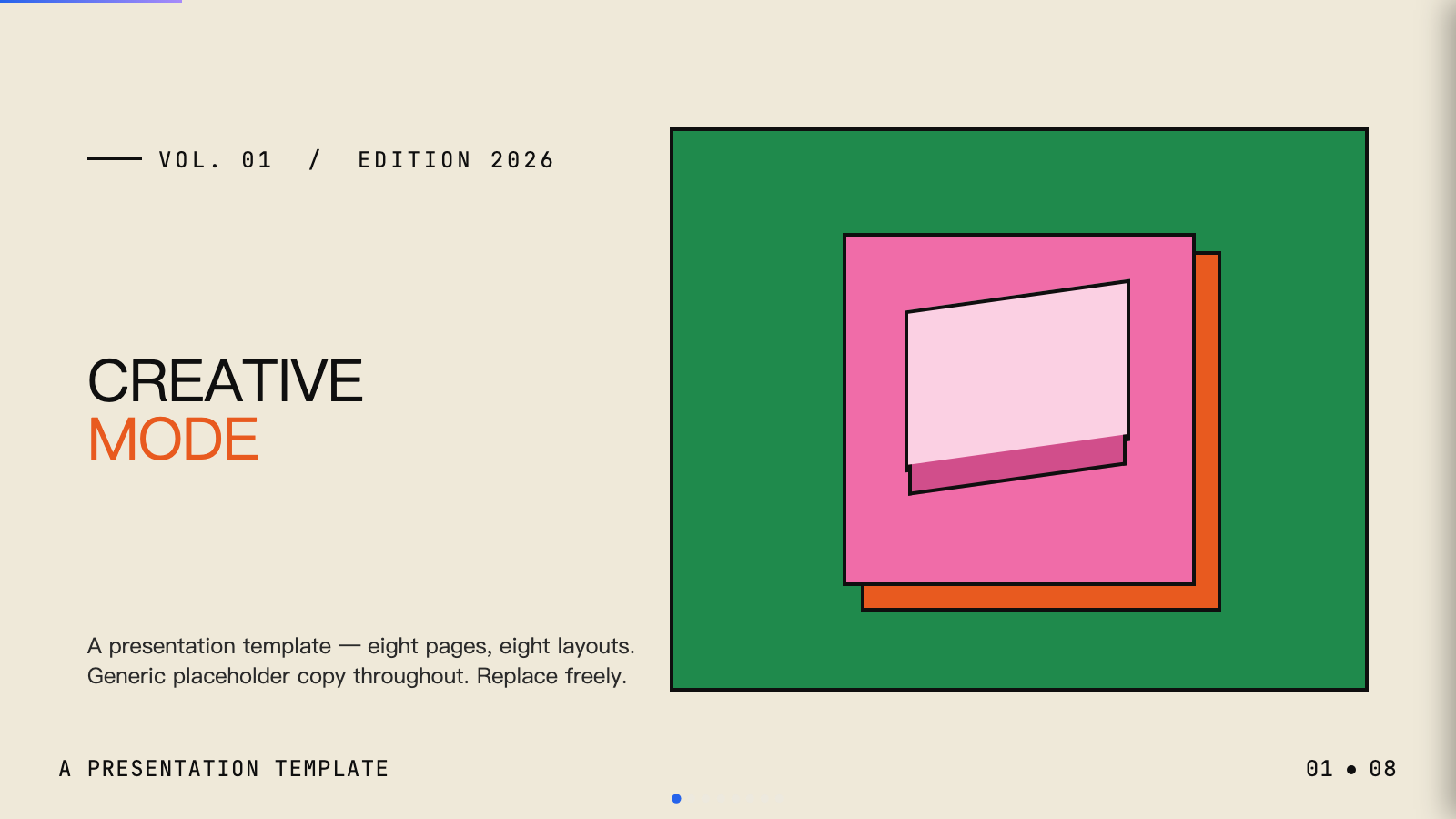
creative-mode) - Cream paper canvas with confident multi-color (green, pink, orange, yellow) accents and Archivo Black display. - Daisy Days (
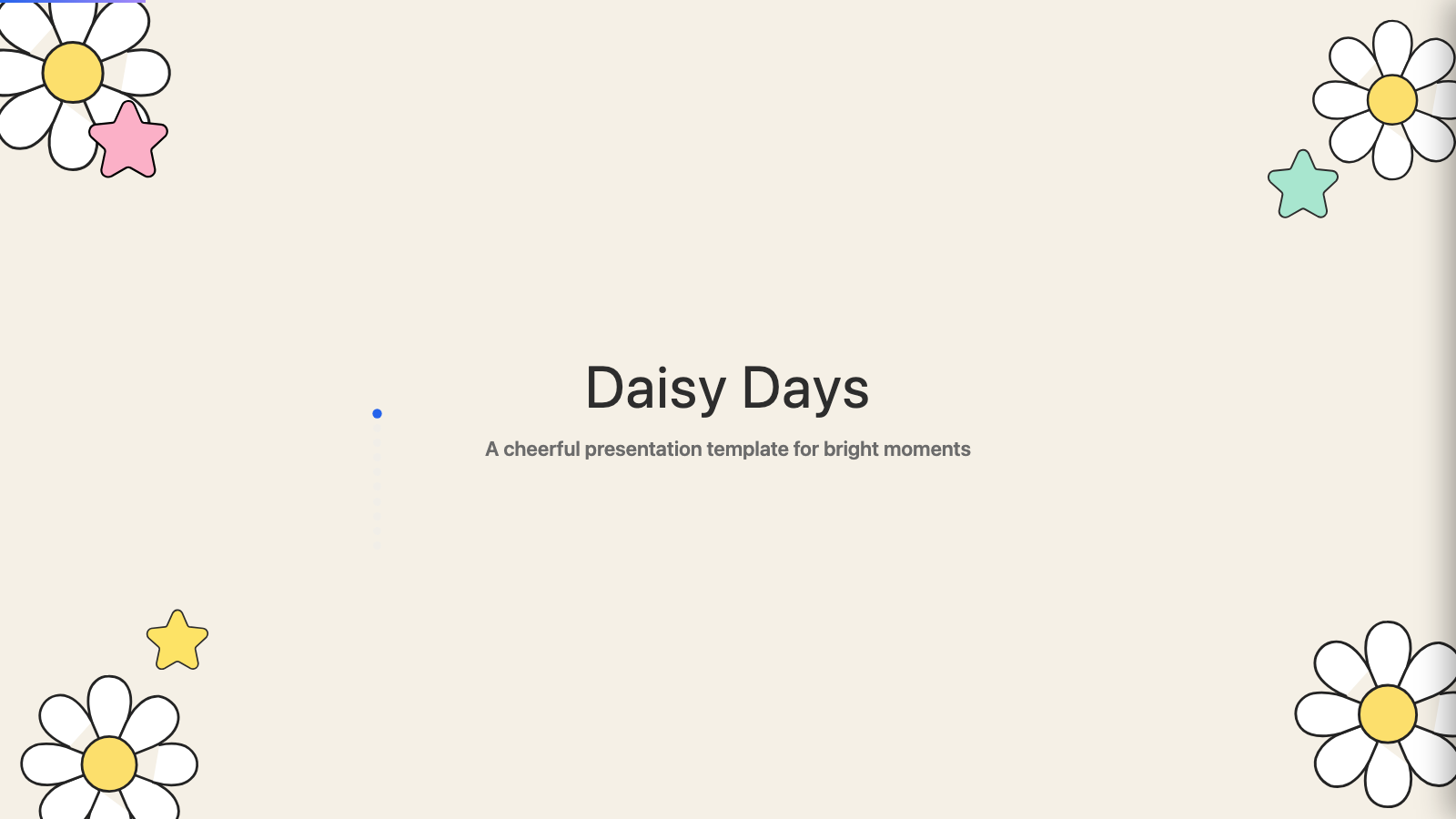
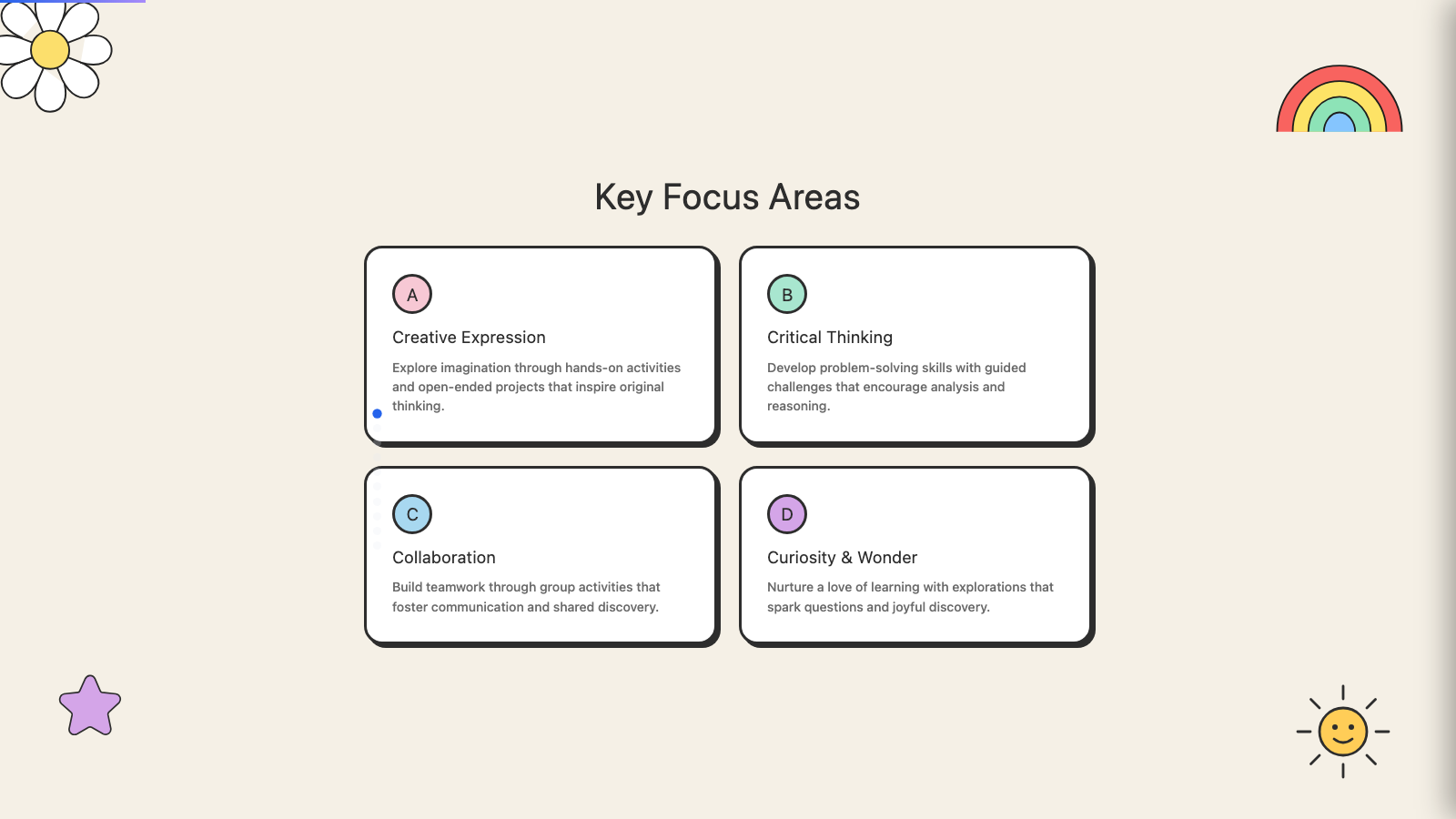
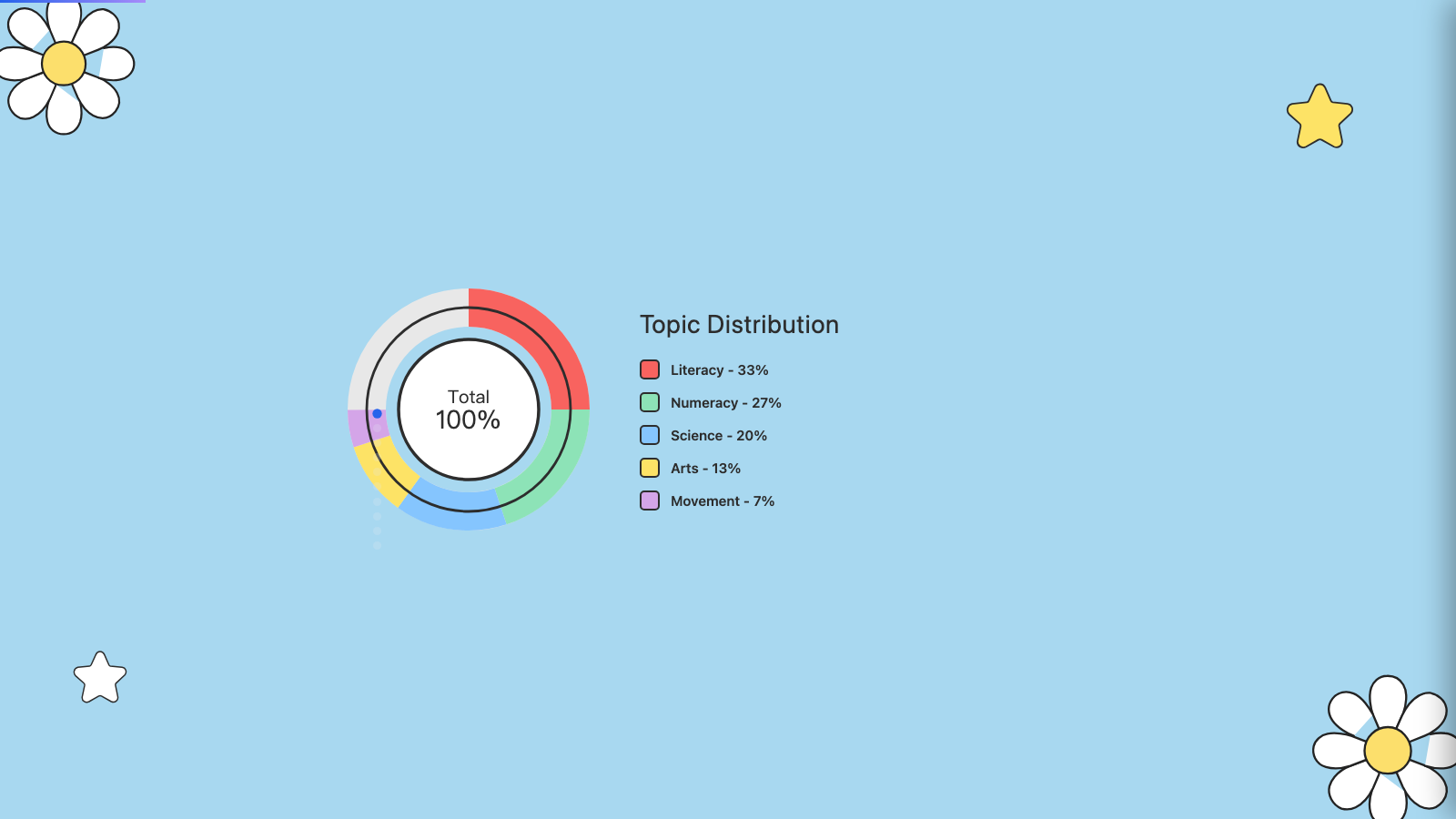
daisy-days) - Cheerful pastel deck with hand-drawn daisies, stars, and rainbows. Friendly, soft, and warm. - Editorial Forest (
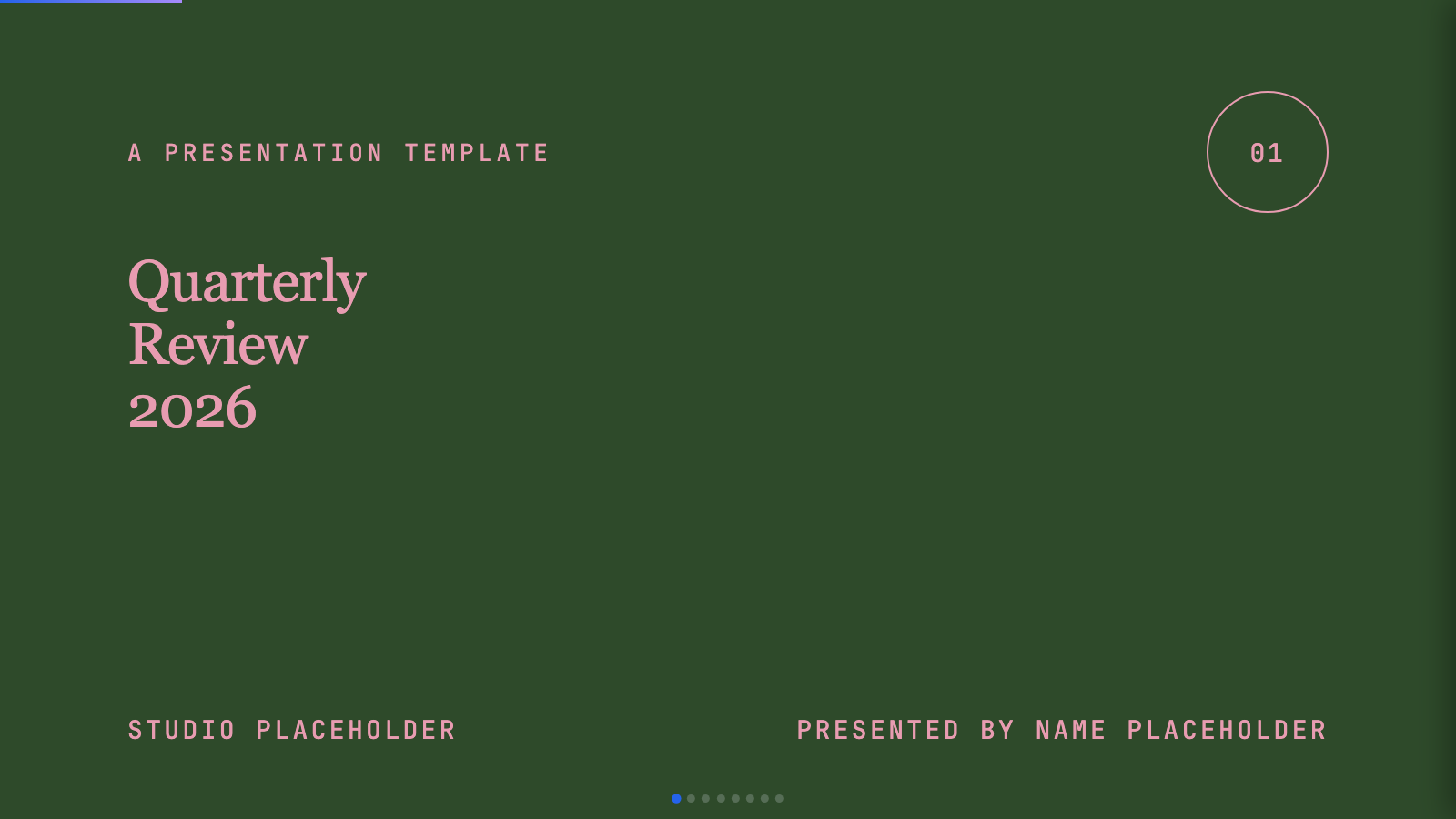
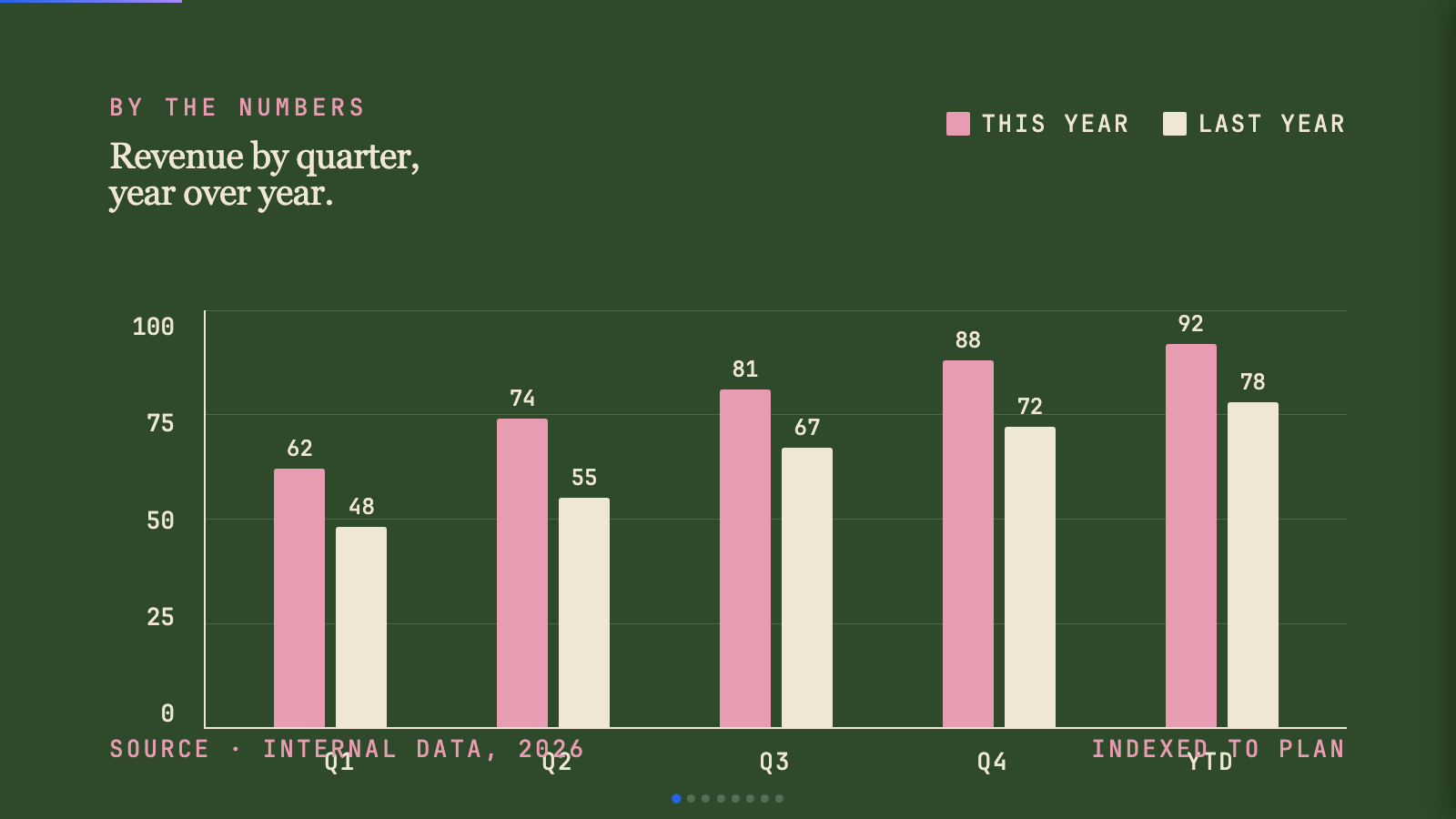
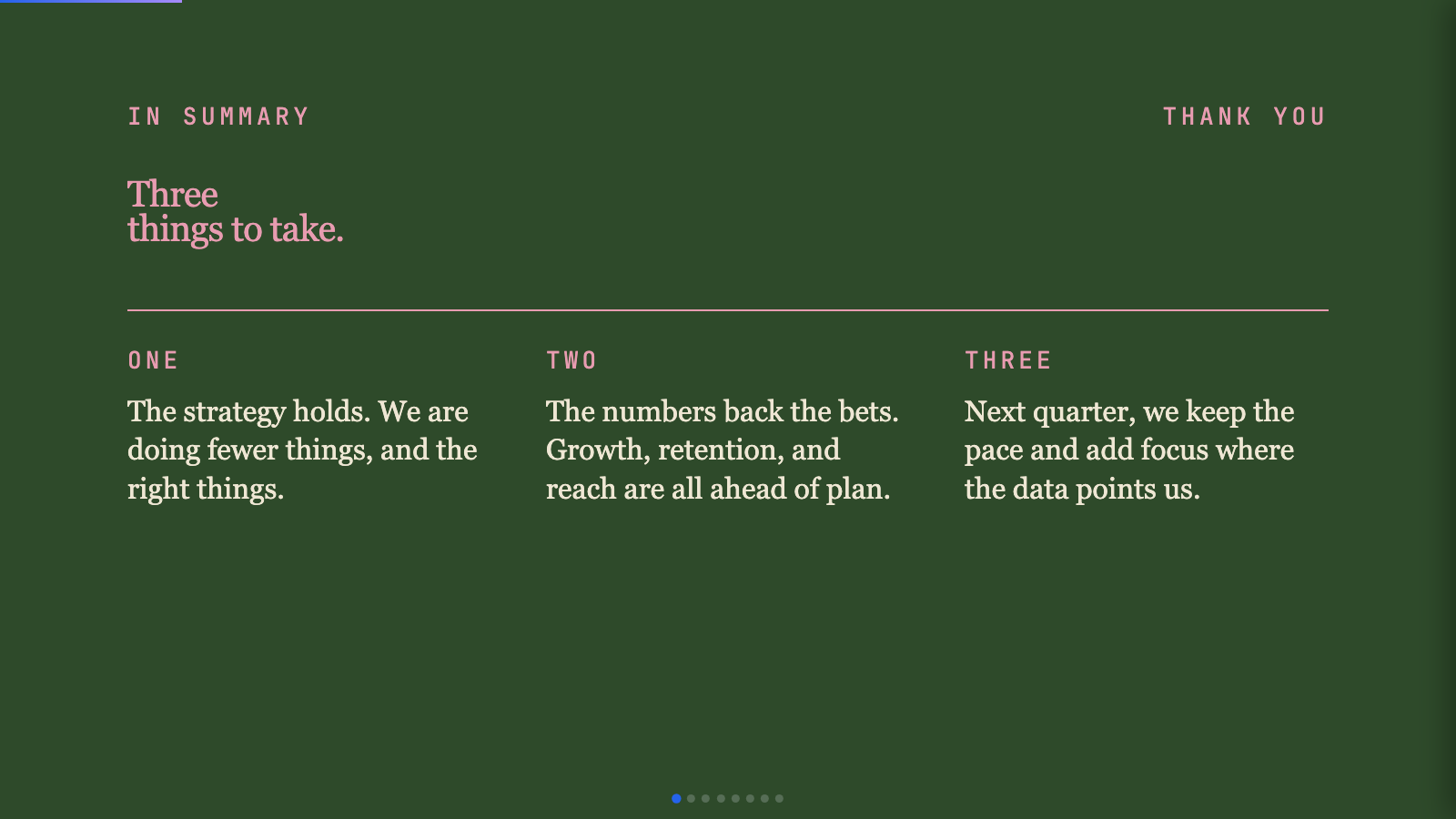
editorial-forest) - Forest green, dusty pink, and warm cream meet Source Serif 4 in a quiet, intentional quarterly-review deck. - Editorial Tri-Tone (
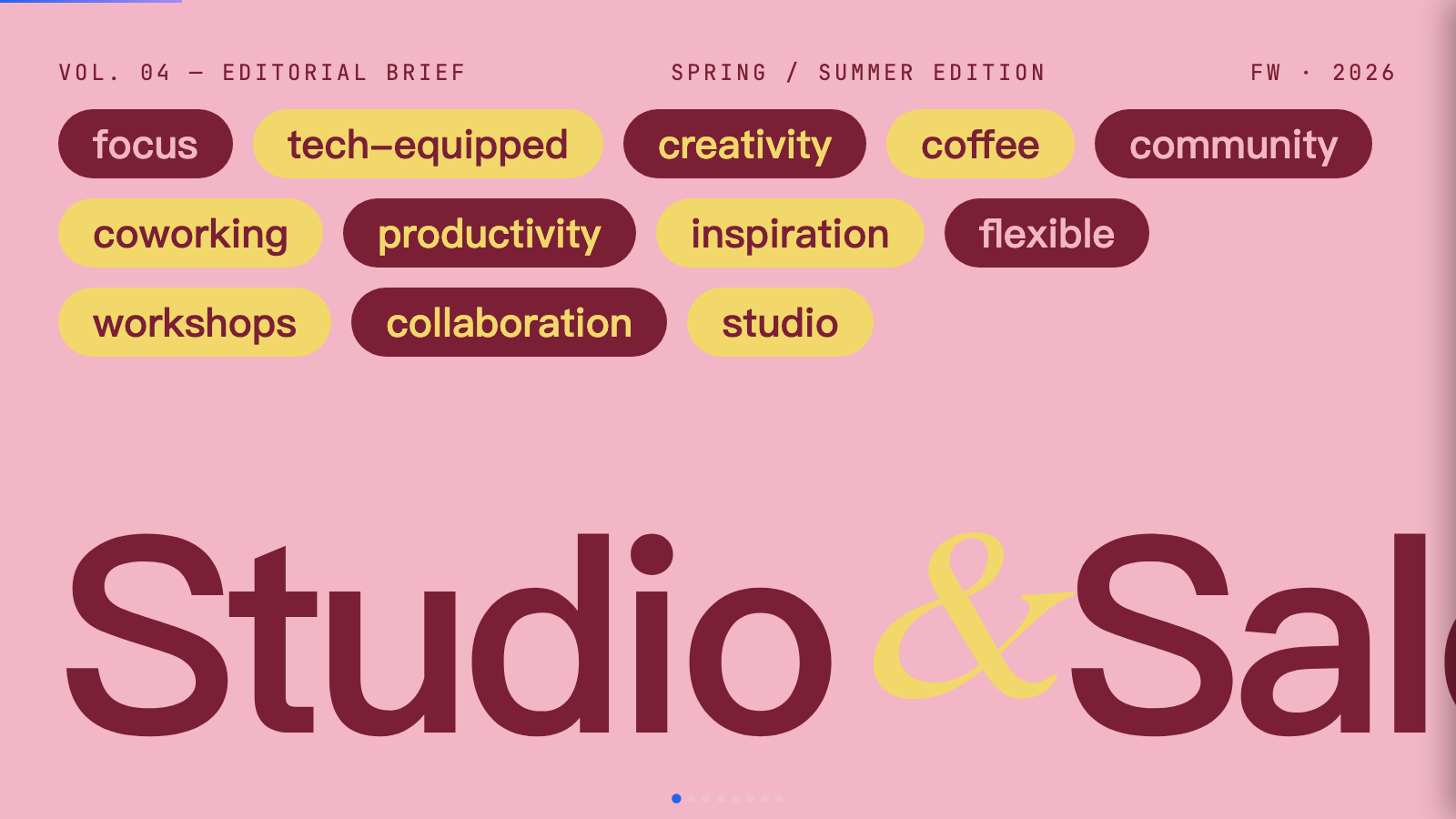
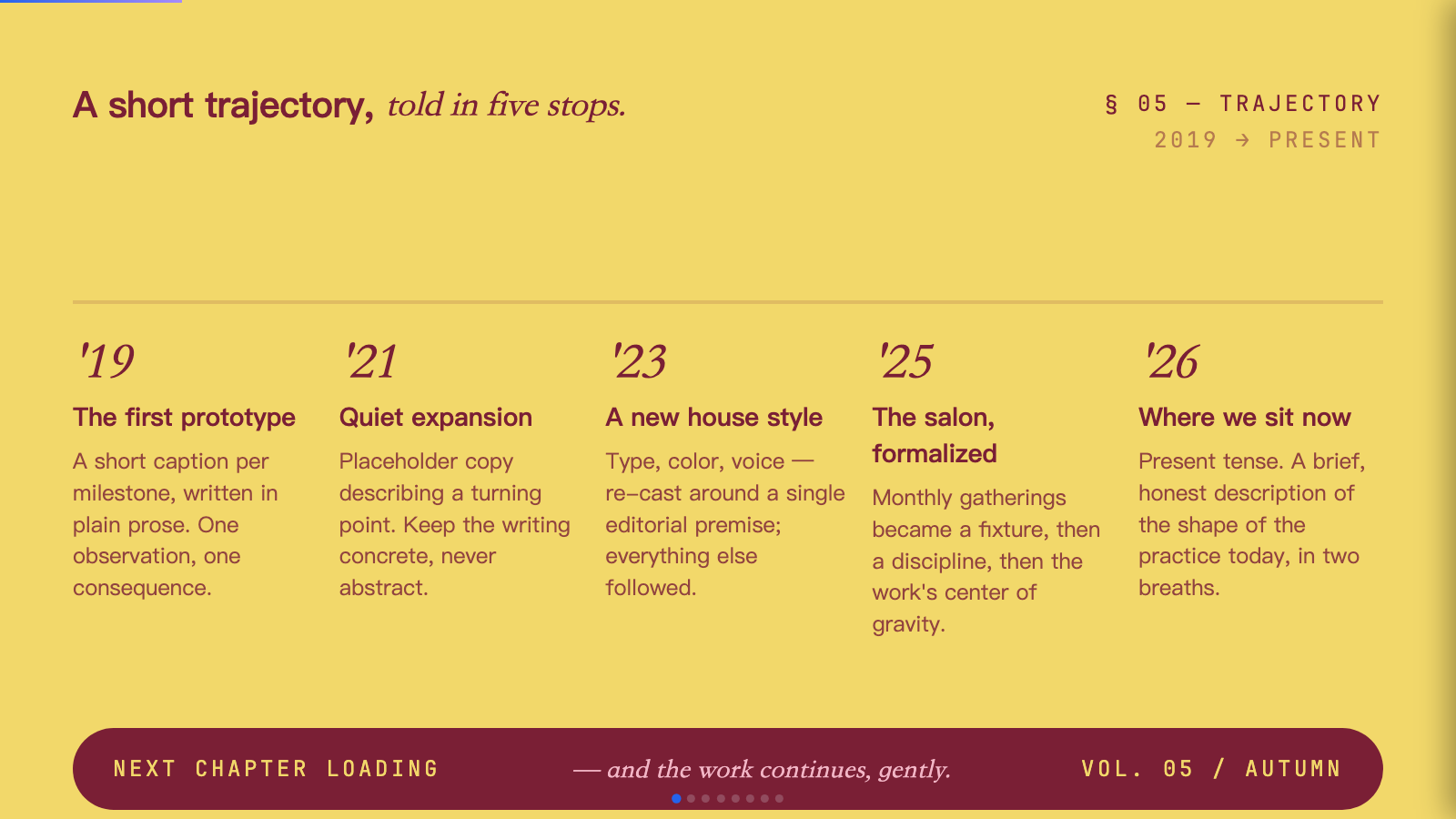
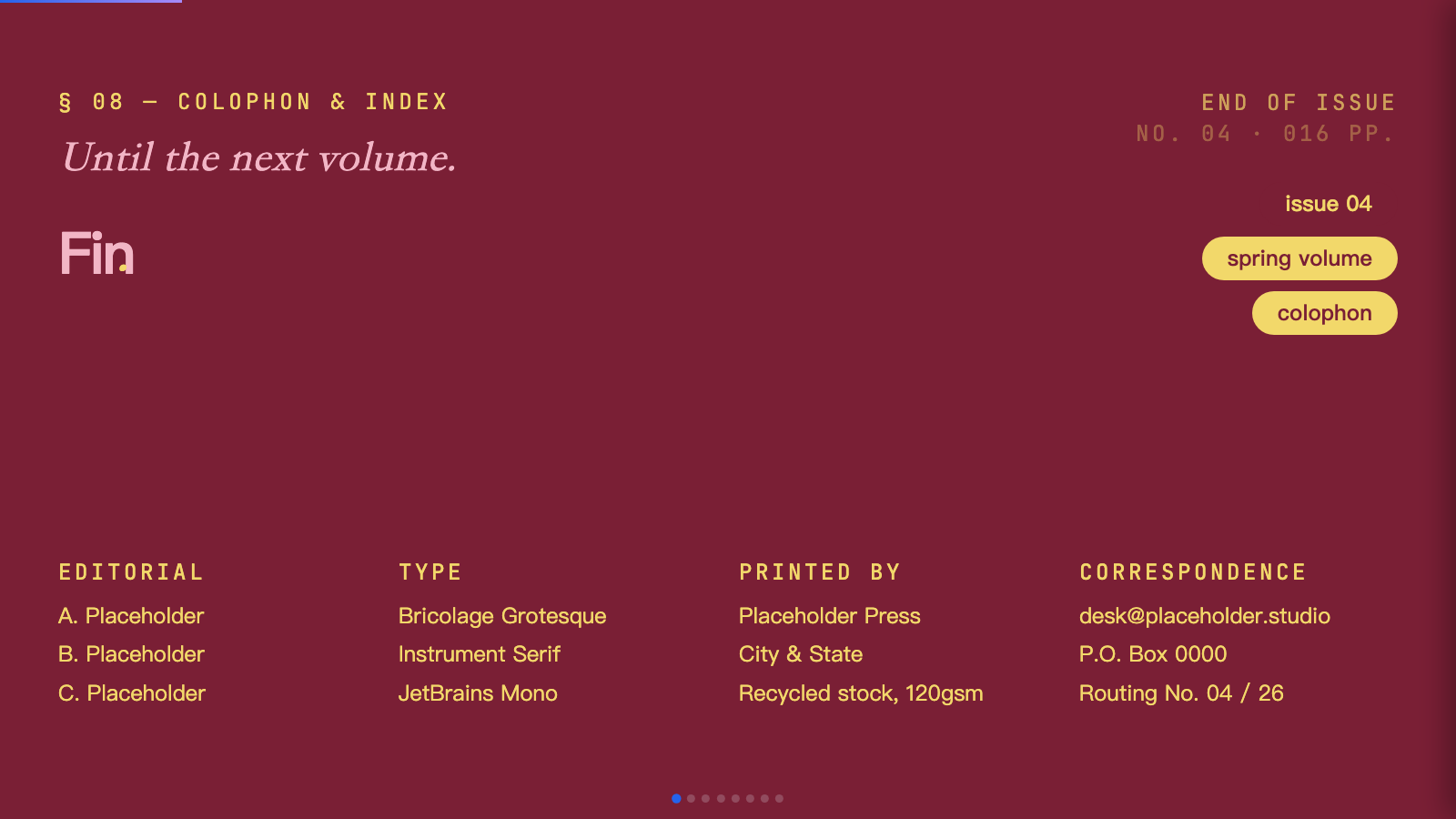
editorial-tri-tone) - Three-color editorial system: dusty pink, mustard cream, and deep burgundy, set in Bricolage + Instrument Serif. - Emerald Editorial (
emerald-editorial) - A magazine-cover business deck: emerald + navy + paper, double-rule masthead ornaments, and a bold Bodoni-style display serif. - Grove (
grove) - Forest-green canvas with cream type, classical Playfair serifs, and a single rust accent. - Long Table (
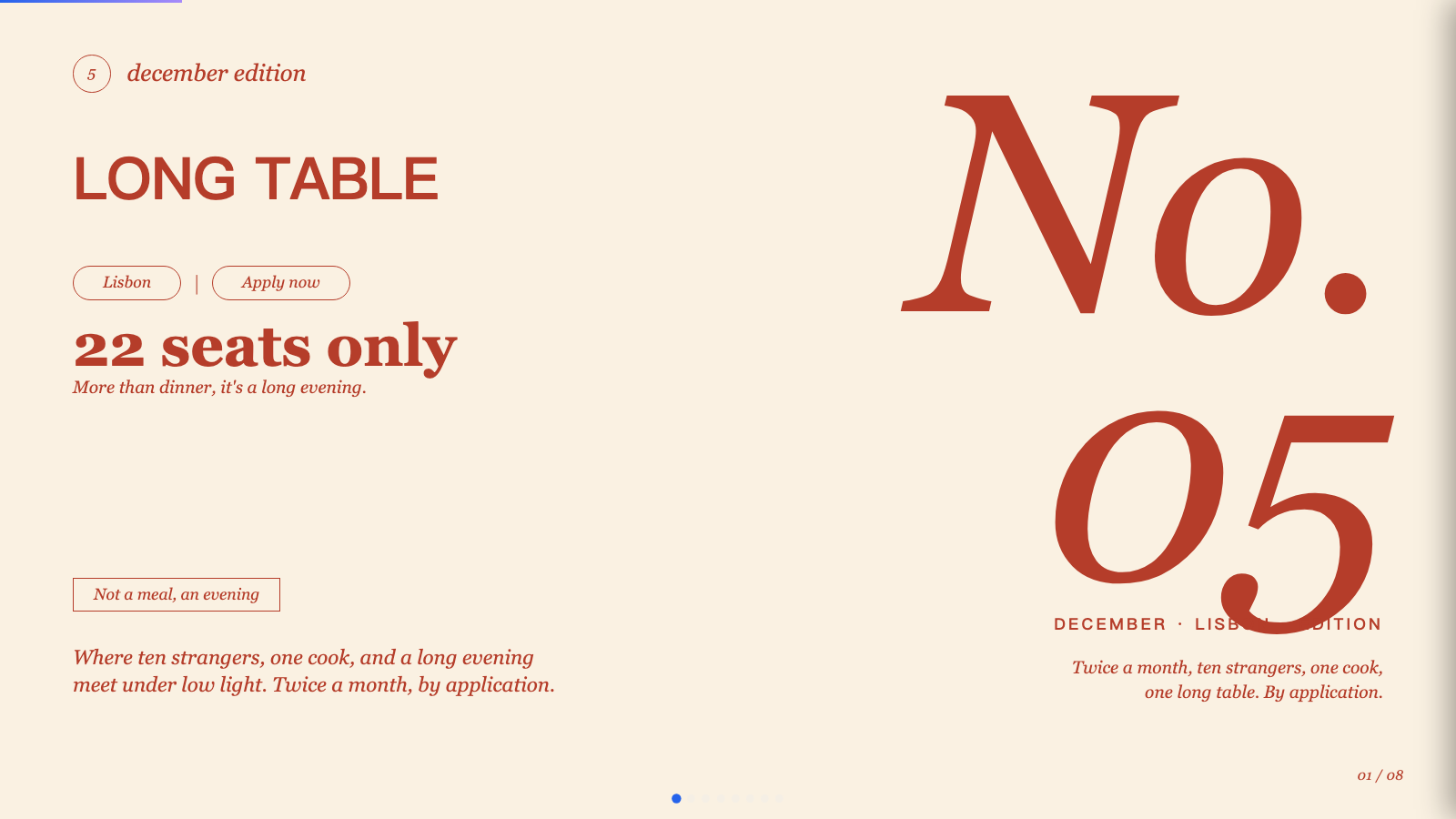
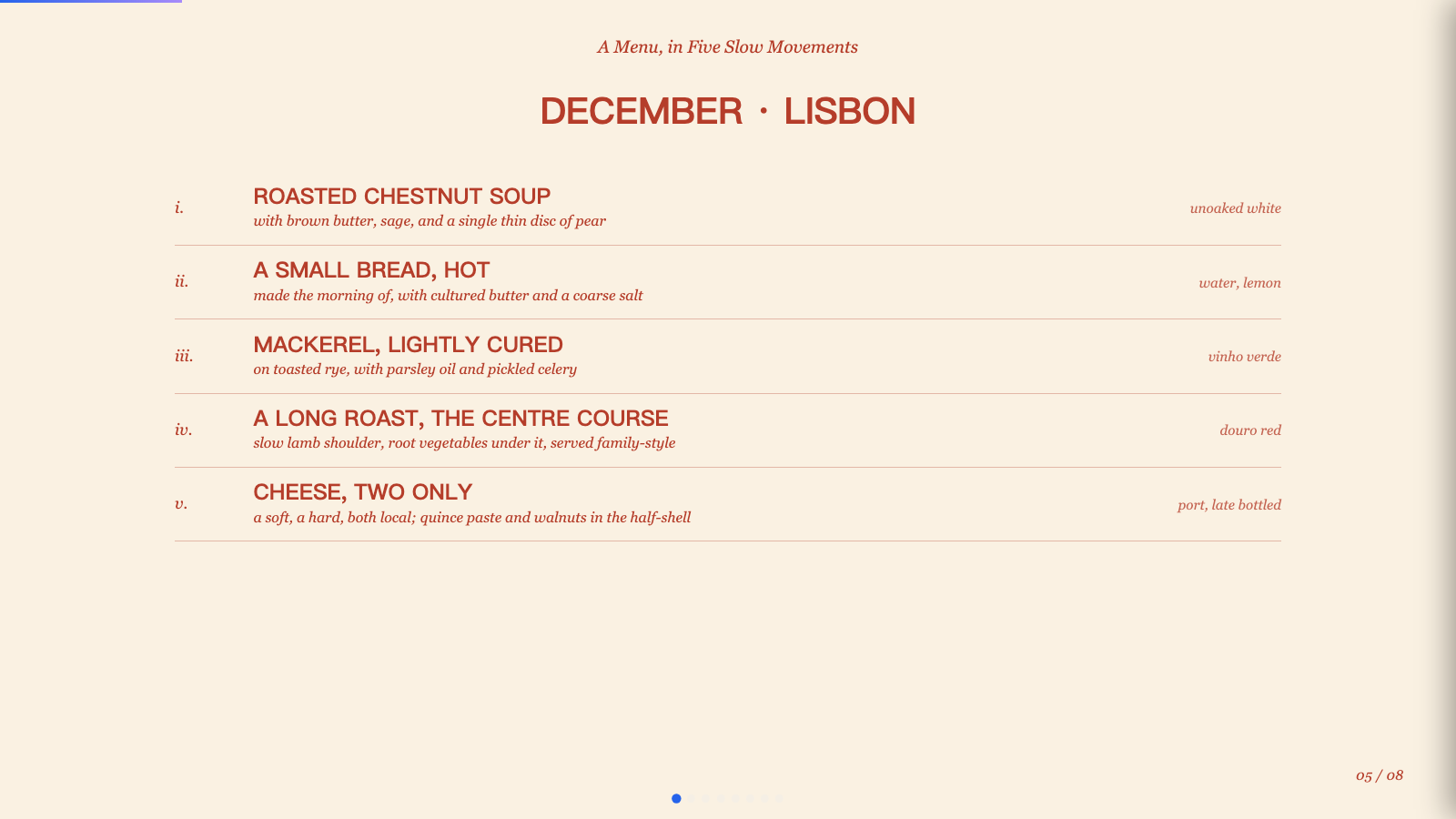
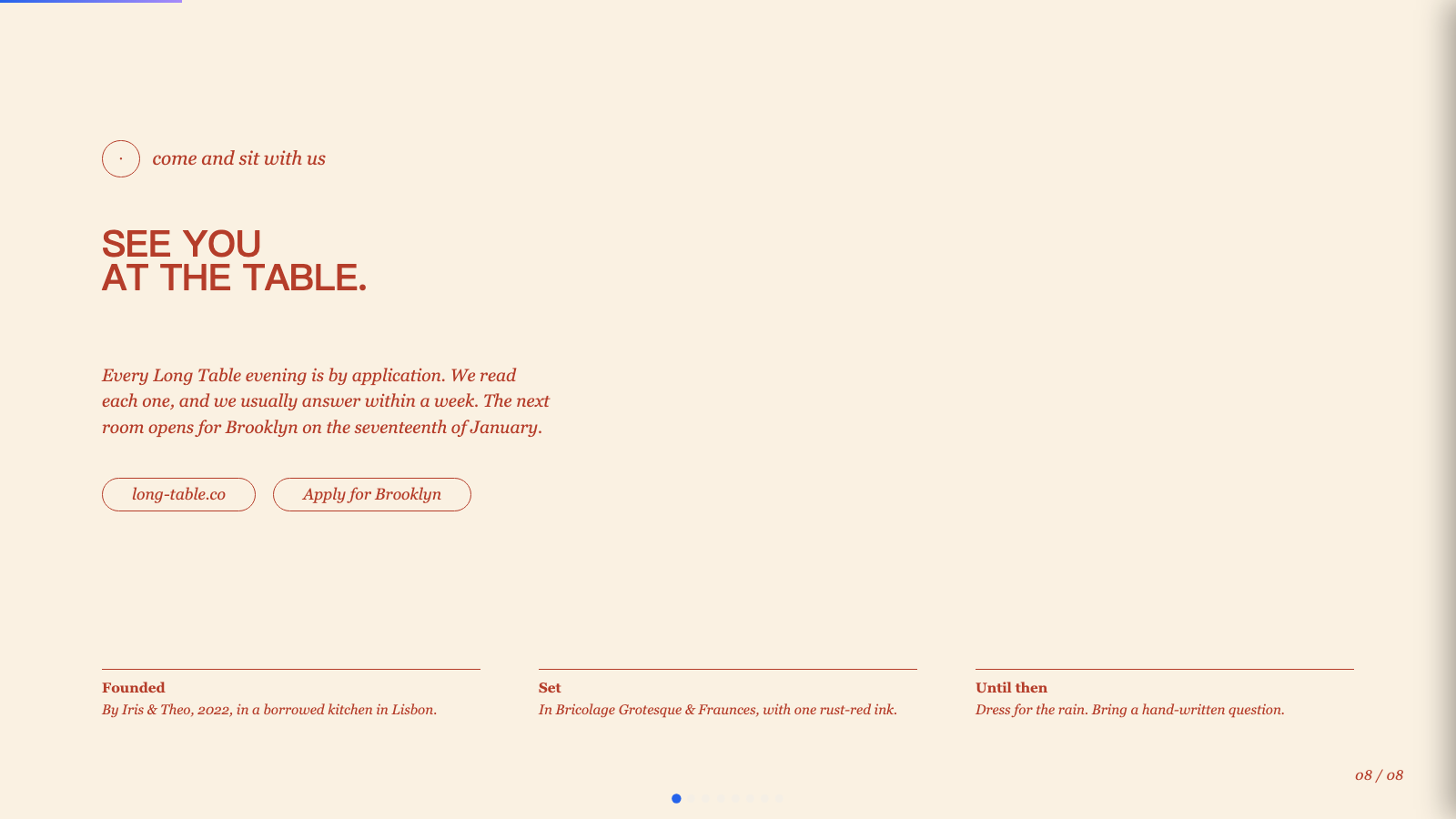
long-table) - Warm cream and rust-red supper-club aesthetic with bold uppercase grotesk headlines, italic Fraunces, and pill-shaped outlined buttons. - Mat (
mat) - Dark sage canvas with bone paper and burnt-orange accent; mid-century modern with wood undertones. - Monochrome (
monochrome-ledger) - Ivory ledger paper with all-black type; Lora serif headlines, Jost body, no color at all. - Neo-Grid Bold (
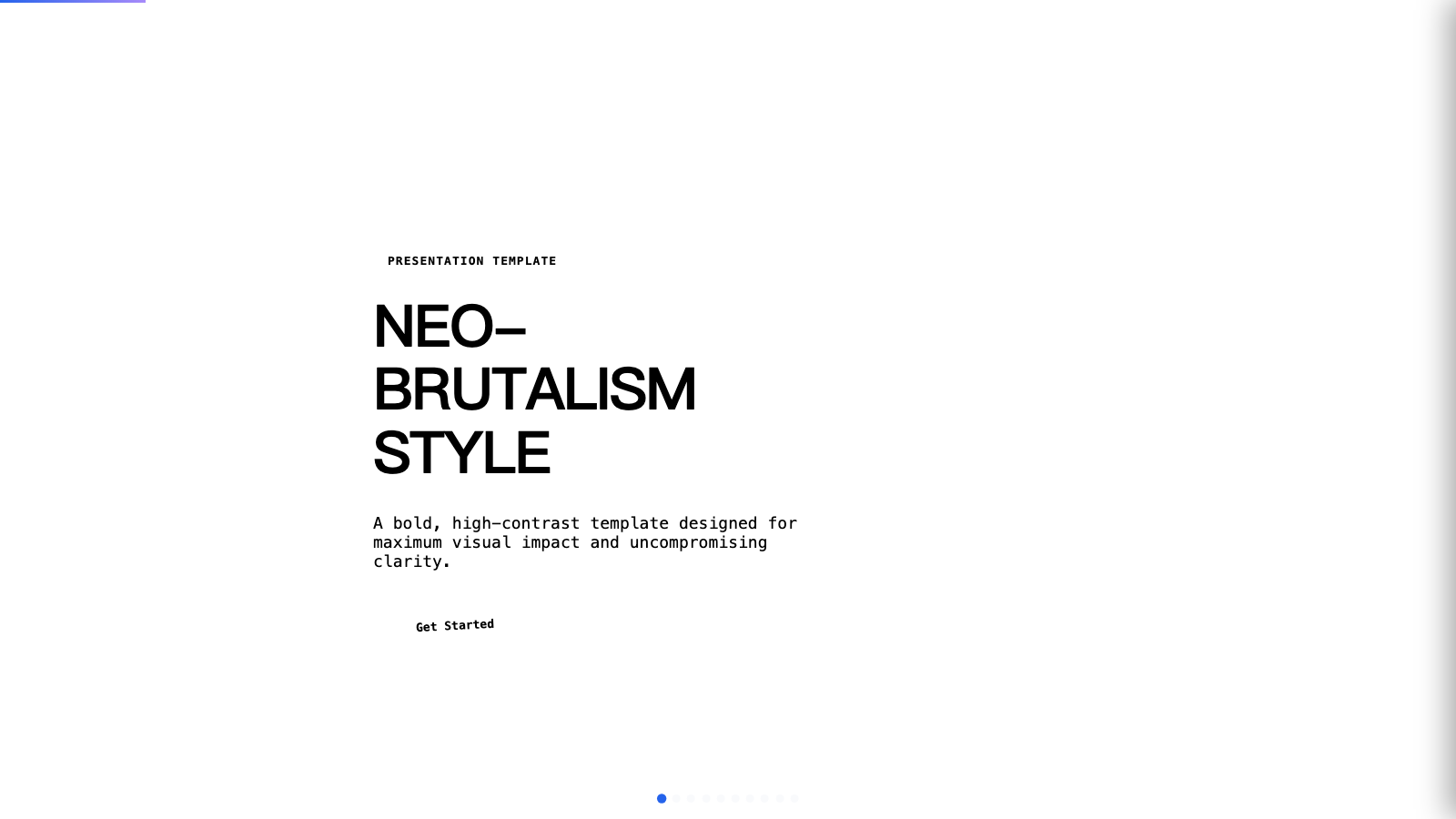
neo-grid-yellow) - Editorial neo-brutalism with a single neon yellow accent on off-white paper. - People's Platform (Block & Bold) (
peoples-platform) - Activist poster energy: blue, orange, red on cream, with Alfa Slab + Caveat Brush. - Pin & Paper (
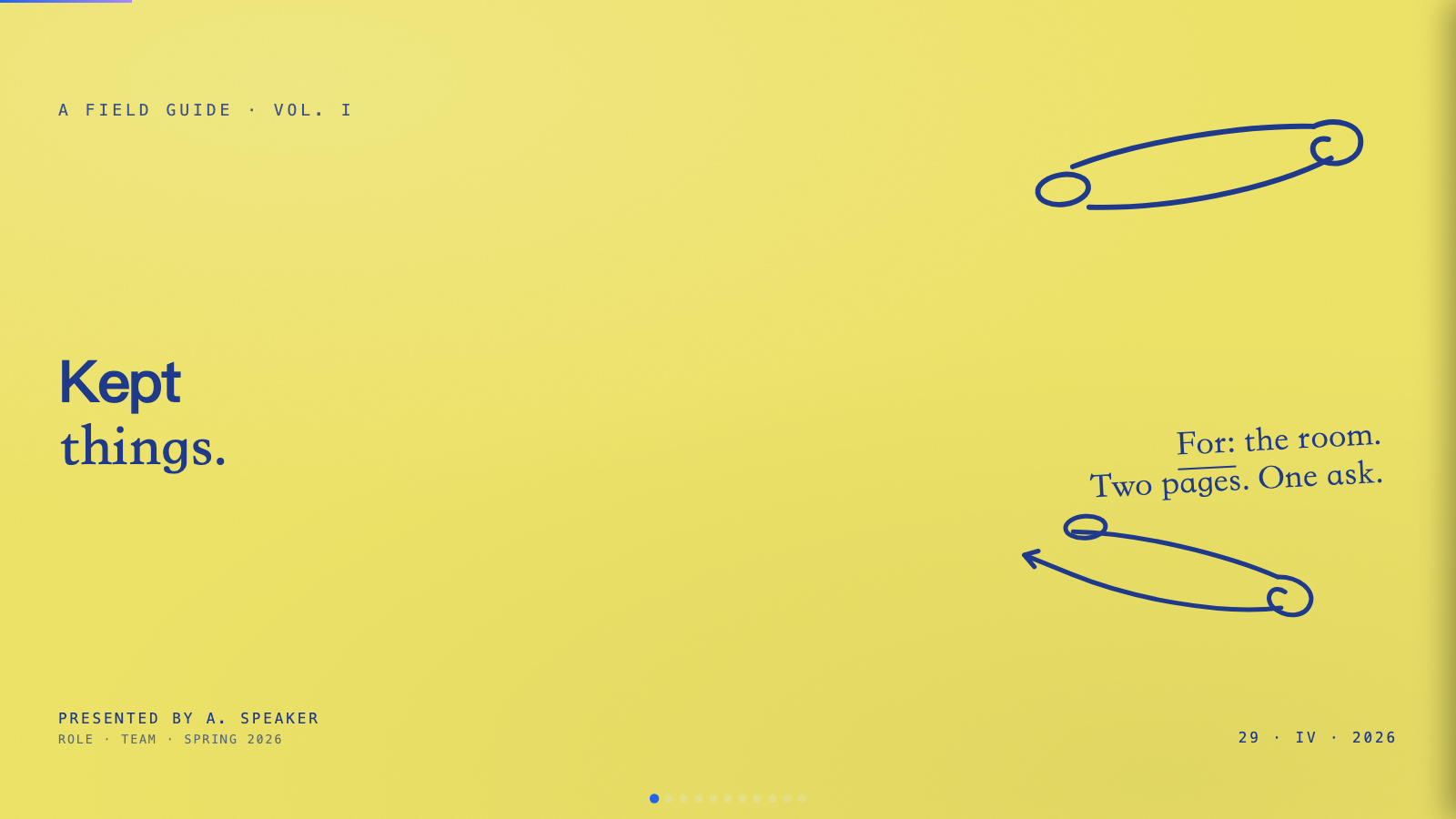
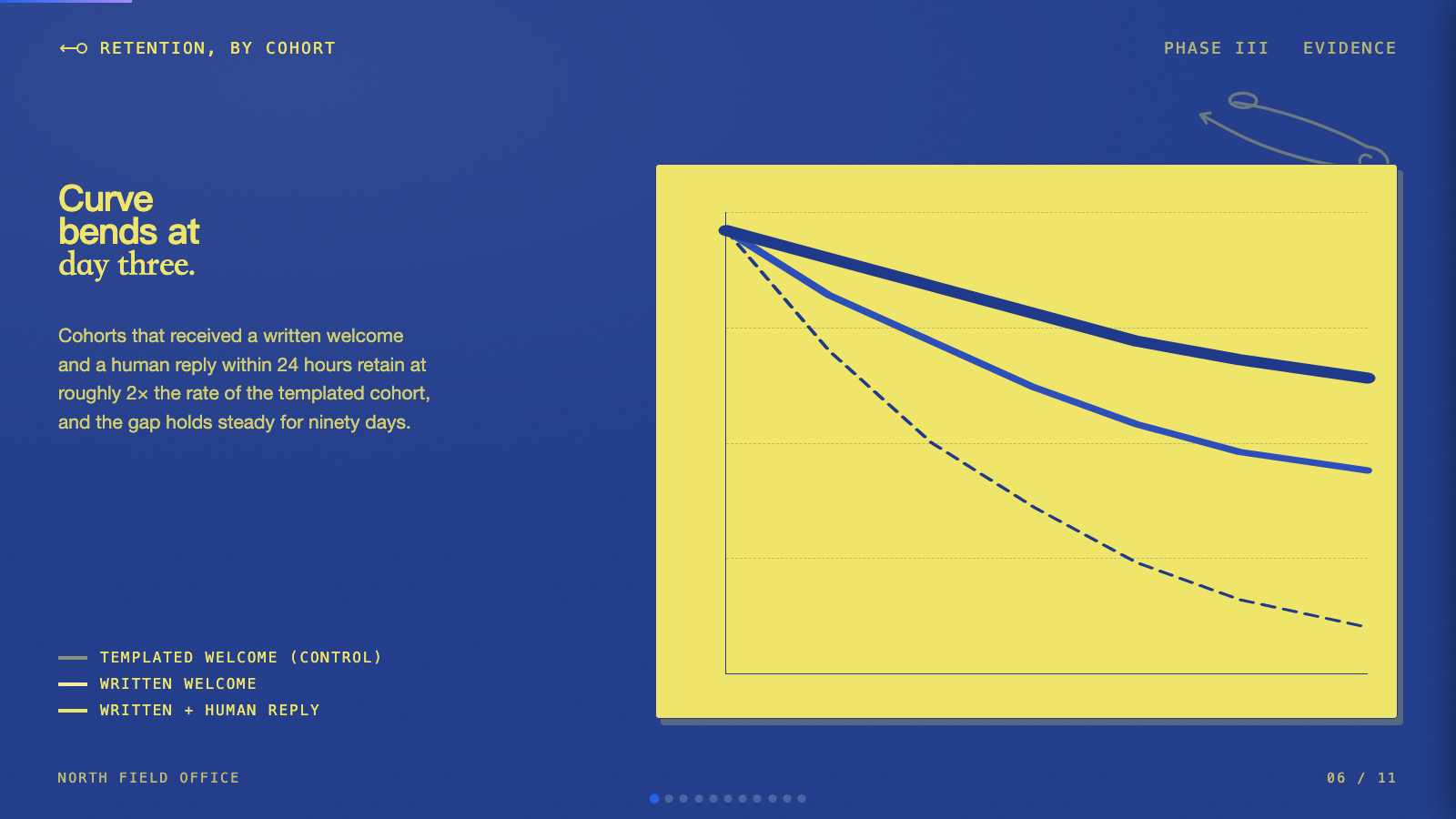
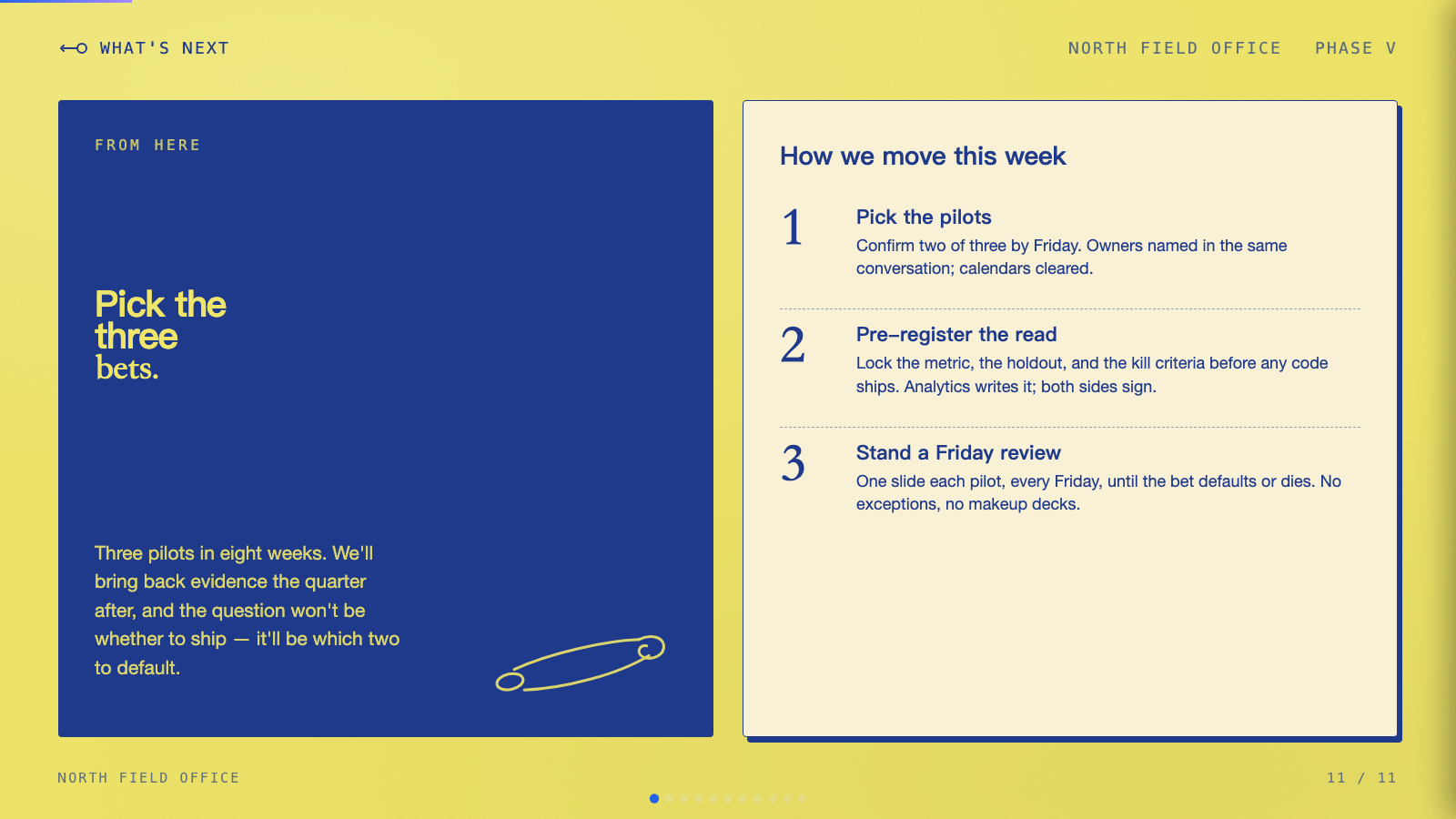
pin-and-paper) - Yellow paper with safety-pin illustrations, ink-blue handwritten Caveat, paper-grain texture. - Pink Script — After Hours (
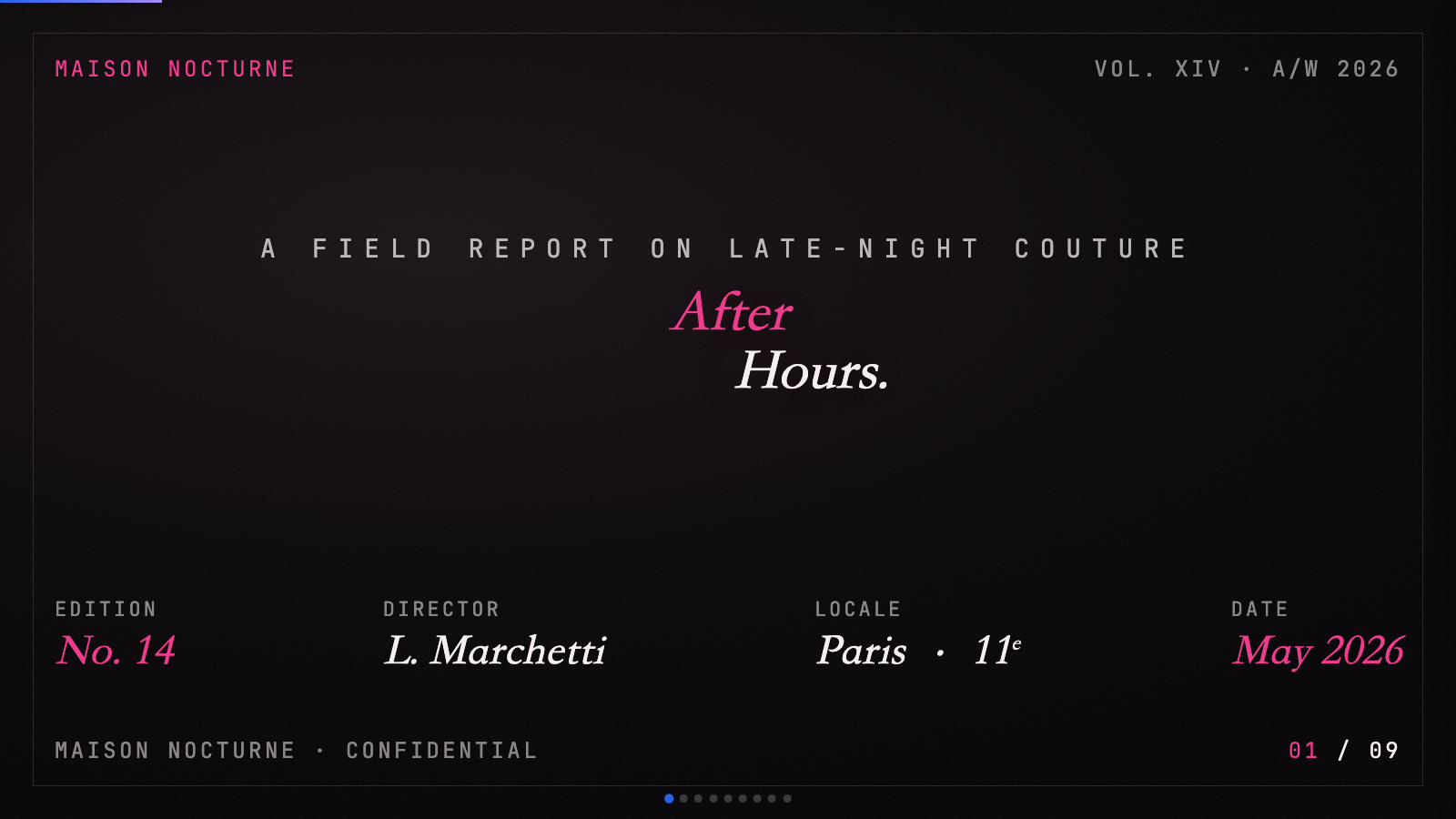
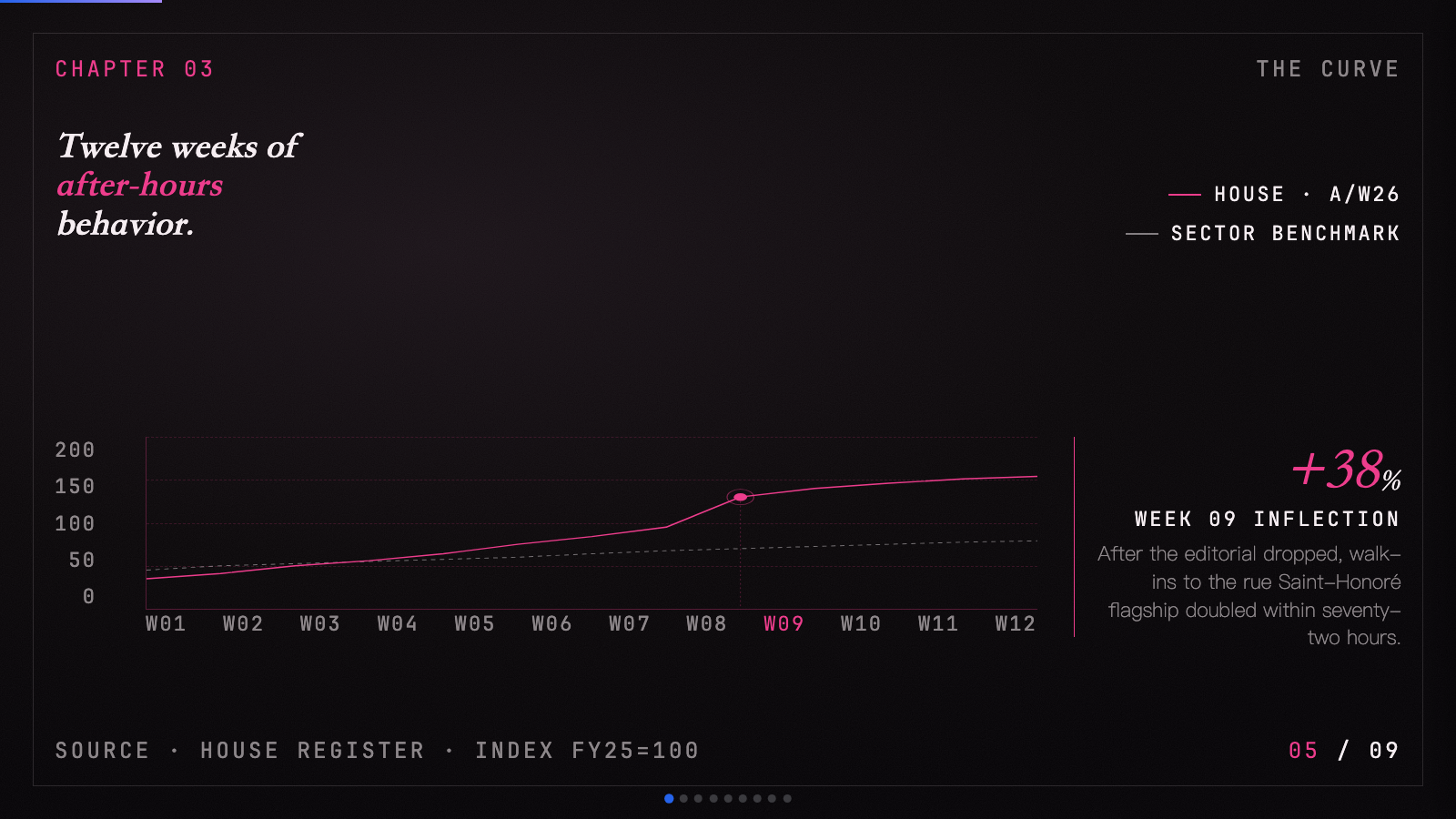
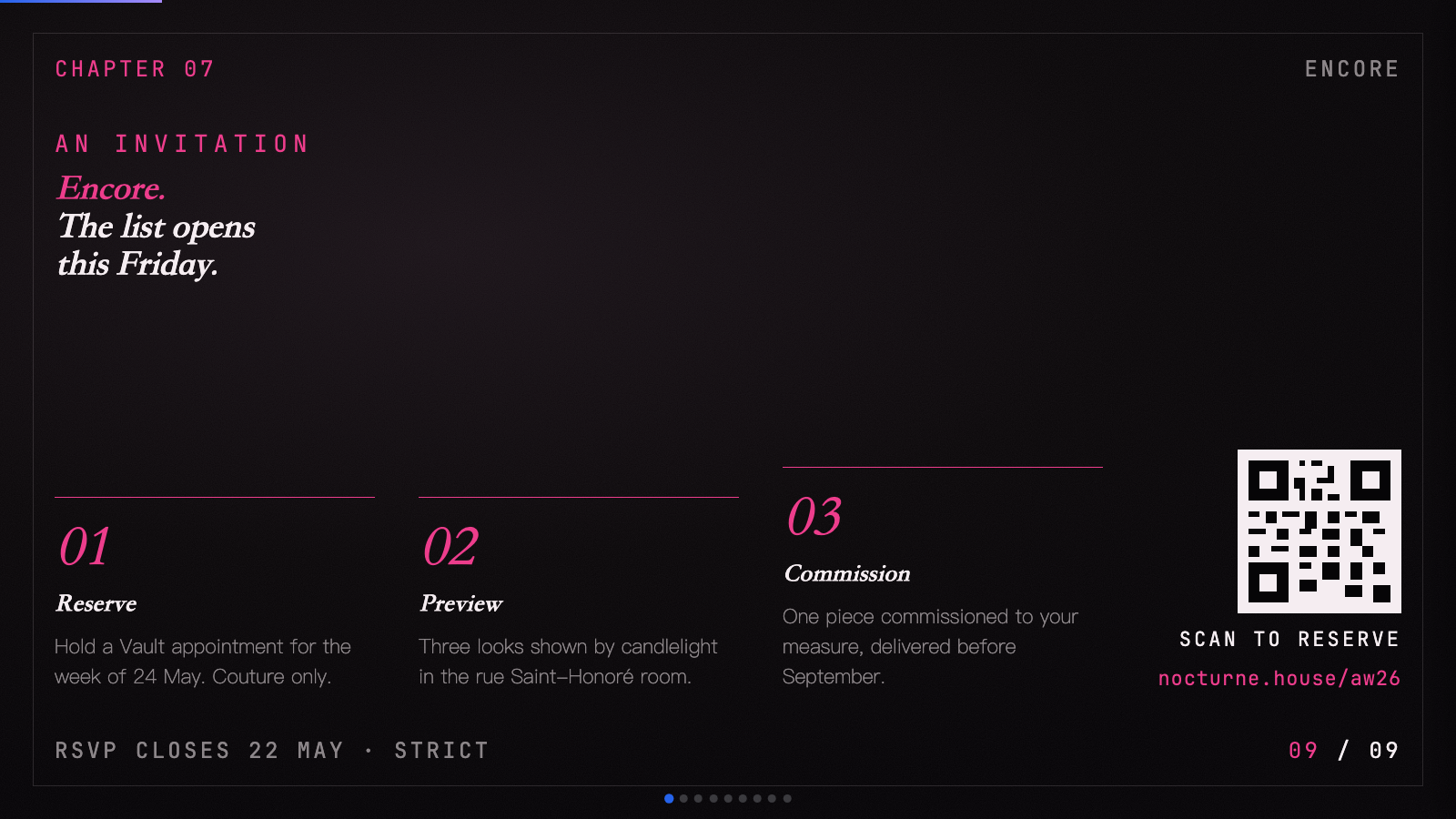
pink-script) - Black canvas, hot pink accent, pearl-cream paper, Instrument Serif headlines: late-night editorial luxury. - Playful (
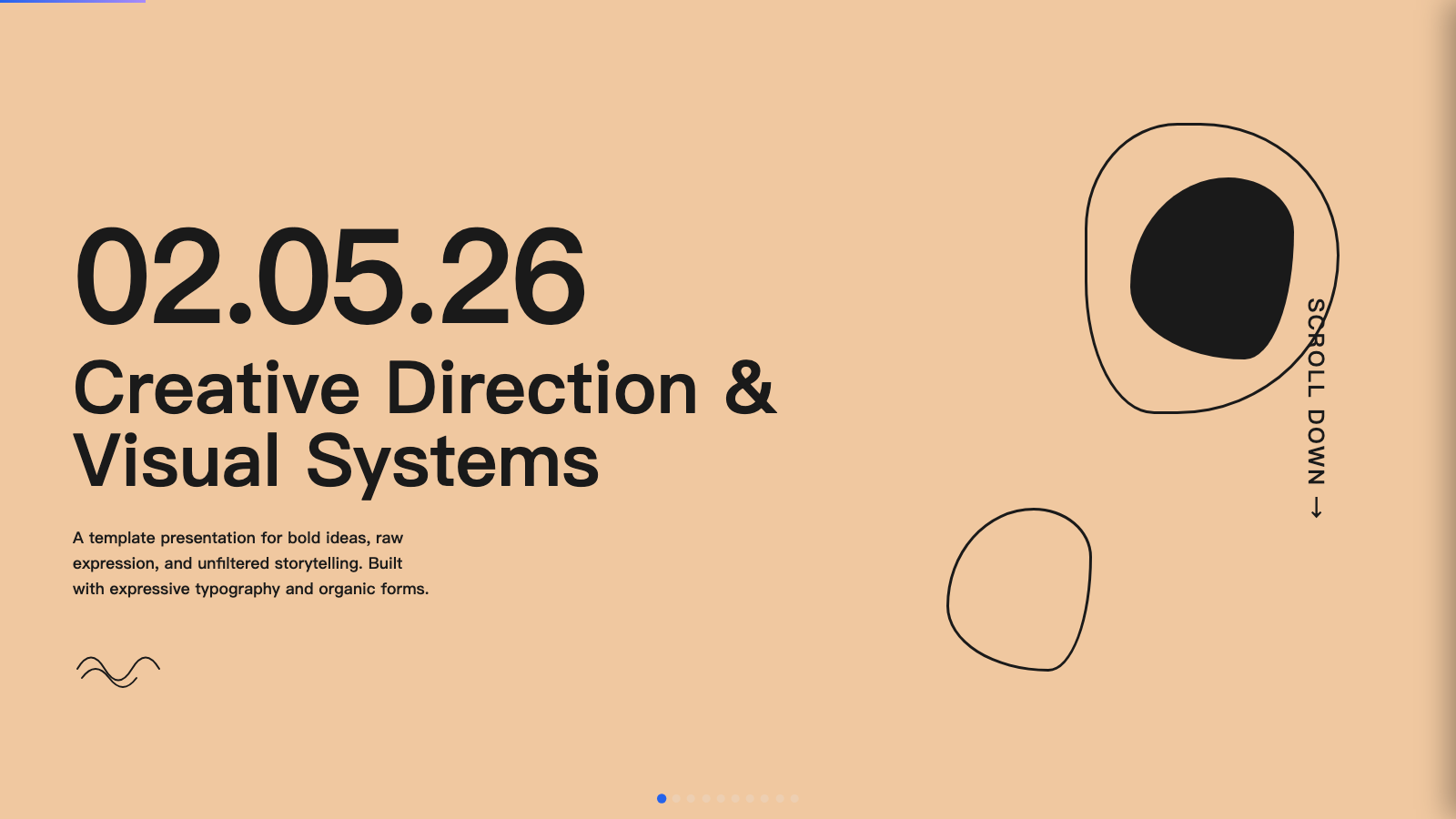
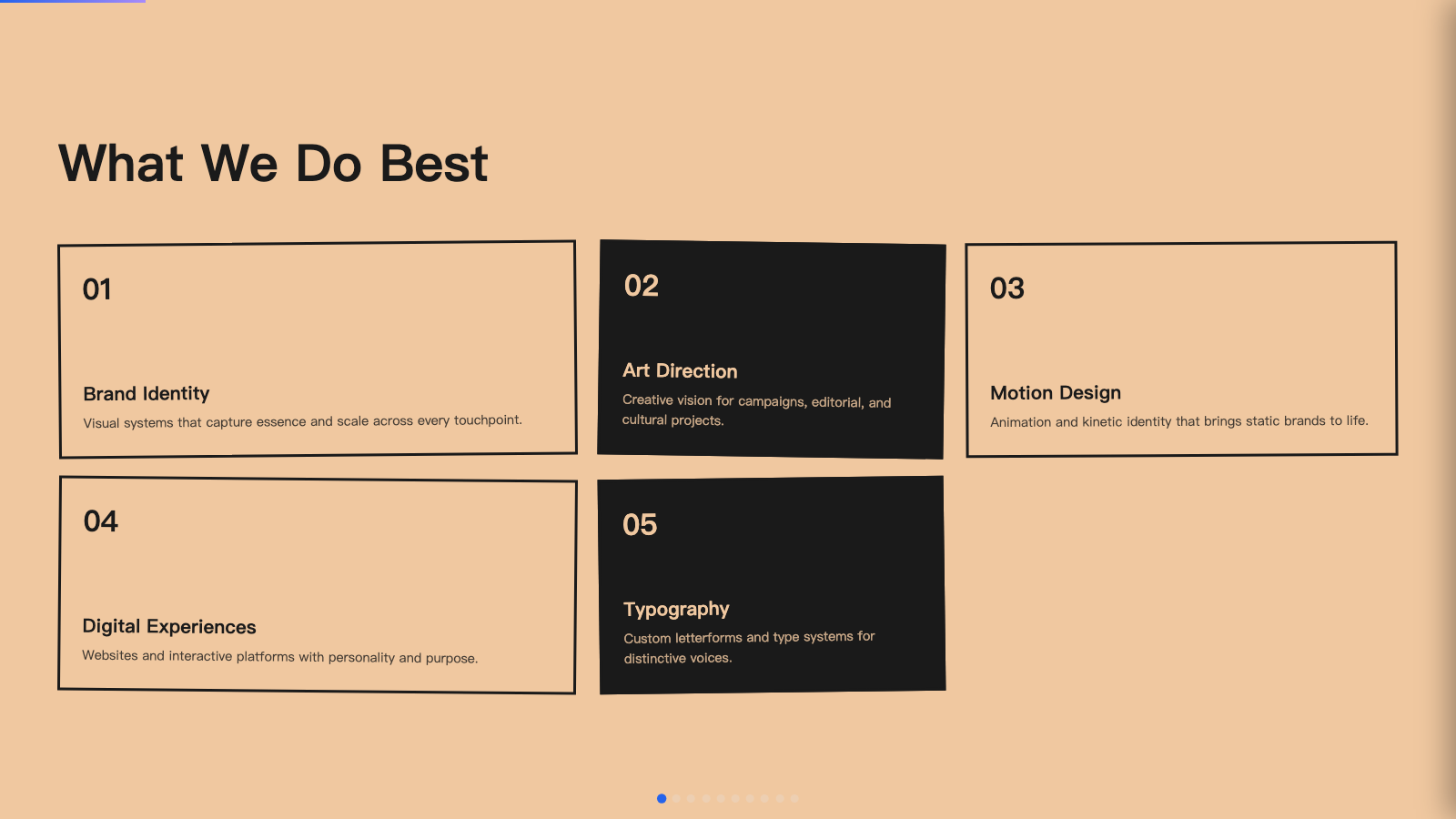
playful) - Sun-warm peach background with Syne display: a friendly indie launch deck. - Raw Grid (
raw-grid) - Neo-brutalist deck with thick borders, offset shadows, and a pink/sage/ink palette. - Retro Windows (
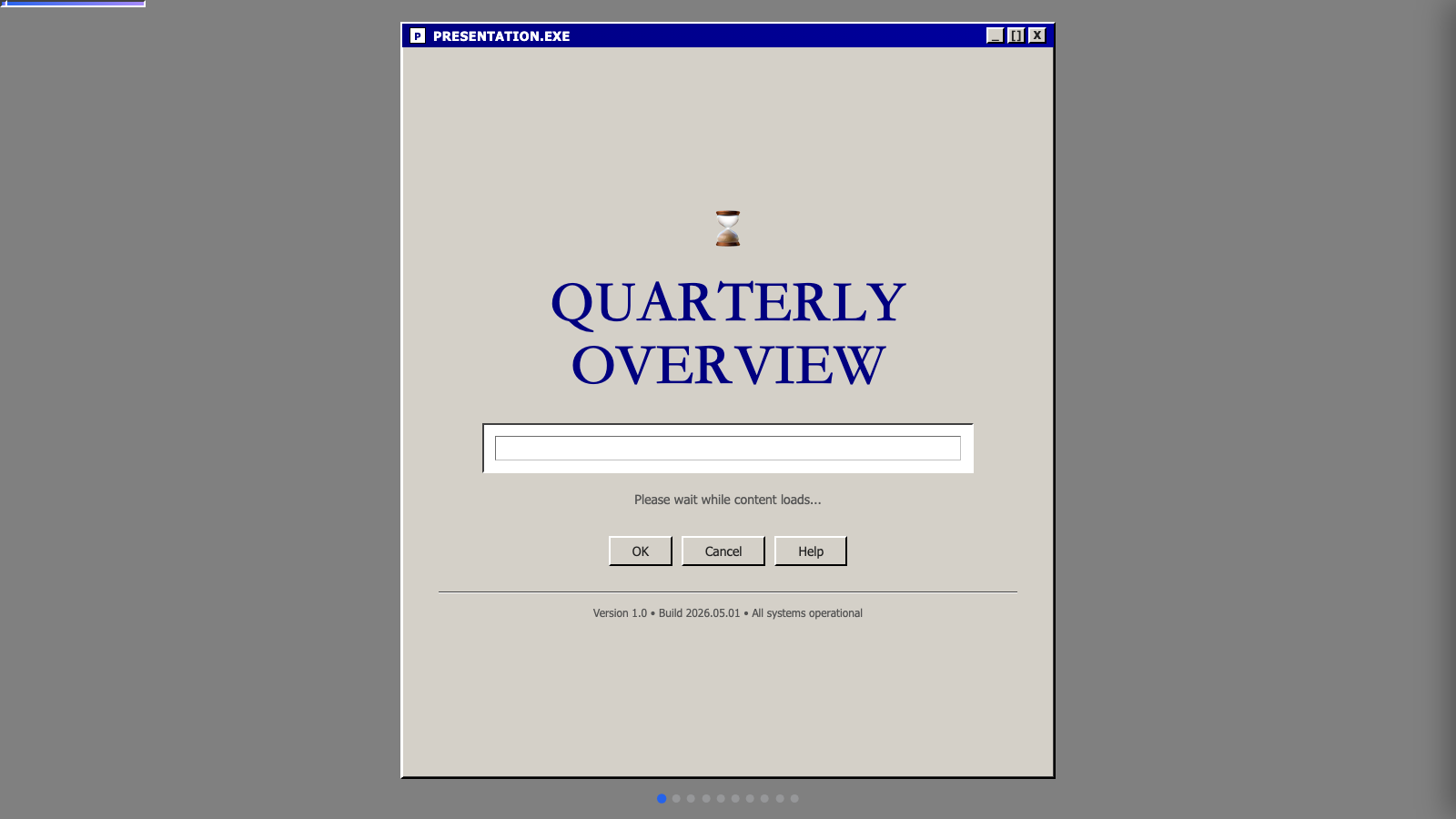
retro-windows) - Windows 95 chrome: gray title bars, MS Sans Serif, pixel typography, full nostalgia. - Retro Zine (
retro-zine) - Beige paper with green accent and Bebas Neue + Caveat: a riso-printed zine in HTML form. - Sakura Chroma (
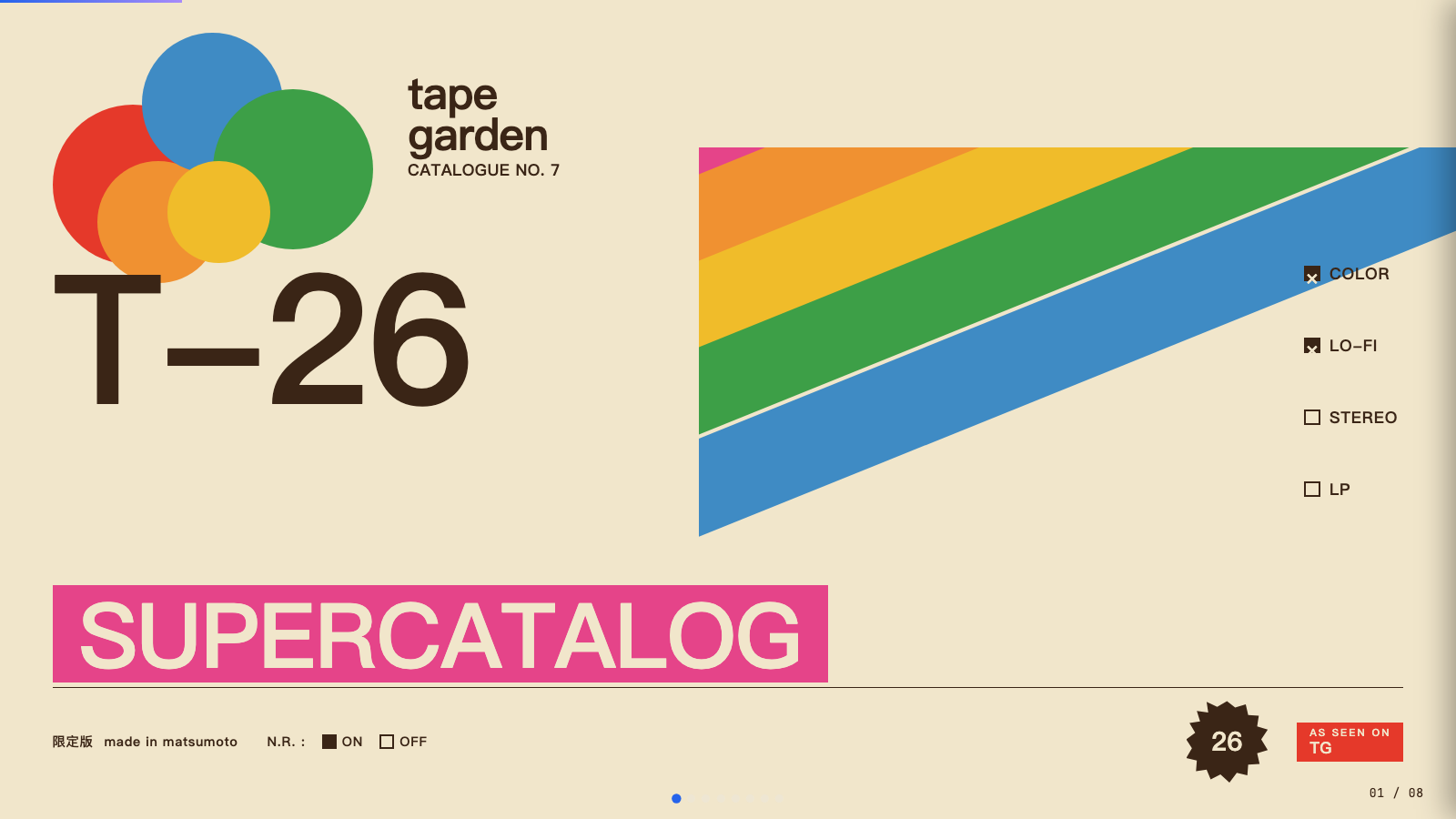
sakura-chroma) - Vintage Japanese cassette-package aesthetic: cream paper, diagonal rainbow ribbons, condensed bold type, JIS-style spec checkboxes. - Scatterbrain (
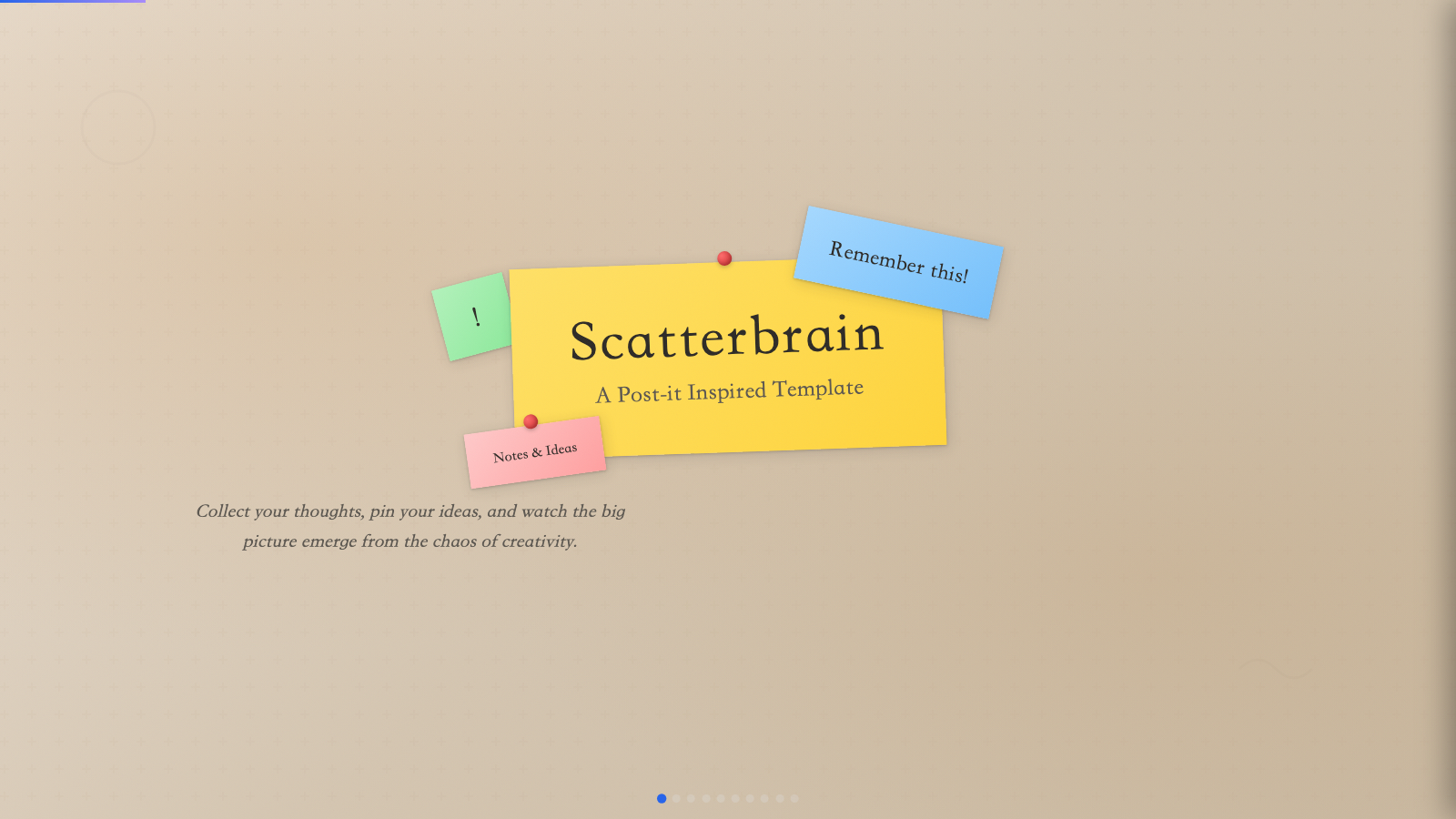
scatterbrain) - Post-it inspired: pastel sticky notes, Caveat handwriting, Shrikhand and Zilla Slab type stack. - Signal (
signal-gold) - Deep navy canvas with bone paper and a single muted-gold accent; institutional with quiet weight. - Soft Editorial (
soft-editorial) - Cormorant Garamond serif on warm paper with sage, blush, and lemon accents. - Stencil & Tablet (
stencil-tablet) - Bone paper with stencil-cut headlines and a six-color earth palette: archaeology meets brand. - Studio (
studio-volt) - Black canvas with electric-yellow type; high-voltage design studio aesthetic. - Vellum (
vellum-navy) - Deep navy canvas with warm-yellow italic Cormorant serifs and a single dusty teal accent. A quiet, scholarly aesthetic.
-
双构建层:
STYLE_PRESETS.md中 46 套预设与examples/generated/presets/*.html一一对应。其中 12 套 legacy preview 由scripts/build-preset-decks.py生成;34 套 ported preview 由scripts/build-template-port-decks.py从本地beautiful-html-templates真实模板生成,并覆盖同名 legacy 输出。改 legacy archetype 后跑前者;改 ported 模板或 slot runtime 后跑后者。 -
Two build layers: all 46 presets in
STYLE_PRESETS.mdmap one-to-one toexamples/generated/presets/*.html. The 12 legacy previews come fromscripts/build-preset-decks.py; the 34 ported previews come fromscripts/build-template-port-decks.pyand localbeautiful-html-templatessource templates, replacing same-name legacy outputs. Run the legacy builder after archetype changes; run the port builder after template-port or slot-runtime changes. -
与上游覆盖范围:beautiful-html-templates 当前本地索引为 34 套独立 HTML 模板;本仓库已全部移植为 slot-editable preset。每套都有
STYLE_PRESETS.md条目、builder 映射、生成样例,以及 cover / mid / later 截图目标。 -
Upstream coverage: the local beautiful-html-templates index currently lists 34 standalone HTML templates; this repo now ports all of them as slot-editable presets. Each has a
STYLE_PRESETS.mdentry, builder mapping, generated sample, and cover / mid / later screenshot target.
| 扩展画廊名 / Preset title | Source slug | 样例文件 / Sample slug |
|---|---|---|
| 8-Bit Orbit | 8-bit-orbit |
8-bit-orbit.html |
| Biennale Yellow | biennale-yellow |
biennale-yellow.html |
| BlockFrame | block-frame |
block-frame.html |
| Blue Professional | blue-professional |
blue-professional.html |
| Bold Poster | bold-poster |
bold-poster.html |
| Broadside | broadside |
broadside.html |
| Capsule | capsule |
capsule.html |
| Cartesian | cartesian |
cartesian.html |
| Cobalt Grid | cobalt-grid |
cobalt-grid.html |
| Coral | coral |
coral.html |
| Creative Mode | creative-mode |
creative-mode.html |
| Daisy Days | daisy-days |
daisy-days.html |
| Editorial Forest | editorial-forest |
editorial-forest.html |
| Editorial Tri-Tone | editorial-tri-tone |
editorial-tri-tone.html |
| Emerald Editorial | emerald-editorial |
emerald-editorial.html |
| Grove | grove |
grove.html |
| Long Table | long-table |
long-table.html |
| Mat | mat |
mat.html |
| Monochrome | monochrome |
monochrome-ledger.html |
| Neo-Grid Bold | neo-grid-bold |
neo-grid-yellow.html |
| People's Platform (Block & Bold) | peoples-platform |
peoples-platform.html |
| Pin & Paper | pin-and-paper |
pin-and-paper.html |
| Pink Script — After Hours | pink-script |
pink-script.html |
| Playful | playful |
playful.html |
| Raw Grid | raw-grid |
raw-grid.html |
| Retro Windows | retro-windows |
retro-windows.html |
| Retro Zine | retro-zine |
retro-zine.html |
| Sakura Chroma | sakura-chroma |
sakura-chroma.html |
| Scatterbrain | scatterbrain |
scatterbrain.html |
| Signal | signal |
signal-gold.html |
| Soft Editorial | soft-editorial |
soft-editorial.html |
| Stencil & Tablet | stencil-tablet |
stencil-tablet.html |
| Studio | studio |
studio-volt.html |
| Vellum | vellum |
vellum-navy.html |
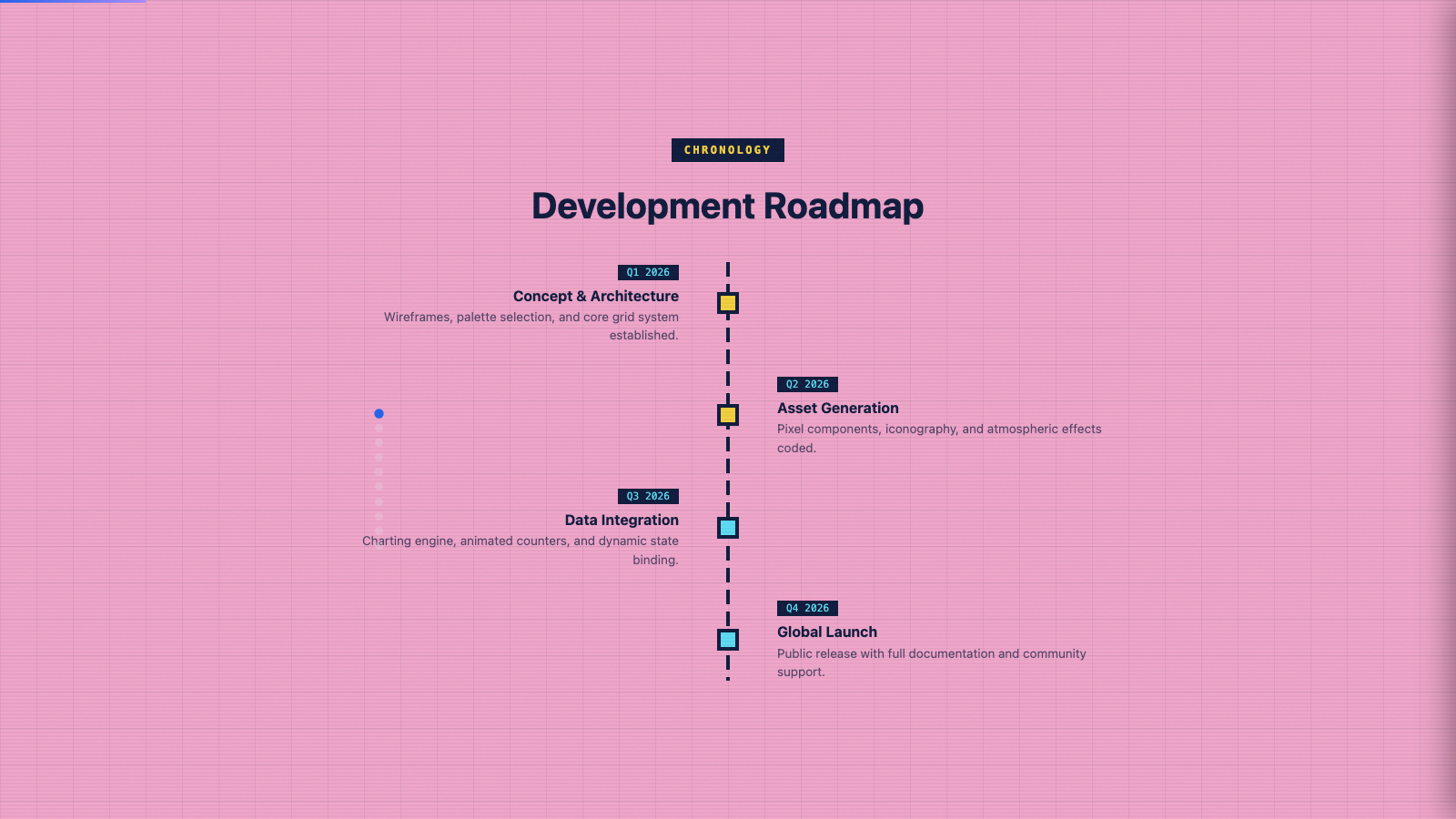
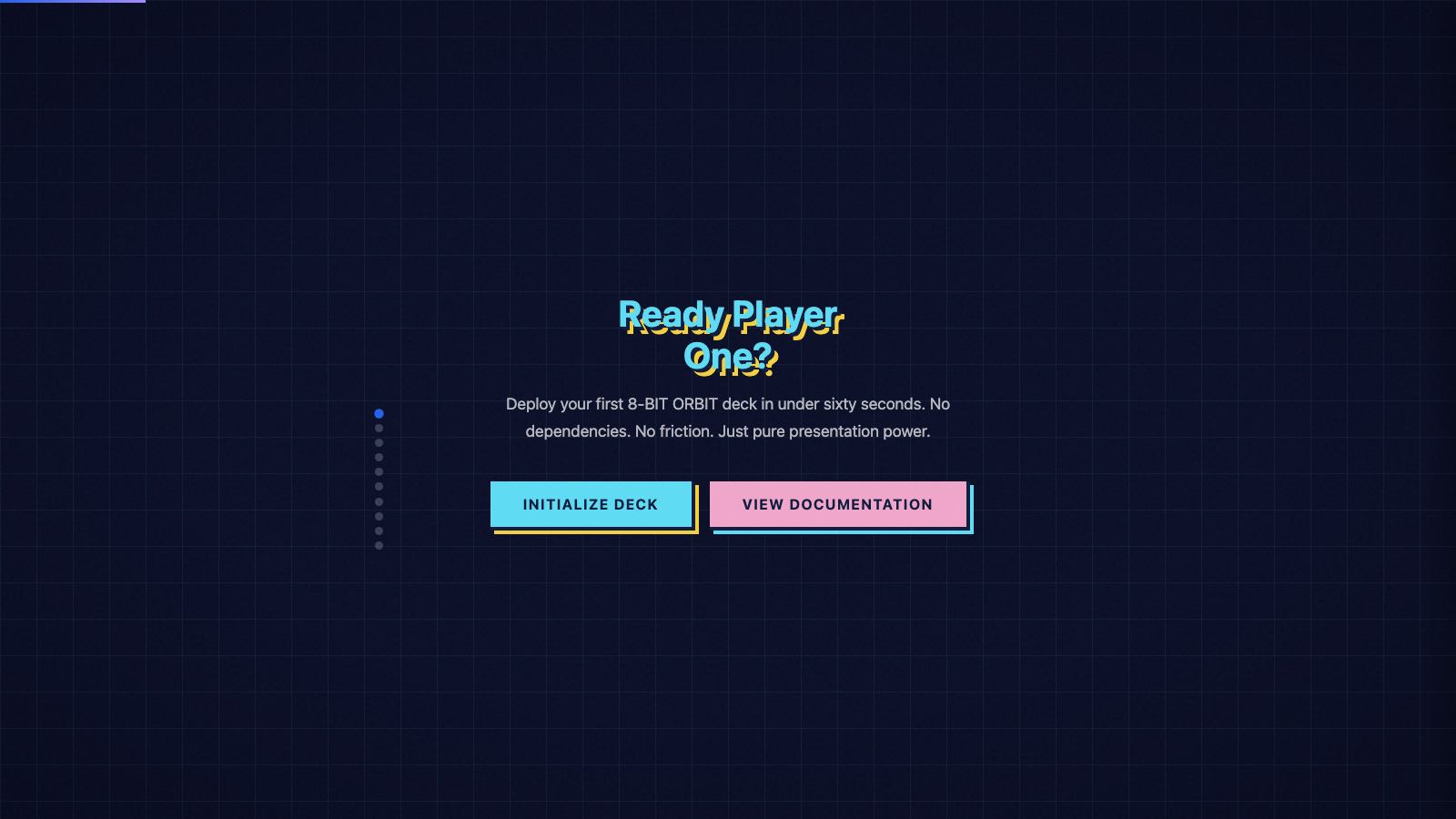
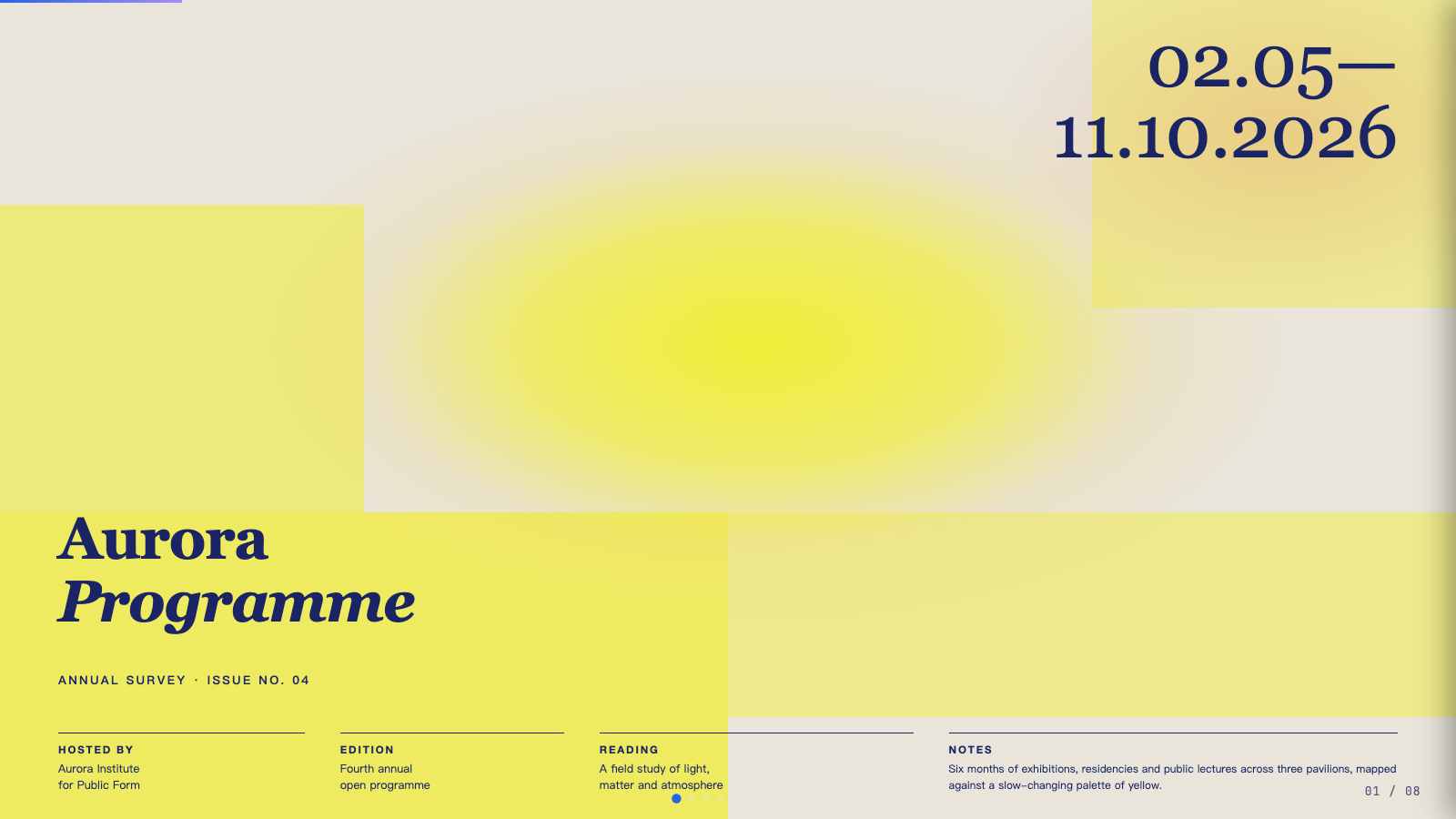
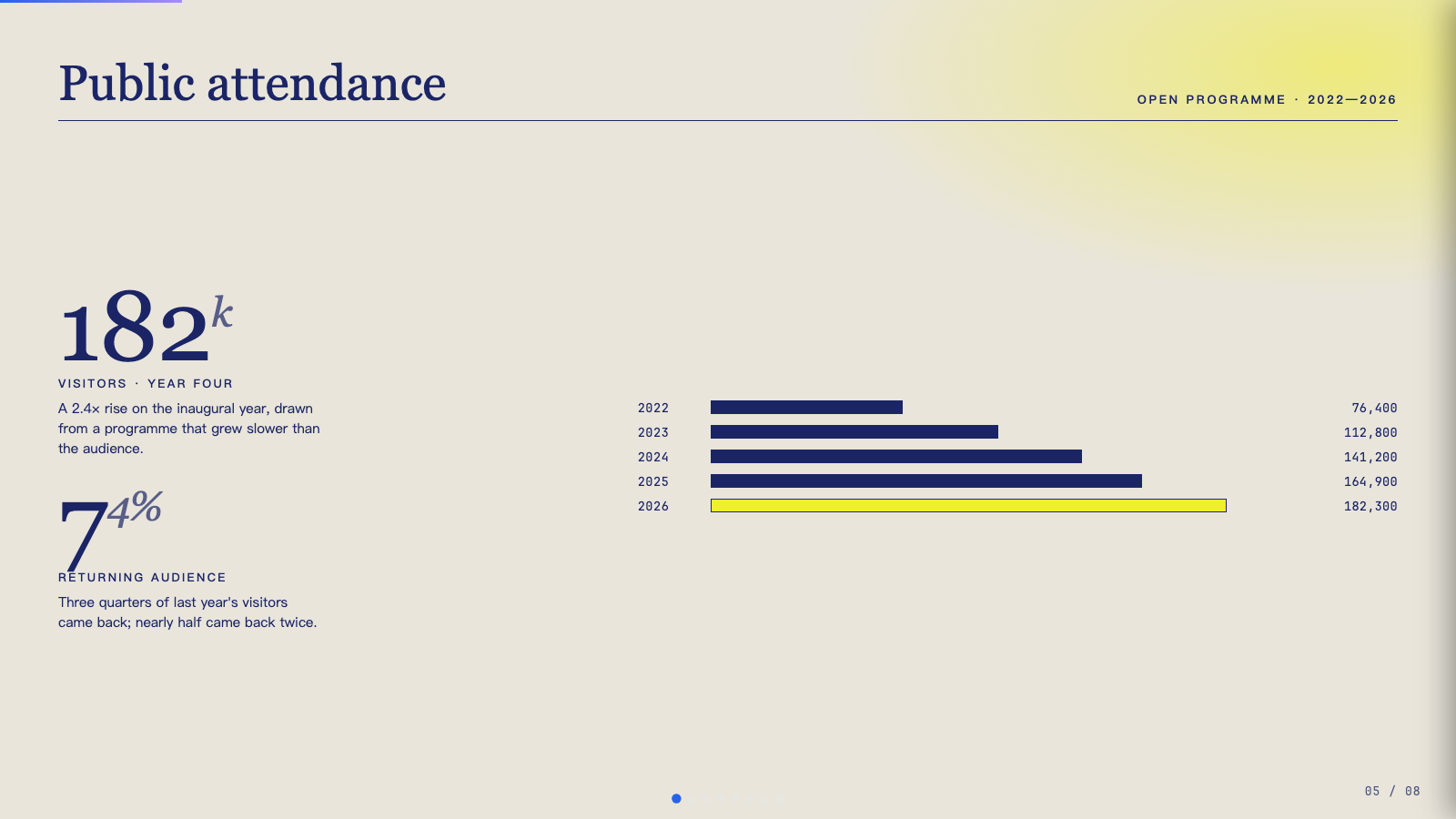
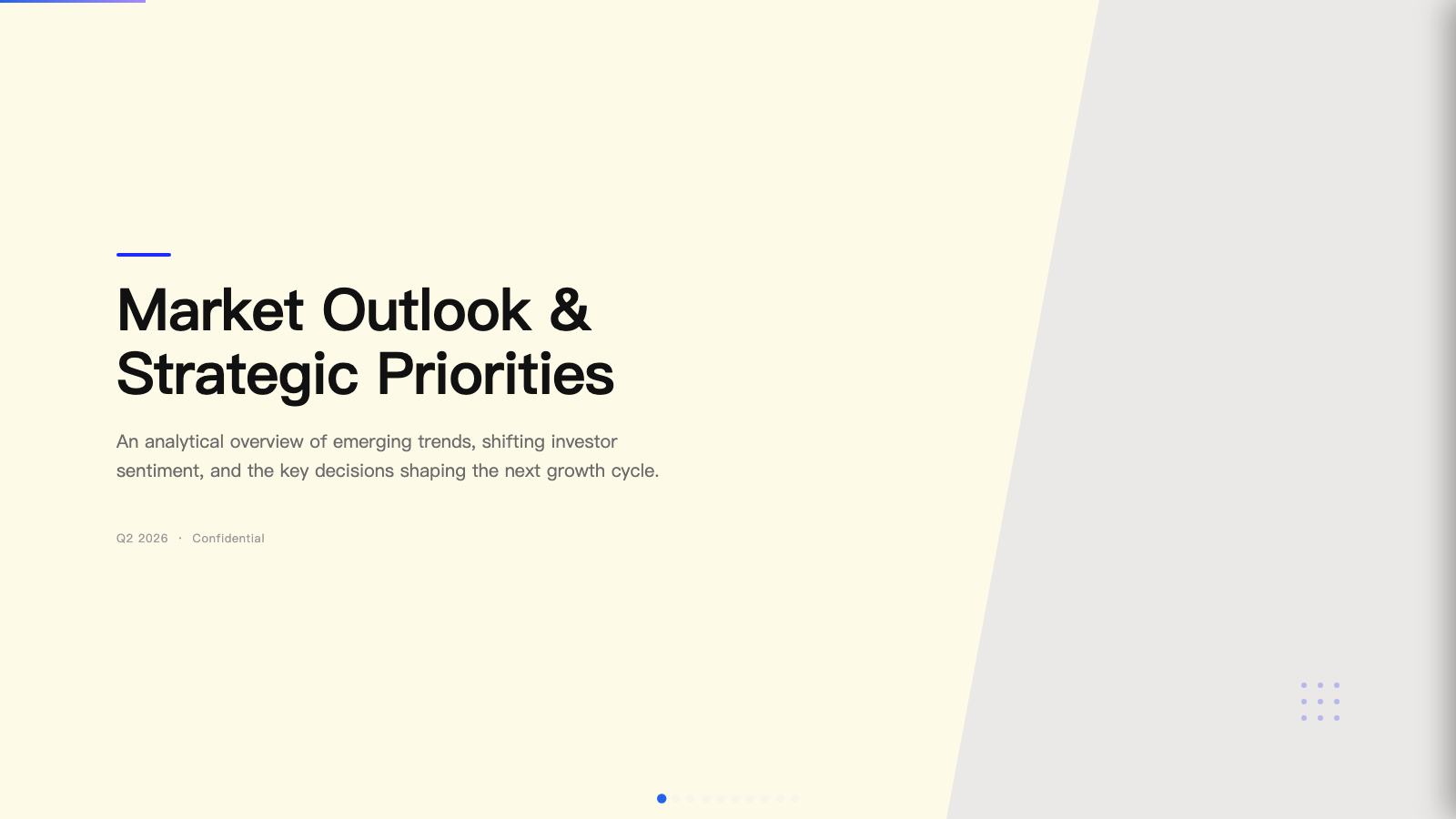
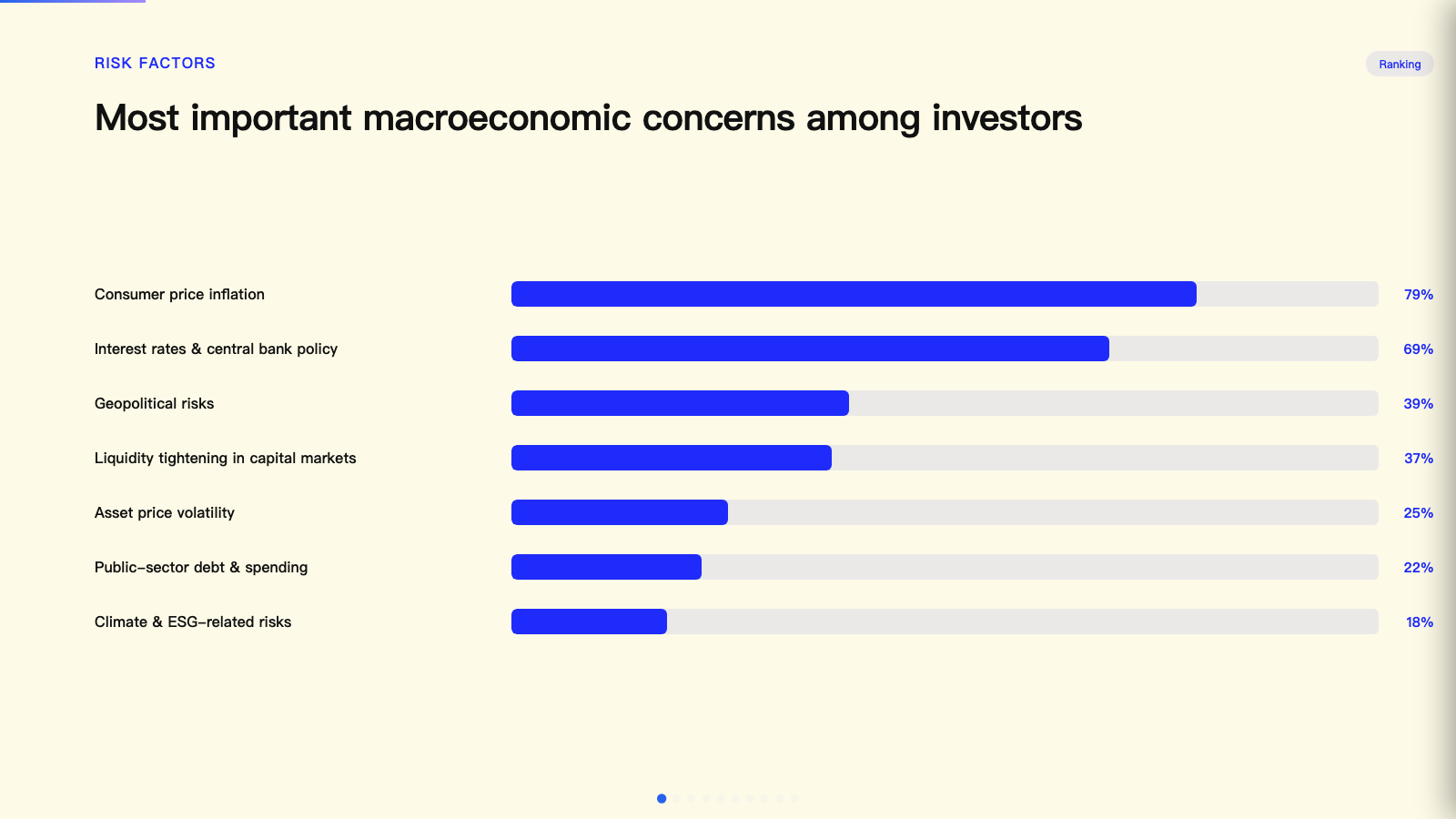
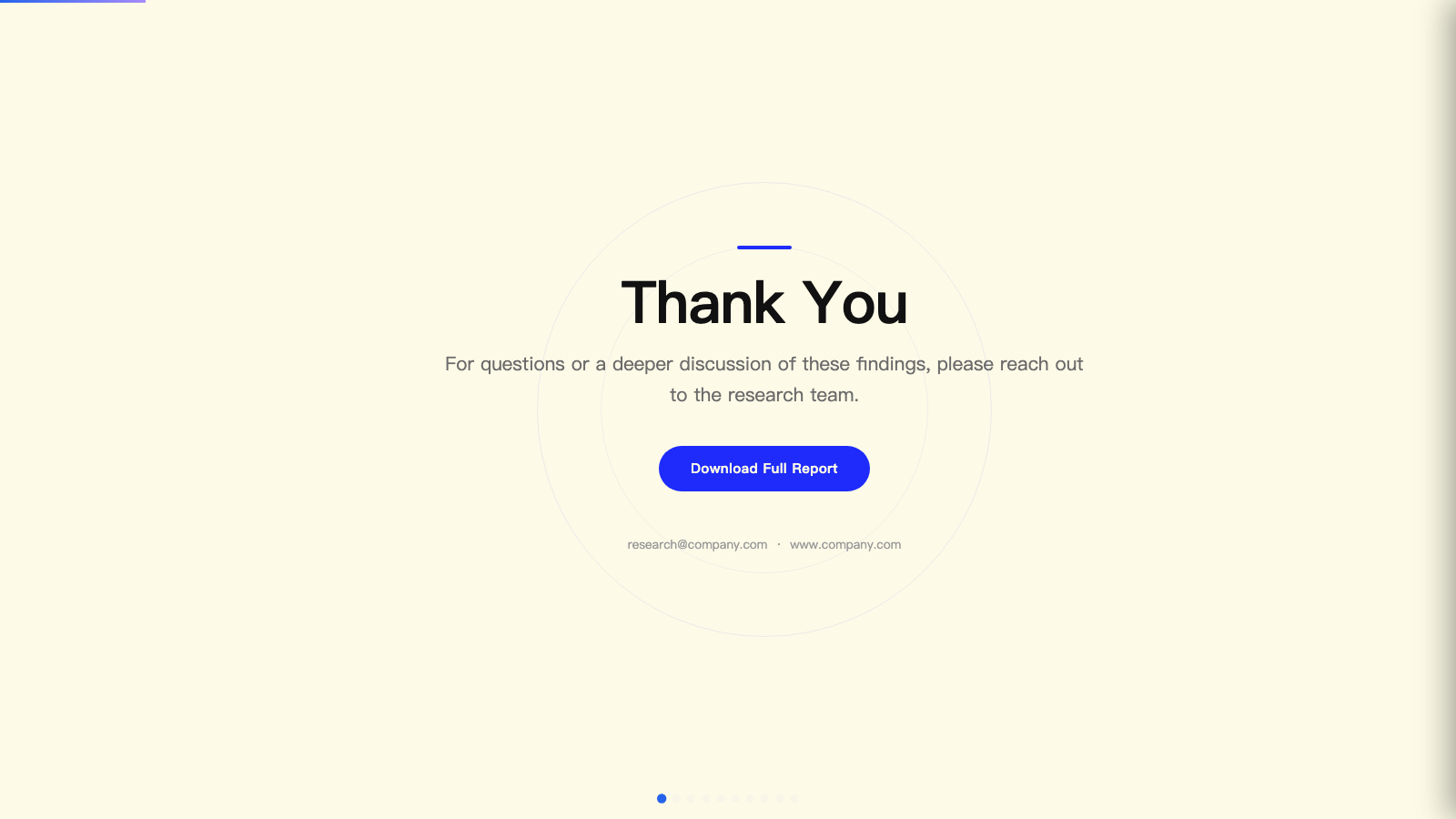
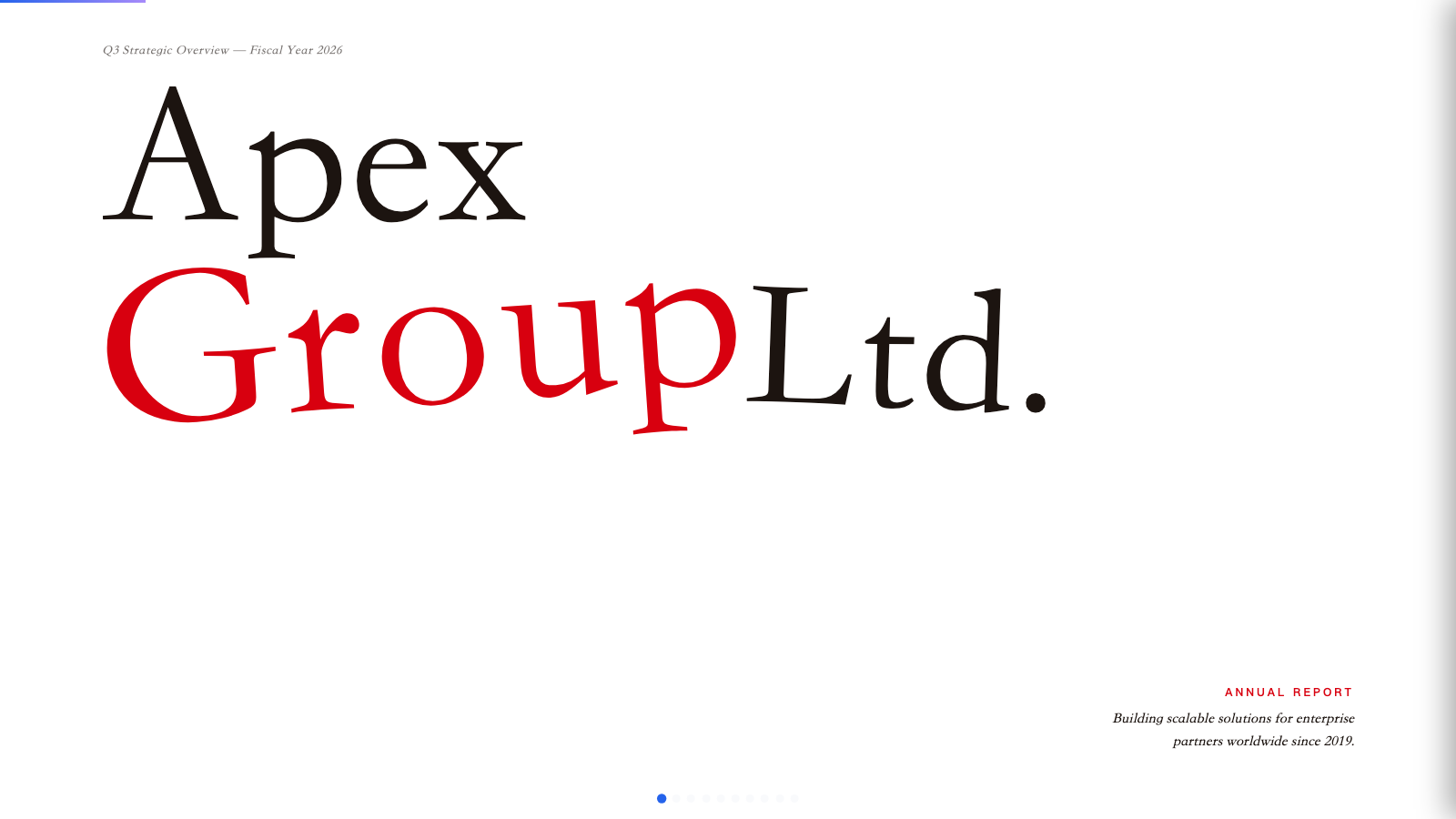
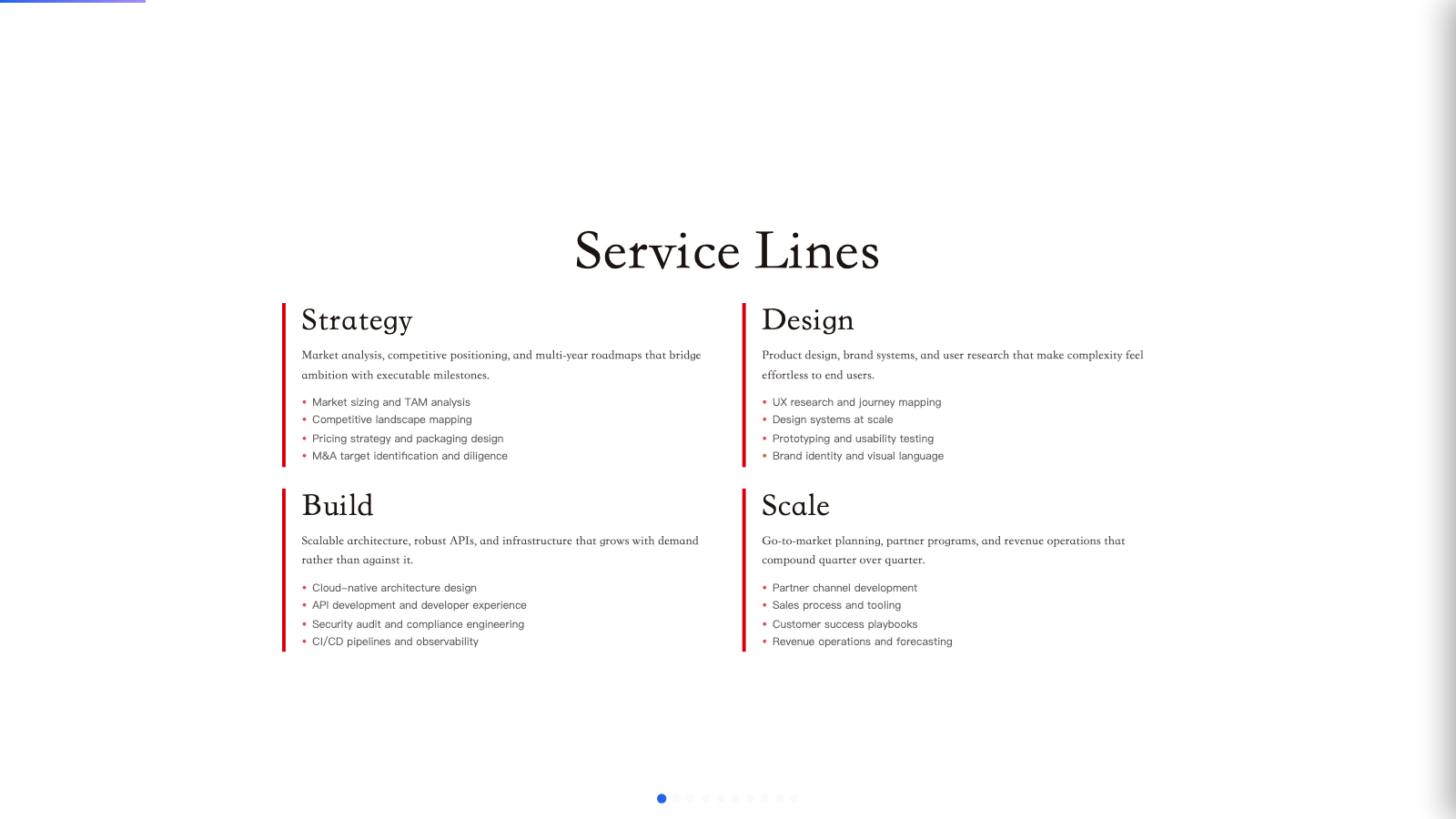
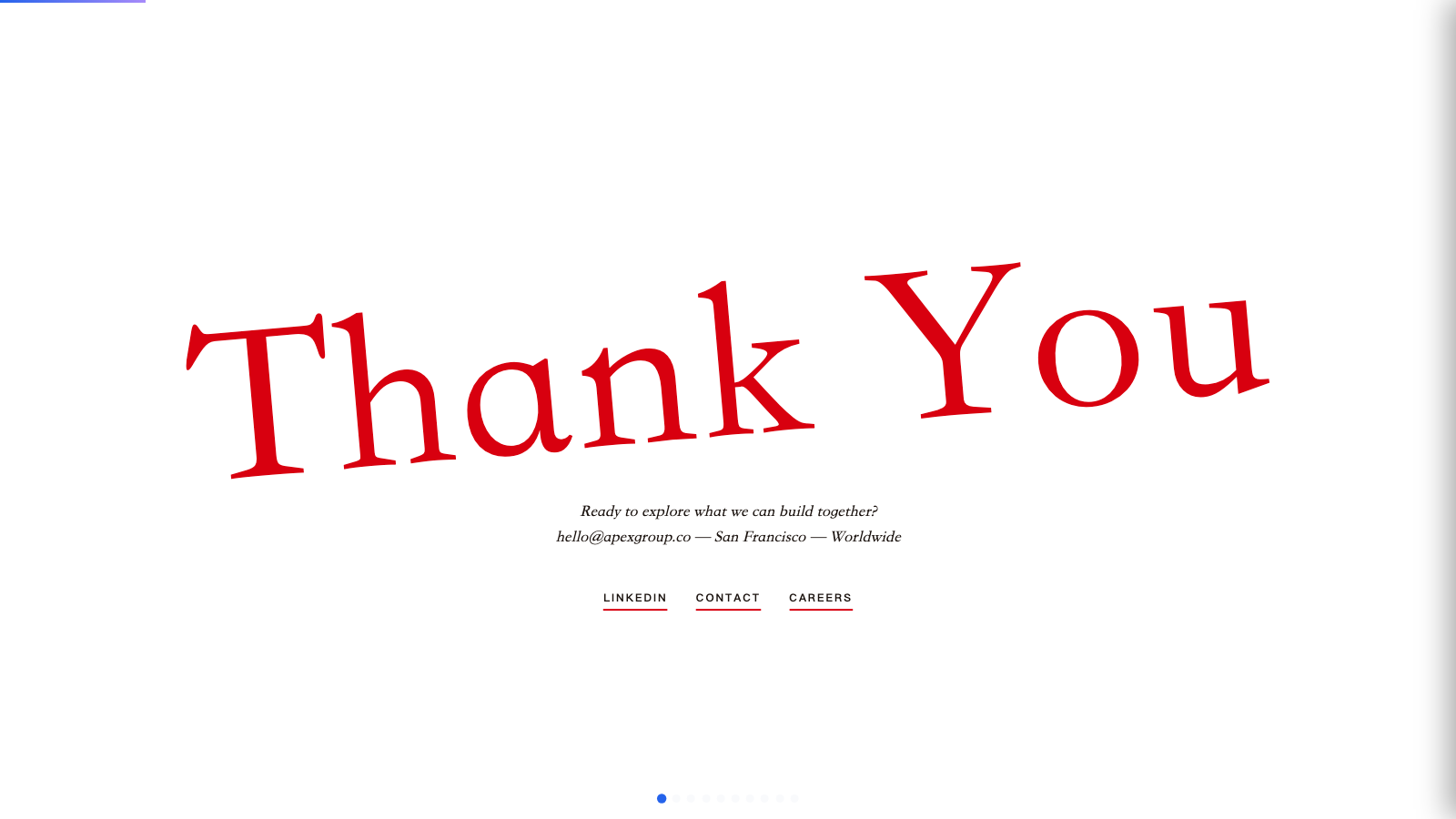
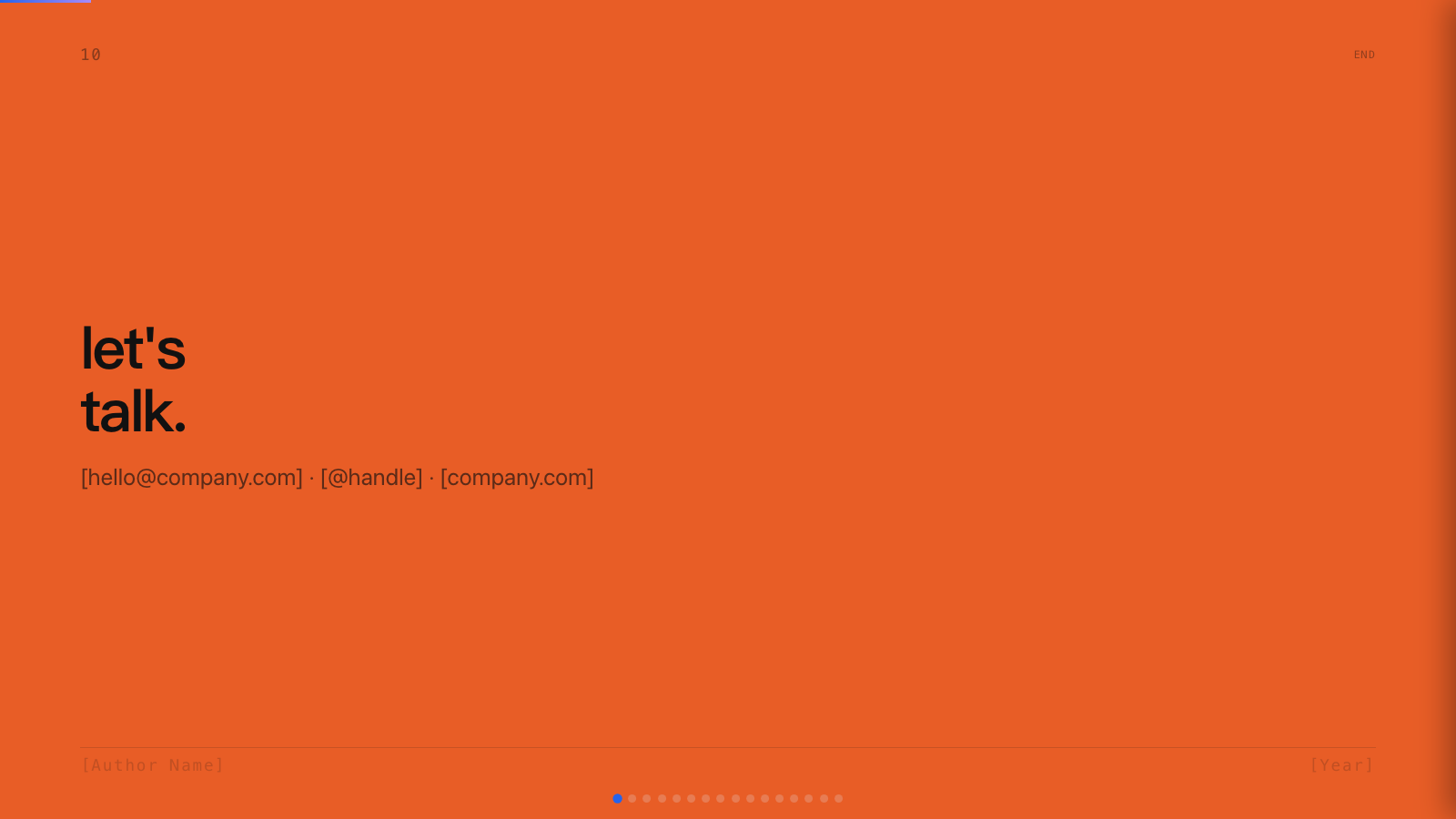
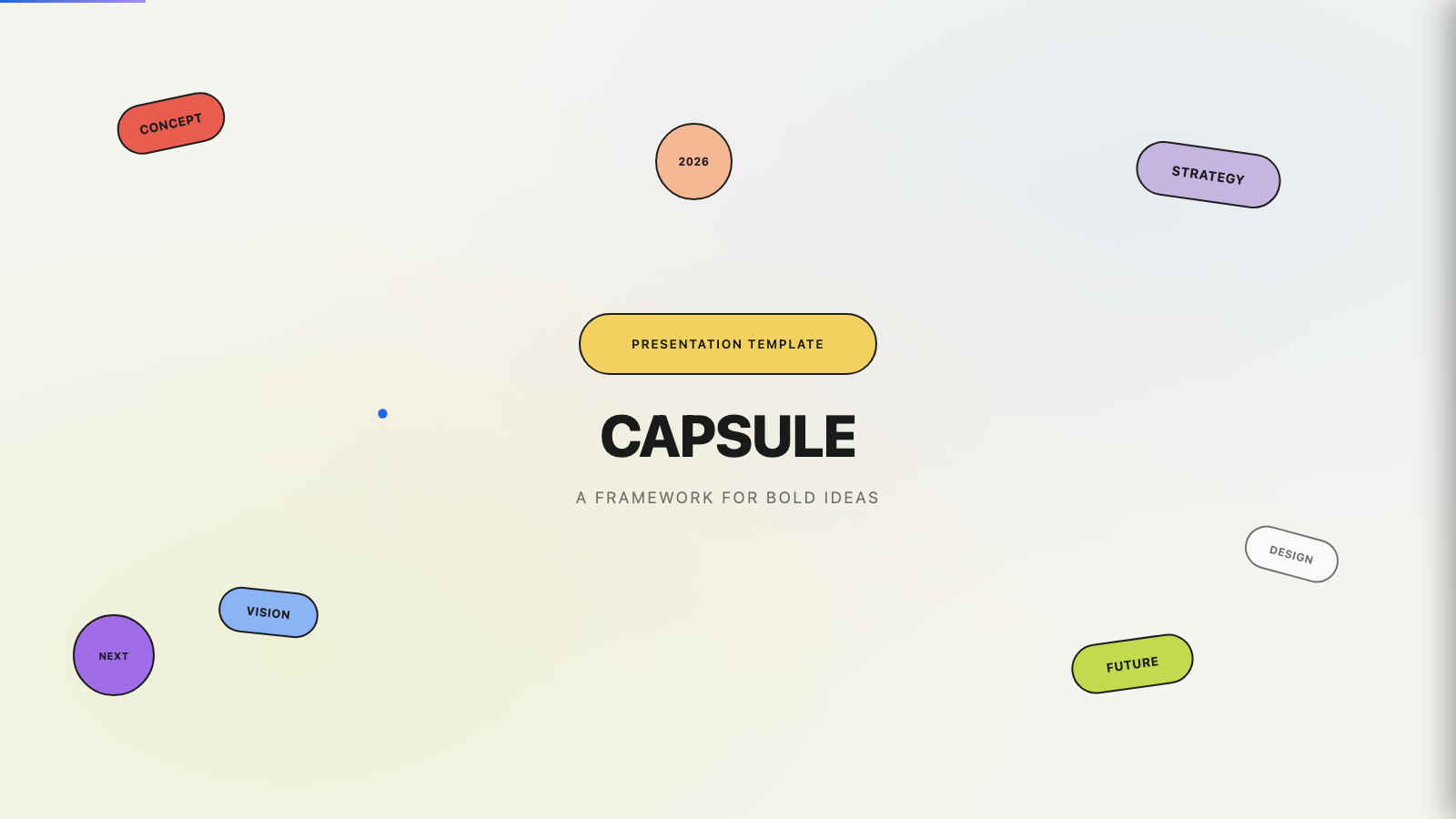
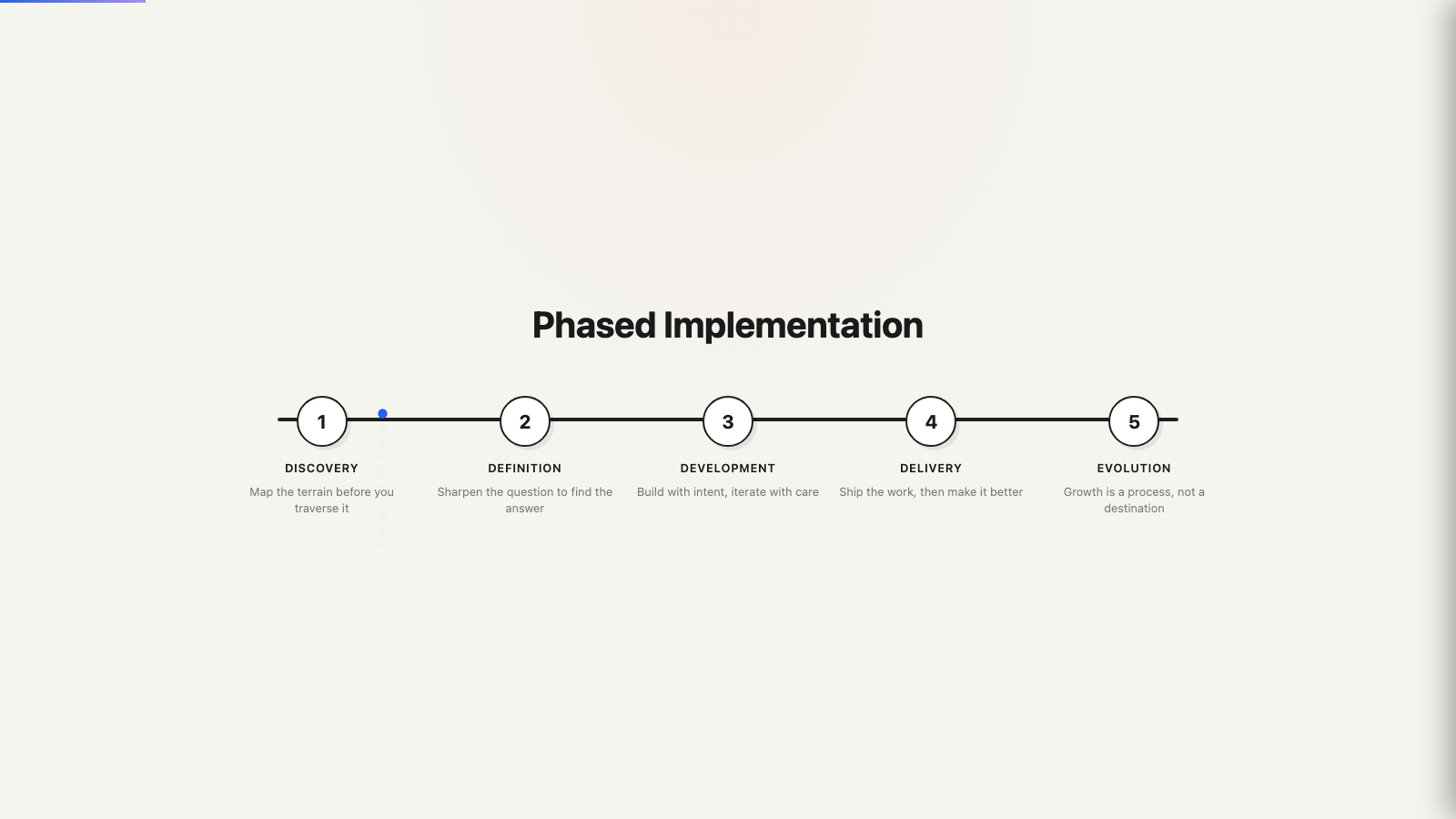
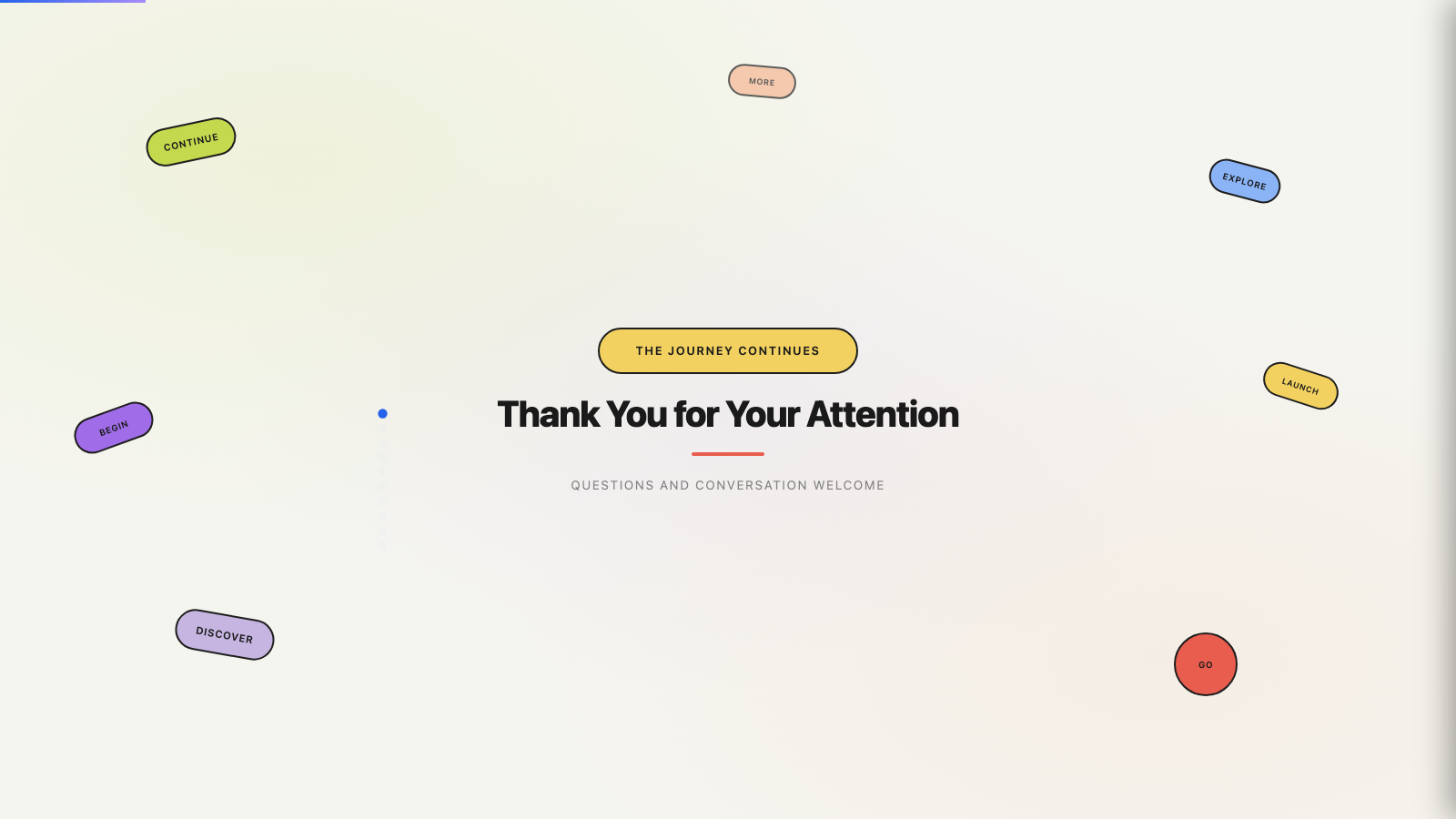
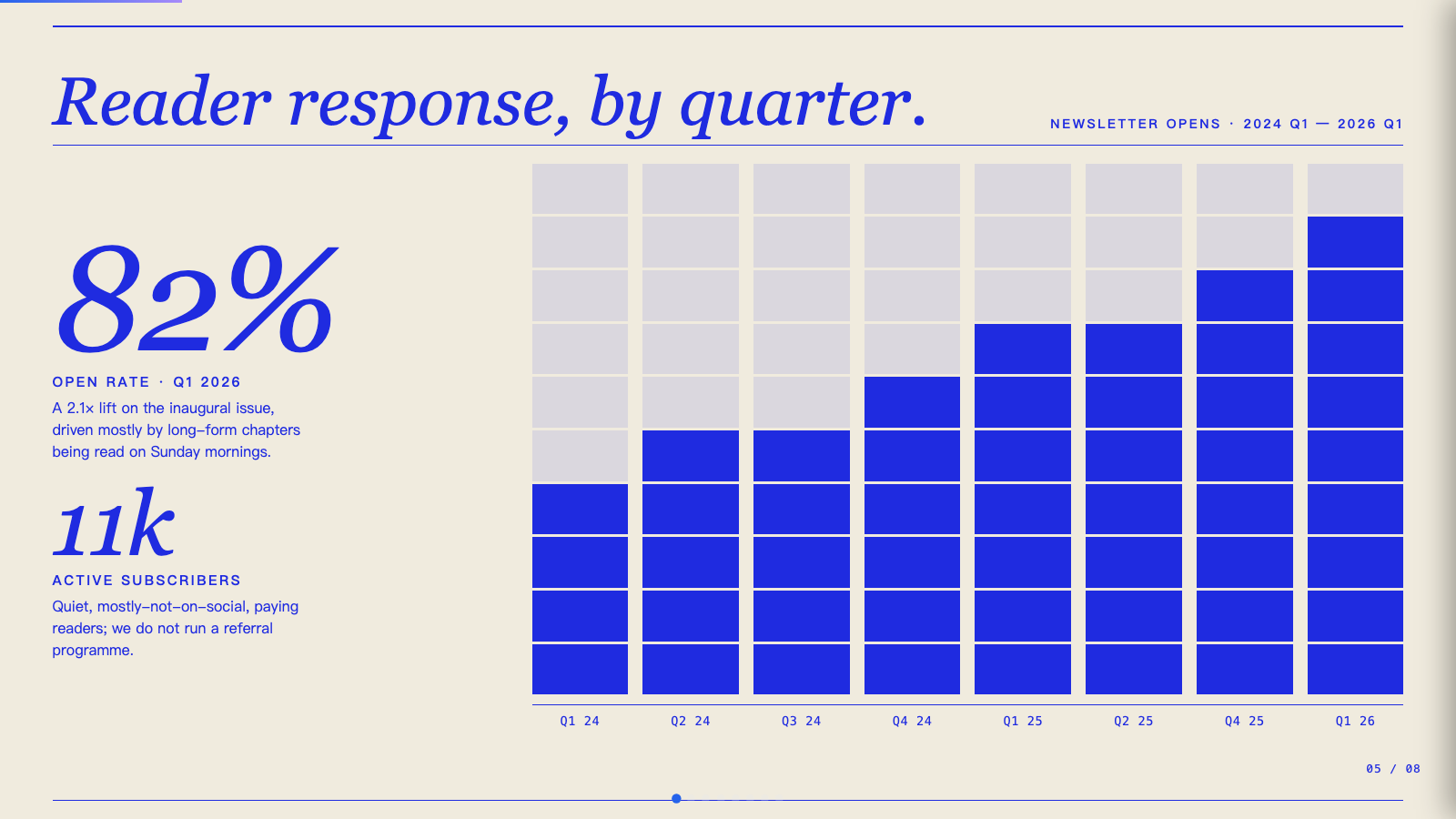
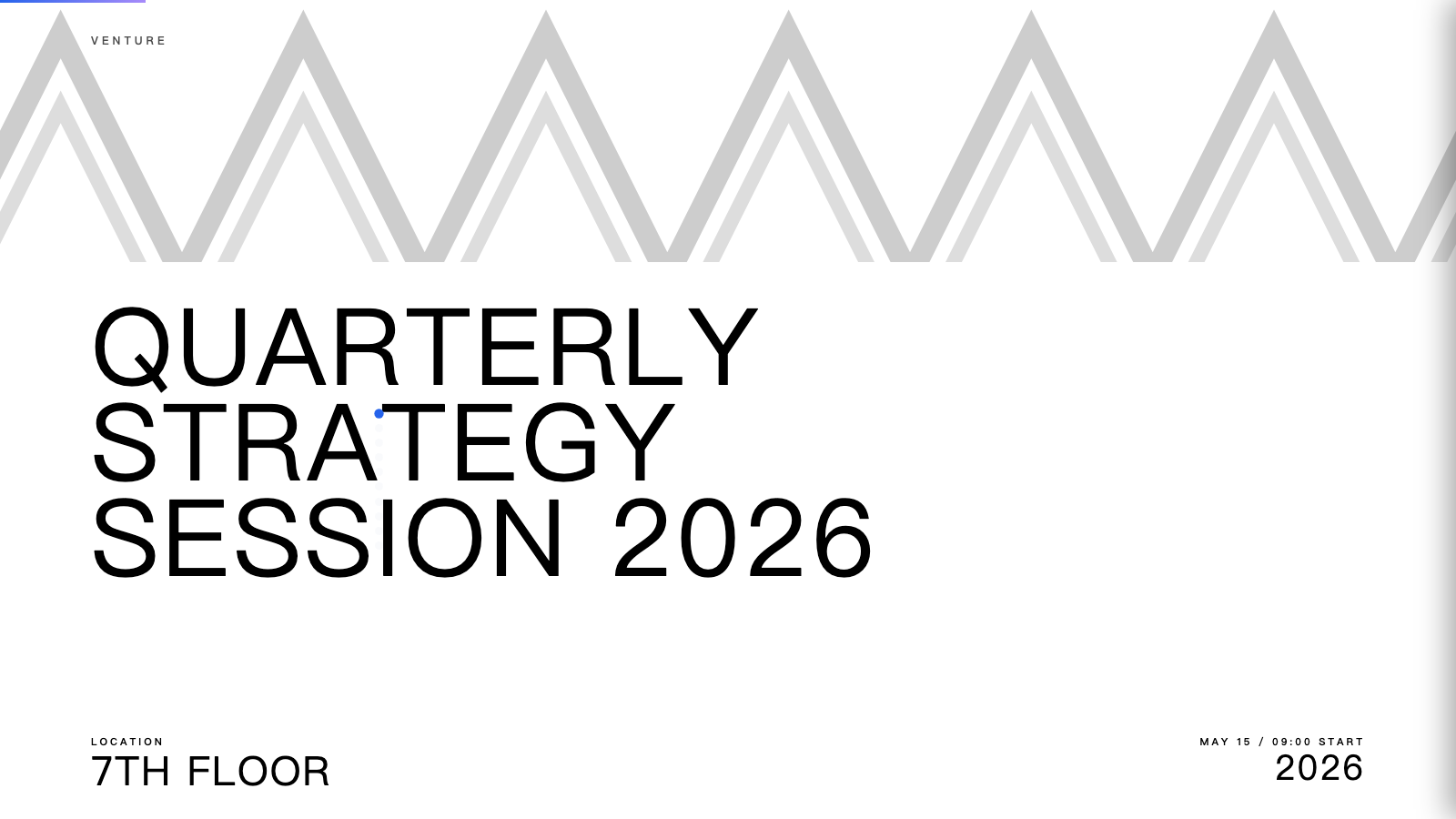
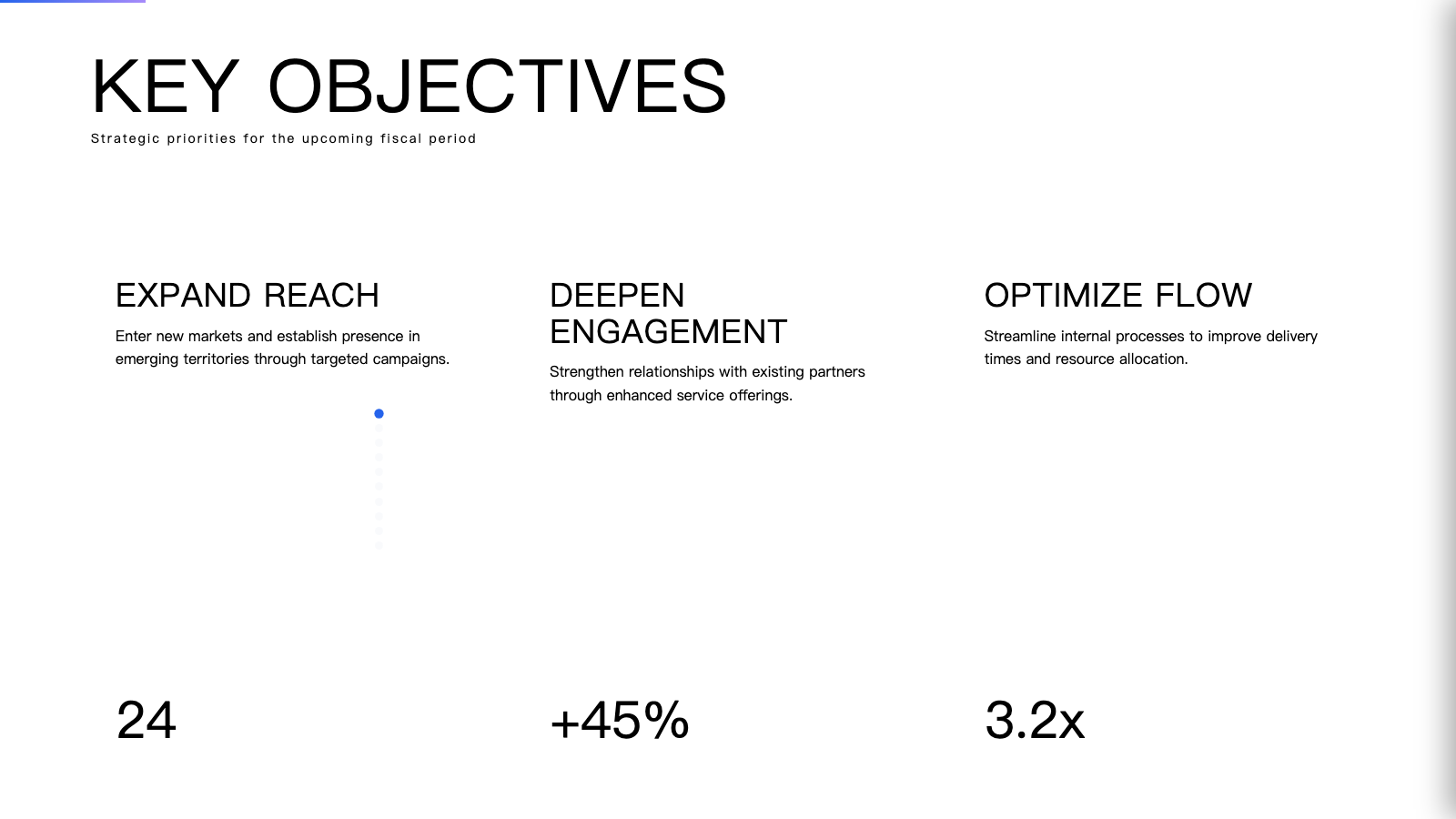
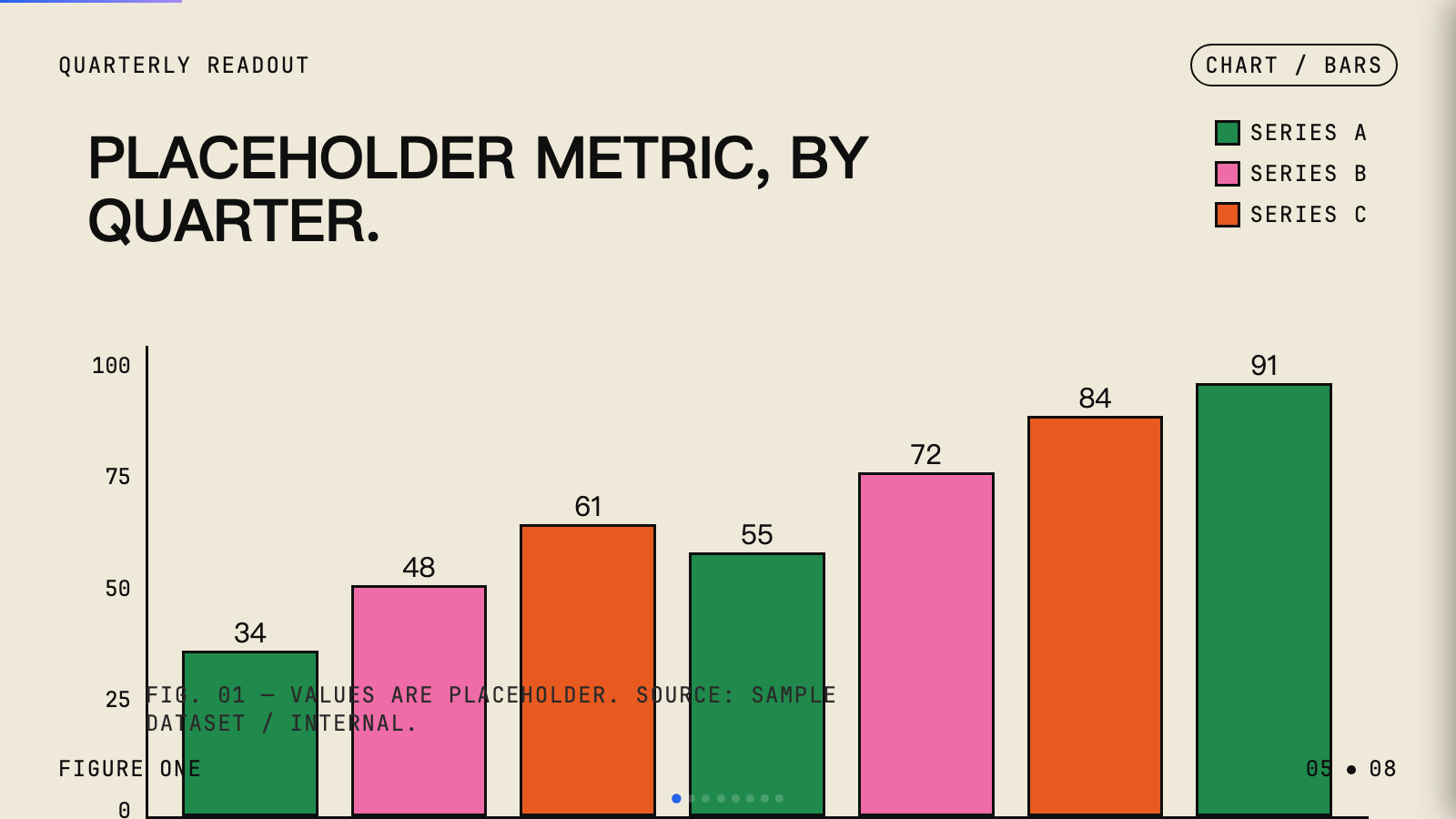
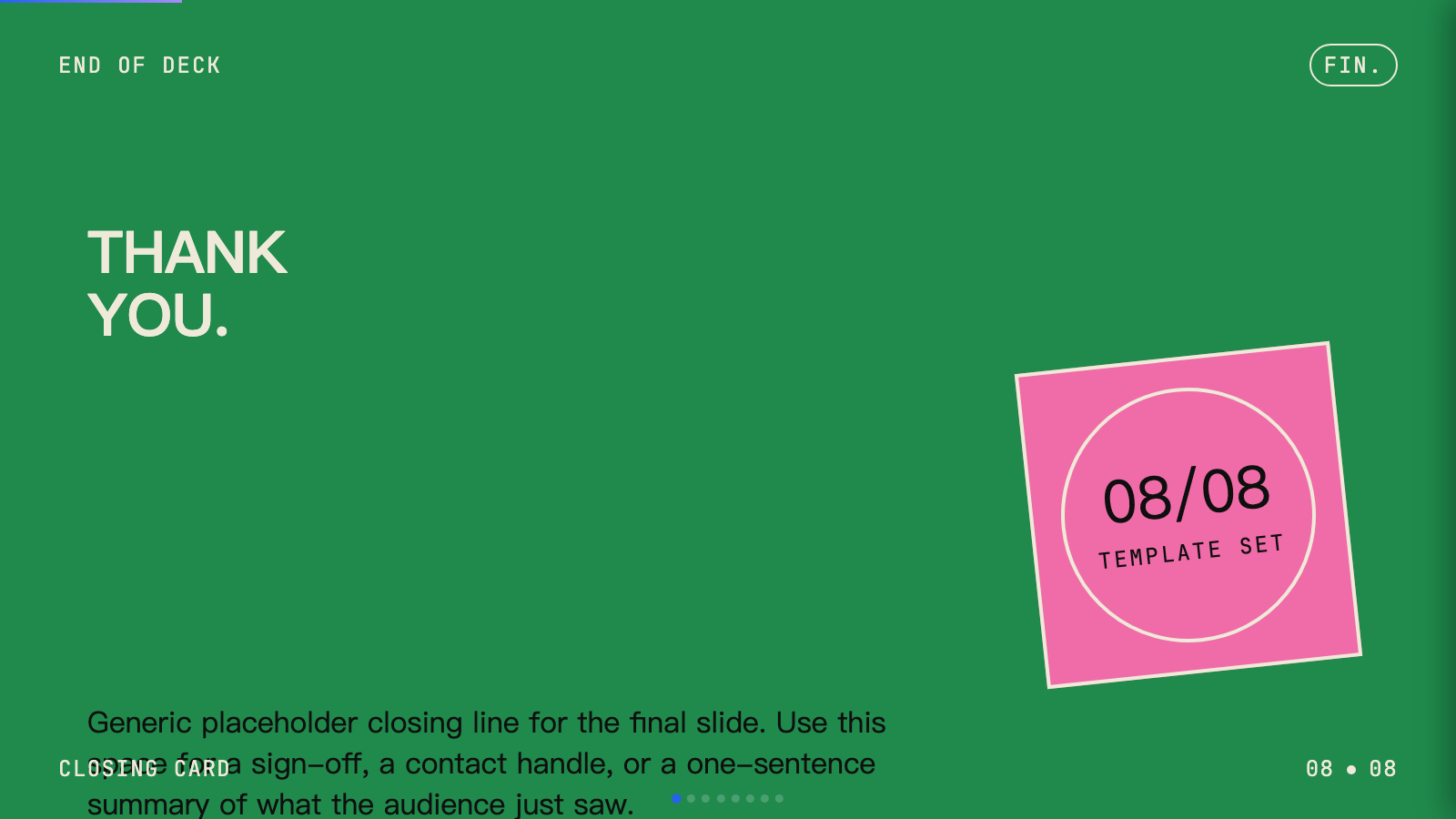
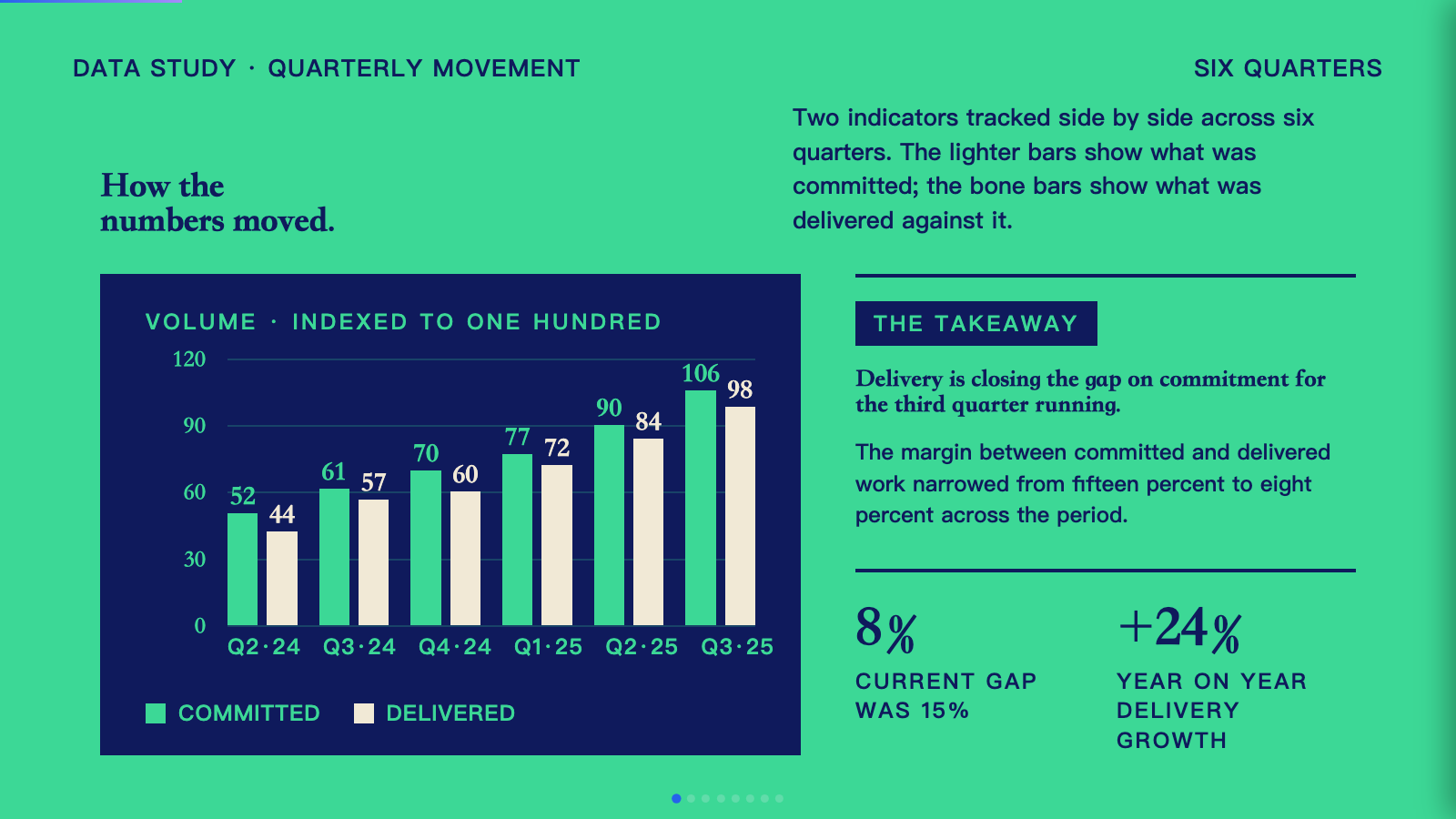
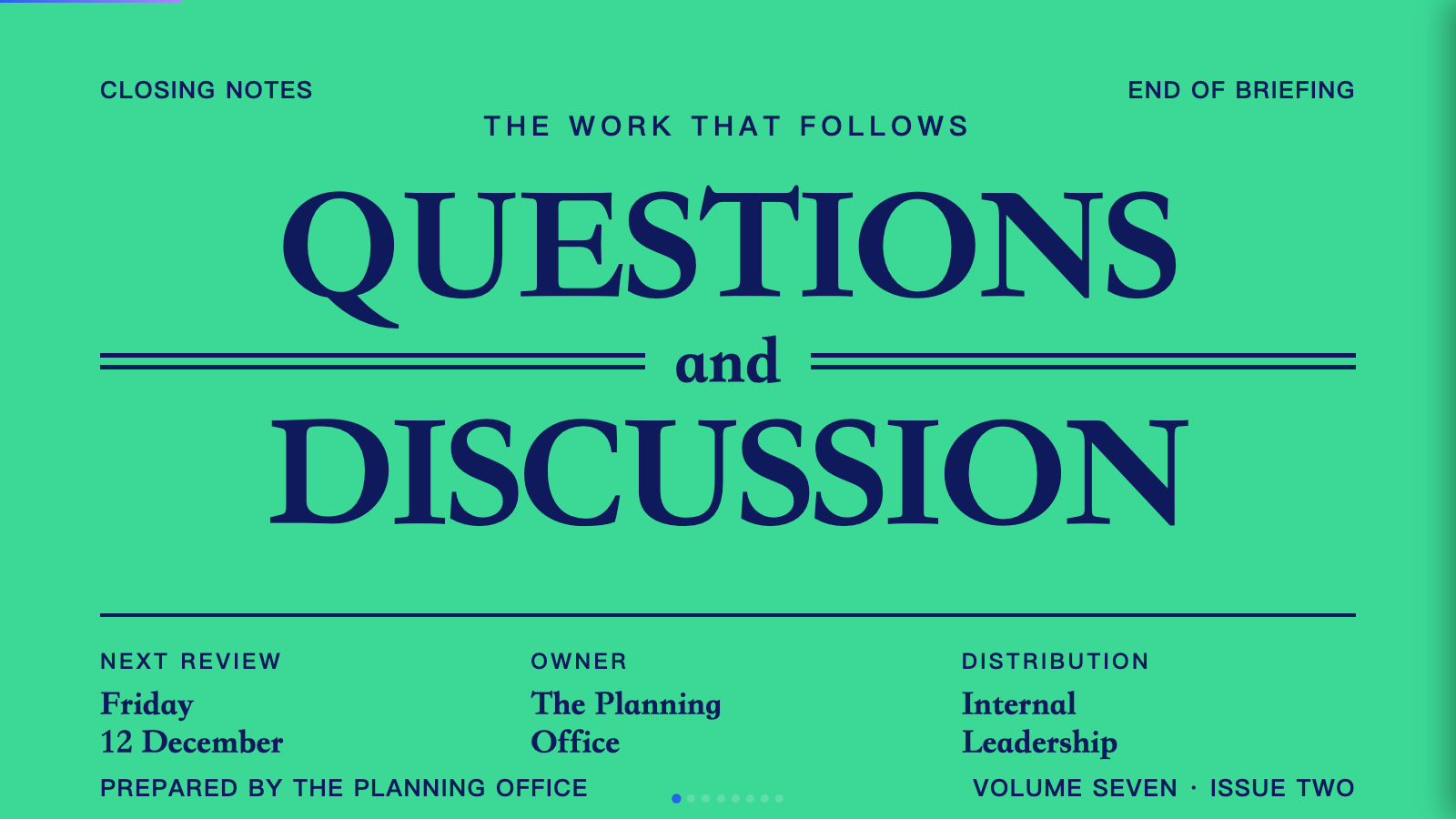
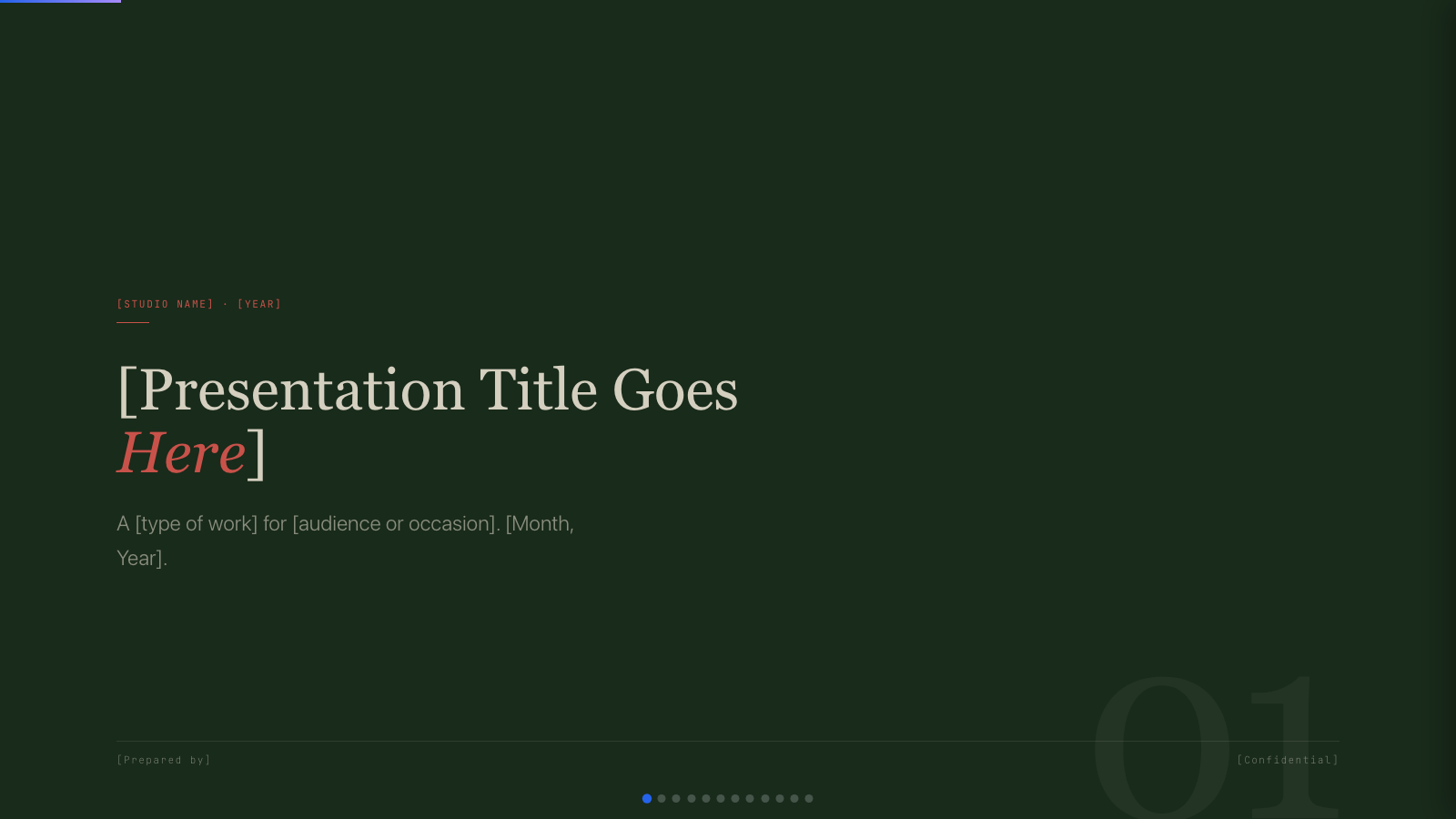
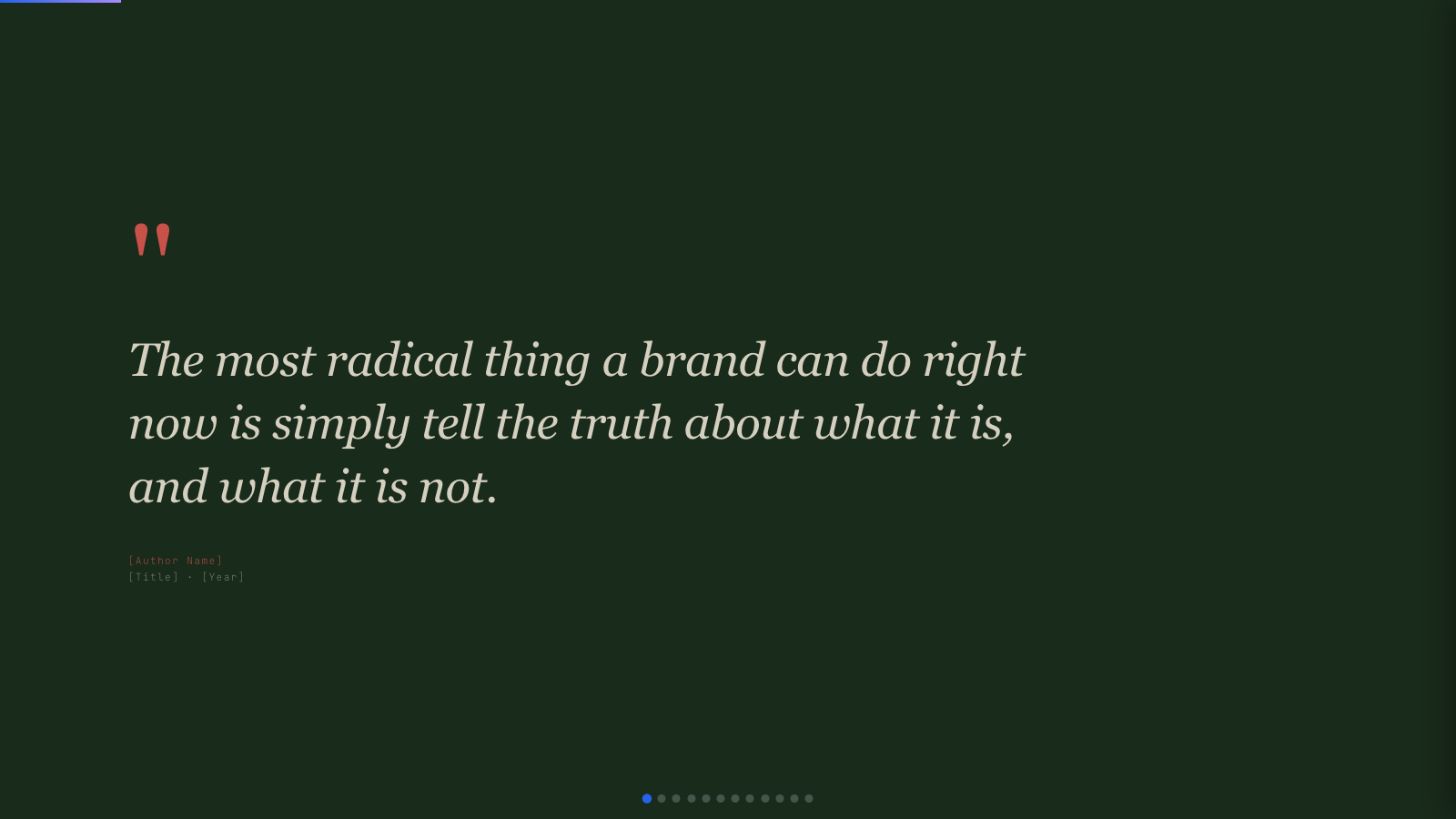
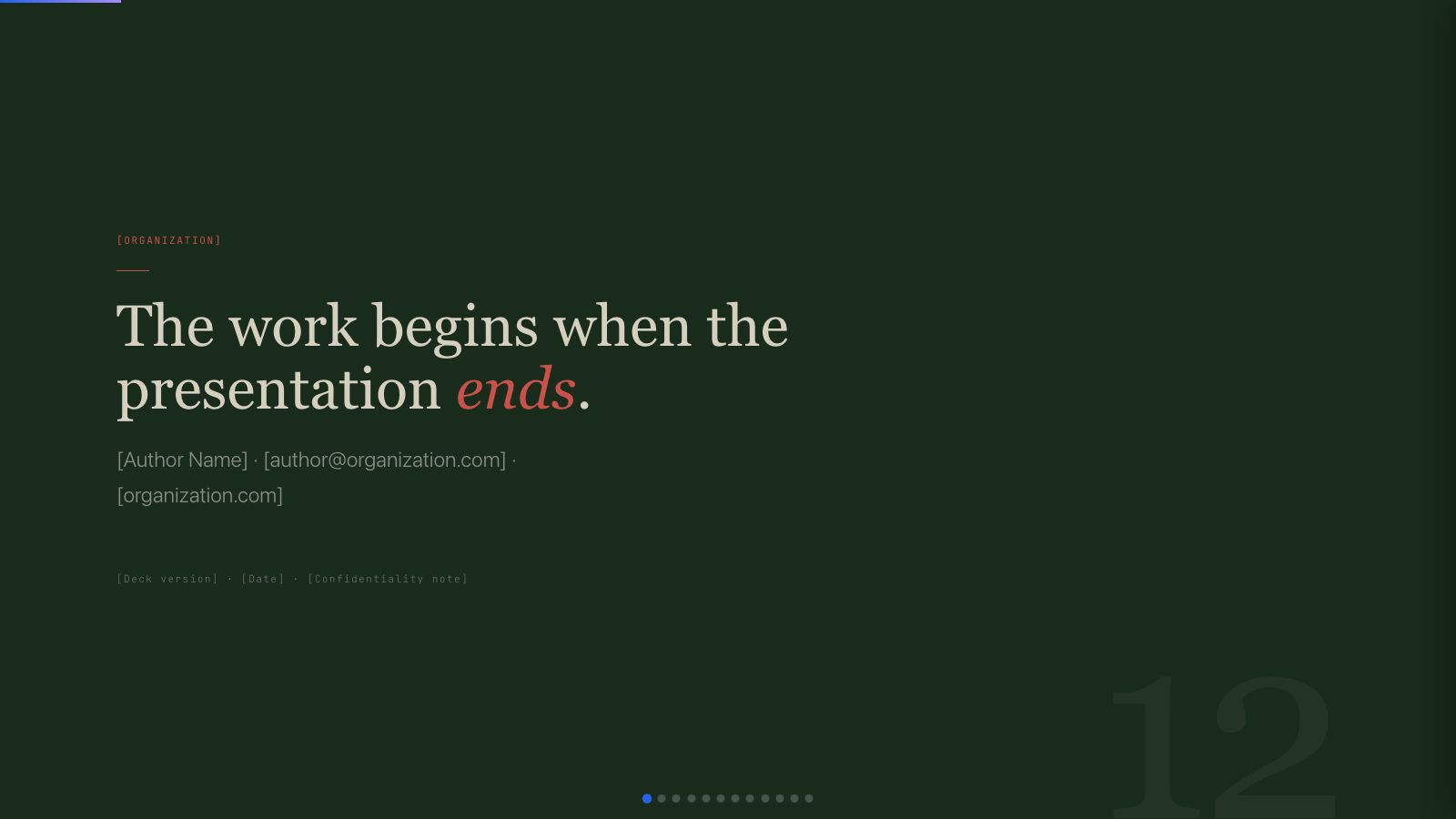
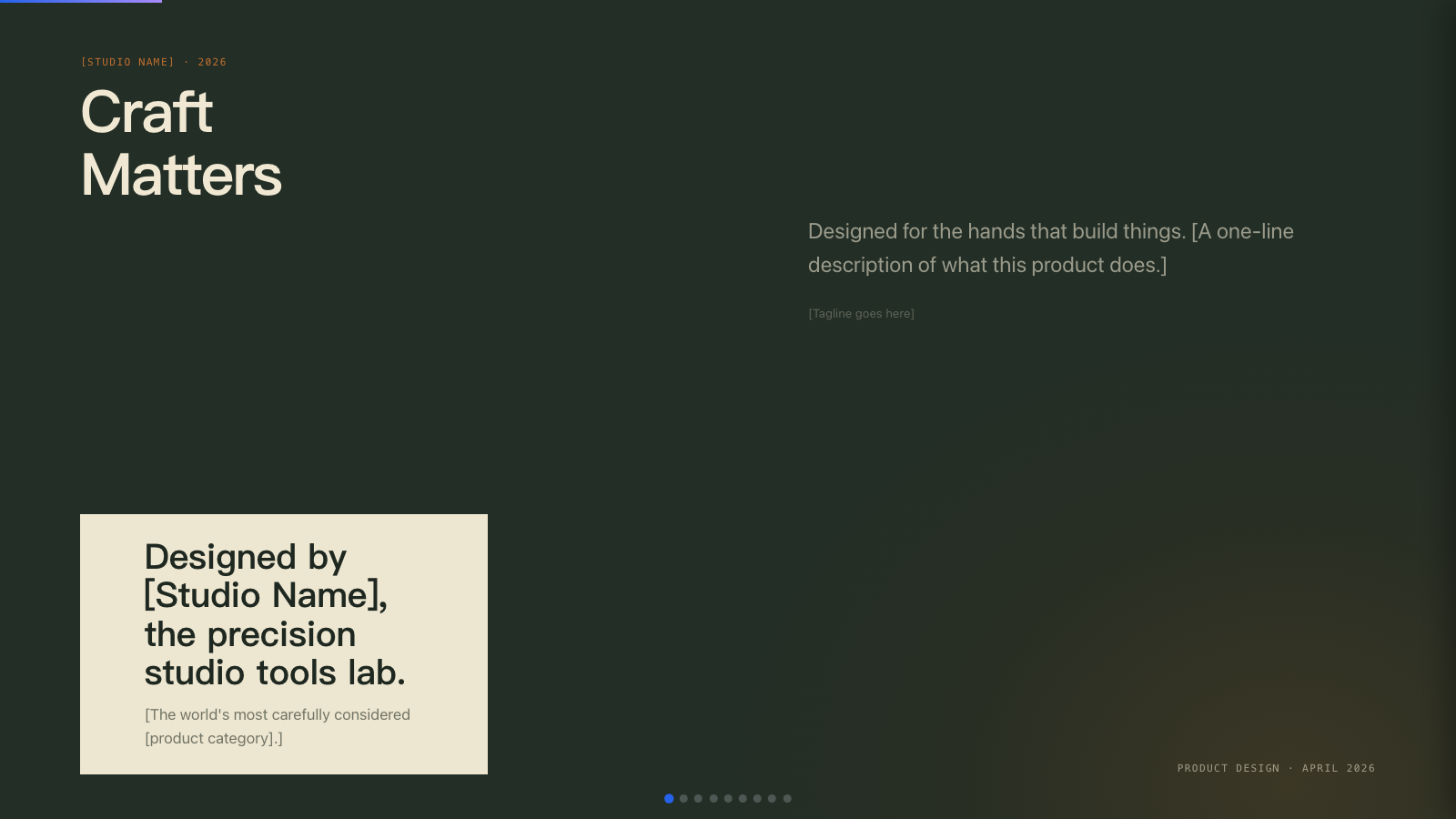
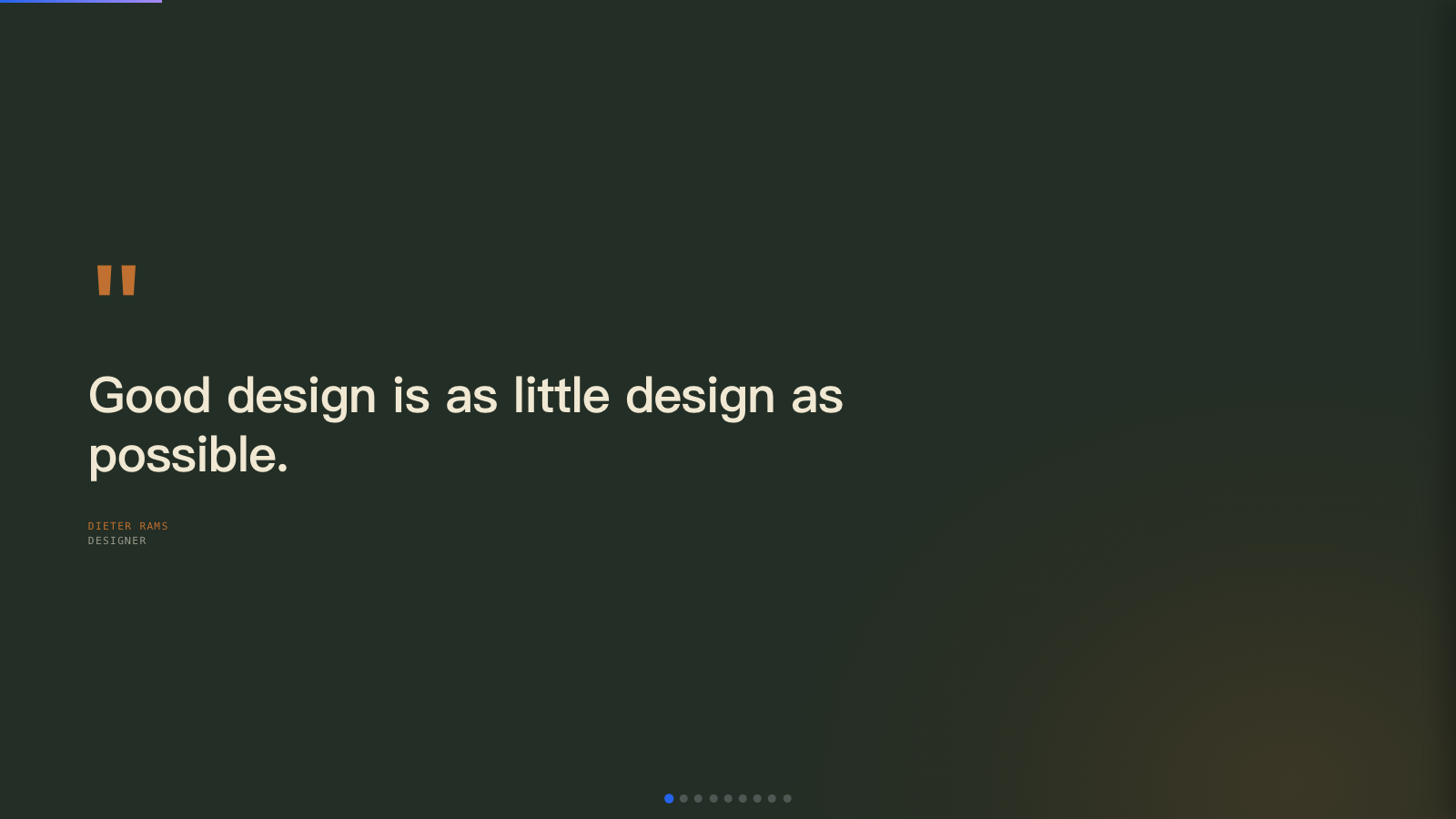
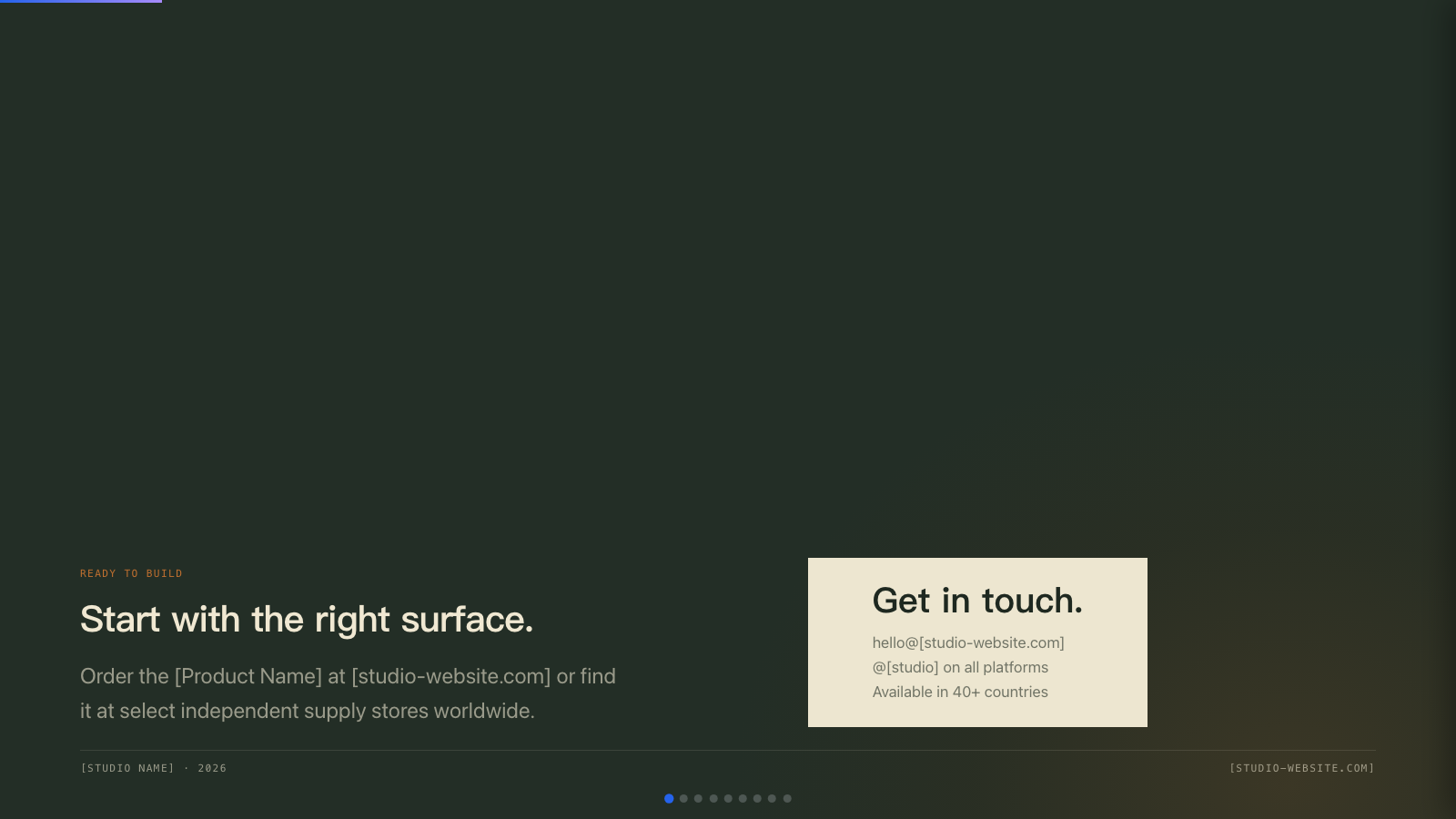
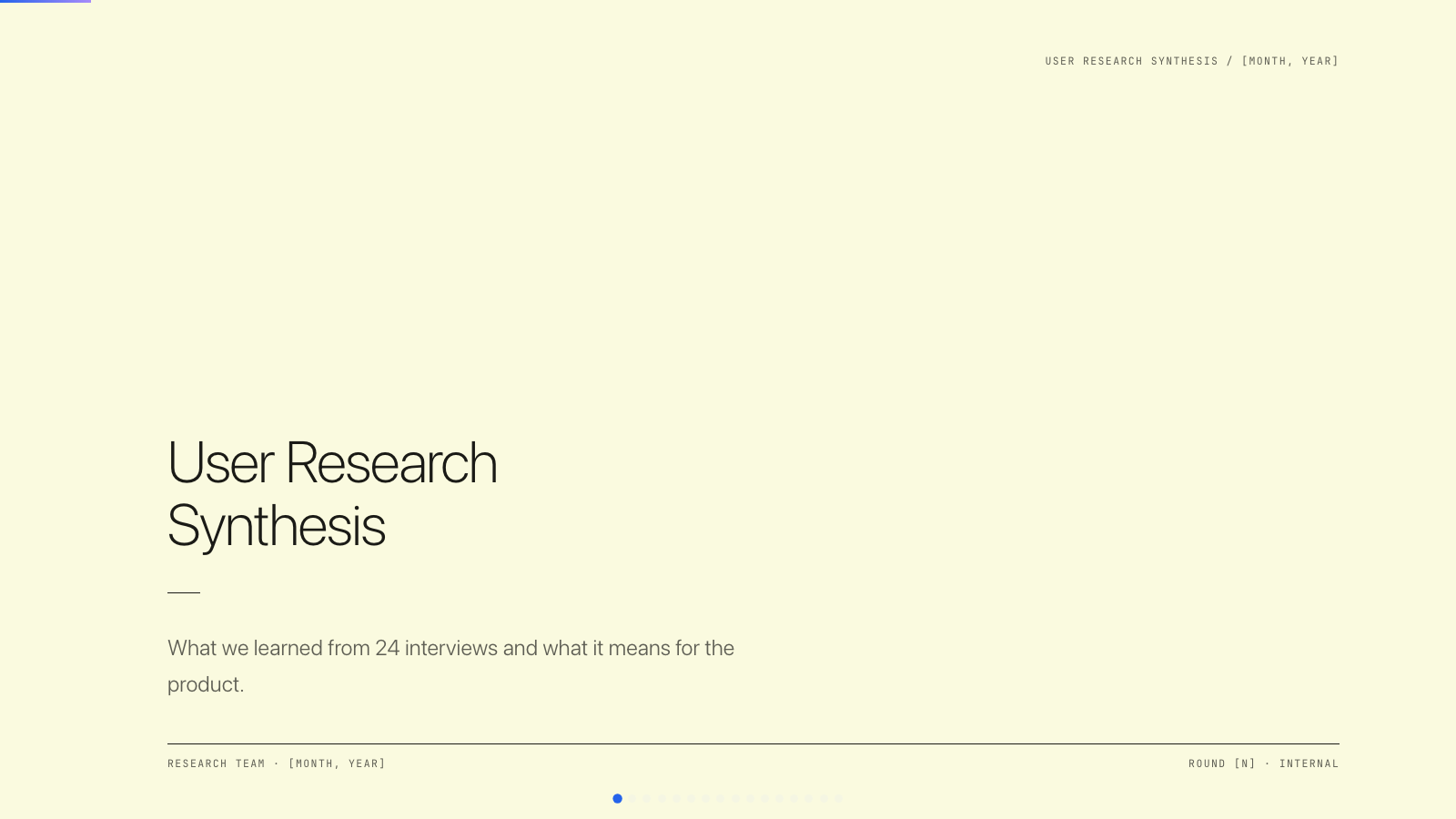
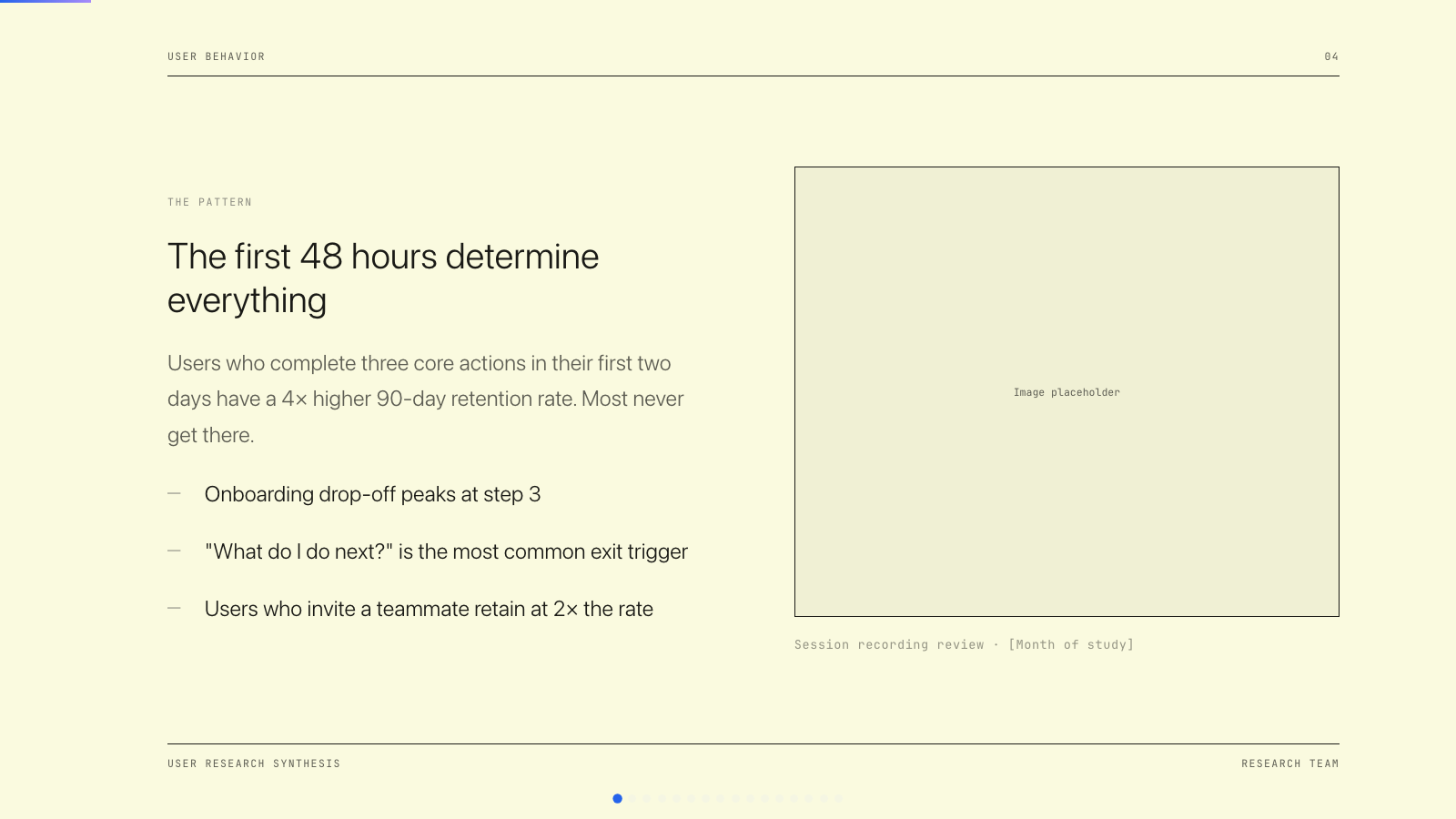
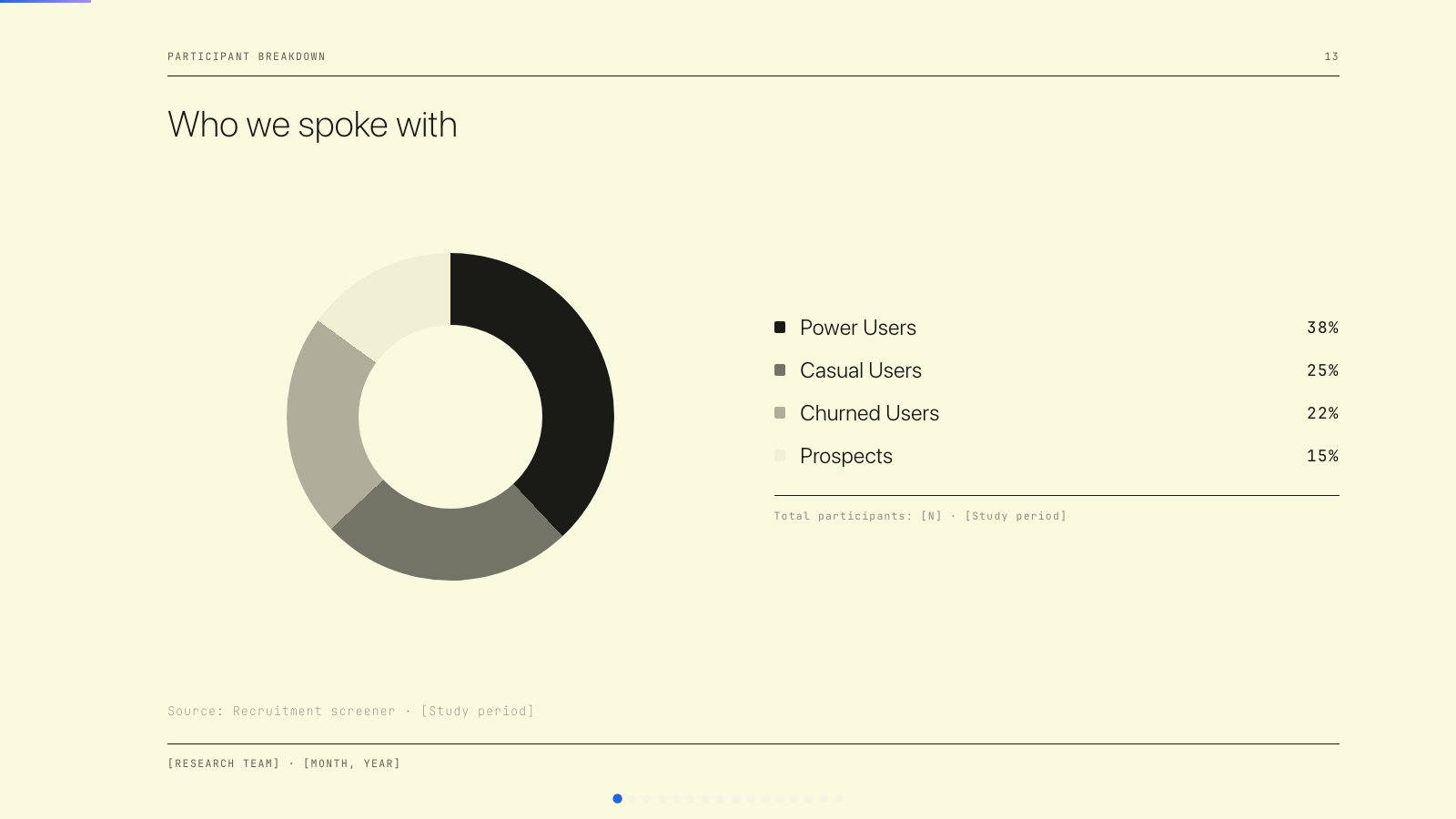
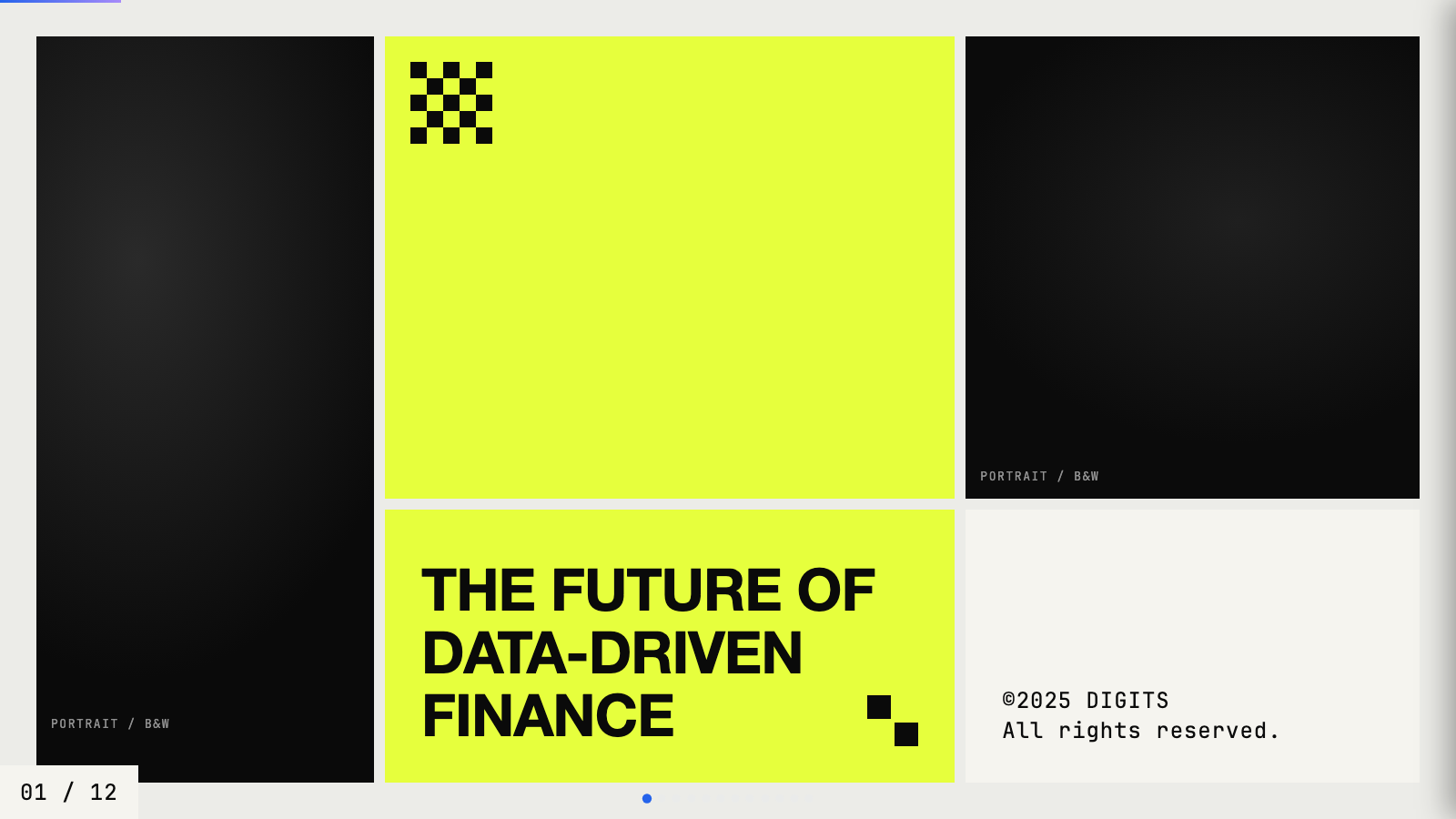
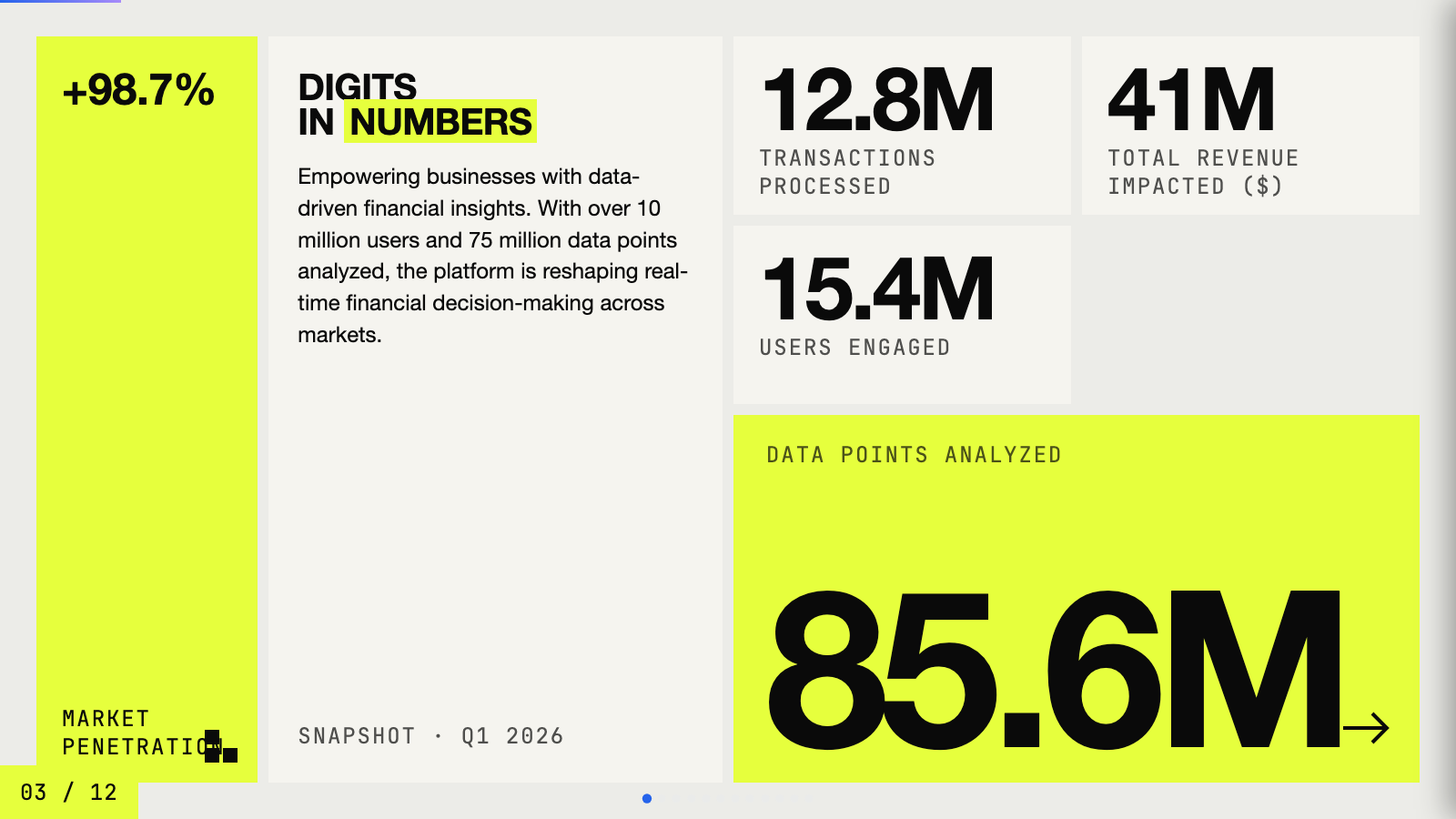
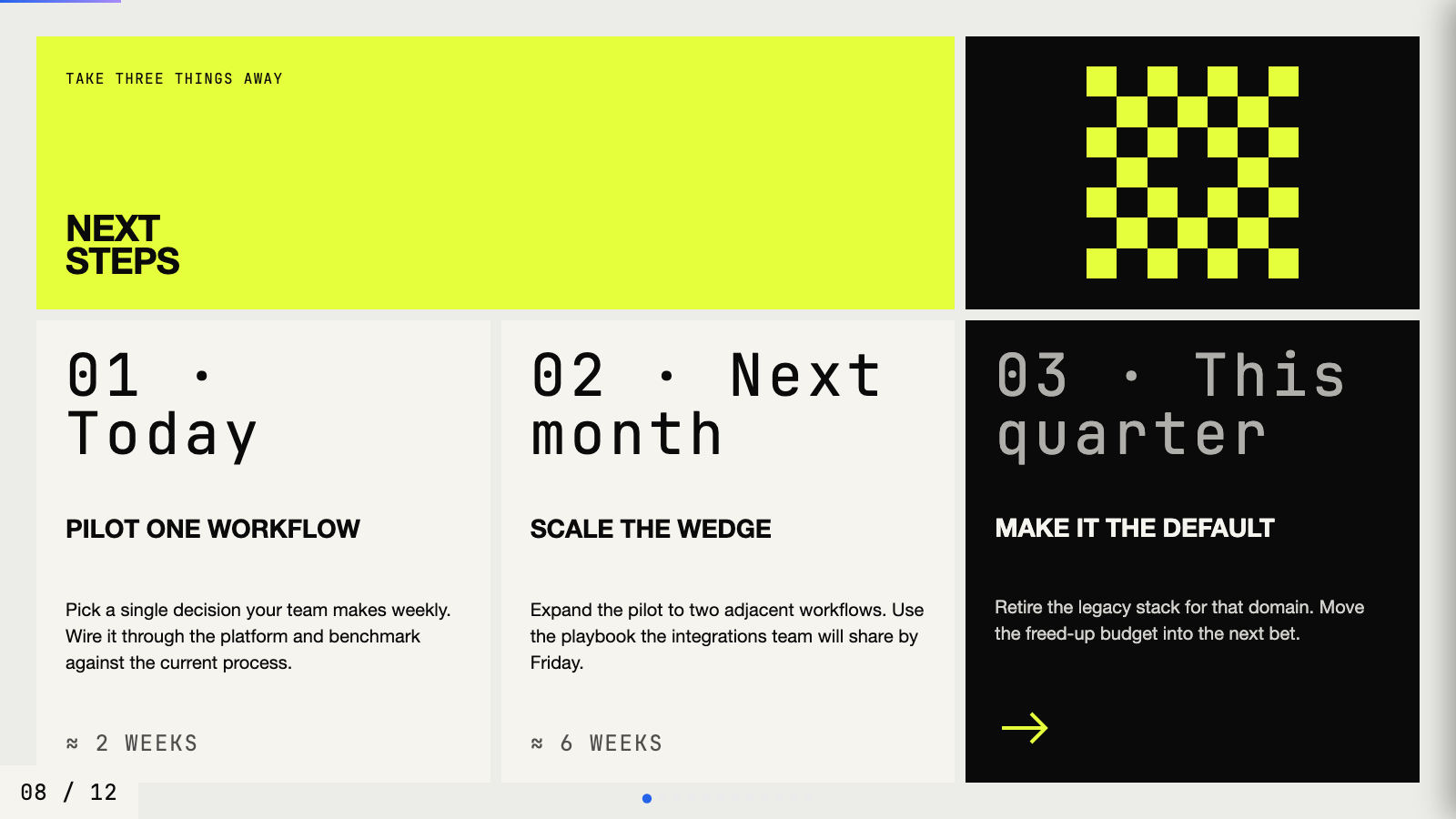
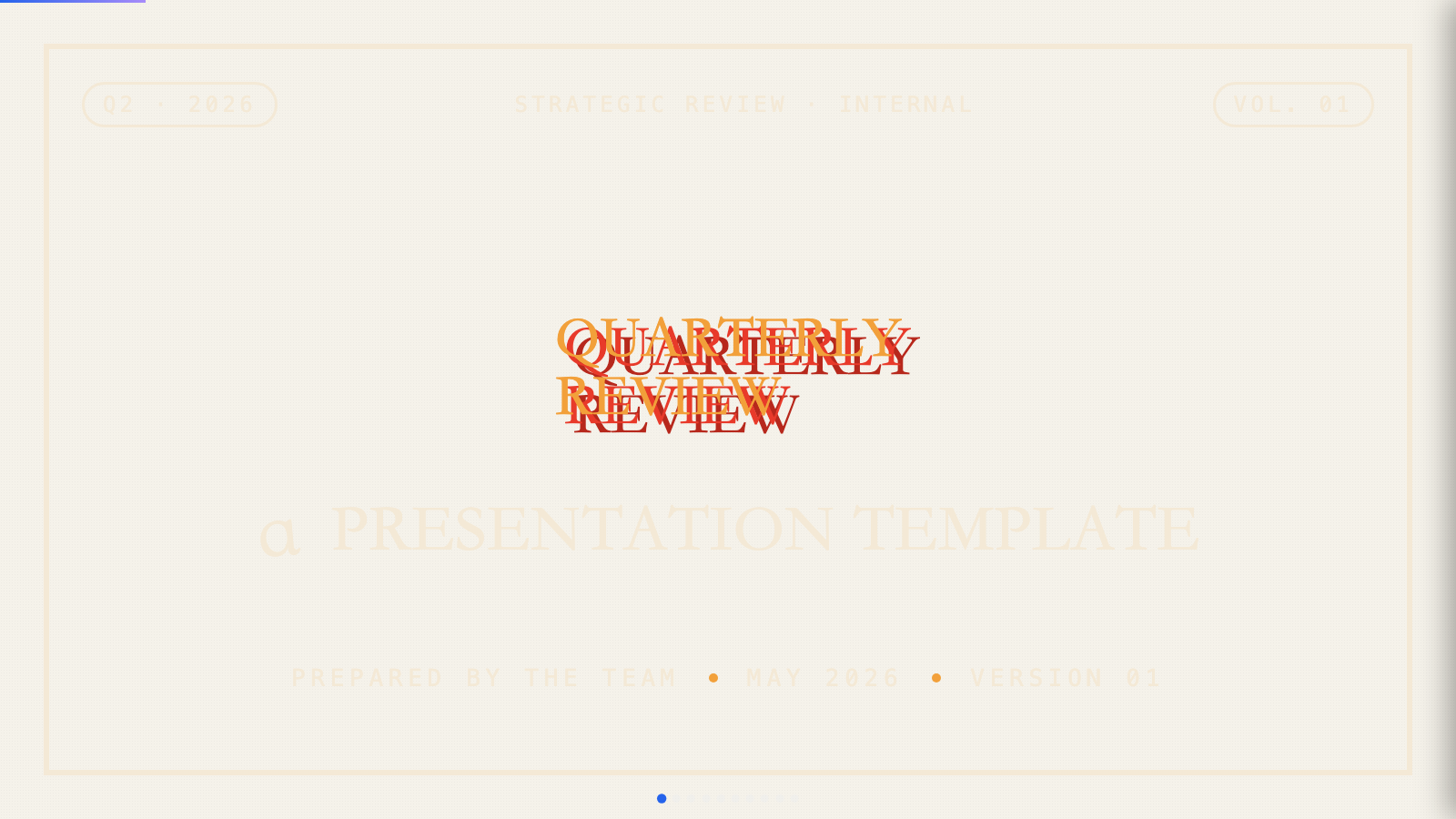
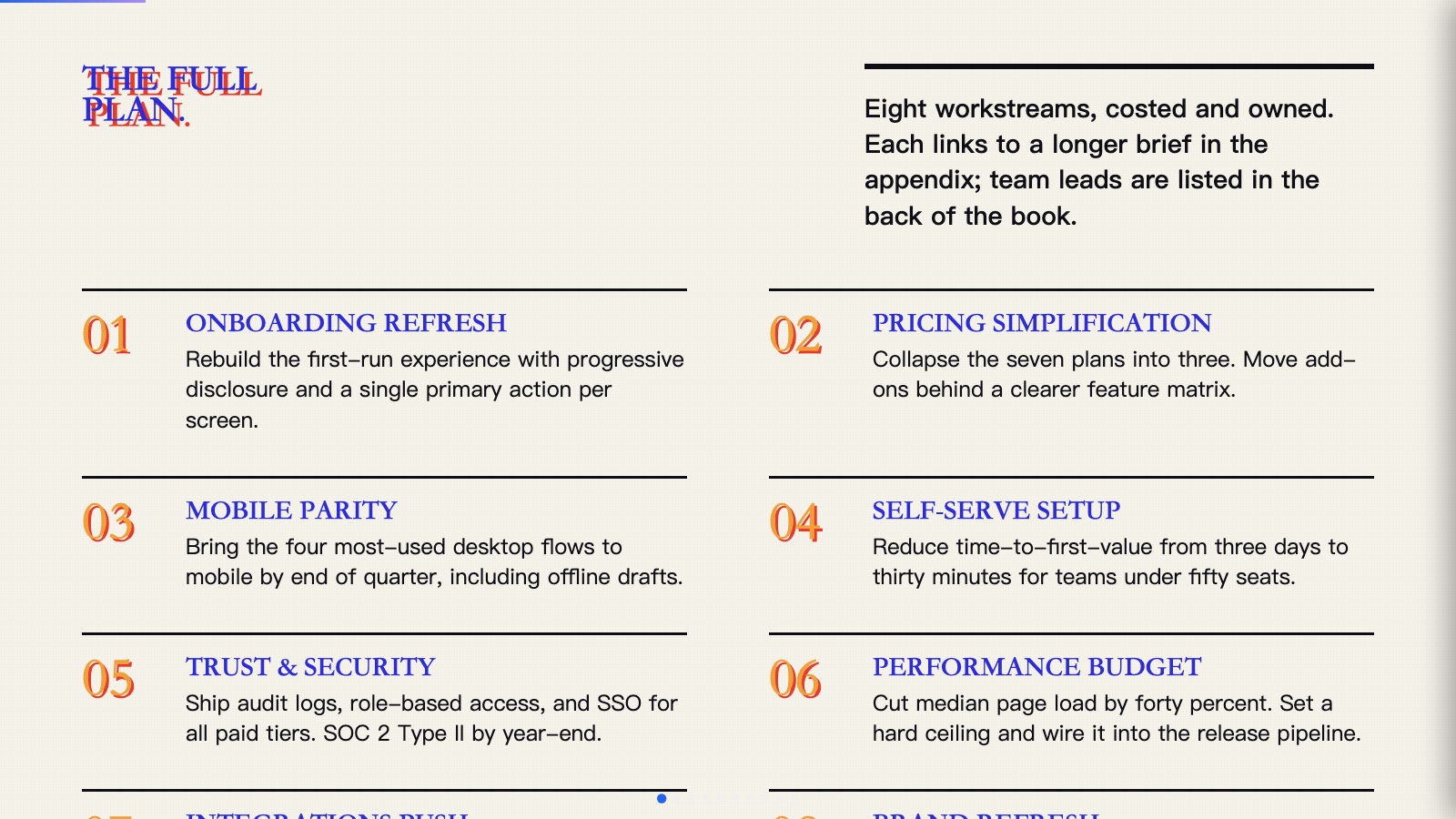
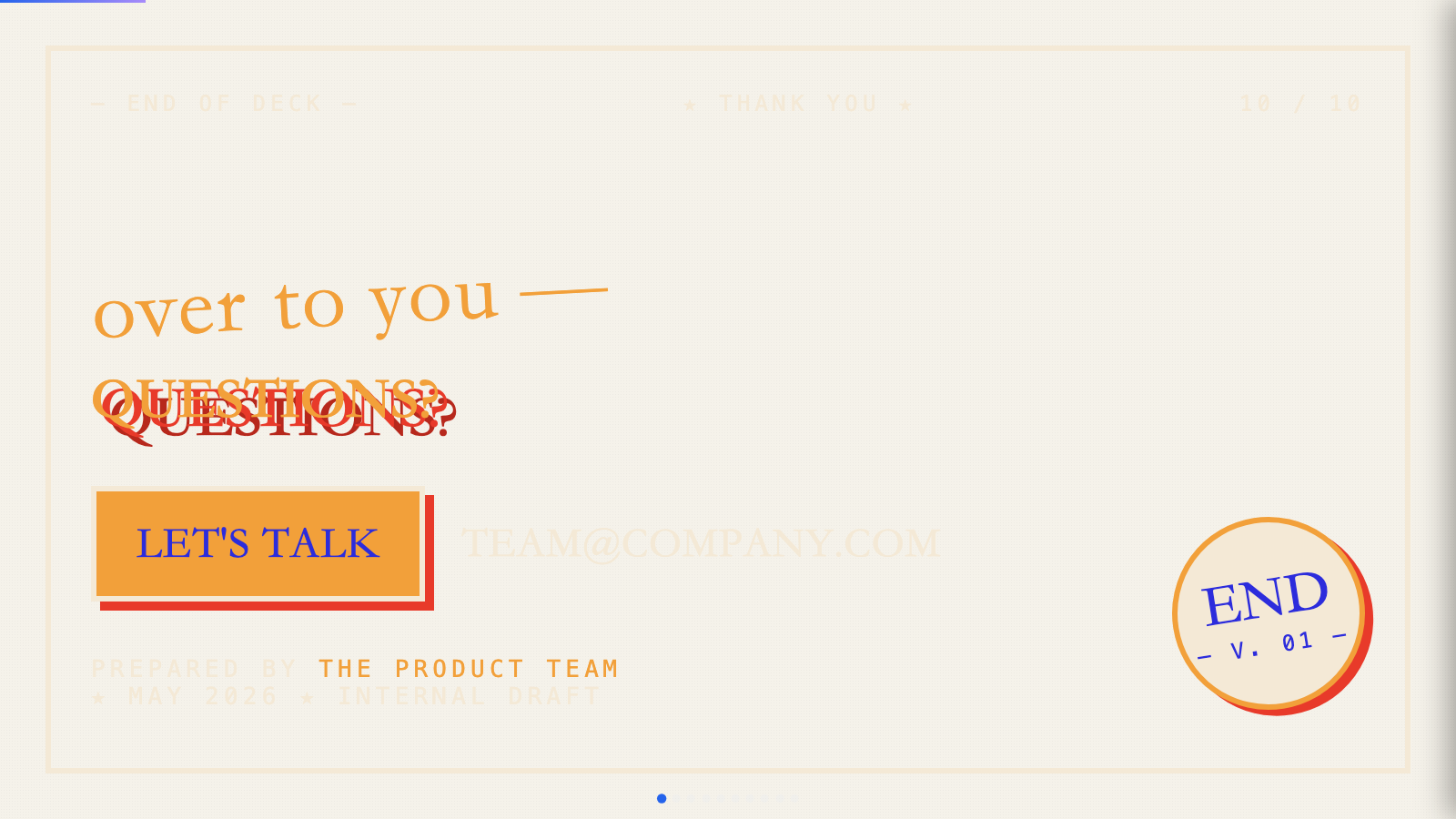
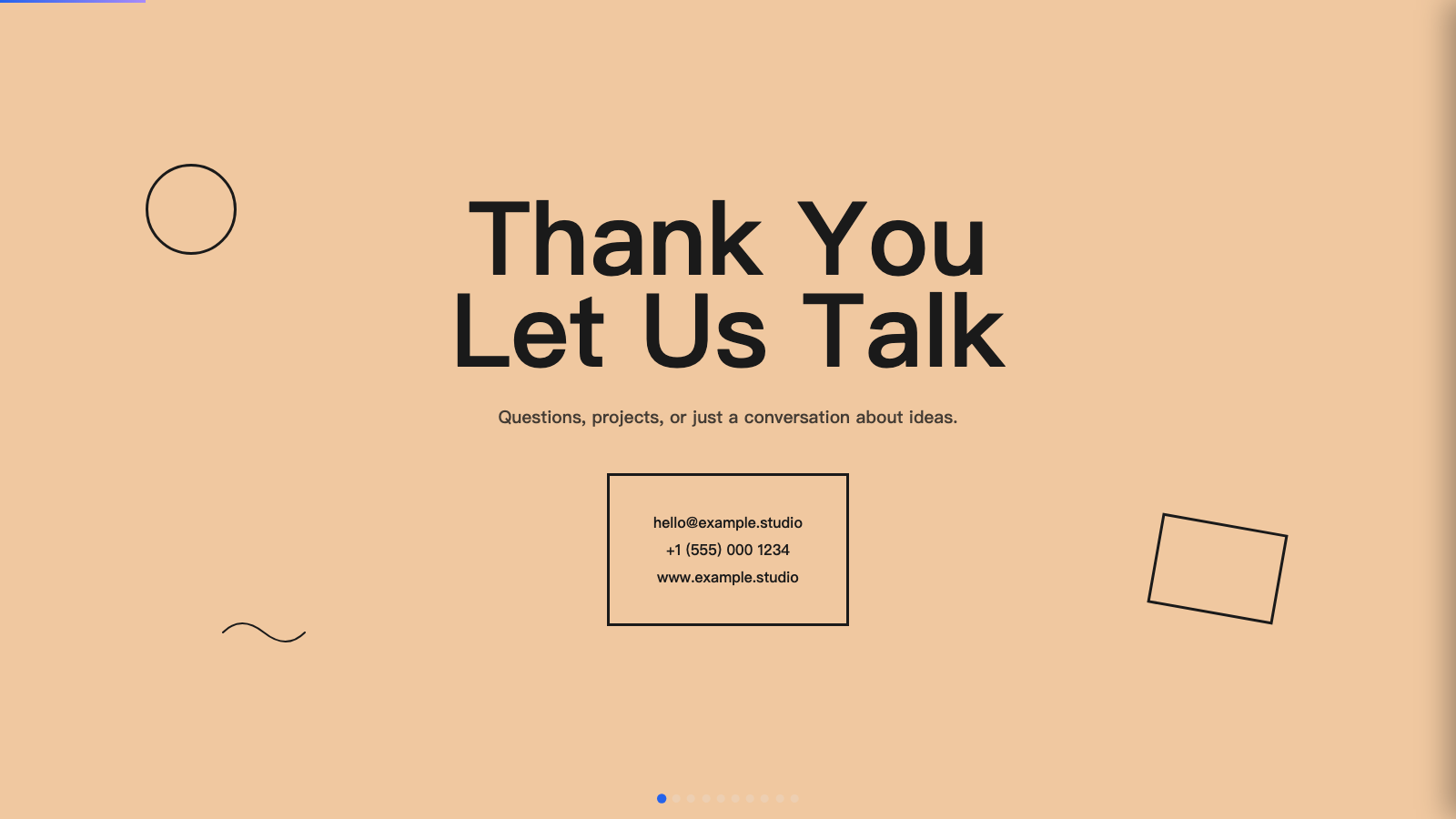
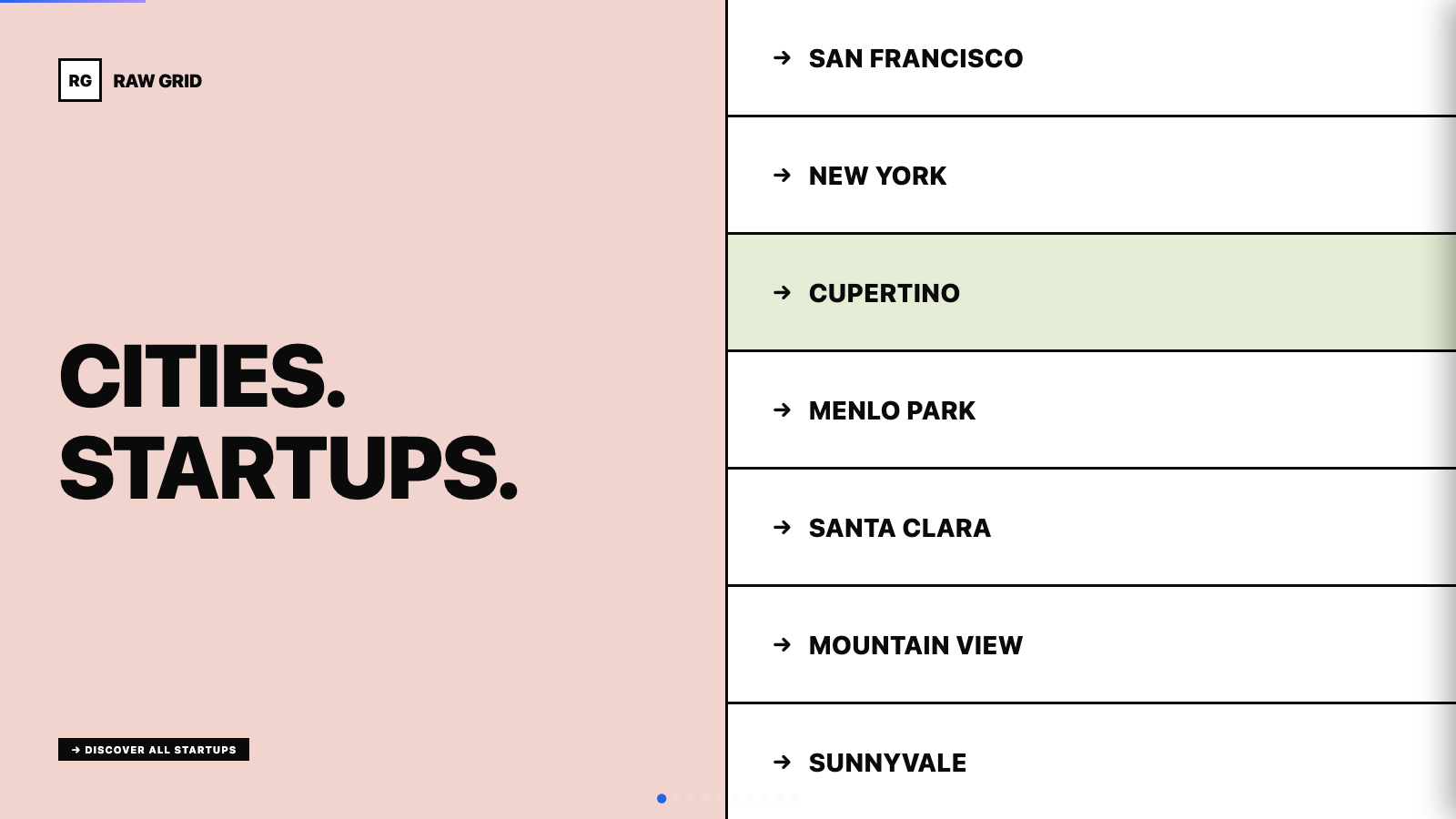
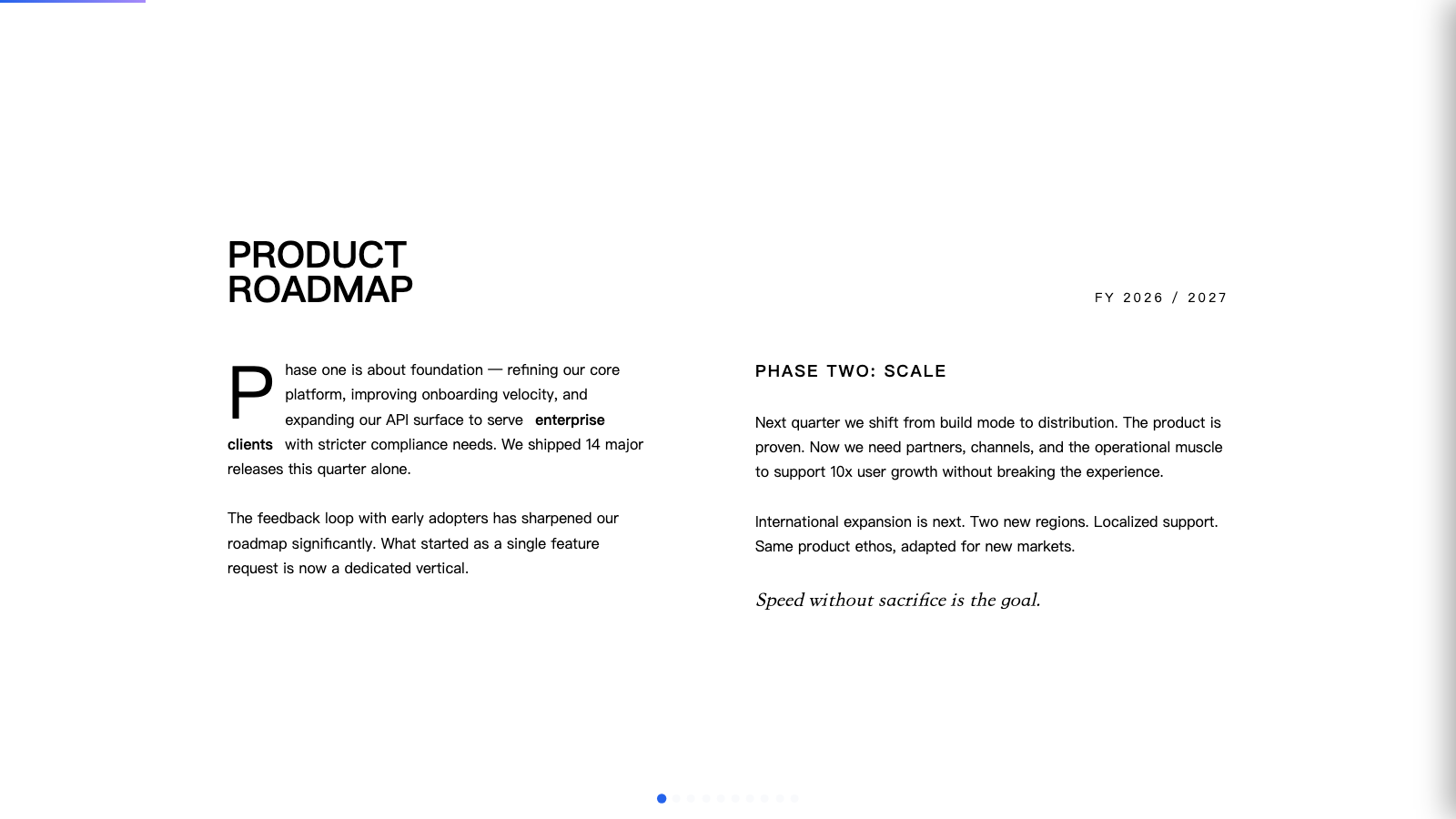
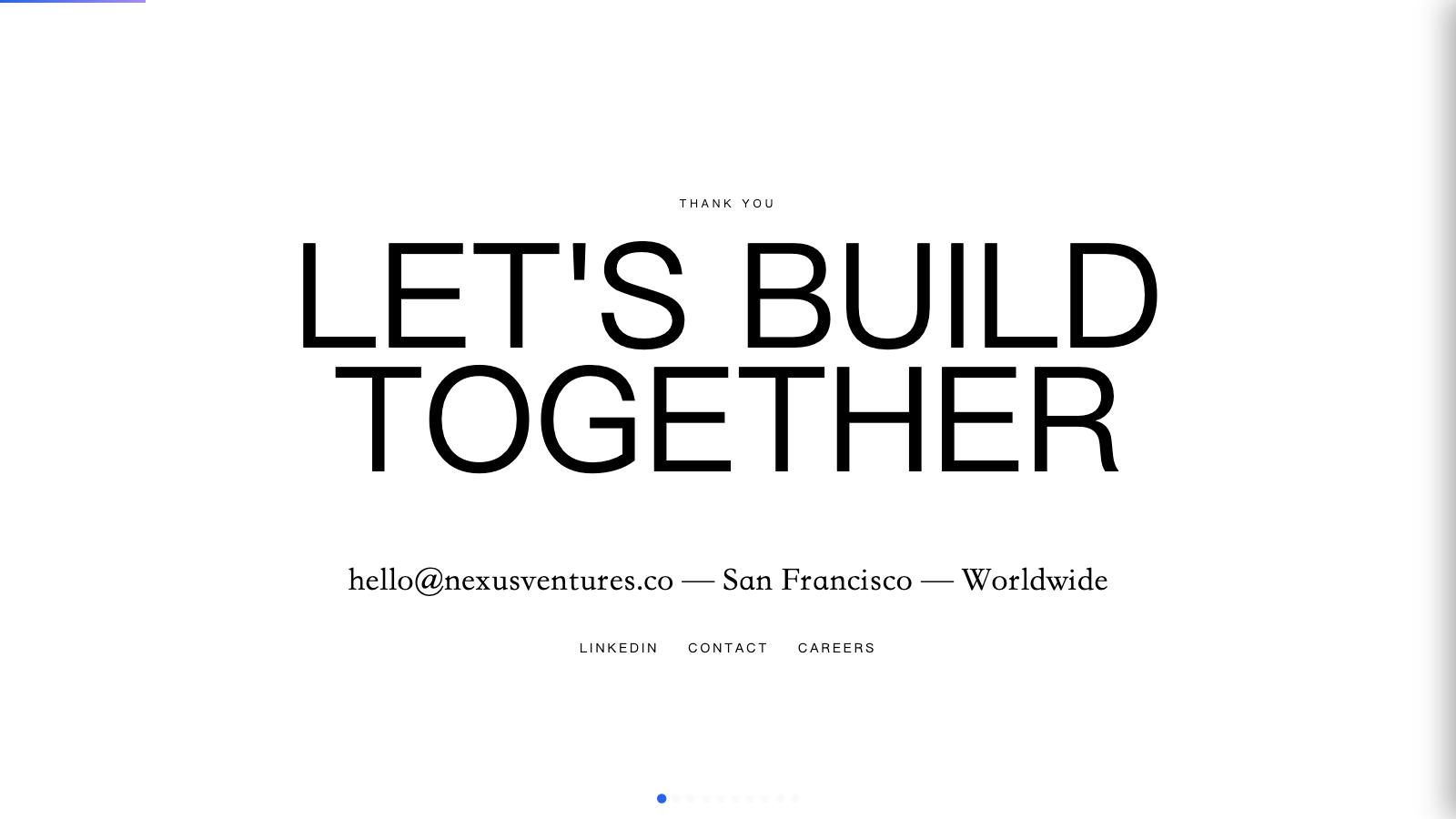
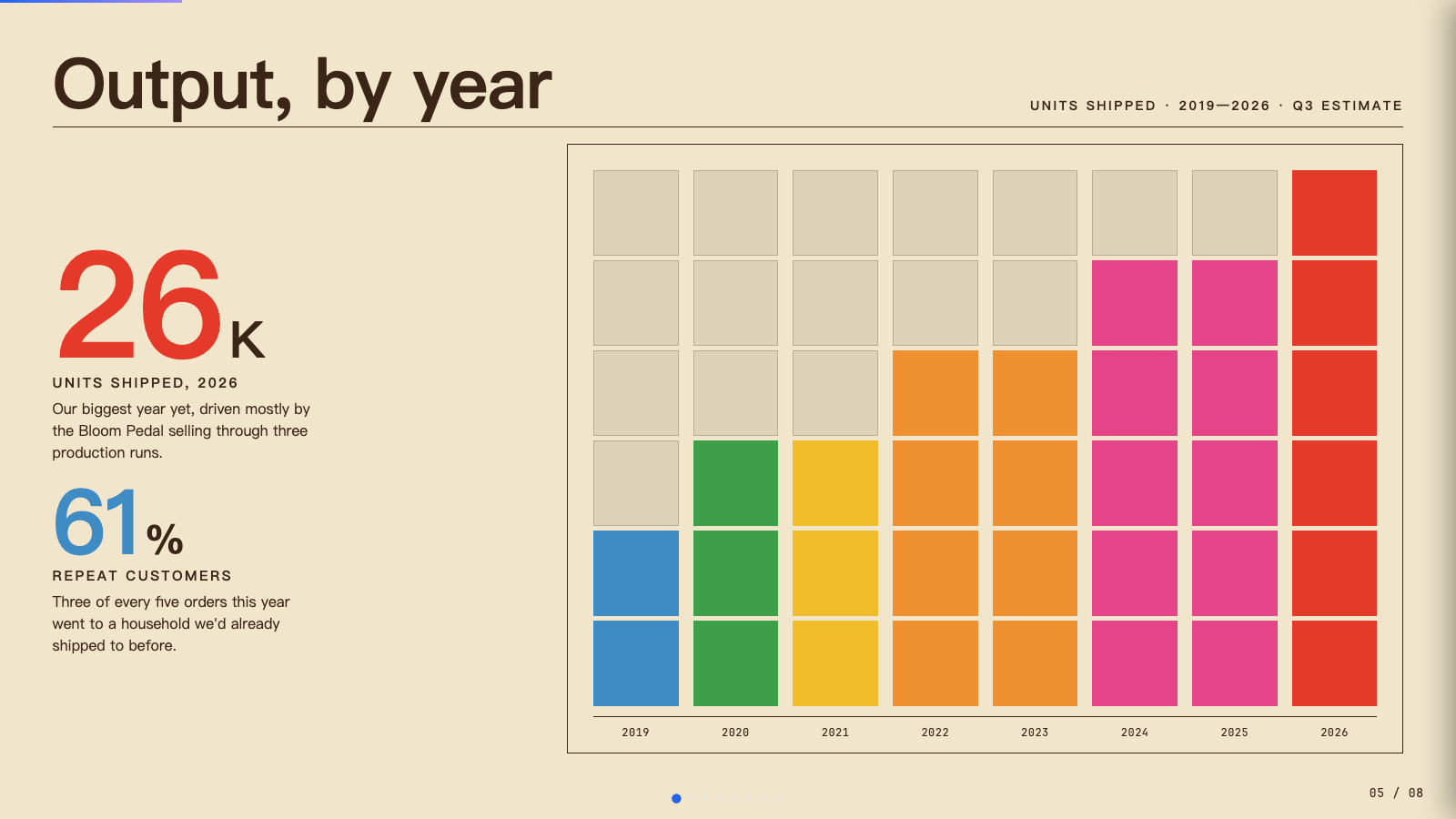
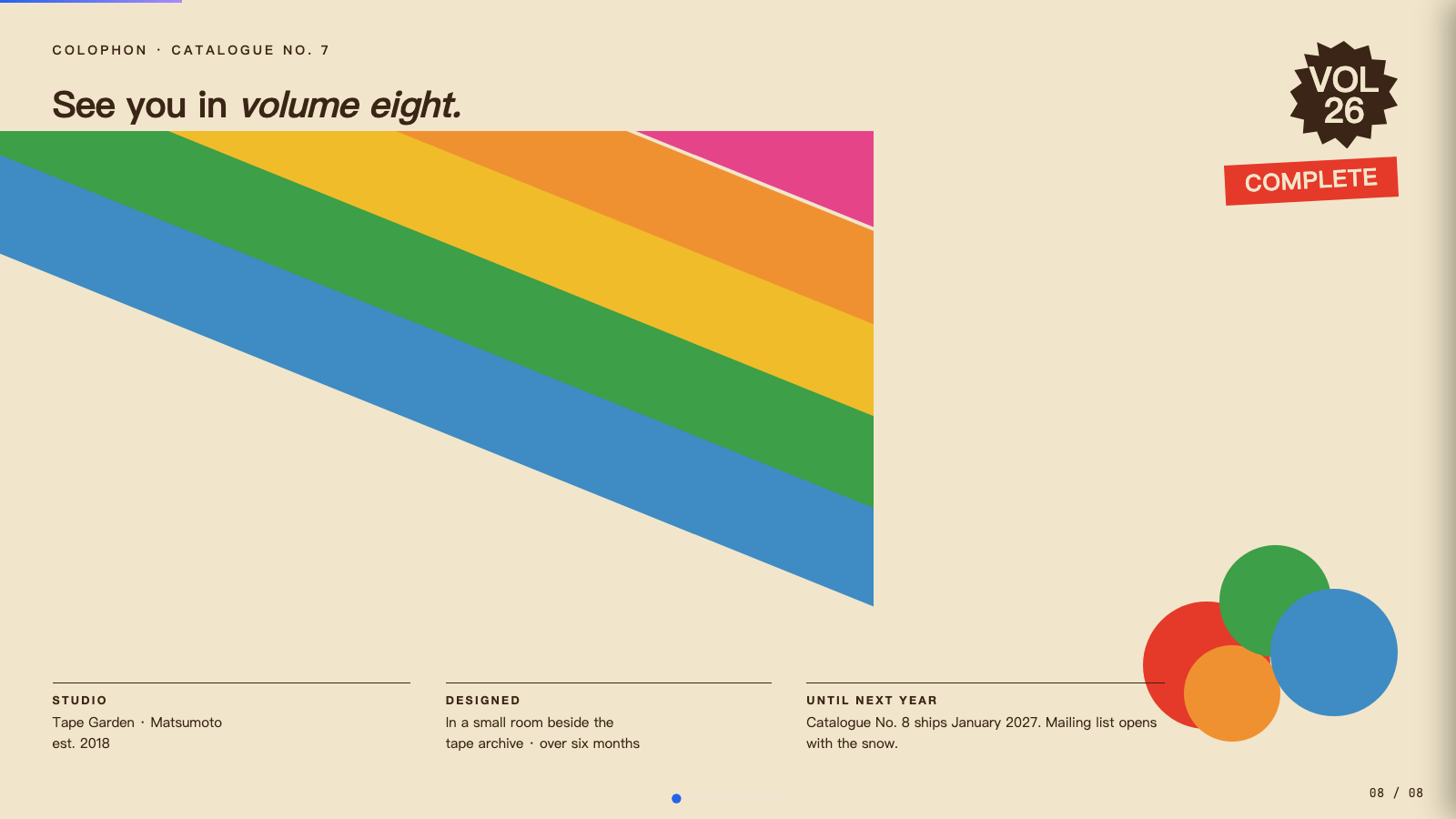
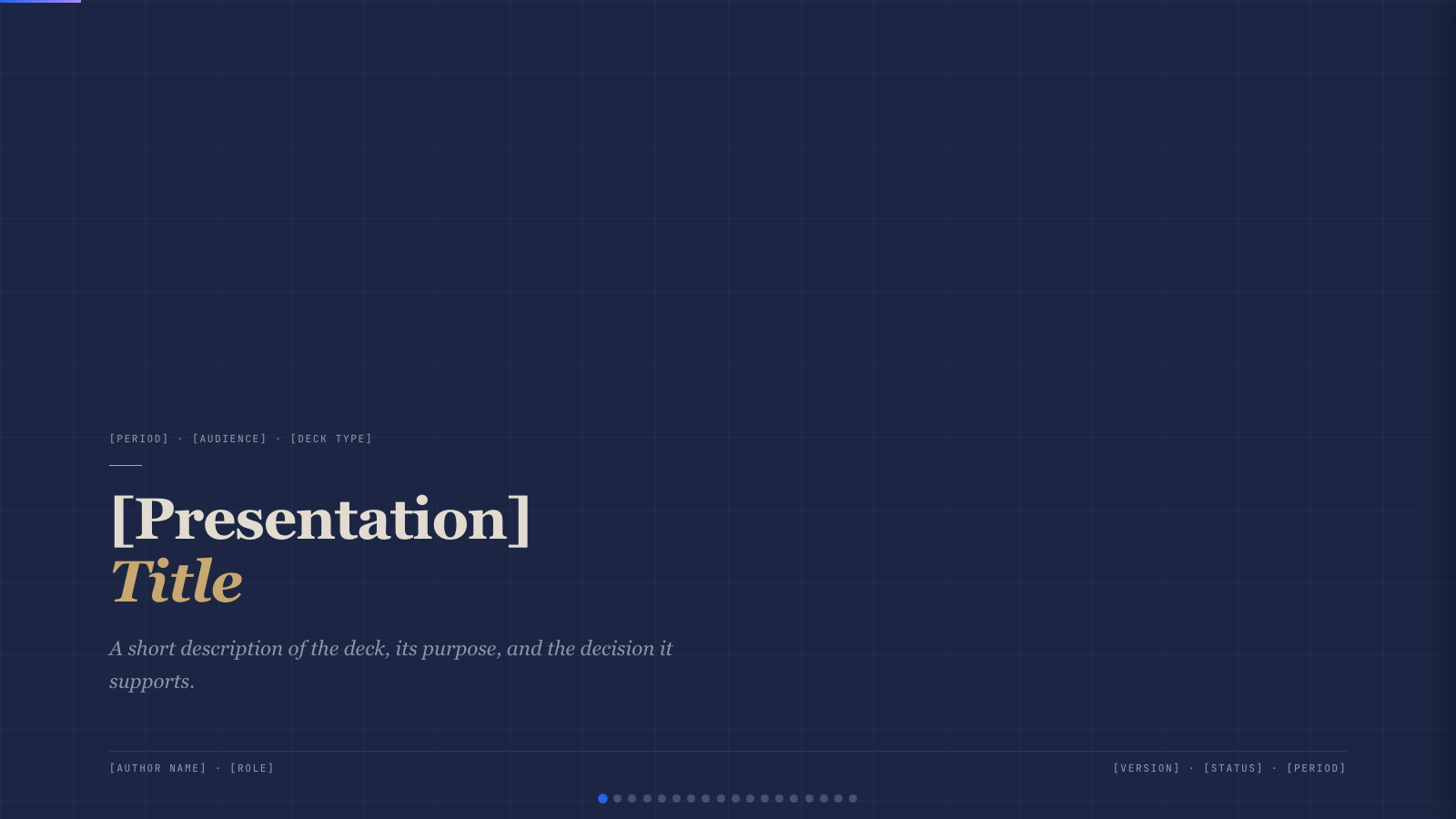
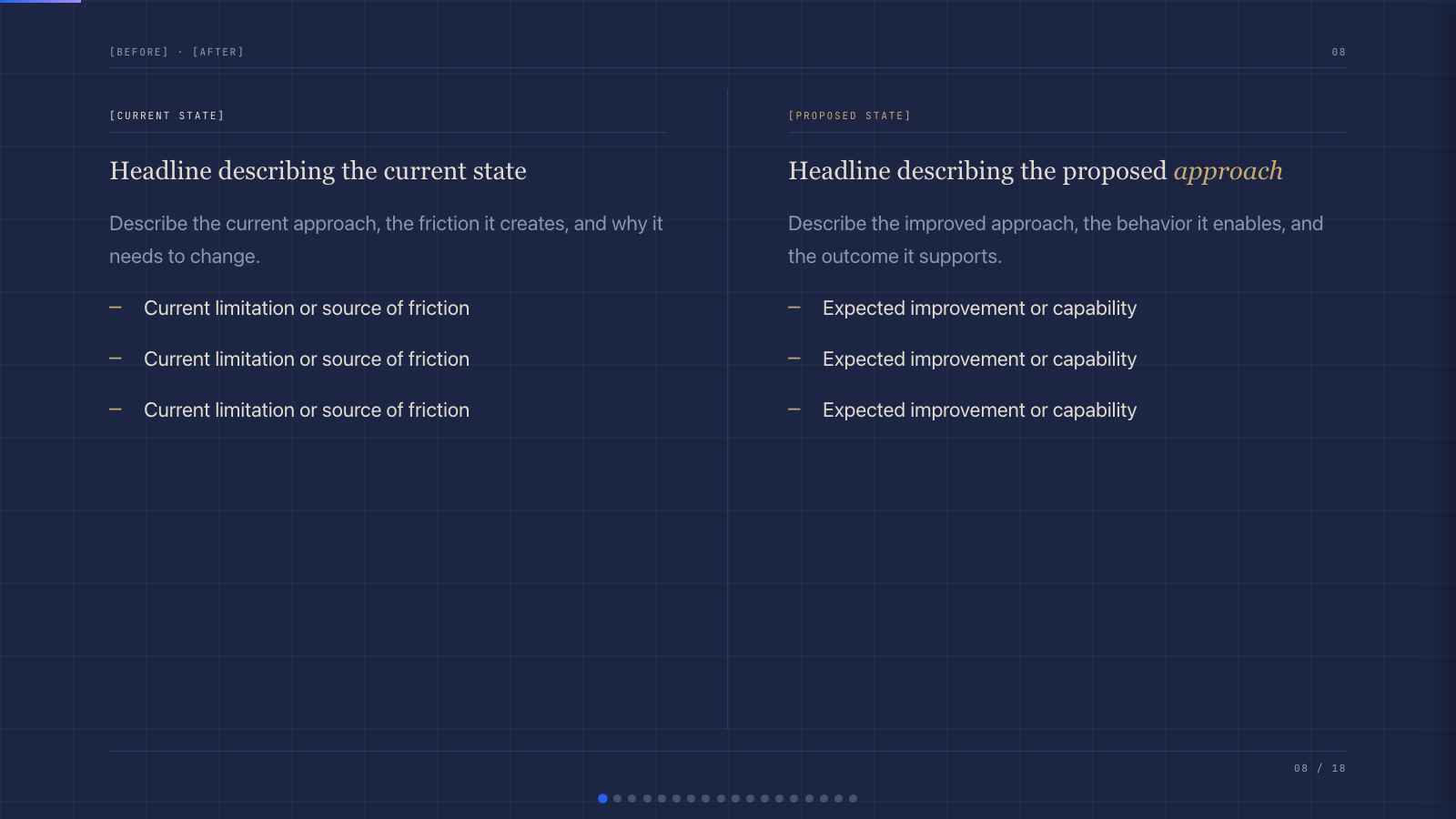
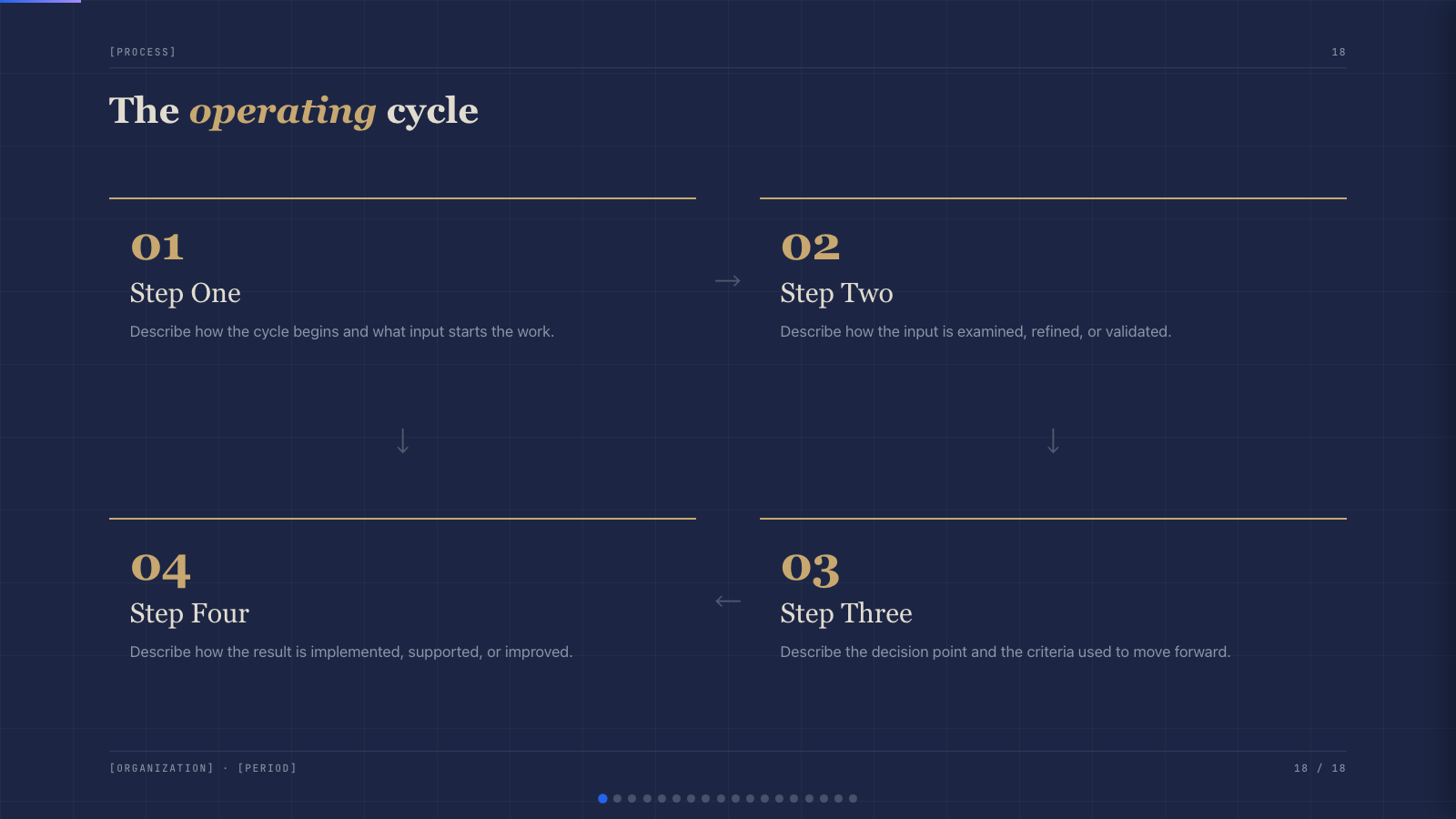
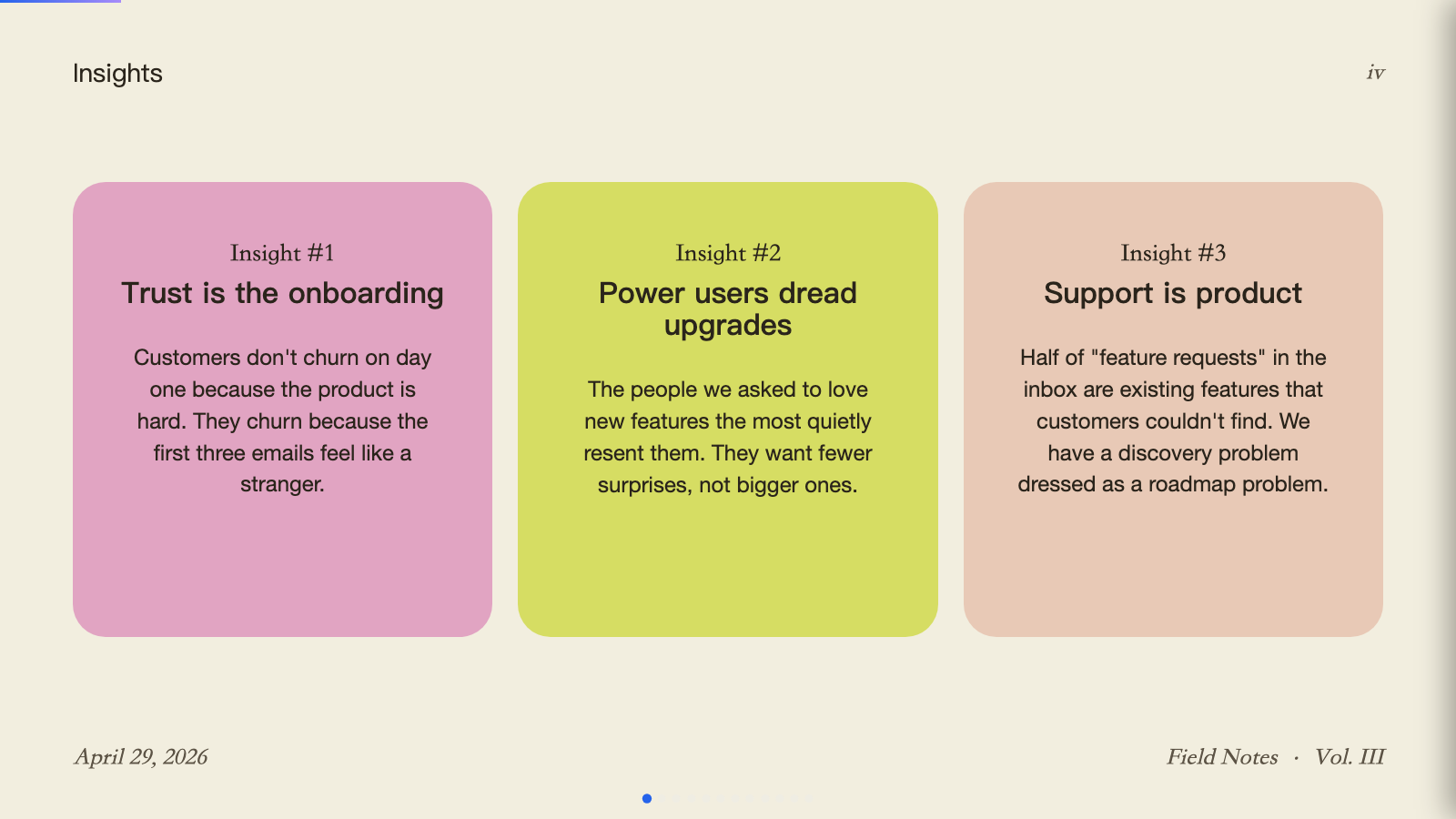
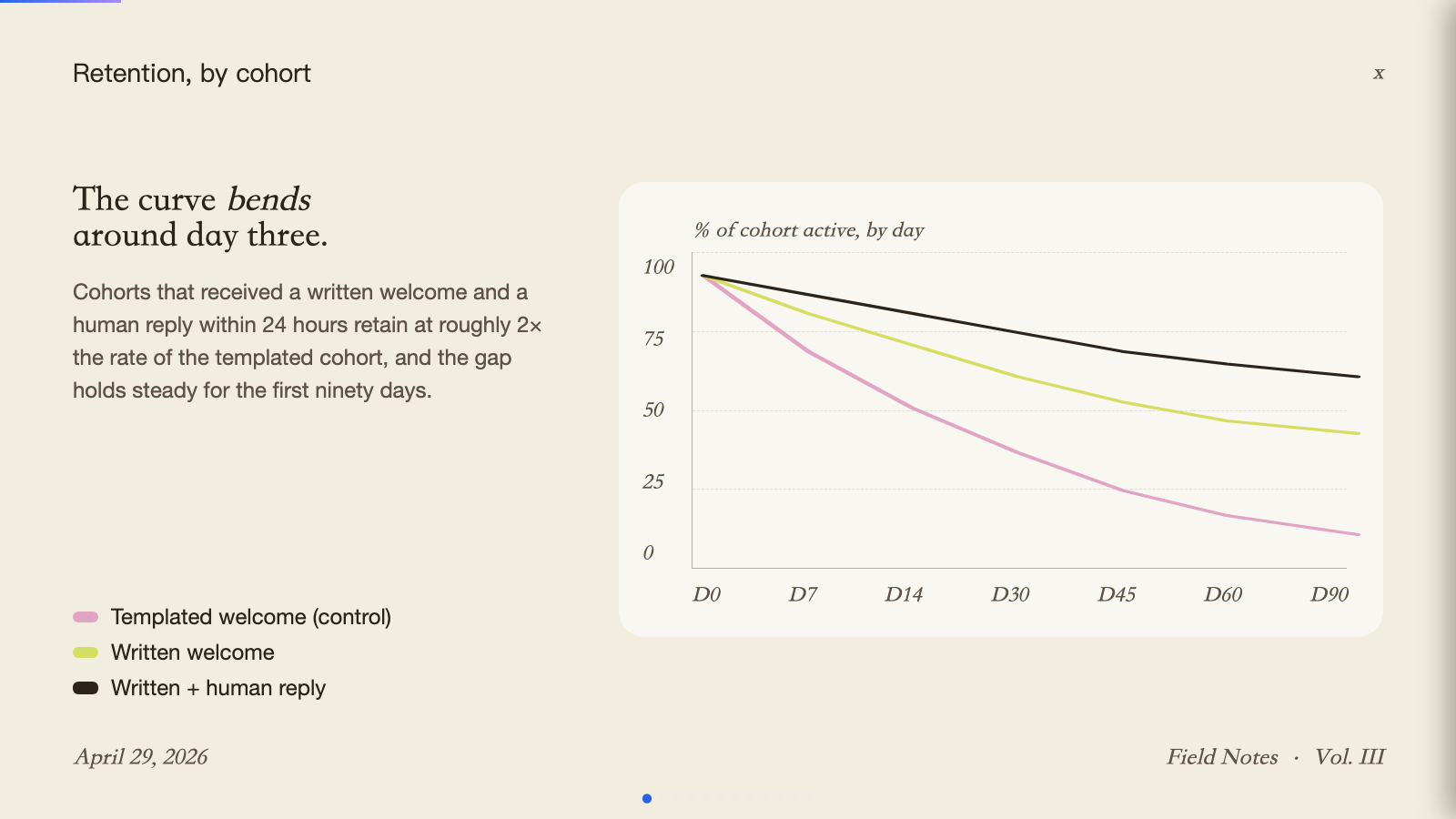
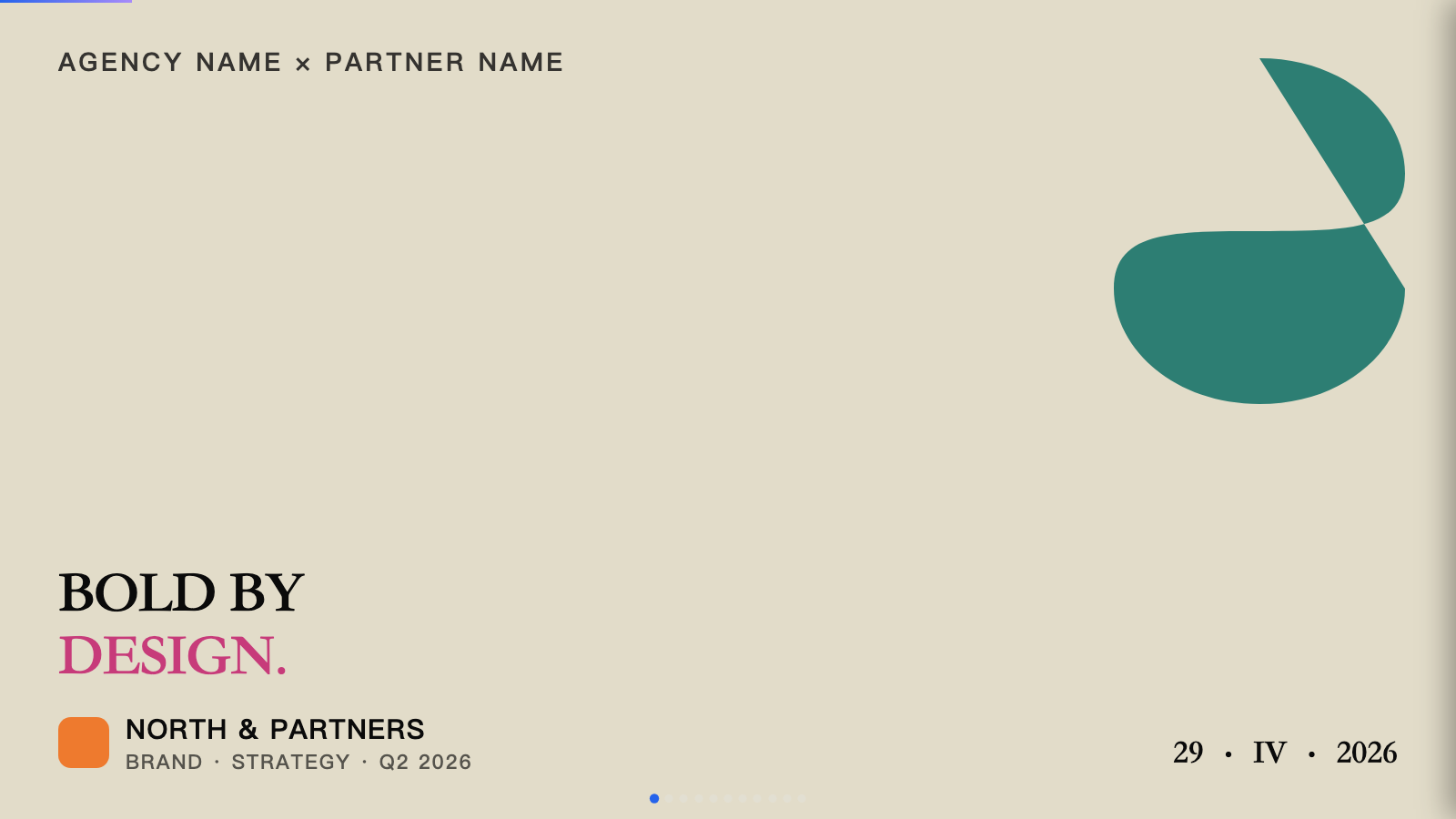
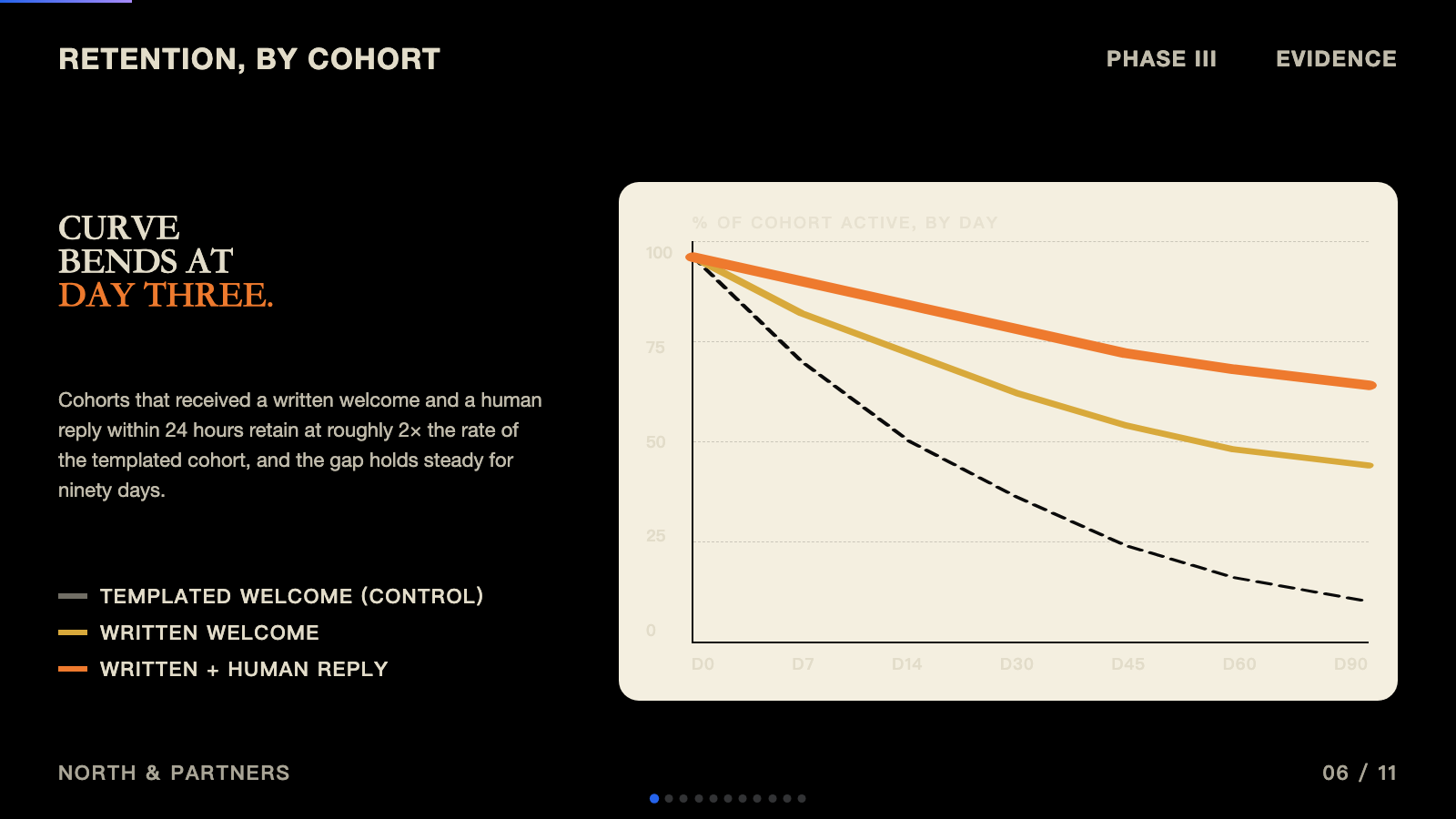
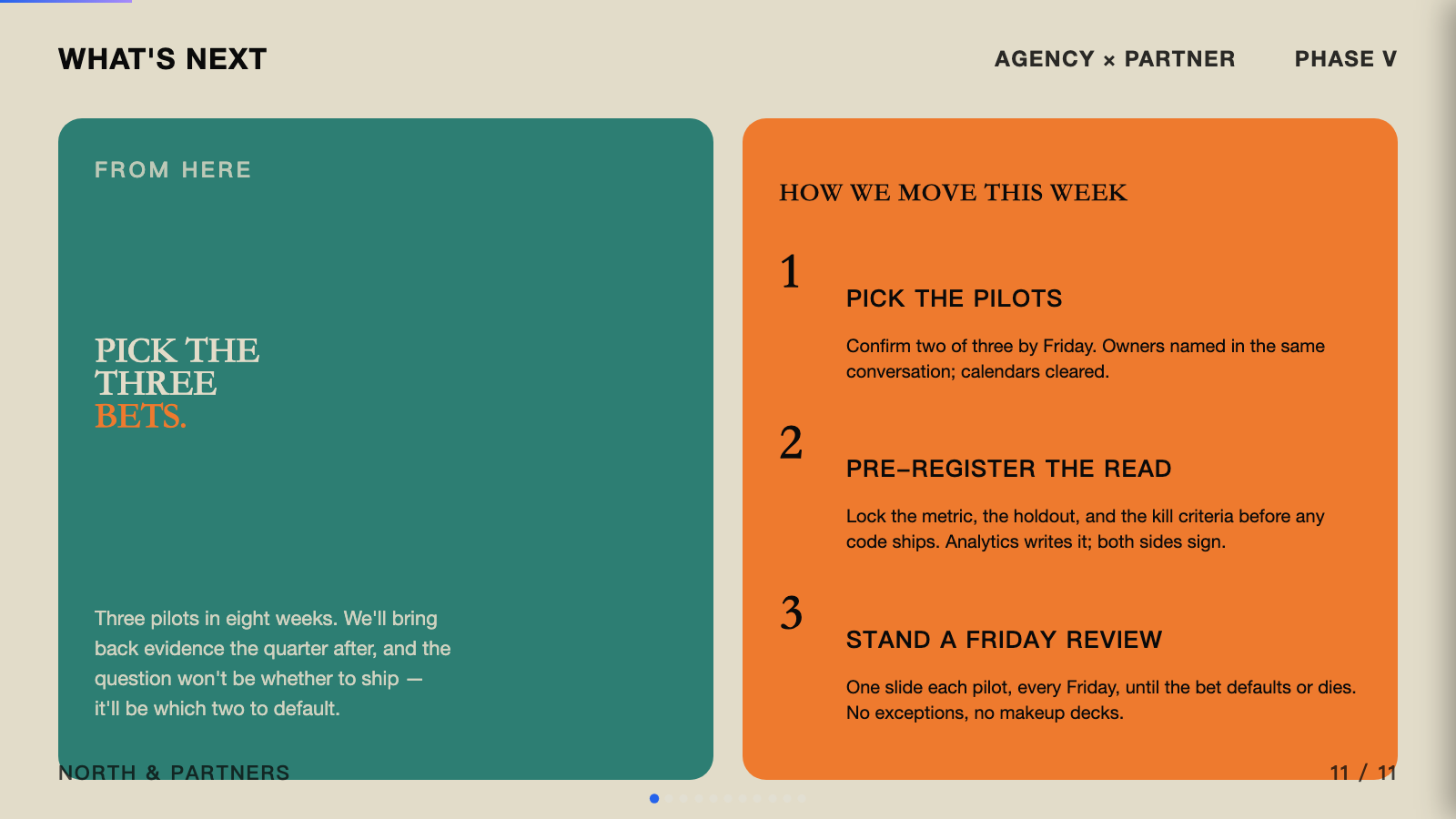
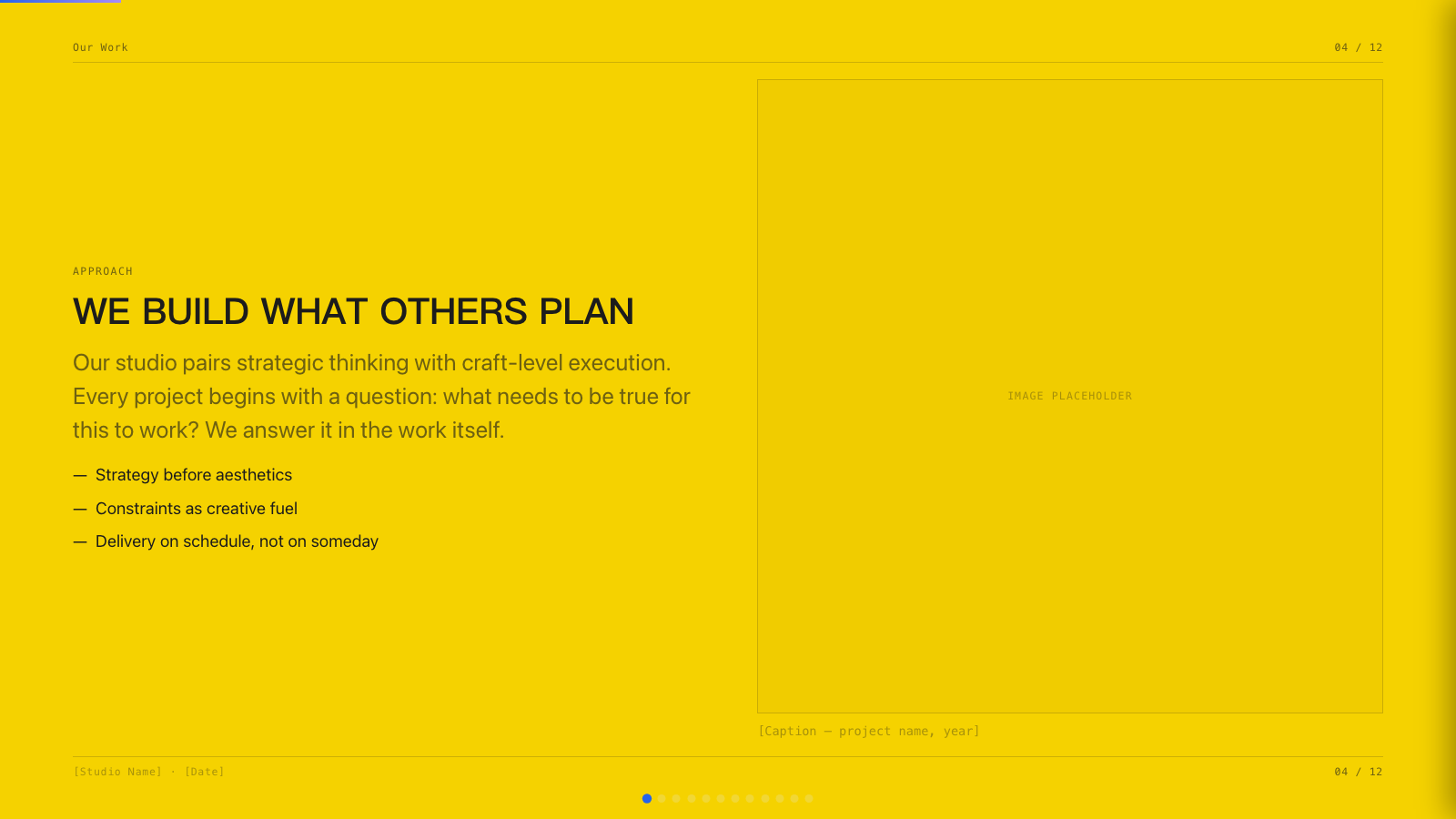
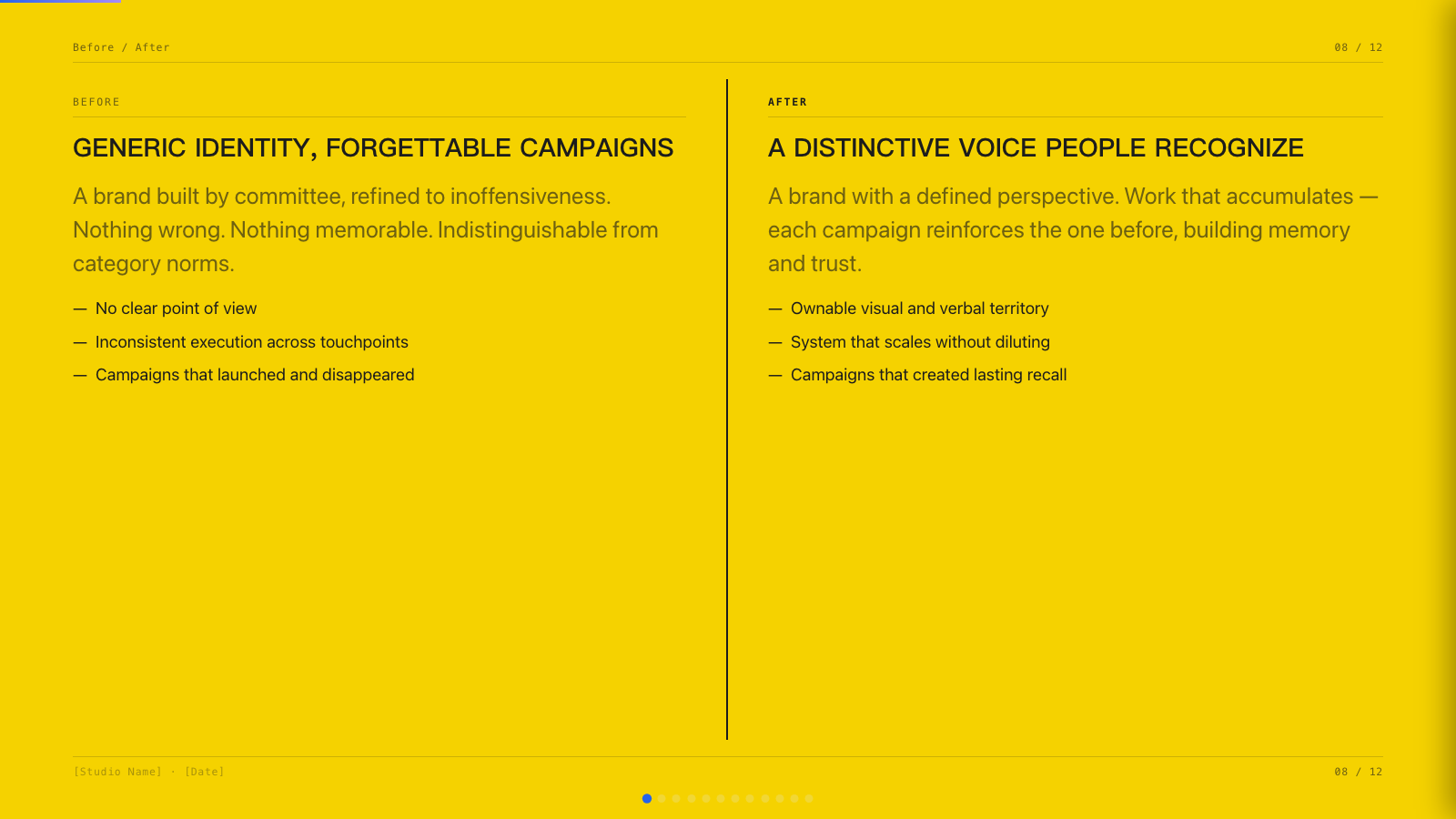
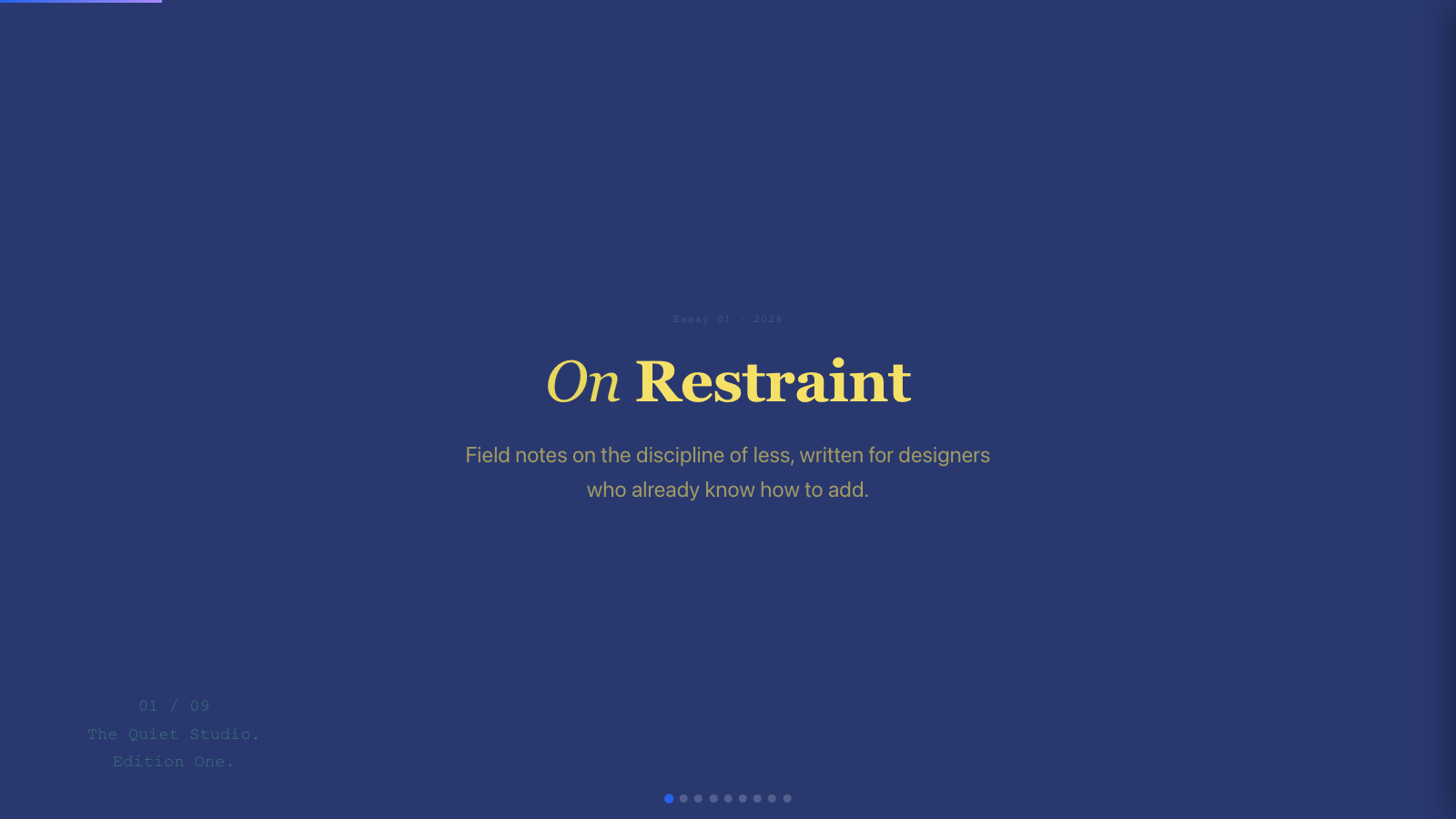
下列 PNG 存放在 docs/preset-previews/。legacy preset 展示首页截图;34 套 ported preset 展示 cover / mid / later 三张截图,来源于真实 beautiful-html-templates 模板并叠加 Swiss/reference runtime + locked slot adapter。这样 README 既能做 runtime smoke,也能作为真实风格入口,而不是只展示同一套骨架换皮。
These PNGs live under docs/preset-previews/. Legacy presets show first-slide screenshots; the 34 ported presets show cover / mid / later screenshots generated from real beautiful-html-templates source templates plus the Swiss/reference runtime and locked slot adapter. The gallery is now both a runtime smoke surface and a real style entry point, not just a repeated skeleton with different colors.
重新生成截图 / Regenerate captures(需本机 Chrome 或 Chromium 无头模式):
python3 scripts/build-preset-decks.py
python3 scripts/capture-preset-previews.py
BEAUTIFUL_TEMPLATES_DIR=./beautiful-html-templates python3 scripts/build-template-port-decks.py
python3 scripts/capture-template-port-previews.py
python3 scripts/validate-template-ports.py
python3 scripts/validate-editable-decks.py
python3 scripts/test-editable-contract-fixtures.py
python3 scripts/validate-skill-workflow.py
python3 scripts/smoke-editable-decks.py
详见 docs/preset-previews/README.md。维护说明与 CHROME_PATH、PREVIEW_VIEWPORT 见该文件。
scripts/smoke-editable-decks.py 通过 SMOKE_PRESET_MATRIX 选择测试范围,互动检查与边界检查是两套独立信号——互动矩阵通过并不代表边界矩阵通过:
scripts/smoke-editable-decks.py selects its scope via the SMOKE_PRESET_MATRIX environment variable. Interaction checks and bounds checks are two independent signals — a passing interaction matrix does not imply the bounds matrix passes:
SMOKE_PRESET_MATRIX |
模式 / Mode | 检查 / Checks |
|---|---|---|
| (unset) | Sample interaction smoke (default) | 在抽样样例(reference + 少量 preset)上验证编辑、Pages、保存/导出、移动端溢出 / Interaction checks on a small sample (reference + a few presets) |
ported |
Ported interaction smoke | 在全部 ported 模板上跑同样的轻量互动检查 / Same lightweight interaction checks across every ported template |
bounds |
Bounds-only smoke | 仅做布局可见性检查:所有 preset 的可编辑 slot / object 是否溢出所属 slide / Layout-visibility only: do editable slots/objects overflow their slide |
all |
Full matrix | 全部 preset 同时跑互动与边界检查 / Interaction and bounds checks across all presets |
边界报告(Bounds reporting):边界失败现在按边(per-edge)报告溢出量——top / right / bottom / left 各自给出正数像素值(不再出现自相矛盾的负数 overBottom),触发失败的那条边才会出现。完整清单(所有溢出元素、各失败边、豁免状态)写入 .smoke-artifacts/bounds-report.json,控制台只打印简短摘要。
Bounds reporting: bounds failures now report overflow per edge — top / right / bottom / left each carry a positive pixel value (no more self-contradictory negative overBottom), and only the edge that actually overflowed is listed. The full list (every overflowing element, each failed edge, and exemption status) is written to .smoke-artifacts/bounds-report.json; the console keeps a short summary.
有意豁免(Intentional exemptions):对刻意放在画布外或旋转的元素,在该元素上加 data-bounds-exempt="<reason>",bounds smoke 会跳过它并计入"已豁免"计数;reason 为空是硬错误——每条豁免都必须写明原因。
Intentional exemptions: for elements intentionally off-canvas or rotated, add data-bounds-exempt="<reason>" to that element. The bounds smoke skips it and counts it as an explicit exemption; an empty reason is a hard error — every exemption must state why.




| 文件 File | 作用 Purpose |
|---|---|
SKILL.md |
核心流程与交付规则 / Workflow and delivery behavior |
editor-runtime.md |
运行时 DOM 契约与检查项 / Runtime DOM contracts and checklist |
examples/editable-deck-reference.html |
标准参考实现 / Canonical runtime reference |
examples/demos/frontend-slides-editable-readme-demo.html |
README 配套演示 deck(手工维护,非构建脚本输出)/ README companion deck (hand-maintained, not from build script) |
examples/frontend-slides-editable-skill-intro-bilingual.html |
双语 Skill 介绍 deck / Bilingual skill intro deck |
examples/pitch-deck-readme-editable-fork.html |
可编辑分支 pitch 样例 / Editable-fork pitch sample |
STYLE_PRESETS.md |
46 个精选风格 / 46 curated style presets |
viewport-base.css |
视口适配基础样式 / Viewport-fit base CSS |
html-template.md |
HTML 基础结构说明 / Base HTML integration notes |
animation-patterns.md |
动画参考 / CSS/JS animation reference |
docs/editable-preset-runtime-tdd-plan.md |
可编辑 preset 稳定性与 Pages 增强的 TDD 开发方案 / TDD implementation plan for editable preset stability and Pages enhancements |
scripts/extract-pptx.py |
PPT 内容提取脚本 / PPT extraction script |
scripts/extract-pdf.py |
PDF 按页抽取(与 PPT 相同 JSON 形状)/ PDF per-page extraction (same JSON shape as PPT) |
examples/generated/presets/*.html |
46 个单风格可编辑样例;34 个为真实模板 port / One editable visual-preview deck per preset; 34 are real template ports |
docs/preset-previews/*.png |
legacy 首页图 + ported 三图图库 / Legacy cover PNGs plus ported cover/mid/later gallery |
scripts/build-preset-decks.py |
生成 12 个 legacy runtime smoke + visual preview 样例 / Build the 12 legacy runtime smoke + visual preview samples |
scripts/build-template-port-decks.py |
从本地 beautiful-html-templates 生成 34 个 Swiss runtime + locked slot 真实模板 port / Build 34 Swiss-runtime + locked-slot real-template ports from local beautiful-html-templates |
scripts/validate-editable-decks.py |
全量静态验证可编辑 runtime 契约 / Static validation for editable runtime contracts |
scripts/test-editable-contract-fixtures.py |
确认坏 fixture 会被 validator 抓到 / Negative fixture tests for validator coverage |
scripts/validate-skill-workflow.py |
验证 skill workflow 文档包含移动端必问与 runtime 入口 / Validate workflow docs for mobile and runtime decisions |
scripts/smoke-editable-decks.py |
Chrome 抽样验证 Pages、保存、导出与移动端横向溢出;SMOKE_PRESET_MATRIX 选择 sample(默认)/ported/bounds/all 模式 / Sampled Chrome smoke for Pages, save/export, and mobile horizontal overflow; SMOKE_PRESET_MATRIX selects sample(default)/ported/bounds/all |
scripts/capture-preset-previews.py |
用无头 Chrome 生成 legacy/全量 *-cover.png / Headless Chrome capture for legacy/all *-cover.png |
scripts/capture-template-port-previews.py |
用无头 Chrome 生成 34 套 ported *-cover.png、*-mid.png、*-later.png / Headless Chrome capture for 34 ported cover/mid/later PNGs |
这个 skill 延续父项目“渐进式披露”策略:
This skill follows the parent project's progressive-disclosure approach:
SKILL.md承载流程和规则 /SKILL.mdcarries workflow and rules- 支撑文件按需加载 / supporting docs load on demand
- 可编辑运行时保持唯一参考实现 / one canonical runtime implementation
- 生成结果零依赖且可移植 / generated decks stay dependency-free and portable
运行时有几个不可破坏的约束:
The runtime depends on non-negotiable contracts:
-
每页必须是带稳定
id的section.slide -
可移动内容位于
.slide-edit-layer -
可编辑块使用
[data-slide-object][data-oid] -
页面枚举必须限定真实 deck 根,不能包含缩略图克隆
-
each slide is a
section.slidewith stableid -
movable content lives in
.slide-edit-layer -
editable blocks use
[data-slide-object][data-oid] -
slide enumeration must stay scoped to the true deck root
-
通过“看见选项”建立审美。 风格预览比抽象问卷更有效。
-
生成不是定稿。 第一版必须天然可编辑。
-
依赖就是债务。 单文件 HTML 应该多年后仍可用。
-
尊重视口。 放不下就拆页,而不是隐藏溢出。
-
有辨识度优先。 工具应帮助产出可记忆的内容。
-
People discover taste by seeing options. Previews beat abstract questionnaires.
-
Generated is not final. The first draft should remain editable.
-
Dependencies are debt. A single HTML should still work years later.
-
Respect the viewport. Split slides instead of hiding overflow.
-
Distinctiveness wins. Presentation tools should produce memorable output.
-
Claude Code 或任意将 skill 安装到
~/.claude/skills/的兼容客户端;OpenAI Codex 使用~/.codex/skills/;Cursor 等请按各产品文档中的 skills 目录或技能加载方式配置 -
如需 PPT 转换:Python +
python-pptx -
如需 PDF 抽取(转 HTML 前的中间层):Python + PyMuPDF(
pip install pymupdf);扫描件/纯图 PDF 默认无可靠文本,见上文「转换 PDF」 -
如需浏览器编辑/导出:现代 Chromium、Safari 或 Firefox
-
Claude Code or any runner that loads skills from
~/.claude/skills/; OpenAI Codex uses~/.codex/skills/; Cursor and others: follow that product’s documented skills directory or skill-loading flow -
For PPT conversion: Python +
python-pptx -
For PDF extraction (intermediate step before HTML): Python + PyMuPDF (
pip install pymupdf); scanned/image-only PDFs need raster/OCR — see Convert a PDF above -
For editing/export: modern Chromium, Safari, or Firefox-class browser
打开:
Open:
examples/editable-deck-reference.html
其它手工维护样例(非 build-preset-decks.py 产物) / Other hand-maintained samples (not produced by build-preset-decks.py):
examples/demos/frontend-slides-editable-readme-demo.html
examples/frontend-slides-editable-skill-intro-bilingual.html
examples/pitch-deck-readme-editable-fork.html
46 个独立可编辑样例(每种风格一个 HTML):
Forty-six separate editable decks (one file per preset):
examples/generated/presets/bold-signal.html
examples/generated/presets/electric-studio.html
examples/generated/presets/creative-voltage.html
examples/generated/presets/dark-botanical.html
examples/generated/presets/notebook-tabs.html
examples/generated/presets/pastel-geometry.html
examples/generated/presets/split-pastel.html
examples/generated/presets/vintage-editorial.html
examples/generated/presets/neon-cyber.html
examples/generated/presets/terminal-green.html
examples/generated/presets/swiss-modern.html
examples/generated/presets/paper-ink.html
examples/generated/presets/8-bit-orbit.html
examples/generated/presets/biennale-yellow.html
examples/generated/presets/block-frame.html
examples/generated/presets/blue-professional.html
examples/generated/presets/bold-poster.html
examples/generated/presets/broadside.html
examples/generated/presets/capsule.html
examples/generated/presets/cartesian.html
examples/generated/presets/cobalt-grid.html
examples/generated/presets/coral.html
examples/generated/presets/creative-mode.html
examples/generated/presets/daisy-days.html
examples/generated/presets/editorial-forest.html
examples/generated/presets/editorial-tri-tone.html
examples/generated/presets/emerald-editorial.html
examples/generated/presets/grove.html
examples/generated/presets/long-table.html
examples/generated/presets/mat.html
examples/generated/presets/monochrome-ledger.html
examples/generated/presets/neo-grid-yellow.html
examples/generated/presets/peoples-platform.html
examples/generated/presets/pin-and-paper.html
examples/generated/presets/pink-script.html
examples/generated/presets/playful.html
examples/generated/presets/raw-grid.html
examples/generated/presets/retro-windows.html
examples/generated/presets/retro-zine.html
examples/generated/presets/sakura-chroma.html
examples/generated/presets/scatterbrain.html
examples/generated/presets/signal-gold.html
examples/generated/presets/soft-editorial.html
examples/generated/presets/stencil-tablet.html
examples/generated/presets/studio-volt.html
examples/generated/presets/vellum-navy.html
重新生成上述 HTML 与 README 中的预览图:
Regenerate preset HTML and README gallery PNGs:
python3 scripts/build-preset-decks.py
python3 scripts/capture-preset-previews.py
BEAUTIFUL_TEMPLATES_DIR=./beautiful-html-templates python3 scripts/build-template-port-decks.py
python3 scripts/capture-template-port-previews.py
python3 scripts/validate-template-ports.py
(只改 legacy 时跑前两行;只改 ported 模板时跑后两行;截图需本机 Chrome/Chromium。) (Run the first two lines for legacy-only changes; run the last two for ported-template changes; screenshots require local Chrome/Chromium.)
然后试试:
Then try:
- 按
E/ pressE - 点击
data-edit-slot文本槽位编辑(不显示移动/缩放手柄);点击新增对象继续拖拽缩放 / clickdata-edit-slottext slots to edit (no move/resize handles); added objects remain draggable/resizable - 使用浮动工具栏 / use the floating toolbar
- 用 ⠿ 拖拽对象 / drag objects with ⠿
- 缩放选中对象 / resize a selected object
- 在 Pages 重排 / reorder in Pages
- 用 × 删对象或删页(页删除会确认)/ delete objects or slides (slide delete confirms)
- Add element 添加文本/图/视频 / use Add element for text, image, or video
- 按
Ctrl+S保存 / pressCtrl+S - 导出 deck / export the deck
如果你喜欢这个项目,欢迎在 GitHub 上给它一个 Star;这会帮助更多需要可编辑 HTML 演示文稿的人发现它。
If you like this project, consider starring it on GitHub so more people can discover editable HTML decks.
基于 @zarazhangrui 的 frontend-slides 扩展而来,本分支新增可编辑运行时。34 套 ported preset 复制并改造 beautiful-html-templates 的本地模板作为 slot-editable 样例;许可沿用上游仓库声明,本仓库的风格索引仍以 STYLE_PRESETS.md 为入口。
Based on frontend-slides by @zarazhangrui, with editable runtime added in this fork. Thirty-four ported presets adapt local templates from beautiful-html-templates as slot-editable samples; licensing follows the upstream repository, and STYLE_PRESETS.md remains this skill's style index.
MIT(与父项目一致,除非另有说明)。
MIT (same as the parent project unless otherwise noted).
