

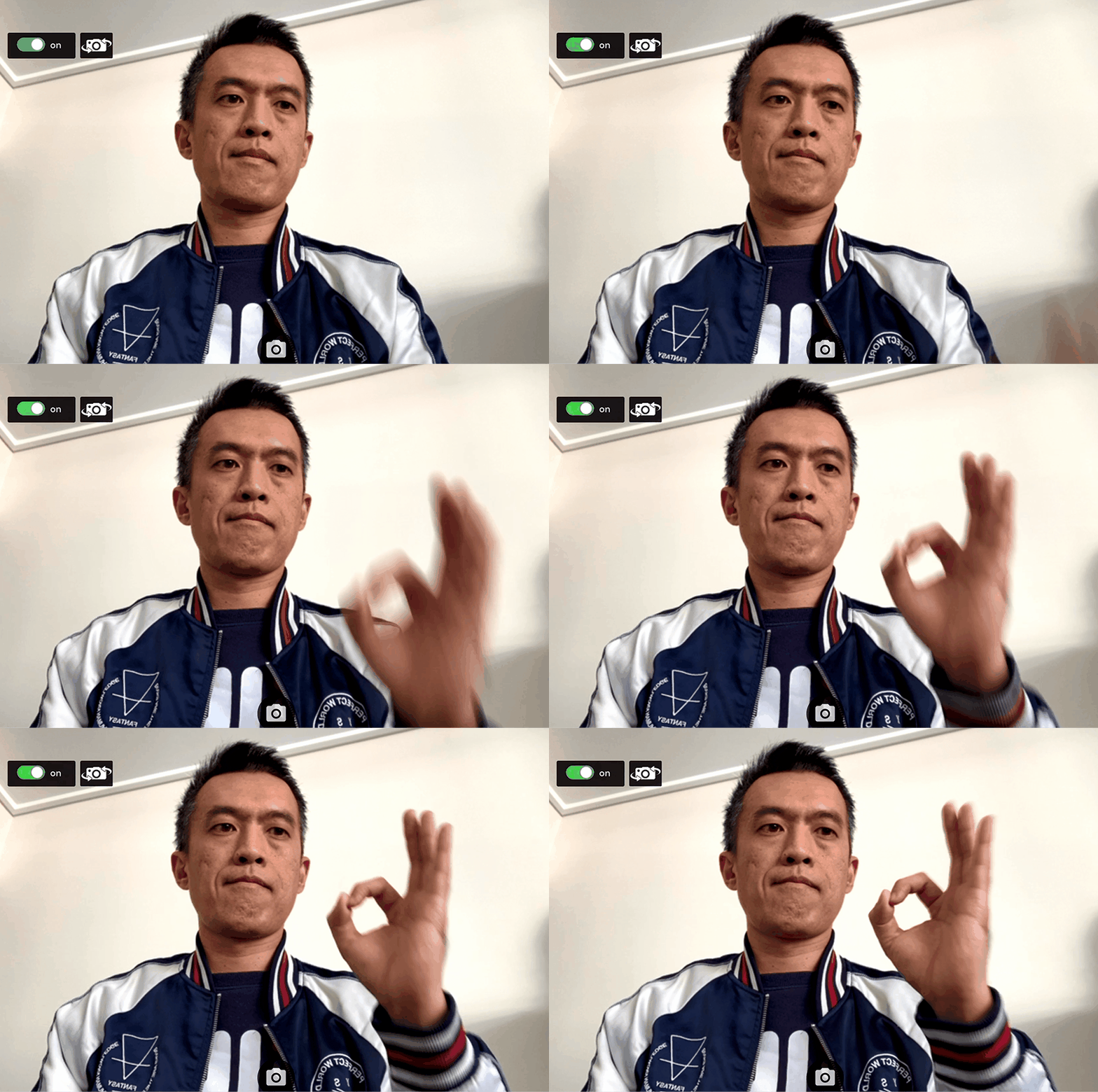
This is a javascript library for accessing webcam stream and taking photos.
You can easily add it as a module to your own app.
- Streaming webcam on desktop computer or mobile
- Switch back or front cameras on mobile
- Take pictures and be able to download.
https://bensonruan.com/how-to-access-webcam-and-take-photo-with-javascript/
git https://github.com/bensonruan/webcam-easy.git
npm install webcam-easy<script type="text/javascript" src="https://unpkg.com/webcam-easy/dist/webcam-easy.min.js"></script>or Import into javascript
import Webcam from 'webcam-easy';<video id="webcam" autoplay playsinline width="640" height="480"></video>
<canvas id="canvas" class="d-none"></canvas>
<audio id="snapSound" src="audio/snap.wav" preload = "auto"></audio>const webcamElement = document.getElementById('webcam');
const canvasElement = document.getElementById('canvas');
const snapSoundElement = document.getElementById('snapSound');
const webcam = new Webcam(webcamElement, 'user', canvasElement, snapSoundElement);webcam.start()
.then(result =>{
console.log("webcam started");
})
.catch(err => {
console.log(err);
});var picture = webcam.snap();webcam.stop();-
start(startStream) : start streaming webcam
- get permission from user
- get all video input devices info
- select camera based on facingMode
- start stream
startStream is optional parameter, default value is true
-
stop() : stop streaming webcam
-
stream() : start streaming webcam to video element
-
snap() : take photo from webcam
-
flip() : change Facing mode and selected camera
- facingMode : 'user' or 'enviroment'
- webcamList : all available camera device
- webcamCount : number of available camera device
