


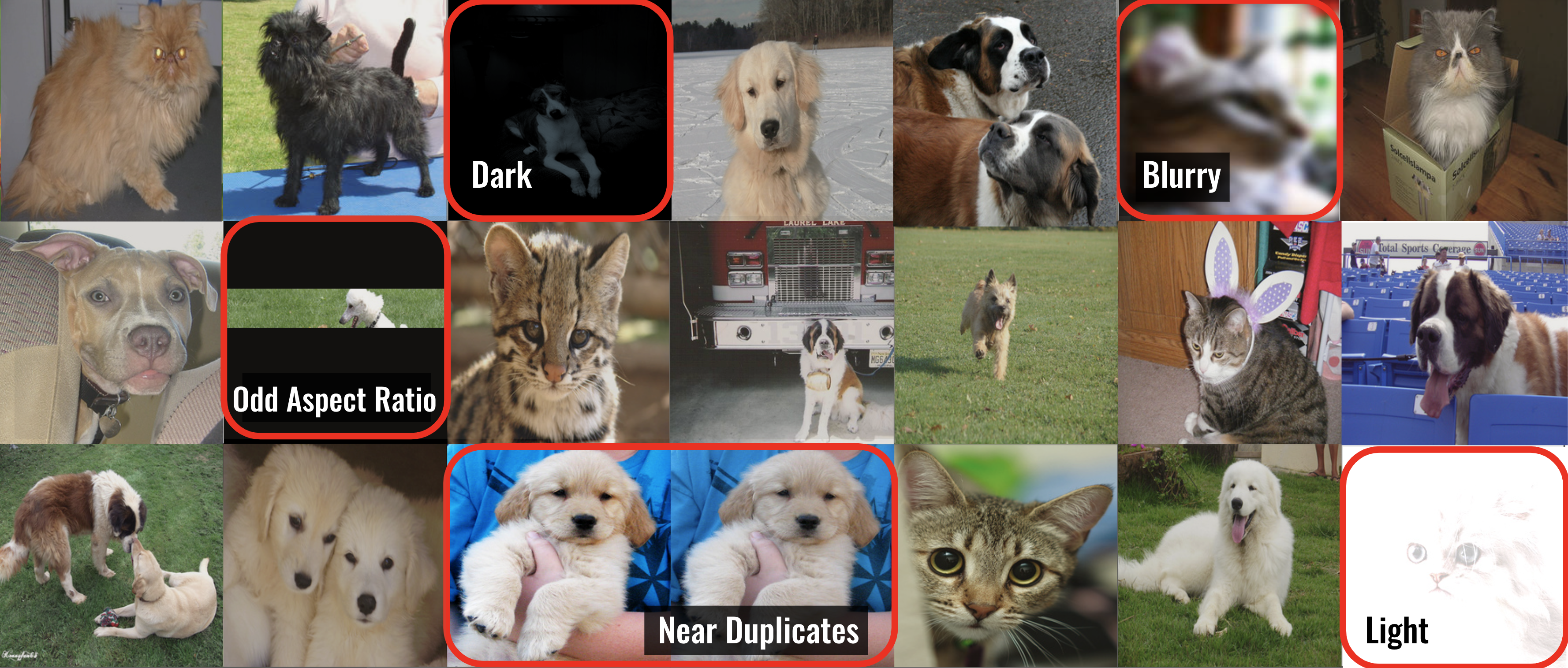
CleanVision automatically detects potential issues in image datasets like images that are: blurry, under/over-exposed, (near) duplicates, etc. This data-centric AI package is a quick first step for any computer vision project to find problems in the dataset, which you want to address before applying machine learning. CleanVision is super simple -- run the same couple lines of Python code to audit any image dataset!




pip install cleanvisionDownload an example dataset (optional). Or just use any collection of image files you have.
wget -nc 'https://cleanlab-public.s3.amazonaws.com/CleanVision/image_files.zip'- Run CleanVision to audit the images.
from cleanvision import Imagelab

# Specify path to folder containing the image files in your dataset
imagelab = Imagelab(data_path="FOLDER_WITH_IMAGES/")

# Automatically check for a predefined list of issues within your dataset
imagelab.find_issues()

# Produce a neat report of the issues found in your dataset
imagelab.report()- CleanVision diagnoses many types of issues, but you can also check for only specific issues.
issue_types = {"dark": {}, "blurry": {}}

imagelab.find_issues(issue_types=issue_types)

# Produce a report with only the specified issue_types
imagelab.report(issue_types=issue_types)- Tutorial
- Documentation
- Blog
- Run CleanVision on a HuggingFace dataset
- Run CleanVision on a Torchvision dataset
- Example script that can be run with:
python examples/run.py --path <FOLDER_WITH_IMAGES> - Additional example notebooks
- FAQ
The quality of machine learning models hinges on the quality of the data used to train them, but it is hard to manually identify all of the low-quality data in a big dataset. CleanVision helps you automatically identify common types of data issues lurking in image datasets.
This package currently detects issues in the raw images themselves, making it a useful tool for any computer vision task such as: classification, segmentation, object detection, pose estimation, keypoint detection, generative modeling, etc. To detect issues in the labels of your image data, you can instead use the cleanlab package.
In any collection of image files (most formats supported), CleanVision can detect the following types of issues:
| Issue Type | Description | Issue Key | Example | |
|---|---|---|---|---|
| 1 | Exact Duplicates | Images that are identical to each other | exact_duplicates | 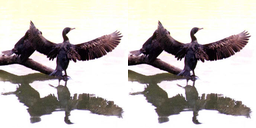 |
| 2 | Near Duplicates | Images that are visually almost identical | near_duplicates |  |
| 3 | Blurry | Images where details are fuzzy (out of focus) | blurry | 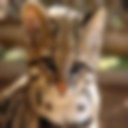 |
| 4 | Low Information | Images lacking content (little entropy in pixel values) | low_information |  |
| 5 | Dark | Irregularly dark images (underexposed) | dark |  |
| 6 | Light | Irregularly bright images (overexposed) | light | 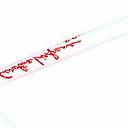 |
| 7 | Grayscale | Images lacking color | grayscale |  |
| 8 | Odd Aspect Ratio | Images with an unusual aspect ratio (overly skinny/wide) | odd_aspect_ratio | 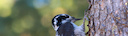 |
| 9 | Odd Size | Images that are abnormally large or small compared to the rest of the dataset | odd_size |  |
CleanVision supports Linux, macOS, and Windows and runs on Python 3.10+. Learn more from our blog.
Search the resources listed above and existing GitHub Issues, or submit a new Issue.


