

⚠️ Figma 126+ blocks remote debugging. figma-use still works viafigma-use daemon start --pipe. Or skip Figma entirely with OpenPencil — an open-source design editor that reads and writes .fig files, with built-in AI and P2P collaboration.
CLI for Figma. Control it from the terminal — with commands or JSX.
# Create and style
figma-use create frame --width 400 --height 300 --fill "#FFF" --layout VERTICAL --gap 16
figma-use create icon mdi:home --size 32 --color "#3B82F6"
figma-use set layout 1:23 --mode GRID --cols "1fr 1fr 1fr" --gap 16

# Or render JSX
echo '<Frame style={{display: "grid", cols: "1fr 1fr", gap: 16}}>
  <Frame style={{bg: "#3B82F6", h: 100}} />
  <Frame style={{bg: "#10B981", h: 100}} />
</Frame>' | figma-use render --stdin --x 100 --y 100Figma's official MCP plugin can read files but can't modify them. This one can.
LLMs know CLI. LLMs know React. This combines both.
CLI commands are compact — easy to read, easy to generate, easy to chain. When a task involves dozens of operations, every saved token matters.
JSX is how LLMs already think about UI. They've seen millions of React components. Describing a Figma layout as <Frame><Text> is natural for them — no special training, no verbose schemas.
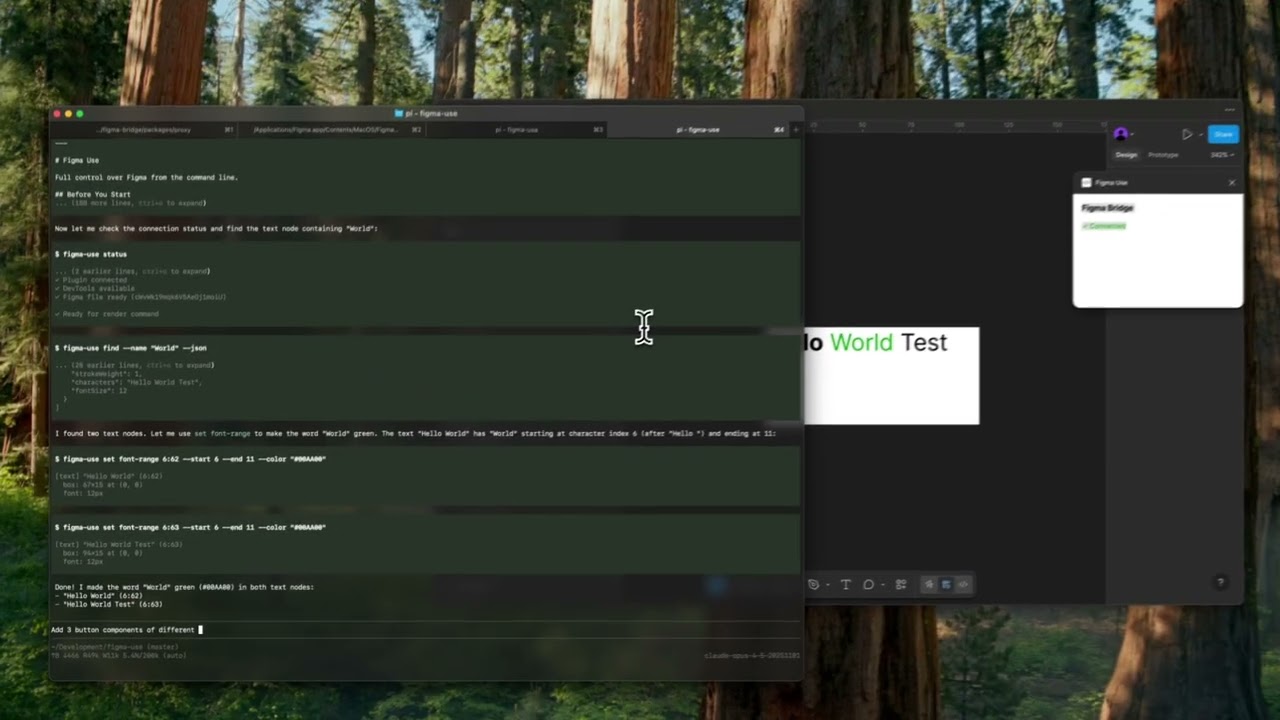
|
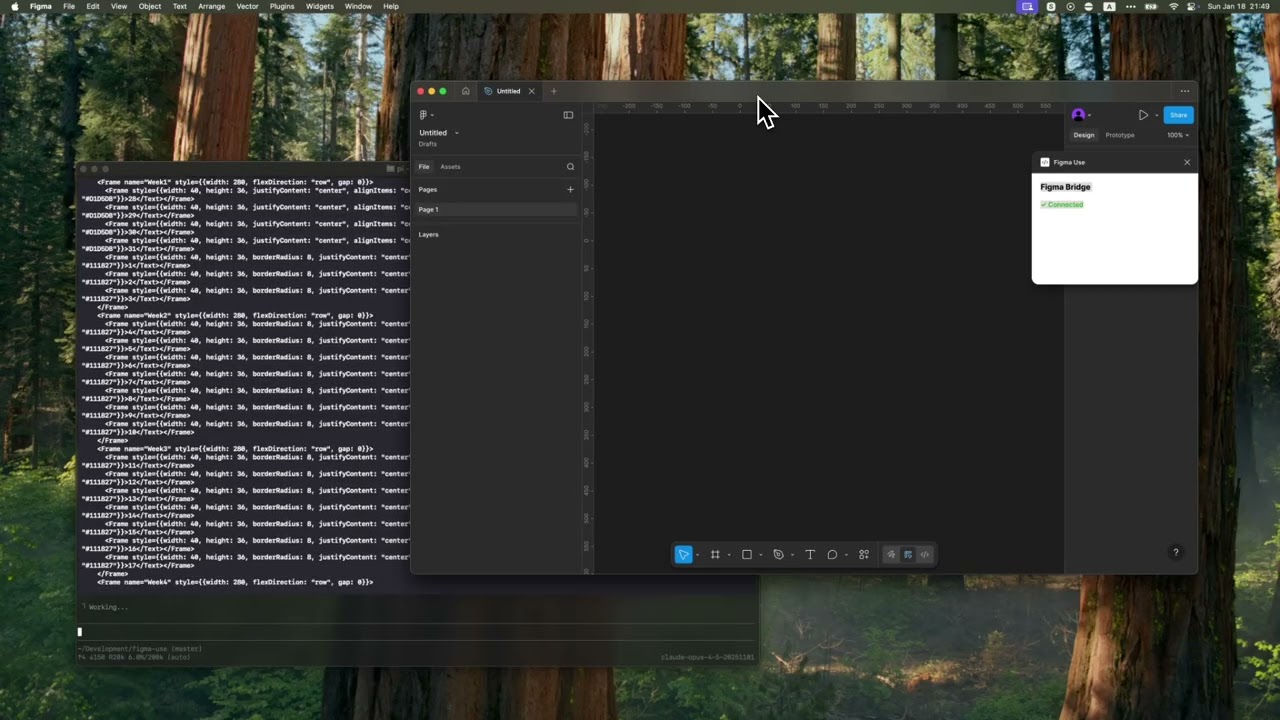
|
npm install -g figma-useOr run directly without installing:
npx figma-use statusStart Figma with remote debugging enabled:
# macOS
open -a Figma --args --remote-debugging-port=9222

# Windows
"%LOCALAPPDATA%\Figma\Figma.exe" --remote-debugging-port=9222

# Linux
figma --remote-debugging-port=9222
Check connection:
figma-use statusThat's it. No plugins to install.
Imperative — one command at a time:
figma-use create frame --width 400 --height 300 --fill "#FFF" --radius 12 --layout VERTICAL --gap 16Or declaratively — describe the structure in JSX and render it:
echo '<Frame style={{p: 24, gap: 16, flex: "col", bg: "#FFF", rounded: 12}}>
  <Text style={{size: 24, weight: "bold", color: "#000"}}>Card Title</Text>
  <Text style={{size: 14, color: "#666"}}>Description</Text>
</Frame>' | figma-use render --stdin --x 100 --y 200
The stdin mode accepts pure JSX only — no variables, no logic. For components, variants, and conditions, use .figma.tsx files.
Elements: Frame, Rectangle, Ellipse, Text, Line, Star, Polygon, Vector, Group, Icon, Image
Insert any icon from Iconify by name. No downloading, no importing, no cleanup.
figma-use create icon mdi:home
figma-use create icon lucide:star --size 48 --color "#F59E0B"
In JSX:
<Frame style={{ flex: 'row', gap: 8 }}>
  <Icon icon="mdi:home" size={24} color="#3B82F6" />
  <Icon icon="lucide:star" size={32} color="#F59E0B" />
</Frame>
Browse 150k+ icons: icon-sets.iconify.design
Load images from URL:
<Image src="https://example.com/photo.jpg" w={200} h={150} />Convert any Figma node back to JSX:
figma-use export jsx 123:456 --prettyOutput:
import { Frame, Icon, Text } from 'figma-use/render'
export default function SaveButton() {
  return (
    <Frame name="SaveButton" w={120} h={44} bg="#1FAFBB" rounded={8} flex="row" gap={8}>
      <Icon name="lucide:save" size={18} color="#FFFFFF" />
      <Text size={16} color="#FFFFFF">
        Save
      </Text>
    </Frame>
  )
}
Match vector shapes to Iconify icons automatically:
npm install whaticon  # Optional dependency
figma-use export jsx 123:456 --match-icons --prefer-icons lucide
Compare two nodes as JSX diff:
figma-use diff jsx 123:456 789:012Export components as Storybook stories:
figma-use export storybook --out ./stories
figma-use export storybook --out ./stories --match-icons --prefer-icons lucide
Generates .stories.tsx with typed props from component properties.
In a .figma.tsx file you can define components. First call creates the master, the rest create instances:
import { defineComponent, Frame, Text } from 'figma-use/render'

const Card = defineComponent(
  'Card',
  <Frame style={{ p: 24, bg: '#FFF', rounded: 12 }}>
    <Text style={{ size: 18, color: '#000' }}>Card</Text>
  </Frame>
)

export default () => (
  <Frame style={{ gap: 16, flex: 'row' }}>
    <Card />
    <Card />
    <Card />
  </Frame>
)ComponentSet with all combinations:
import { defineComponentSet, Frame, Text } from 'figma-use/render'

const Button = defineComponentSet(
  'Button',
  {
    variant: ['Primary', 'Secondary'] as const,
    size: ['Small', 'Large'] as const
  },
  ({ variant, size }) => (
    <Frame
      style={{
        p: size === 'Large' ? 16 : 8,
        bg: variant === 'Primary' ? '#3B82F6' : '#E5E7EB',
        rounded: 8
      }}
    >
      <Text style={{ color: variant === 'Primary' ? '#FFF' : '#111' }}>
        {variant} {size}
      </Text>
    </Frame>
  )
)

export default () => (
  <Frame style={{ gap: 16, flex: 'col' }}>
    <Button variant="Primary" size="Large" />
    <Button variant="Secondary" size="Small" />
  </Frame>
)
This creates a real ComponentSet in Figma with all 4 variants, not just 4 separate buttons.
CSS Grid for 2D layouts — calendars, dashboards, galleries:
<Frame
  style={{
    display: 'grid',
    cols: '1fr 1fr 1fr', // 3 equal columns
    rows: 'auto auto', // 2 rows
    gap: 16
  }}
>
  <Frame style={{ bg: '#FF6B6B' }} />
  <Frame style={{ bg: '#4ECDC4' }} />
  <Frame style={{ bg: '#45B7D1' }} />
  <Frame style={{ bg: '#96CEB4' }} />
  <Frame style={{ bg: '#FFEAA7' }} />
  <Frame style={{ bg: '#DDA0DD' }} />
</Frame>
Supports px, fr, and auto/hug. Separate gaps with colGap and rowGap.
In CLI:
figma-use set layout <id> --mode GRID --cols "100px 1fr 100px" --rows "auto" --gap 16Bind colors to Figma variables by name. The hex value is a fallback:
import { defineVars, Frame, Text } from 'figma-use/render'

const colors = defineVars({
  bg: { name: 'Colors/Gray/50', value: '#F8FAFC' },
  text: { name: 'Colors/Gray/900', value: '#0F172A' }
})

export default () => (
  <Frame style={{ bg: colors.bg }}>
    <Text style={{ color: colors.text }}>Bound to variables</Text>
  </Frame>
)
In CLI, use var:Colors/Primary or $Colors/Primary in any color option.
Compare two frames and get a patch:
figma-use diff create --from 123:456 --to 789:012--- /Card/Header #123:457
+++ /Card/Header #789:013
@@ -1,5 +1,5 @@
type: FRAME
size: 200 50
pos: 0 0
-fill: #FFFFFF
+fill: #F0F0F0
-opacity: 0.8
+opacity: 1Apply the patch to the original frame. On apply, current state is validated against expected — if they don't match, it fails.
Visual diff highlights changed pixels in red:
figma-use diff visual --from 49:275096 --to 49:280802 --output diff.png| Before | After | Diff |
|---|---|---|
 |
 |
 |
Page tree in readable form:
$ figma-use node tree
[0] frame "Card" (1:23)
    400×300 at (0, 0) | fill: #FFFFFF | layout: col gap=16
  [0] text "Title" (1:24)
      "Hello World" | 24px Inter Bold
Export any node or screenshot with one command.
Tidy up canvas layout — especially useful after agents create multiple frames at the same position:
figma-use arrange                              # Grid-arrange all top-level nodes
figma-use arrange --mode row --gap 60          # Horizontal row
figma-use arrange --mode squarify --gap 60     # Smart packing for mixed sizes
Uses d3-hierarchy treemap for squarify and binary modes — size-aware rectangle packing.
Import SVG or work with paths directly — read, modify, translate, scale, flip:
figma-use path get <id>
figma-use path set <id> "M 0 0 L 100 100 Z"
figma-use path scale <id> --factor 1.5
figma-use path flip <id> --axis xFind nodes using XPath selectors:
figma-use query "//FRAME"                              # All frames
figma-use query "//FRAME[@width < 300]"                # Narrower than 300px
figma-use query "//COMPONENT[starts-with(@name, 'Button')]"  # Name starts with
figma-use query "//FRAME[contains(@name, 'Card')]"     # Name contains
figma-use query "//SECTION/FRAME"                      # Direct children
figma-use query "//SECTION//TEXT"                      # All descendants
figma-use query "//*[@cornerRadius > 0]"               # Any node with radius
Full XPath 3.1 support — predicates, functions, arithmetic, axes.
Discovery tools for understanding design systems:
# Find repeated patterns (potential components)
figma-use analyze clusters

# Color palette — usage frequency, variables vs hardcoded
figma-use analyze colors
figma-use analyze colors --show-similar    # Find colors to merge

# Typography — all font combinations
figma-use analyze typography
figma-use analyze typography --group-by size

# Spacing — gap/padding values, grid compliance
figma-use analyze spacing --grid 8

# Accessibility snapshot — extract interactive elements tree
figma-use analyze snapshot                 # Full page
figma-use analyze snapshot <id> -i         # Interactive elements only
Example output:
[0] 48× frame "Header" pattern (100% match)
    1280×56 | Frame > [Frame×2, Text]
    examples: 53171:21628, 53171:21704

#303030  ████████████████████ 1840× (var)
#E5E5E5  ████████████████████ 1726× (var)
#000000  ████████ 238×
Check designs for consistency, accessibility, and best practices:
figma-use lint                          # Recommended rules
figma-use lint --page "Components"      # Lint specific page
figma-use lint --preset strict          # Stricter for production
figma-use lint --preset accessibility   # A11y checks only
figma-use lint -v                       # With fix suggestions
Output:
✖ Header/Title (1:234)
    ✖  Contrast ratio 2.1:1 is below AA threshold (4.5:1)    color-contrast
    ⚠  Touch target 32x32 is below minimum 44x44             touch-target-size

⚠ Card/Body (1:567)
    ⚠  Hardcoded fill color #1A1A1A                          no-hardcoded-colors
    ℹ  Frame with 3 children doesn't use Auto Layout         prefer-auto-layout

────────────────────────────────────────────────────────────────
✖ 1 error  ⚠ 3 warnings  ℹ 1 info
17 rules across 6 categories:
| Category | Rules |
|---|---|
| Design Tokens | no-hardcoded-colors, consistent-spacing, consistent-radius, effect-style-required |
| Layout | prefer-auto-layout, pixel-perfect |
| Typography | text-style-required, min-text-size, no-mixed-styles |
| Accessibility | color-contrast, touch-target-size |
| Structure | no-default-names, no-hidden-layers, no-deeply-nested, no-empty-frames, no-groups |
| Components | no-detached-instances |
JSON output for CI/CD:
figma-use lint --json > report.jsonAI agents can wait for Figma comments and respond:
figma-use comment watch --json   # Blocks until new comment
figma-use comment resolve <id>   # Mark as done
Returns comment text, author, and target_node — the exact element under the comment pin. Agent processes the request, resolves the comment, then runs watch again for the next one.
See REFERENCE.md for the complete list of 100+ commands.
For AI agents that support Model Context Protocol:
figma-use mcp serveExposes 90+ tools. See MCP.md for setup.
For Storybook export and linting, create a config file:
figma-use initCreates .figma-use.json:
{
  "storybook": {
    "page": "Components",
    "out": "./stories",
    "matchIcons": true,
    "preferIcons": ["lucide", "tabler"]
  },
  "lint": {
    "preset": "recommended"
  },
  "format": {
    "pretty": true,
    "semi": false,
    "singleQuote": true
  }
}
CLI arguments override config values.
Includes SKILL.md — a reference for Claude Code, Cursor, and other agents.
┌─────────────┐            ┌─────────────┐
│   Terminal  │────CDP────▶│   Figma     │
│  figma-use  │  port 9222 │             │
└─────────────┘            └─────────────┘
figma-use communicates directly with Figma via Chrome DevTools Protocol (CDP). Just start Figma with --remote-debugging-port=9222 and you're ready.
Non-default port? Pass
--port <N>to any command, or set theFIGMA_PORTenv var:open -a Figma --args --remote-debugging-port=9333 figma-use get components --port 9333 # or FIGMA_PORT=9333 figma-use get components
Commands are executed via Runtime.evaluate in Figma's JavaScript context, with full access to the Plugin API.
Optional daemon keeps the CDP connection warm for faster sequential commands:
figma-use daemon start    # Background daemon (~25% faster commands)
figma-use daemon stop     # Stop daemon
figma-use daemon status # Check if runningFor Figma 126+ without admin access to patch, the daemon can launch Figma with --remote-debugging-pipe instead:
figma-use daemon start --pipe # Launches Figma, connects via stdio pipesSet FIGMA_BIN for custom binary locations. The daemon holds the pipe connection — all commands route through it automatically.
MIT


