




Investbrain is a smart open-source investment tracker that helps you manage, track, and make informed decisions about your investments.
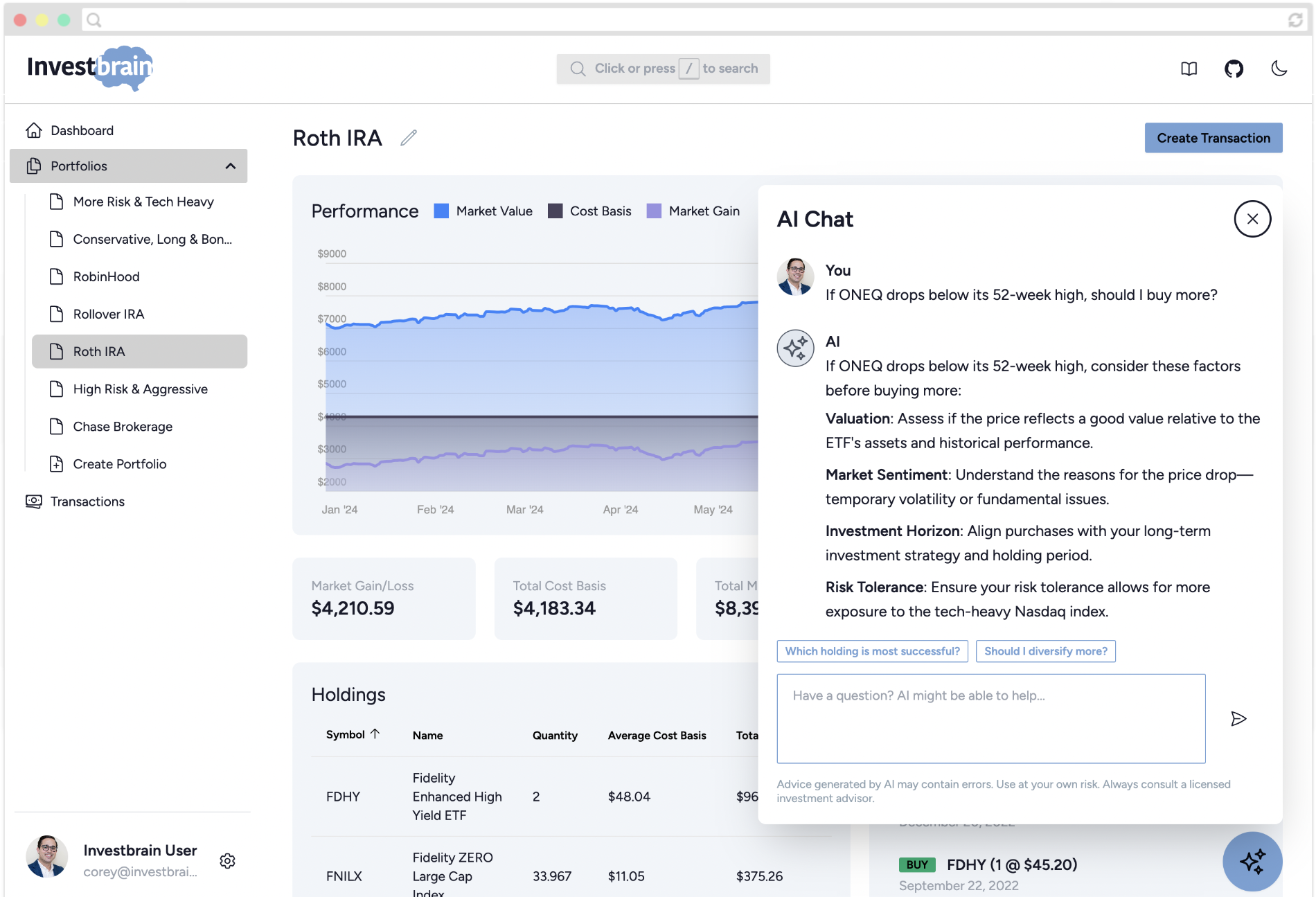
There are two ways to use Investbrain:
-
Investbrain Cloud - sign up at investbra.in. There's nothing to install.
-
Self-hosted - run it on your own server, NAS, or computer with Docker:
curl -O https://raw.githubusercontent.com/investbrainapp/investbrain/main/docker-compose.yml
docker compose up -d
Then open
http://localhost:8000/register. Read the full self-hosting guide for more.
Everything else is in the docs:
- Getting started - portfolios, sharing, transactions, holdings, dividends, splits, search, and AI chat
- Account settings - locale and display currency, two-factor authentication, social logins, and authorized apps
- Import and export - backups, moving between instances, and bulk-loading transactions from a spreadsheet
- REST API - API tokens and endpoints
- MCP server - connecting AI assistants such as Claude, ChatGPT, Cursor, or VS Code
- Self-hosting - installation, configuration options, market data providers, AI chat, updating, and command line utilities
- Troubleshooting - fixes for common problems
- Contributing and developing market data providers - development setup, running tests, and making pull requests
We appreciate all contributions to Investbrain. The contributing guide explains how to set up a development environment and what we look for in a pull request.
We ask that you be kind and polite when interacting with the Investbrain community.


