






Turn any tablet, phone, or browser into a hands-free voice assistant for Home Assistant - like Alexa, Siri, or Google Home, but fully private and running on your own hardware. Just say the wake word and go: ask questions, control devices, set timers, get announcements, and see rich visual results - all without touching the screen.
Voice Satellite works as a drop-in integration that transforms any web browser into a full Assist satellite with wake word detection, media playback, and visual feedback.
Voice.Satellite.Card.Demo.mp4
Voice Satellite runs as a global engine that loads on every page of Home Assistant - no dashboard card required. Once you assign a satellite entity in the sidebar panel, the engine starts automatically and listens for wake words across all page navigations.
- Turns your browser into a real satellite - registered as a proper
assist_satellitedevice in HA with full feature parity with physical voice assistants - On-device wake word detection - three engines, all running in the browser: vsWakeWord (WebGPU, purpose-built for wall-mounted tablets, best recall and zero false positives in our benchmarks, interpretable per-trigger phoneme logs), microWakeWord (pure-JS CPU, works on every device, lowest per-chunk latency), and openWakeWord (WebGPU-accelerated, broad pre-trained keyword library, near-free multi-keyword scaling). Custom model support and optional voice-activated stop interruption on all three. Falls back to server-side detection when preferred
- Dual wake words / dual pipelines - load two wake words simultaneously (e.g. "Okay Nabu" and "Hey Jarvis") and route each to its own Assist pipeline, so a household can mix languages, mix a local-only pipeline with a cloud/LLM one, or give each character its own conversation agent and voice
- Timers, announcements, conversations - voice-activated timers with countdown pills,
assist_satellite.announce/start_conversation/ask_questionfrom automations - Media player entity - exposed as a TV-class device. Plays audio, local video files, and HLS / MJPEG camera streams full-screen on the satellite, with volume control,
tts.speaktargeting,media_player.play_mediafrom automations, and Media Browser support. TTS can route to browser or a remote speaker - Skins - 10 built-in skins (Default, Alexa, Google Home, Home Assistant, Ink Blobs, Kiosk Satellite, Lens Flares, Retro Terminal, Siri, Waveform) with CSS overrides. Reactive audio-level animation on the activity bar
- Screensaver - black overlay, image/video/folder from the HA media library, or live camera feed. Cross-fades between folder items; integrates with kiosk app backlight dimming and motion-dismiss (Kiosk Satellite, Fully Kiosk)
- Mini card - optional
voice-satellite-mini-cardfor in-dashboard text display without the fullscreen overlay - LLM tools (experimental) - image/video/web/Wikipedia search, weather, stocks/crypto with visual panels. Requires Voice Satellite - LLM Tools
- Works on any device - tablets, phones, computers, kiosks
- Kiosk Satellite companion app - on Android, the free official Kiosk Satellite app runs wake word detection natively: it keeps listening with the screen off or another app in front, starts on boot, and assigns the satellite entity automatically during its setup wizard
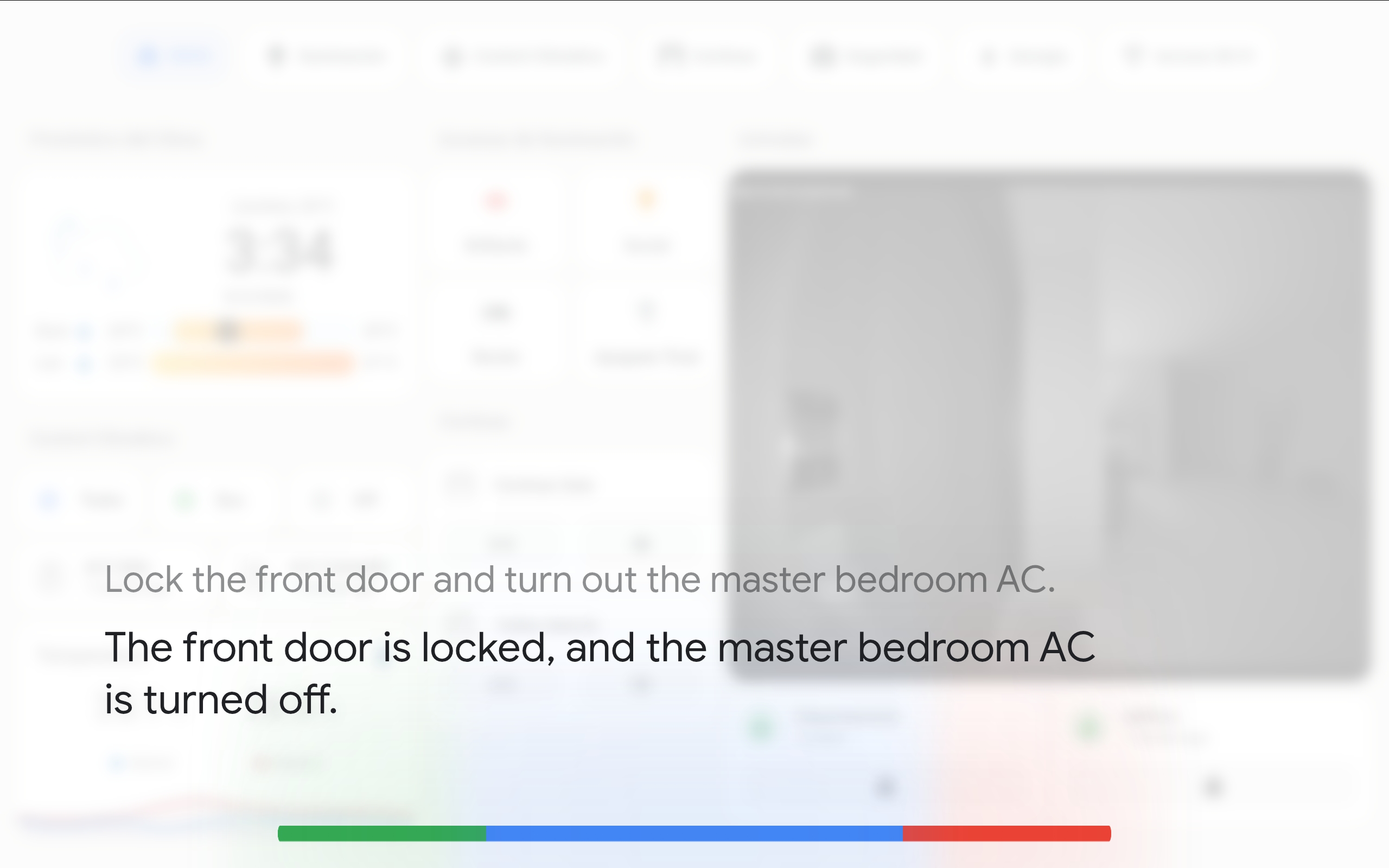
On an Android tablet the best way to run Voice Satellite is Kiosk Satellite, the free official companion kiosk app, built specifically for Home Assistant. Voice Satellite detects it is running inside Kiosk Satellite and hands wake word detection over to the app's native engine automatically. You keep configuring everything in Voice Satellite as usual; the app's setup wizard even assigns the satellite entity for you.
Native detection removes the limits a browser puts on a wall tablet:
| Capability | Voice Satellite in a browser | Inside Kiosk Satellite |
|---|---|---|
| Wake word with the dashboard on screen | ✅ | ✅ |
| Wake word with the screen off | ❌ | ✅ |
| Wake word with another app in front | ❌ | ✅ Returns to the dashboard on trigger |
| Mic acces in non-HTTPS HA instances | ❌ | ✅ |
| Detection cost | ✅ Native CPU inference, 10x-30x faster | |
| Wake word on low-end hardware | ✅ CPU only, no GPU needed | |
| Survives reboots | ✅ Start on boot |
On top of the voice side, Kiosk Satellite is a complete Home Assistant kiosk: lockdown with an exit gesture and PIN, screensavers, scheduled light/dark themes, and a full remote web admin. Grab the APK from its download page.
Not on Android, or already invested in another kiosk app? Fully Kiosk Browser (Android) and Kiosker Pro (iOS) remain fully supported, including screensaver backlight dimming and (Fully Kiosk) motion-dismiss.
-
Home Assistant 2025.6.1 or later
-
An Assist Pipeline with:
- Speech-to-Text (Whisper, OpenAI, etc.)
- Conversation agent (Home Assistant, OpenAI, Qwen, etc.)
- Text-to-Speech (Piper, Kokoro, etc.)
Voice Satellite requires microphone access, so make sure that:
- The browser has microphone permissions granted - you will be prompted on first use.
- The page is served over HTTPS - required for microphone access in modern browsers. (Inside Kiosk Satellite this requirement disappears: its built-in secure context proxy makes the microphone work even on an http-only instance.)
- The screen stays on - if the device screen turns off completely, the microphone will stop working. Use a screensaver instead of screen-off to keep the mic active. (Inside Kiosk Satellite this limit disappears: detection is native and keeps running with the screen off.)
On Android, the recommended kiosk app is Kiosk Satellite: microphone access and audio autoplay are handled by the app out of the box, and wake word detection runs natively. For other kiosk setups like Fully Kiosk Browser (Android) or Kiosker Pro (iOS), make sure to enable microphone permissions and use the screensaver feature (not screen off) to keep the microphone active while dimming the display.
For the Home Assistant Companion App on Android, enable Autoplay videos in Settings -> Companion App -> Other settings. On iOS, go to Settings -> Companion App -> Debugging -> WKWebView Media Playback and make sure both Audio and Video are unchecked. Without these settings, the WebView will block TTS audio playback.
Voice Satellite is available in HACS. Use the link below to open the HACS repository in Home Assistant.

Or search for Voice Satellite in the HACS default repository.
- Download the latest release ZIP file
- Copy the
custom_components/voice_satellitefolder to yourconfig/custom_components/directory - Restart Home Assistant
- Go to Settings -> Devices & Services -> Add Integration
- Search for Voice Satellite
- Enter a name for the device (e.g., "Kitchen Tablet")
- Repeat for each browser/tablet that will act as a satellite
- On each browser/tablet, open the Voice Satellite sidebar panel
- Select the satellite entity you created for this device
- Configure wake word, audio, and appearance settings as needed
- The engine starts automatically once an entity is assigned - if the browser blocks auto-start due to a missing user gesture, a floating microphone button will appear; tap it to start
The Voice Satellite sidebar panel is the central configuration hub. Pick the satellite entity for this browser, tune microphone processing, choose a skin, and set up the screensaver - all stored per-browser in local storage. The optional Mini Card provides an inline, text-first dashboard variant when you don't want the fullscreen overlay.
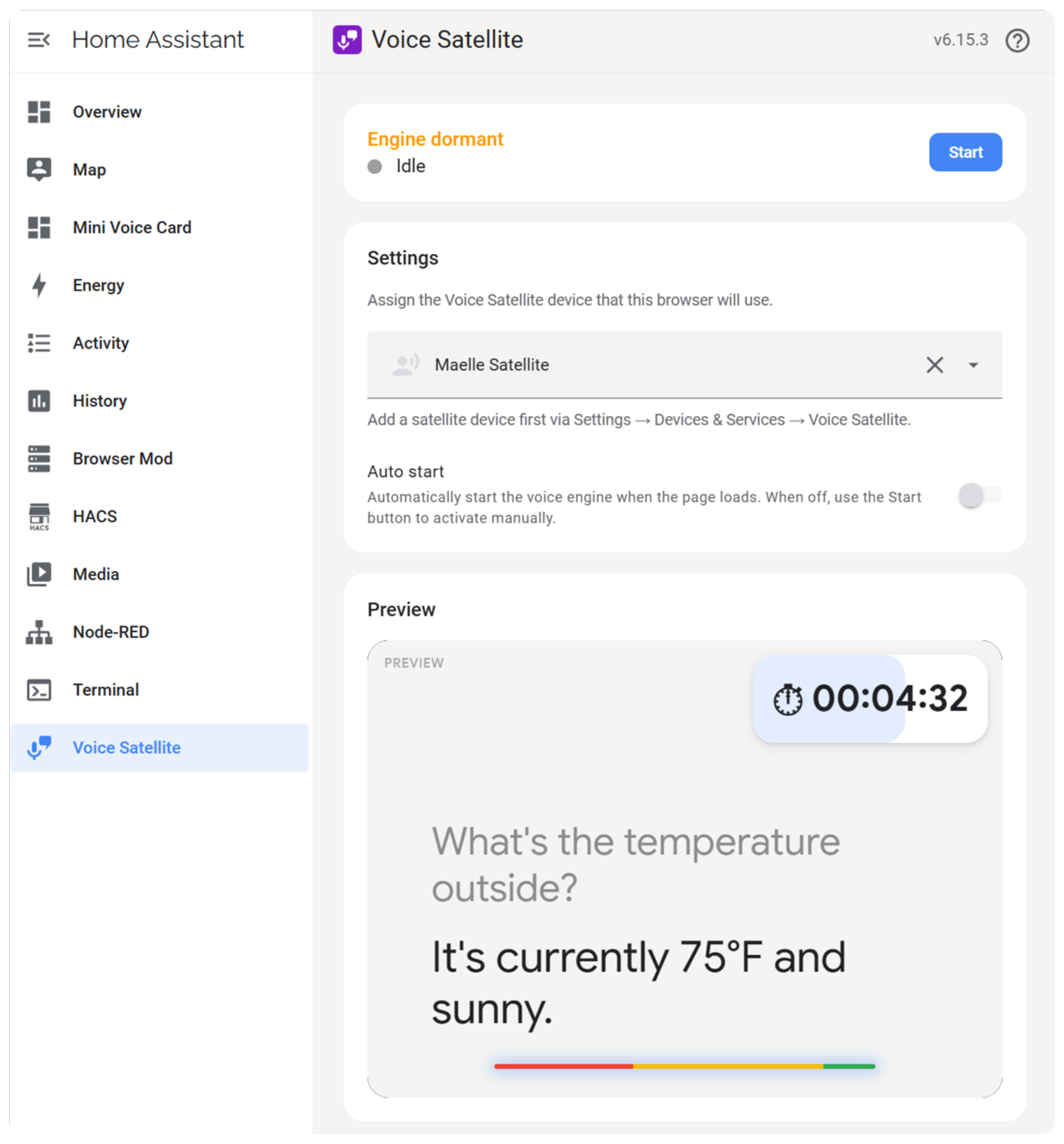
See the Configuration reference for every setting in the sidebar panel and mini card.
Each satellite is a real assist_satellite device in Home Assistant, with a companion media_player, per-device configuration entities (pipeline, wake word, TTS output, mute, etc.), and live state sync (idle / listening / processing / responding). After every turn the integration fires a voice_satellite_chat event carrying the user's transcript, the assistant's full reply, and the tools the LLM invoked, ready to drive automations. Timers fire a voice_satellite_timer event too, so a timer set in the kitchen can notify your phone or announce itself on another satellite.
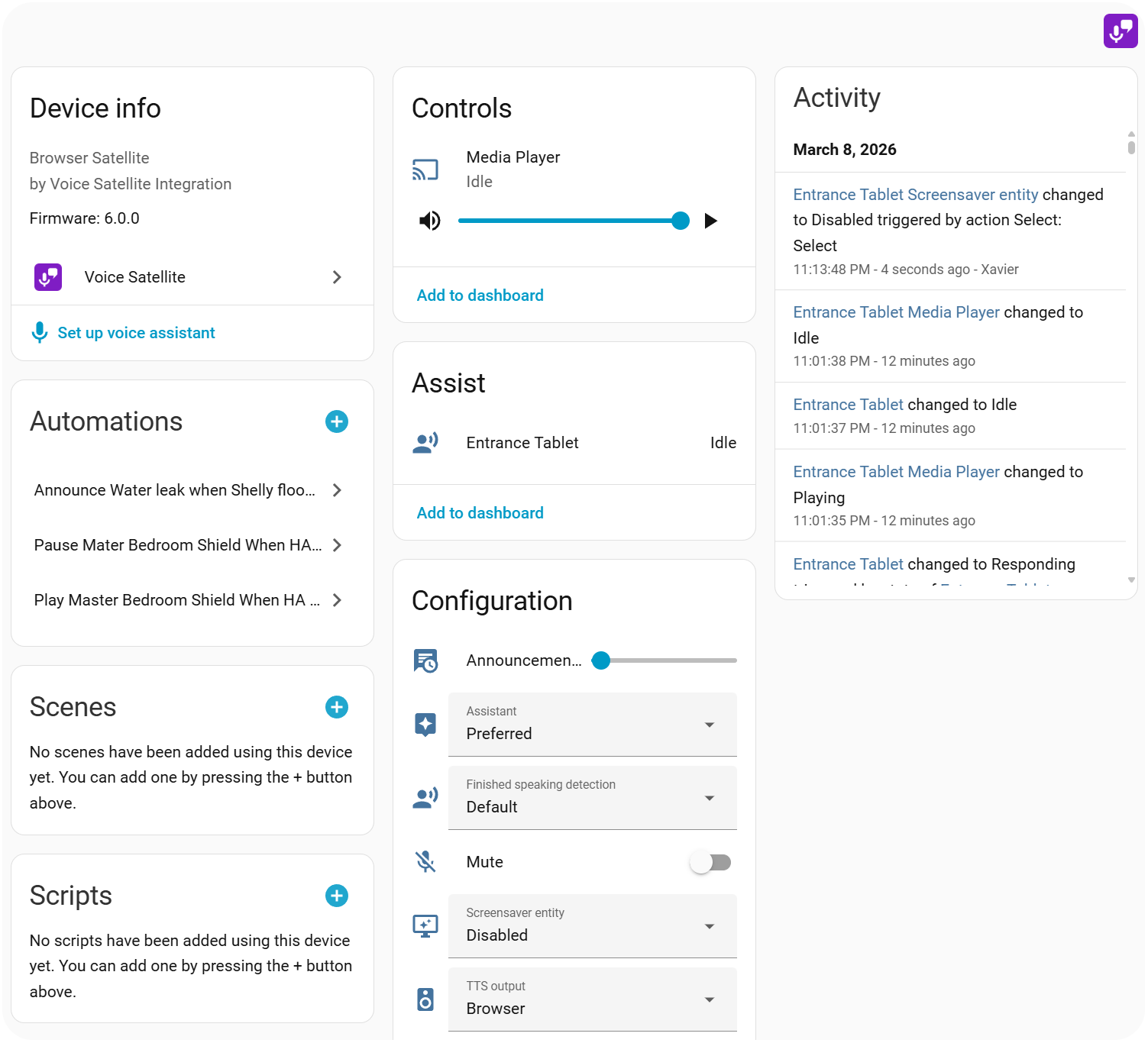
See the Integration reference for device entities, state values, attribute list, and event payload.
Once running, the satellite listens for the wake word, streams audio to STT, plays the TTS response, and supports natural multi-turn follow-ups with agents that allow it. It also exposes actions your automations can call: assist_satellite.announce for proactive TTS, start_conversation to ask a question and listen, ask_question to match the user's spoken reply against predefined answers, voice_satellite.wake to trigger the satellite as if the wake word had fired, and voice_satellite.show to run a prompt through the Assist pipeline on a schedule and pin the response (with any tool-call rich media) on screen until dismissed.
See the Usage & Services reference for the full interaction flow and YAML examples for every action.
Three on-device engines are available, all running in pure JavaScript so audio is only streamed to Home Assistant after the wake word fires - no server-side wake word add-on required.
- vsWakeWord - phoneme decoder + per-keyword phoneme matcher, dispatched as WebGPU compute shaders. Models are trained specifically for wall-mounted tablets: off-axis far-field capture with realistic household background noise, which is Voice Satellite's primary deployment target. In cross-engine benchmarks on
ok_nabuit hits 100% recall with 0% false positives, the only engine to clear both bars. Every trigger logs the decoded phonemes that fired it, so false-positive debugging is concrete instead of guesswork. Requires WebGPU. - microWakeWord - streaming TFLite models on CPU. Runs on every device, including older tablets and phones. Tiny models keep per-chunk latency the lowest of the three. Ships with the wake-word collection tuned by the microWakeWord / ESPHome community.
- openWakeWord - shared mel + embedding feeding small per-keyword classifiers, with the mel and embedding stages dispatched as WebGPU compute shaders. Ships with classifiers byte-identical to the official HA OWW addon, including the broadest pre-trained keyword library of the three engines. Adding a second wake word costs almost nothing because mel + embedding are computed once per chunk. Requires WebGPU.
microWakeWord is the default for fresh installs because it works on every device. On devices that support WebGPU, vsWakeWord is the recommended engine for wall-mounted tablets - the models were designed for exactly that scenario. Pick openWakeWord when you need a keyword that vsWakeWord doesn't ship yet, or when you want the official HA OWW addon's behavior. All three engines run well under the real-time budget. Up to two wake words can run in parallel on any engine, each routed to its own Assist pipeline. "Disabled" mode keeps the mic completely off for automation-driven setups.
Inside Kiosk Satellite, Voice Satellite hands detection over to the app's native engine automatically - same engine choice, same models, nothing to reconfigure - and detection keeps running with the screen off or the app in the background, at a fraction of the browser's CPU cost.
See the Wake Word reference for the full engine comparison, built-in models, custom model loading, dual wake words / pipelines, and disabled mode.
Ten built-in skins (Default, Alexa, Google Home, Home Assistant, Ink Blobs, Kiosk Satellite, Lens Flares, Retro Terminal, Siri, Waveform) theme the overlay, timer pills, and activity bar. Every skin can be further tweaked via the Custom CSS field in the sidebar panel, and the Waveform, Ink Blobs, and Lens Flares skins expose dedicated CSS variables for color control. Built-in chime sounds (wake, done, error, alert, announce) can be replaced with your own MP3s that survive HACS updates.
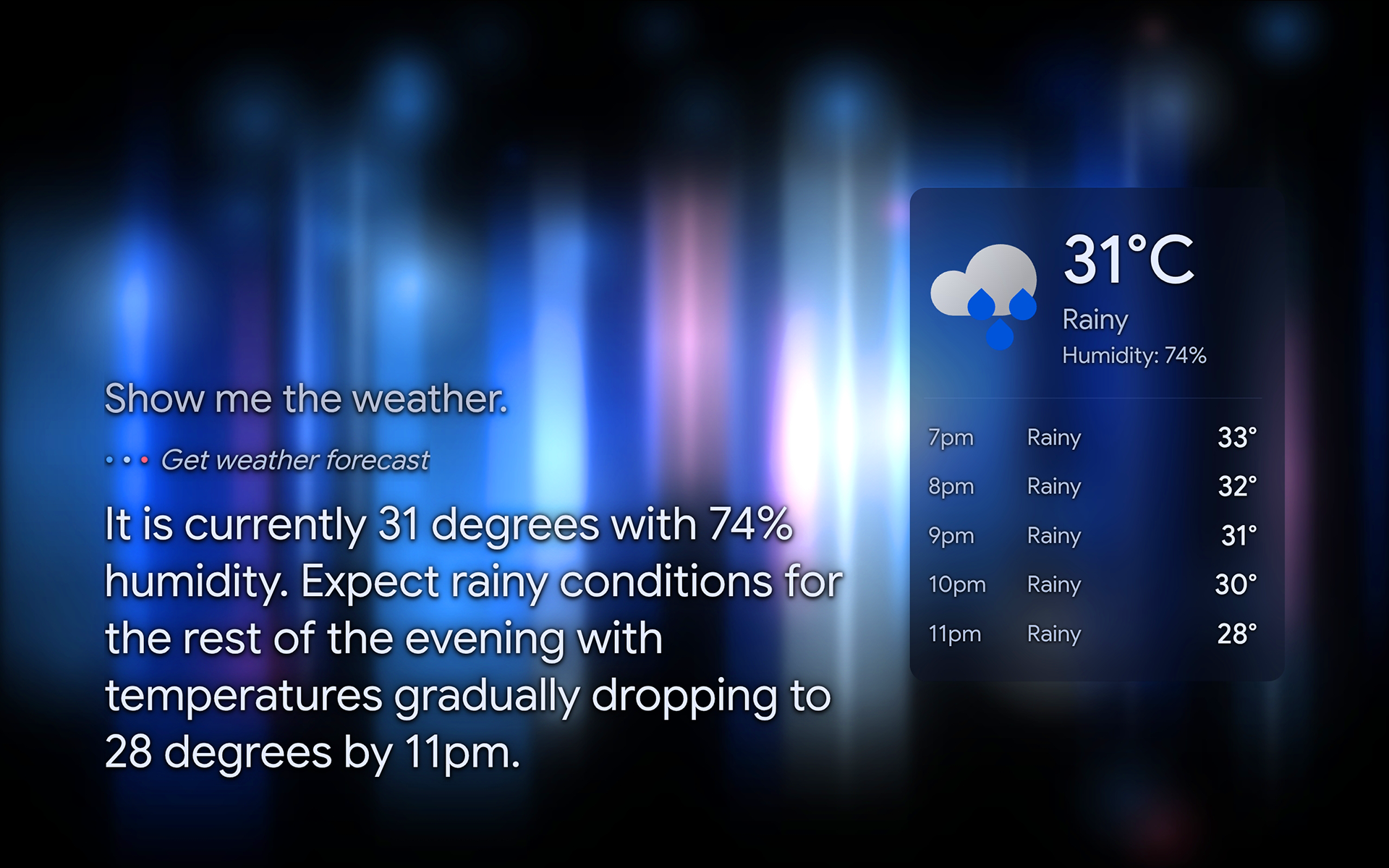
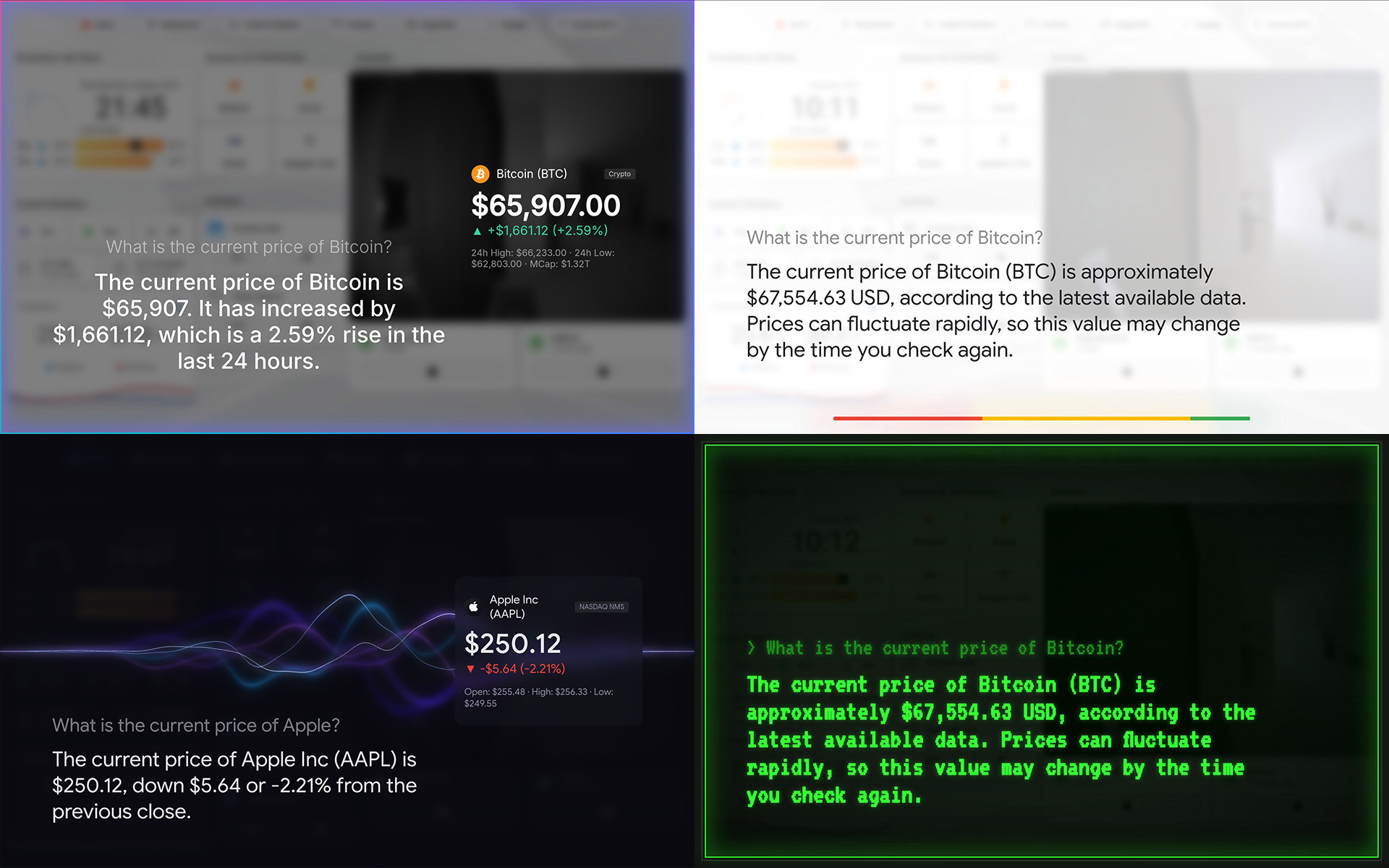
See the Skins & Customization reference for the skin list, CSS variable tables, and the custom sounds folder layout.
Voice timers ("Set a 5 minute timer", "Cancel the pizza timer") work out of the box, with countdown pills on the overlay and an alert chime on completion. Timers can also be started from automations via the voice_satellite.start_timer action. The side panel can hide the on-screen pill or alert label, and can optionally speak a configurable alert phrase after every two chimes, with only a short pause before the next chime pair.
See the Timers reference for voice sentences, the action schema, automation examples, side-panel toggles, and entity attributes.
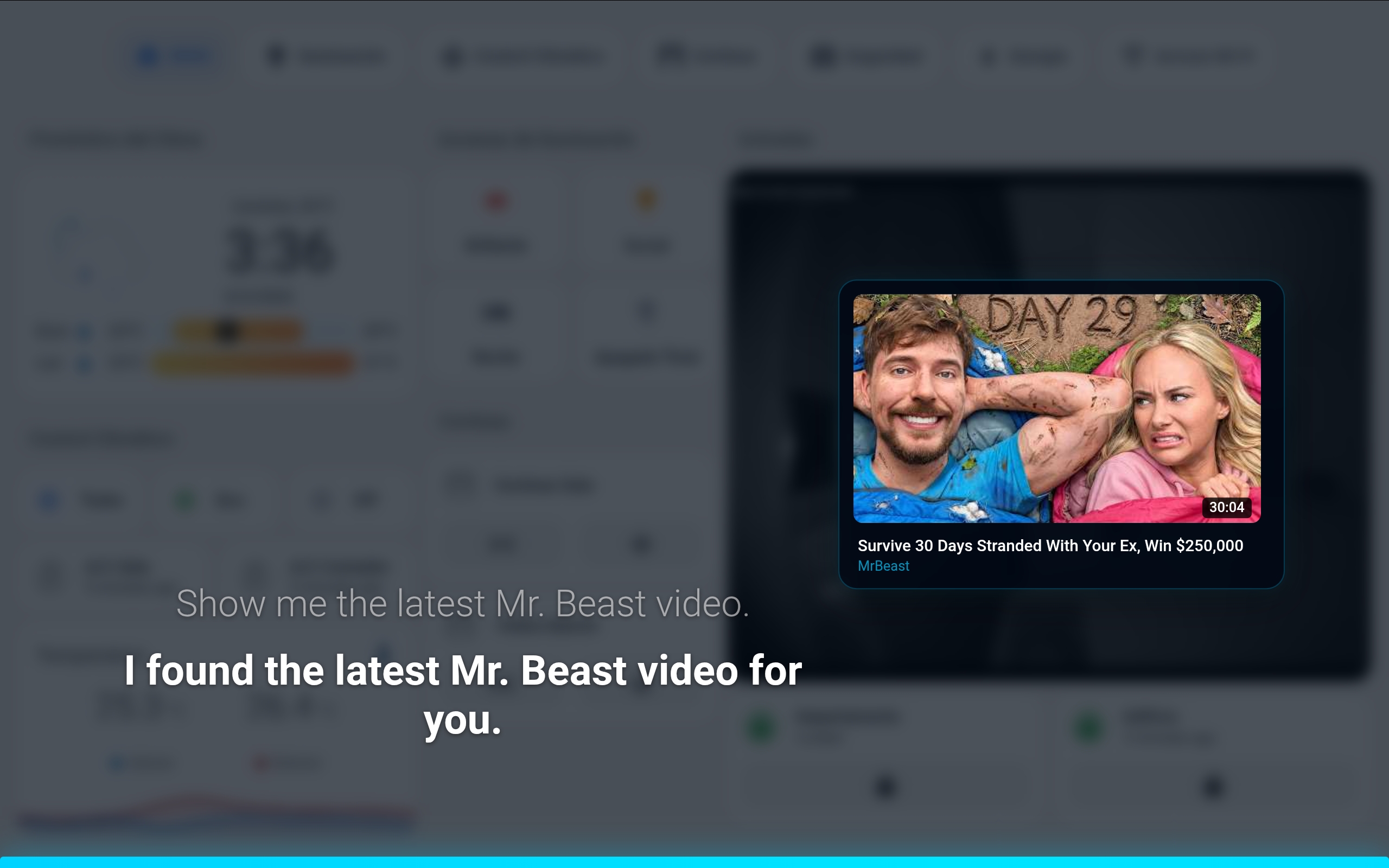
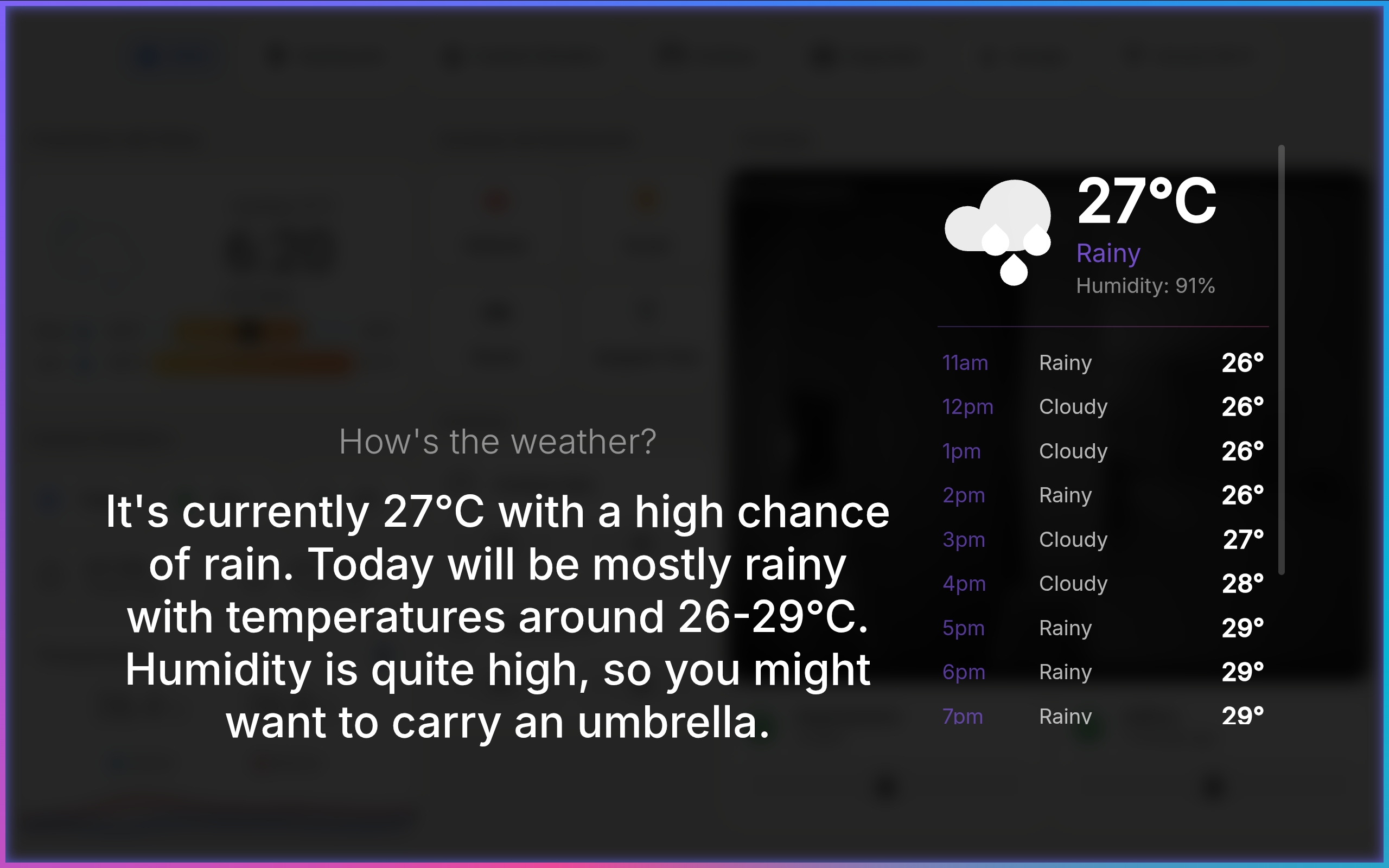
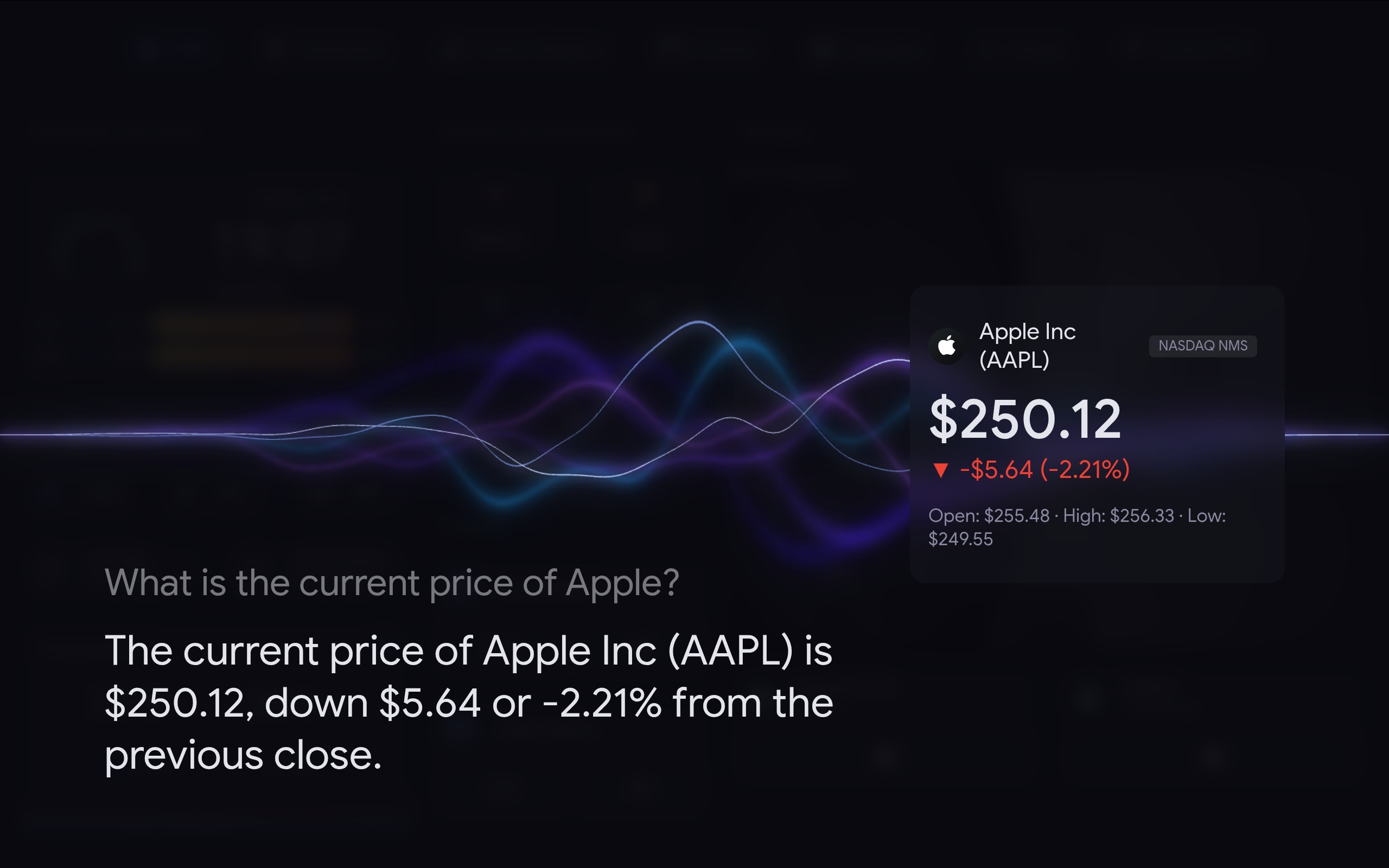
With a tool-capable conversation agent (OpenAI, Google Generative AI, Anthropic, Ollama, etc.) plus the companion Voice Satellite - LLM Tools integration, Voice Satellite can display rich visual results inline: image grids, YouTube video cards, weather forecasts, stock/crypto cards, currency conversions, and web/Wikipedia summaries with featured images.
See the LLM Tools reference for each supported tool and the voice commands that trigger them.
Most setup issues come from missing microphone permissions, mixed HTTP/HTTPS content, kiosk app autoplay settings, or a mismatched internal_url that breaks the TTS proxy for announcements.
The sidebar panel ships with a Diagnostics & troubleshooting section that runs automated client-side and server-side checks (secure context, microphone permission, pipeline configuration, mixed-content TTS, wake word mode, Lovelace resource registration, and more). A Copy report button produces a paste-ready markdown block with the full results, ready to attach to a GitHub issue.
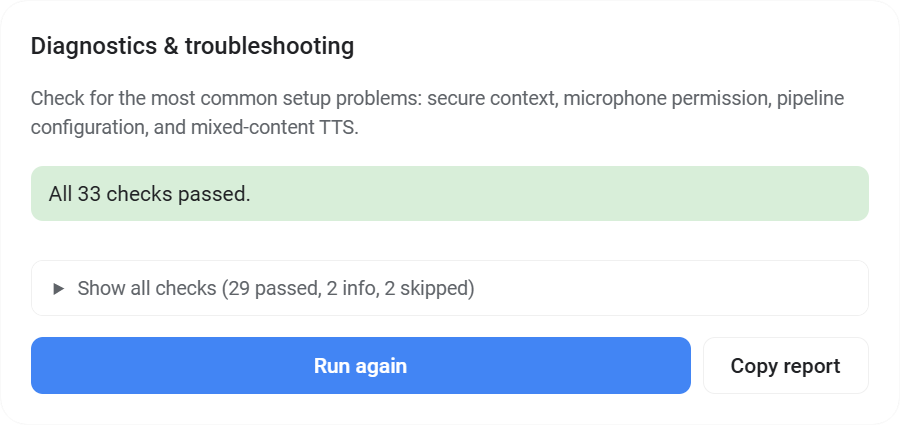
See the Troubleshooting reference for the most common issues and their fixes.
Contributions are welcome. Please feel free to submit issues. Pull requests are currently not being accepted.
This project is licensed under the GNU Affero General Public License v3.0 - see LICENSE for details.

