


Simple Pytorch implementation of Stylegan2 based on https://arxiv.org/abs/1912.04958 that can be completely trained from the command-line, no coding needed.
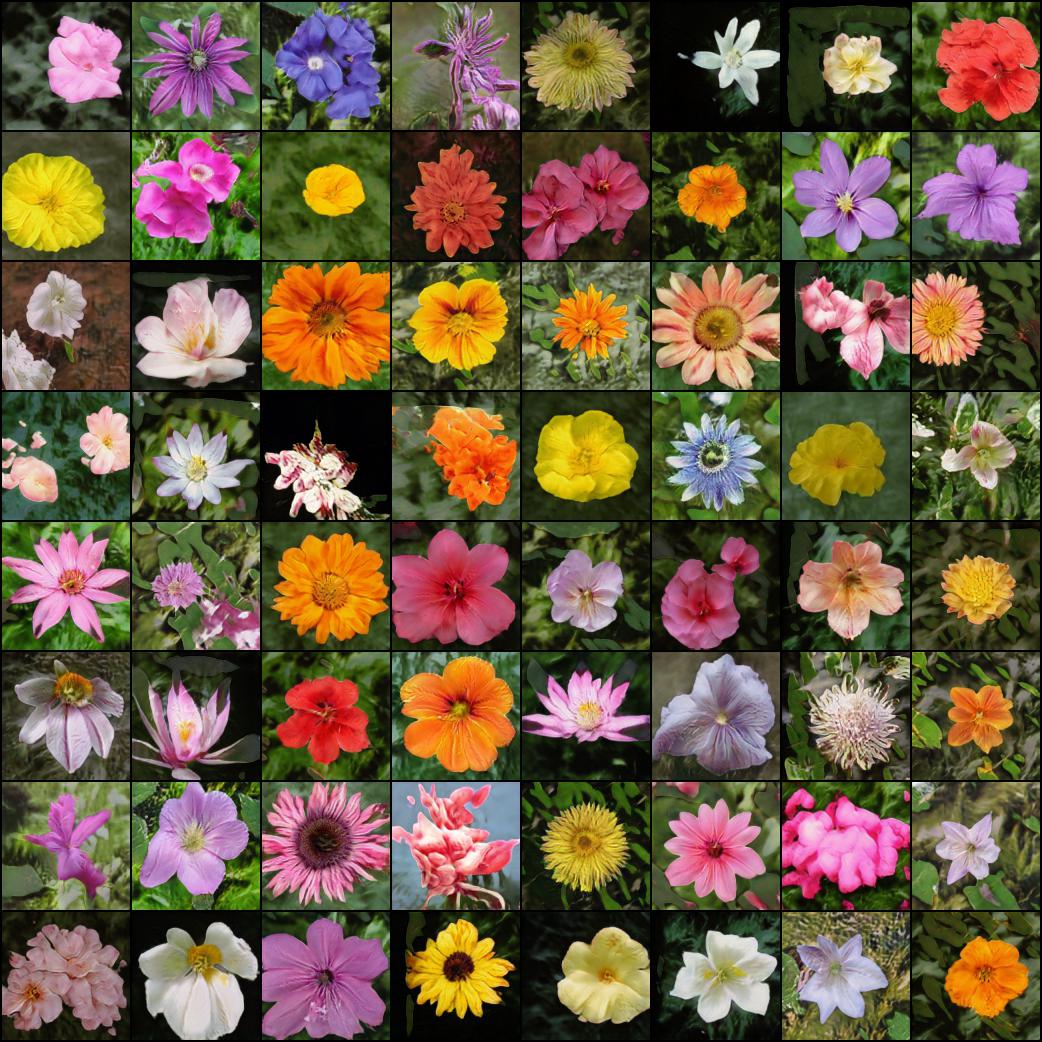
Below are some flowers that do not exist.
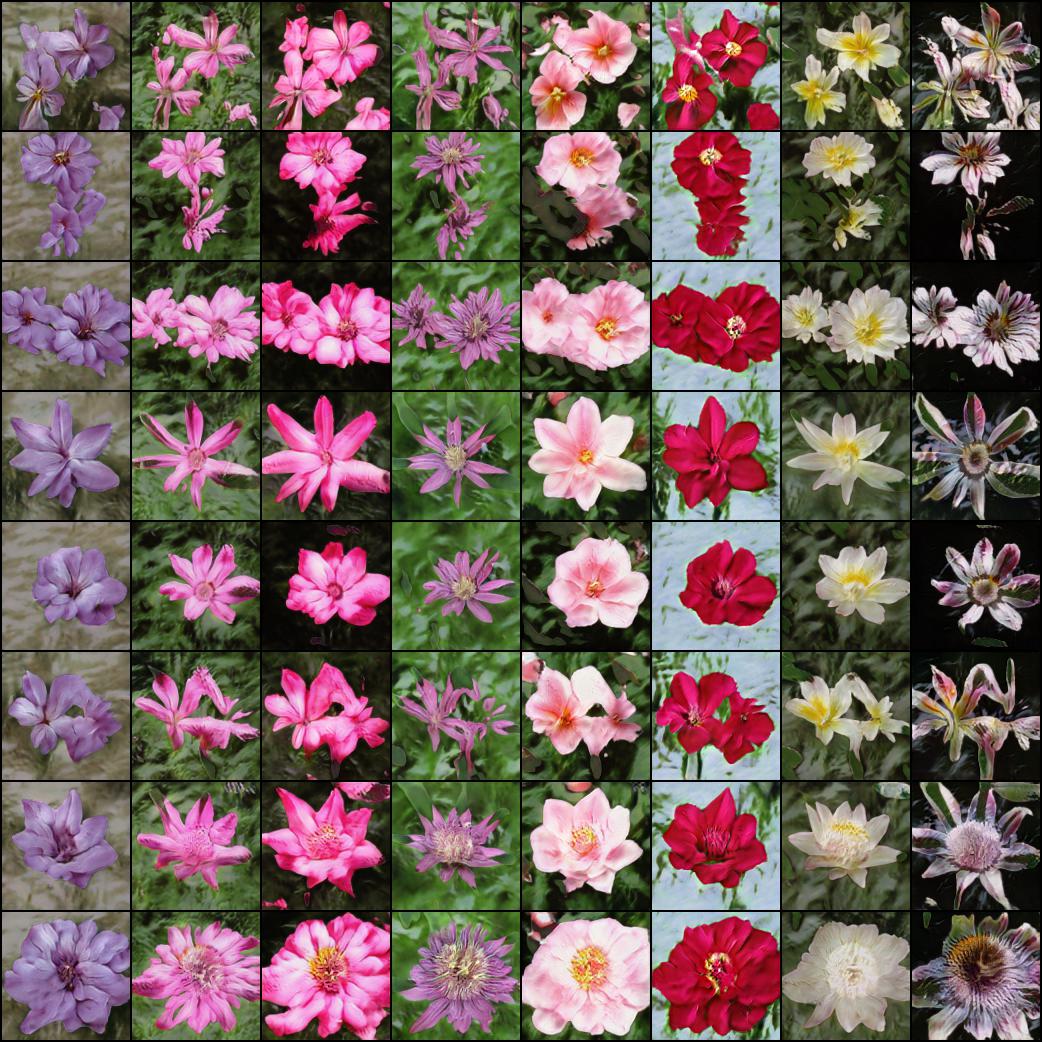
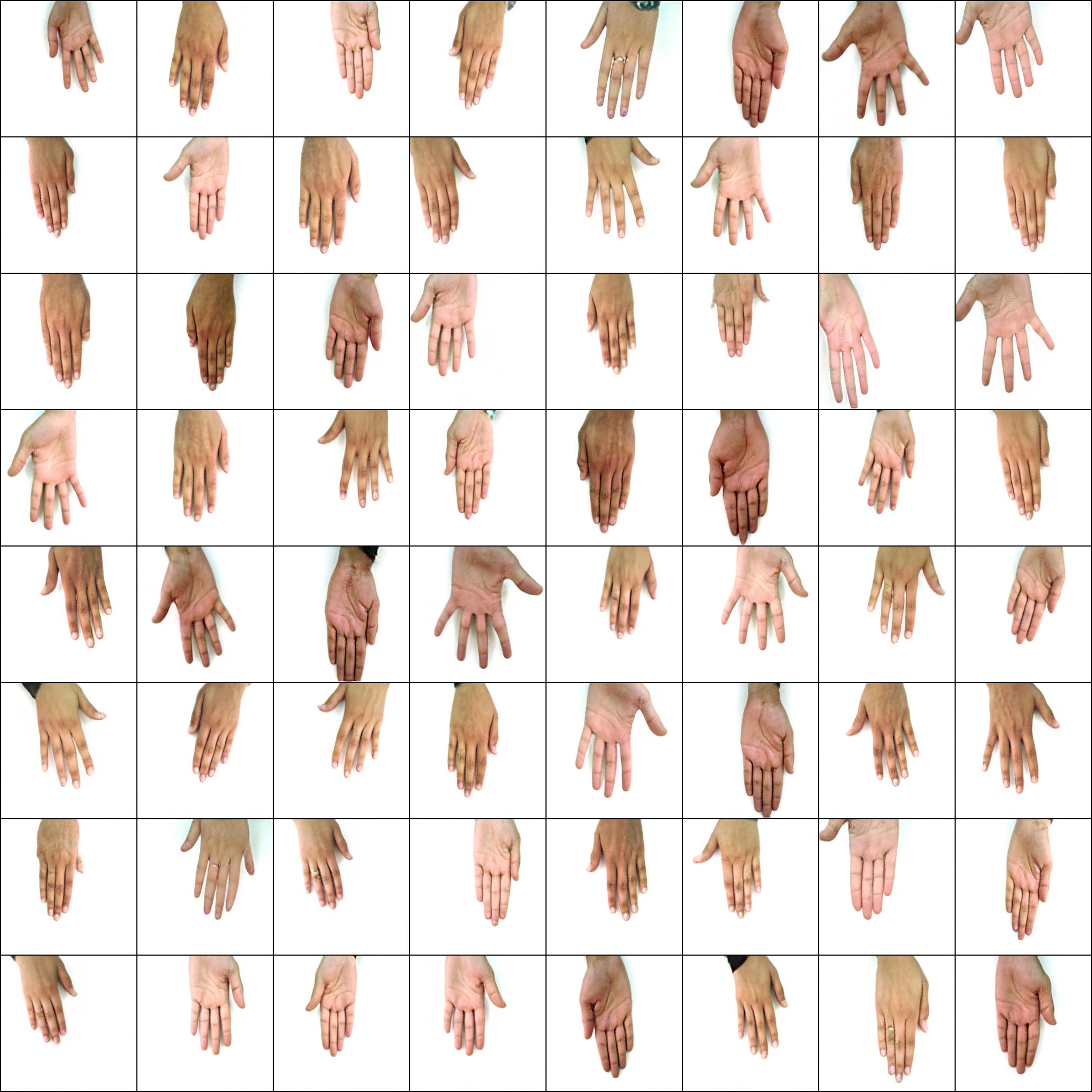
Neither do these hands
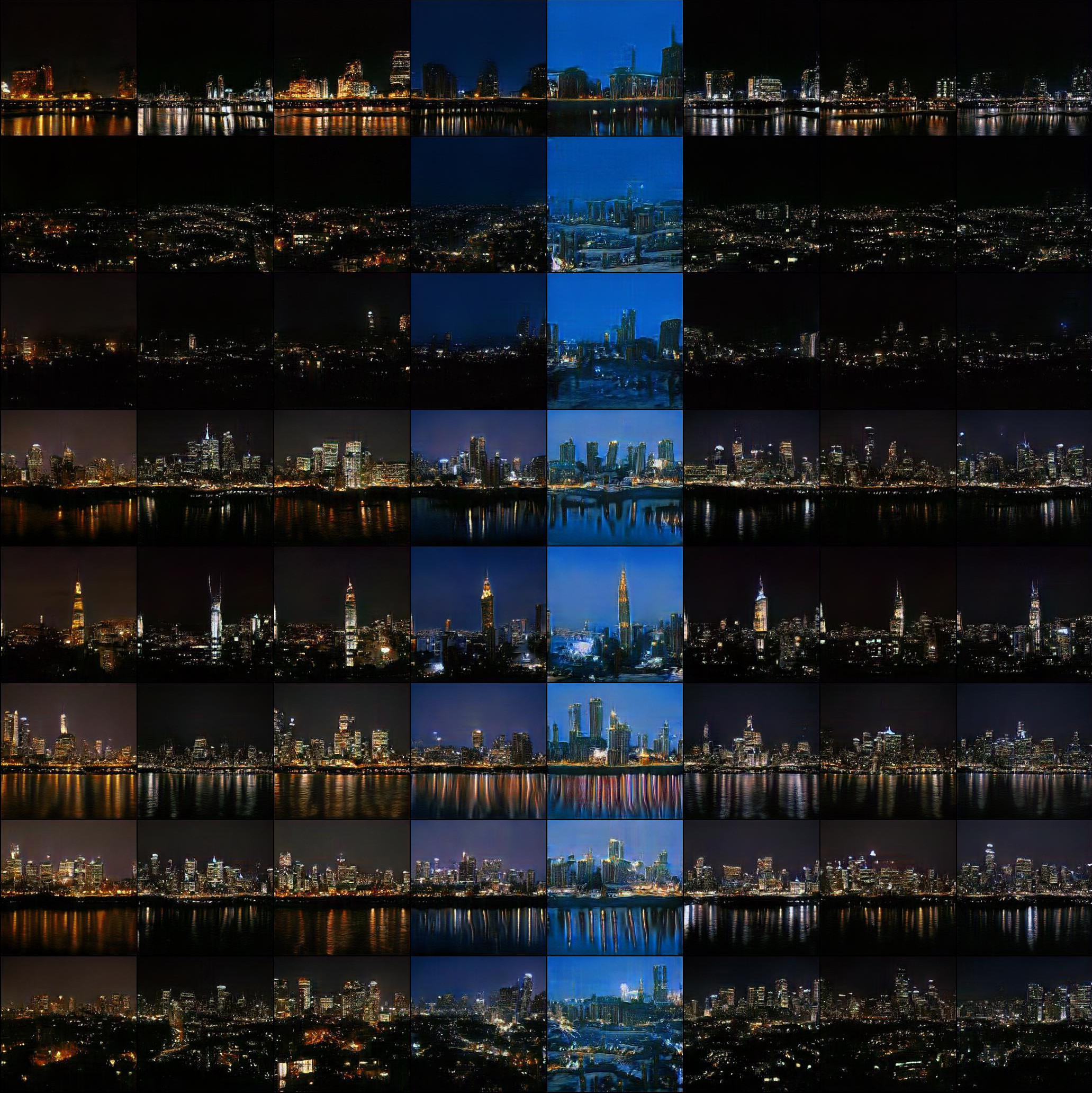
Nor these cities
Nor these celebrities (trained by @yoniker)
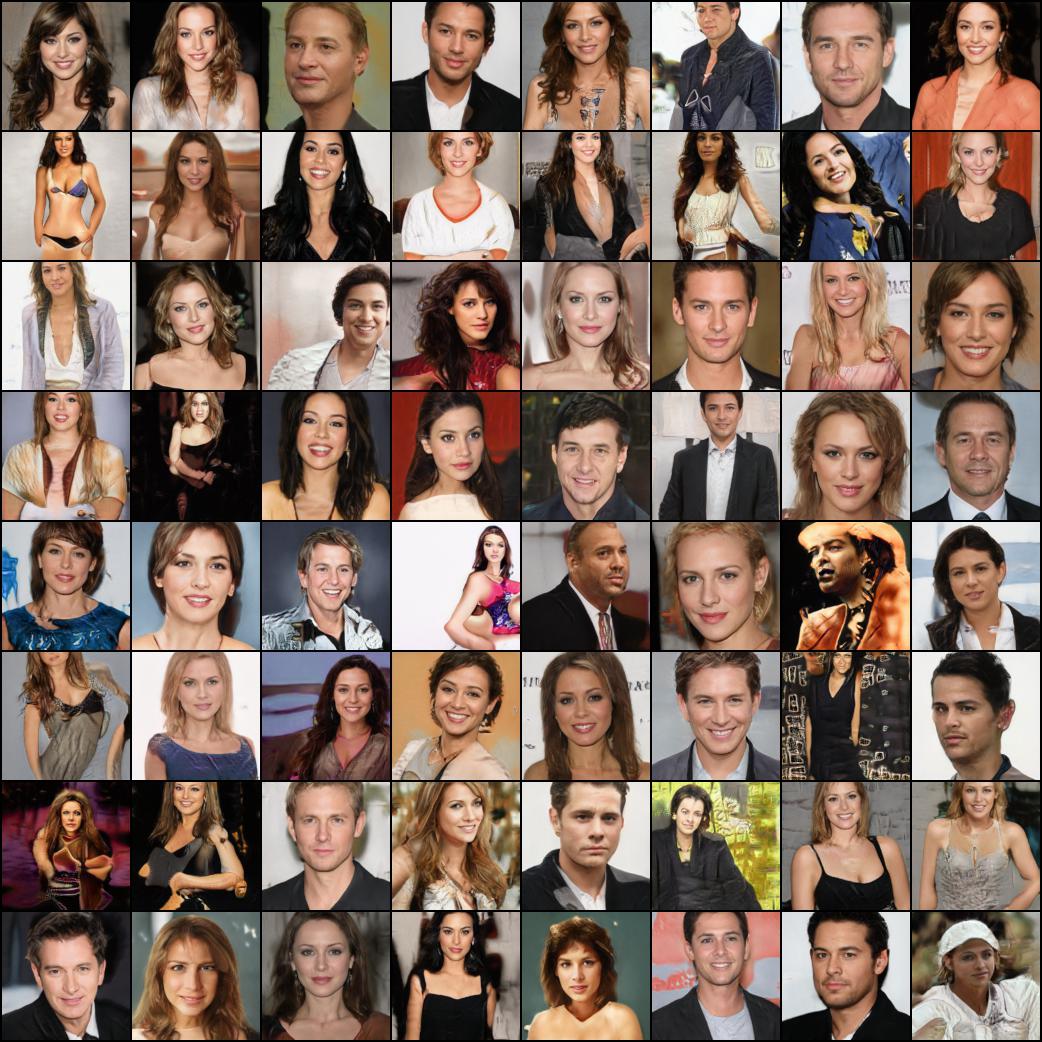
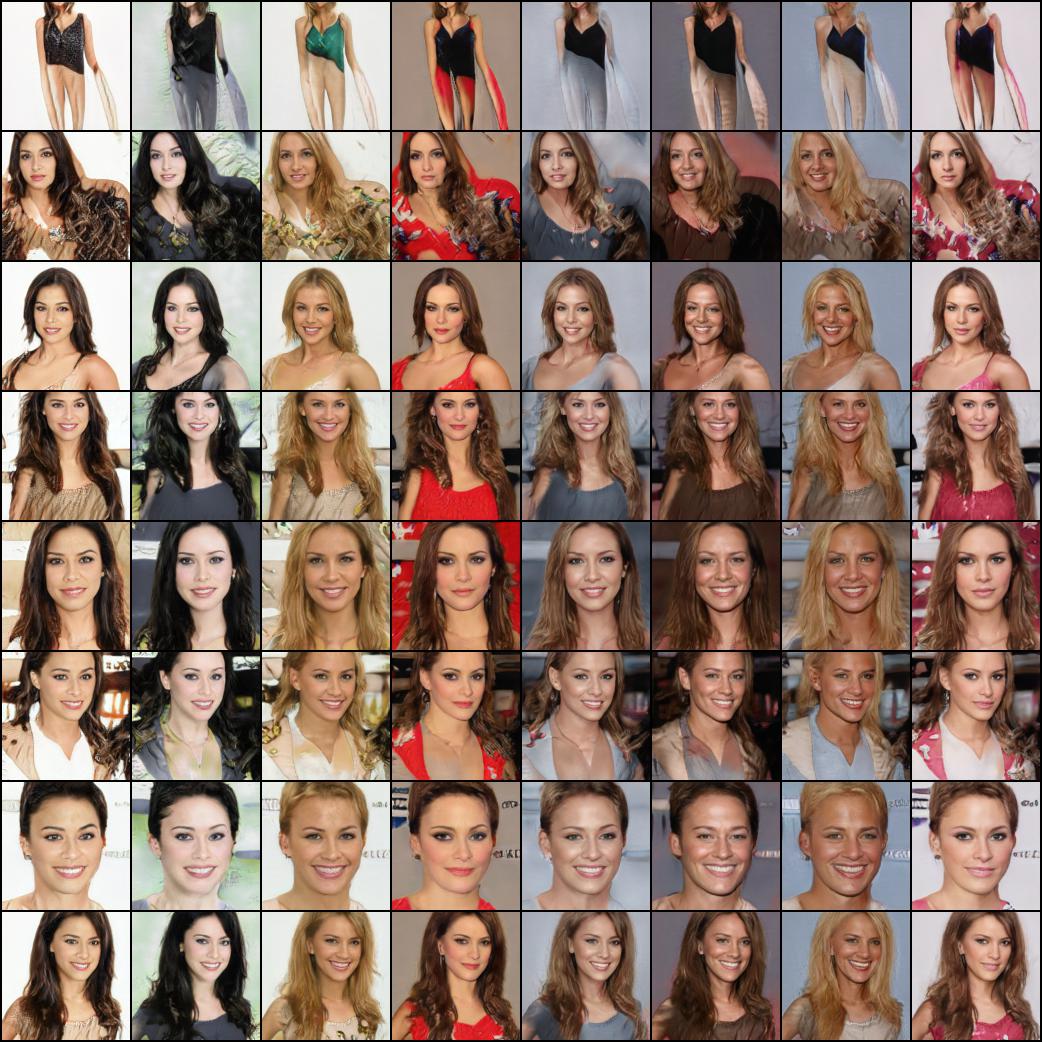
You will need a machine with a GPU and CUDA installed. Then pip install the package like this
$ pip install stylegan2_pytorchIf you are using a windows machine, the following commands reportedly works.
$ conda install pytorch torchvision -c python
$ pip install stylegan2_pytorch$ stylegan2_pytorch --data /path/to/imagesThat's it. Sample images will be saved to results/default and models will be saved periodically to models/default.
You can specify the name of your project with
$ stylegan2_pytorch --data /path/to/images --name my-project-nameYou can also specify the location where intermediate results and model checkpoints should be stored with
$ stylegan2_pytorch --data /path/to/images --name my-project-name --results_dir /path/to/results/dir --models_dir /path/to/models/dirYou can increase the network capacity (which defaults to 16) to improve generation results, at the cost of more memory.
$ stylegan2_pytorch --data /path/to/images --network-capacity 256By default, if the training gets cut off, it will automatically resume from the last checkpointed file. If you want to restart with new settings, just add a new flag
$ stylegan2_pytorch --new --data /path/to/images --name my-project-name --image-size 512 --batch-size 1 --gradient-accumulate-every 16 --network-capacity 10Once you have finished training, you can generate images from your latest checkpoint like so.
$ stylegan2_pytorch --generateTo generate a video of a interpolation through two random points in latent space.
$ stylegan2_pytorch --generate-interpolation --interpolation-num-steps 100To save each individual frame of the interpolation
$ stylegan2_pytorch --generate-interpolation --save-framesIf a previous checkpoint contained a better generator, (which often happens as generators start degrading towards the end of training), you can load from a previous checkpoint with another flag
$ stylegan2_pytorch --generate --load-from {checkpoint number}A technique used in both StyleGAN and BigGAN is truncating the latent values so that their values fall close to the mean. The small the truncation value, the better the samples will appear at the cost of sample variety. You can control this with the --trunc-psi, where values typically fall between 0.5 and 1. It is set at 0.75 as default
$ stylegan2_pytorch --generate --trunc-psi 0.5If you have one machine with multiple GPUs, the repository offers a way to utilize all of them for training. With multiple GPUs, each batch will be divided evenly amongst the GPUs available. For example, for 2 GPUs, with a batch size of 32, each GPU will see 16 samples.
You simply have to add a --multi-gpus flag, everyting else is taken care of. If you would like to restrict to specific GPUs, you can use the CUDA_VISIBLE_DEVICES environment variable to control what devices can be used. (ex. CUDA_VISIBLE_DEVICES=0,2,3 only devices 0, 2, 3 are available)
$ stylegan2_pytorch --data ./data --multi-gpus --batch-size 32 --gradient-accumulate-every 1In the past, GANs needed a lot of data to learn how to generate well. The faces model took 70k high quality images from Flickr, as an example.
However, in the month of May 2020, researchers all across the world independently converged on a simple technique to reduce that number to as low as 1-2k. That simple idea was to differentiably augment all images, generated or real, going into the discriminator during training.
If one were to augment at a low enough probability, the augmentations will not 'leak' into the generations.
In the setting of low data, you can use the feature with a simple flag.
# find a suitable probability between 0. -> 0.7 at maximum
$ stylegan2_pytorch --data ./data --aug-prob 0.25
By default, the augmentations used are translation and cutout. If you would like to add color, you can do so with the --aug-types argument.
# make sure there are no spaces between items!
$ stylegan2_pytorch --data ./data --aug-prob 0.25 --aug-types [translation,cutout,color]
You can customize it to any combination of the three you would like. The differentiable augmentation code was copied and slightly modified from here.
For as long as possible until the adversarial game between the two neural nets fall apart (we call this divergence). By default, the number of training steps is set to 150000 for 128x128 images, but you will certainly want this number to be higher if the GAN doesn't diverge by the end of training, or if you are training at a higher resolution.
$ stylegan2_pytorch --data ./data --image-size 512 --num-train-steps 1000000This framework also allows for you to add an efficient form of self-attention to the designated layers of the discriminator (and the symmetric layer of the generator), which will greatly improve results. The more attention you can afford, the better!
# add self attention after the output of layer 1
$ stylegan2_pytorch --data ./data --attn-layers 1
# add self attention after the output of layers 1 and 2
# do not put a space after the comma in the list!
$ stylegan2_pytorch --data ./data --attn-layers [1,2]Training on transparent images
$ stylegan2_pytorch --data ./transparent/images/path --transparentThe more GPU memory you have, the bigger and better the image generation will be. Nvidia recommended having up to 16GB for training 1024x1024 images. If you have less than that, there are a couple settings you can play with so that the model fits.
$ stylegan2_pytorch --data /path/to/data \
    --batch-size 3 \
    --gradient-accumulate-every 5 \
--network-capacity 16-
Batch size - You can decrease the
batch-sizedown to 1, but you should increase thegradient-accumulate-everycorrespondingly so that the mini-batch the network sees is not too small. This may be confusing to a layperson, so I'll think about how I would automate the choice ofgradient-accumulate-everygoing forward. -
Network capacity - You can decrease the neural network capacity to lessen the memory requirements. Just be aware that this has been shown to degrade generation performance.
If none of this works, you can settle for 'Lightweight' GAN, which will allow you to tradeoff quality to train at greater resolutions in reasonable amount of time.
Below are some steps which may be helpful for deployment using Amazon Web Services. In order to use this, you will have to provision a GPU-backed EC2 instance. An appropriate instance type would be from a p2 or p3 series. I (iboates) tried a p2.xlarge (the cheapest option) and it was quite slow, slower in fact than using Google Colab. More powerful instance types may be better but they are more expensive. You can read more about them here.
- Archive your training data and upload it to an S3 bucket
- Provision your EC2 instance (I used an Ubuntu AMI)
- Log into your EC2 instance via SSH
- Install the aws CLI client and configure it:
sudo snap install aws-cli --classic
aws configure
You will then have to enter your AWS access keys, which you can retrieve from the management console under AWS Management Console > Profile > My Security Credentials > Access Keys
Then, run these commands, or maybe put them in a shell script and execute that:
mkdir data
curl -O https://bootstrap.pypa.io/get-pip.py
sudo apt-get install python3-distutils
python3 get-pip.py
pip3 install stylegan2_pytorch
export PATH=$PATH:/home/ubuntu/.local/bin
aws s3 sync s3://<Your bucket name> ~/data
cd data
tar -xf ../train.tar.gz
Now you should be able to train by simplying calling stylegan2_pytorch [args].
Notes:
- If you have a lot of training data, you may need to provision extra block storage via EBS.
- Also, you may need to spread your data across multiple archives.
- You should run this on a
screenwindow so it won't terminate once you log out of the SSH session.
Thanks to GetsEclectic, you can now calculate the FID score periodically! Again, made super simple with one extra argument, as shown below.
Firstly, install the pytorch_fid package
$ pip install pytorch-fidFollowed by
$ stylegan2_pytorch --data ./data --calculate-fid-every 5000FID results will be logged to ./results/{name}/fid_scores.txt
If you would like to sample images programmatically, you can do so with the following simple ModelLoader class.
import torch
from torchvision.utils import save_image
from stylegan2_pytorch import ModelLoader

loader = ModelLoader(
    base_dir = '/path/to/directory',   # path to where you invoked the command line tool
    name = 'default'                   # the project name, defaults to 'default'
)

noise   = torch.randn(1, 512).cuda() # noise
styles  = loader.noise_to_styles(noise, trunc_psi = 0.7)  # pass through mapping network
images  = loader.styles_to_images(styles) # call the generator on intermediate style vectors

save_image(images, './sample.jpg') # save your images, or do whatever you desireTo log the losses to an open source experiment tracker (Aim), you simply need to pass an extra flag like so.
$ stylegan2_pytorch --data ./data --logThen, you need to make sure you have Docker installed. Following the instructions at Aim, you execute the following in your terminal.
$ aim upThen open up your browser to the address and you should see

A new paper has produced evidence that by simply zero-ing out the gradient contributions from samples that are deemed fake by the discriminator, the generator learns significantly better, achieving new state of the art.
$ stylegan2_pytorch --data ./data --top-k-trainingGamma is a decay schedule that slowly decreases the topk from the full batch size to the target fraction of 50% (also modifiable hyperparameter).
$ stylegan2_pytorch --data ./data --top-k-training --generate-top-k-frac 0.5 --generate-top-k-gamma 0.99A recent paper reported improved results if intermediate representations of the discriminator are vector quantized. Although I have not noticed any dramatic changes, I have decided to add this as a feature, so other minds out there can investigate. To use, you have to specify which layer(s) you would like to vector quantize. Default dictionary size is 256 and is also tunable.
# feature quantize layers 1 and 2, with a dictionary size of 512 each
# do not put a space after the comma in the list!
$ stylegan2_pytorch --data ./data --fq-layers [1,2] --fq-dict-size 512I have tried contrastive learning on the discriminator (in step with the usual GAN training) and possibly observed improved stability and quality of final results. You can turn on this experimental feature with a simple flag as shown below.
$ stylegan2_pytorch --data ./data --cl-regThis was proposed in the Relativistic GAN paper to stabilize training. I have had mixed results, but will include the feature for those who want to experiment with it.
$ stylegan2_pytorch --data ./data --rel-disc-lossBy default, the StyleGAN architecture styles a constant learned 4x4 block as it is progressively upsampled. This is an experimental feature that makes it so the 4x4 block is learned from the style vector w instead.
$ stylegan2_pytorch --data ./data --no-constA recent paper has proposed that a novel contrastive loss between the real and fake logits can improve quality over other types of losses. (The default in this repository is hinge loss, and the paper shows a slight improvement)
$ stylegan2_pytorch --data ./data --dual-contrast-lossStylegan2 + Unet Discriminator
I have gotten really good results with a unet discriminator, but the architecturally change was too big to fit as an option in this repository. If you are aiming for perfection, feel free to try it.
If you would like me to give the royal treatment to some other GAN architecture (BigGAN), feel free to reach out at my email. Happy to hear your pitch.
Thank you to Matthew Mann for his inspiring simple port for Tensorflow 2.0
@article{Karras2019stylegan2,
    title   = {Analyzing and Improving the Image Quality of {StyleGAN}},
    author  = {Tero Karras and Samuli Laine and Miika Aittala and Janne Hellsten and Jaakko Lehtinen and Timo Aila},
    journal = {CoRR},
    volume  = {abs/1912.04958},
    year    = {2019},
}@misc{zhao2020feature,
title = {Feature Quantization Improves GAN Training},
author = {Yang Zhao and Chunyuan Li and Ping Yu and Jianfeng Gao and Changyou Chen},
year = {2020}
}@misc{chen2020simple,
title = {A Simple Framework for Contrastive Learning of Visual Representations},
author = {Ting Chen and Simon Kornblith and Mohammad Norouzi and Geoffrey Hinton},
year = {2020}
}@article{,
title = {Oxford 102 Flowers},
author = {Nilsback, M-E. and Zisserman, A., 2008},
abstract = {A 102 category dataset consisting of 102 flower categories, commonly occuring in the United Kingdom. Each class consists of 40 to 258 images. The images have large scale, pose and light variations.}
}@article{afifi201911k,
title = {11K Hands: gender recognition and biometric identification using a large dataset of hand images},
author = {Afifi, Mahmoud},
journal = {Multimedia Tools and Applications}
}@misc{zhang2018selfattention,
title = {Self-Attention Generative Adversarial Networks},
author = {Han Zhang and Ian Goodfellow and Dimitris Metaxas and Augustus Odena},
year = {2018},
eprint = {1805.08318},
archivePrefix = {arXiv}
}@article{shen2019efficient,
author = {Zhuoran Shen and
Mingyuan Zhang and
Haiyu Zhao and
Shuai Yi and
Hongsheng Li},
title = {Efficient Attention: Attention with Linear Complexities},
journal = {CoRR},
year = {2018},
url = {http://arxiv.org/abs/1812.01243},
}@article{zhao2020diffaugment,
title = {Differentiable Augmentation for Data-Efficient GAN Training},
author = {Zhao, Shengyu and Liu, Zhijian and Lin, Ji and Zhu, Jun-Yan and Han, Song},
journal = {arXiv preprint arXiv:2006.10738},
year = {2020}
}@misc{zhao2020image,
title = {Image Augmentations for GAN Training},
author = {Zhengli Zhao and Zizhao Zhang and Ting Chen and Sameer Singh and Han Zhang},
year = {2020},
eprint = {2006.02595},
archivePrefix = {arXiv}
}@misc{karras2020training,
title = {Training Generative Adversarial Networks with Limited Data},
author = {Tero Karras and Miika Aittala and Janne Hellsten and Samuli Laine and Jaakko Lehtinen and Timo Aila},
year = {2020},
eprint = {2006.06676},
archivePrefix = {arXiv},
primaryClass = {cs.CV}
}@misc{jolicoeurmartineau2018relativistic,
title = {The relativistic discriminator: a key element missing from standard GAN},
author = {Alexia Jolicoeur-Martineau},
year = {2018},
eprint = {1807.00734},
archivePrefix = {arXiv},
primaryClass = {cs.LG}
}@misc{sinha2020topk,
title = {Top-k Training of GANs: Improving GAN Performance by Throwing Away Bad Samples},
author = {Samarth Sinha and Zhengli Zhao and Anirudh Goyal and Colin Raffel and Augustus Odena},
year = {2020},
eprint = {2002.06224},
archivePrefix = {arXiv},
primaryClass = {stat.ML}
}@misc{yu2021dual,
title = {Dual Contrastive Loss and Attention for GANs},
author = {Ning Yu and Guilin Liu and Aysegul Dundar and Andrew Tao and Bryan Catanzaro and Larry Davis and Mario Fritz},
year = {2021},
eprint = {2103.16748},
archivePrefix = {arXiv},
primaryClass = {cs.CV}
}@inproceedings{Huang2025TheGI,
title = {The GAN is dead; long live the GAN! A Modern GAN Baseline},
author = {Yiwen Huang and Aaron Gokaslan and Volodymyr Kuleshov and James Tompkin},
year = {2025},
url = {https://api.semanticscholar.org/CorpusID:275405495}
}


