



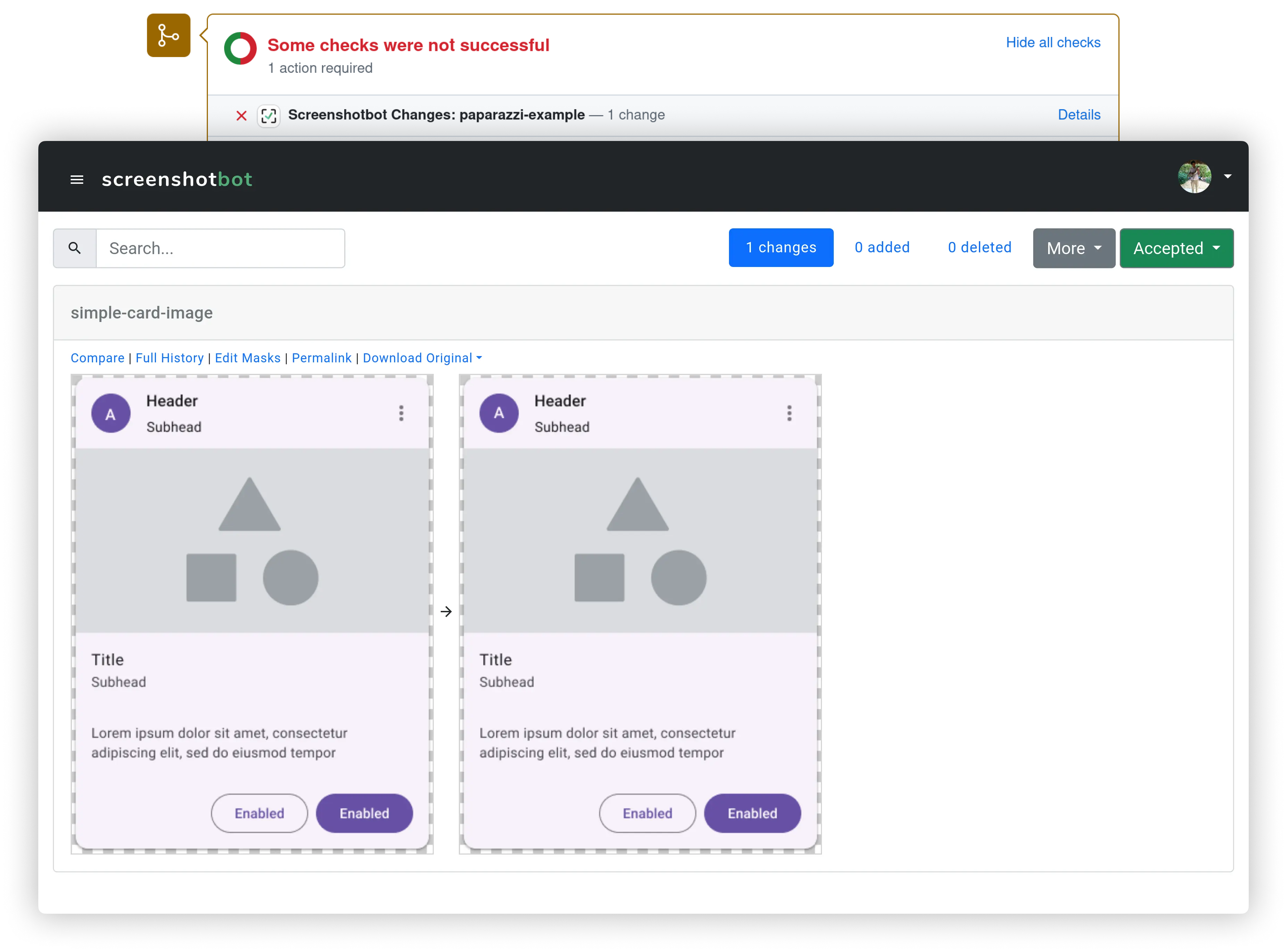
Screenshotbot is a Screenshot Testing service. Screenshotbot will connect your existing Android, iOS or Selenium tests to track how screenshots change over time, notifying you on Pull Requests, Jira etc. We provide several integrations to common Code Review and Task Management platforms, and have more in the pipeline.
Screenshotbot-oss powers our own commercial platform screenshotbot.io.
$ docker-compose up --build
If you need to modify the config.lisp, modify it before running this
command. In the future we'll provide live reloading of config.lisp for
docker, but at the moment that's only available when not using docker.
If you want a publicly accessible instance, complete with HTTPS, we have a script that will help you set it up in your cloud.
See this wiki page for details.
We provide support and the ability to deploy instantly through AWS Marketplace and Google Cloud Marketplace. We think this would be the easiest route for you if you need self-hosted, and it helps fund our work.
Screenshotbot has integrations with various external tools, e.g. GitHub, Jira, SSO etc. Most of these platforms require some kind of API key to access their APIs, and must be configured with Screenshotbot before you can use them.
For simplicity and maintainability, we don't have complex GUIs to modify these site-admin configurations. Instead each of these integrations are exposed as plugins that must be configured with basic Common Lisp code. The configuration can be hot-reloaded.
Screenshotbot looks for a file called config.lisp in both the
git-root, and in ~/.config/screenshotbot/. If found, it loads this
file as the configuration.
See Updating config.lisp for a more thorough discussion.
After installing Screenshotbot, we recommend setting up one user as a site-admin. The site-admin gets special administrative powers that will be required for hot-reloading config files, and hot-reloading updates. We might also build more configuration powers for site-admins in the future.
After signing up and logging in, go to
https://<domain>/site-admin/self-promotion. Follow the steps. You'll
need shell access to the directory with the Screenshotbot
installation. You'll now have access to an Admin menu on the bottom
left.
First, you'll need to generate an API key inside Screenshotbot. You'll use this to access the API or the CLI tools.
Next you need to build the CLI tool for your platform. Common Lisp is a compiled language, so in general you'll need different binaries for different platforms (Linux, Mac or Windows; Intel vs ARM). You can download pre-built binaries for Linux and Mac from https://screenshotbot.io/recorder.sh.
To create a binary on a specific platform, call the script
scripts/build-cli.lisp. For instance, if you're using SBCL to build the CLI,
it will look like:
$ sbcl --script scripts/build-cli.lisp
This will generate a screenshotbot-cli executable script. Copy it to a location from which it can be dowloading during your CI runs, or check it in to your repository. (As of this writing SBCL generates a binary that is 105MB in size, and 24MB zipped; CCL 100MB/21MB excluding core; LispWorks 25MB/4.4MB. LispWorks has extra features to remove unused code.)
For an example use of this executable see:
https://github.com/tdrhq/fast-example/blob/master/.circleci/config.yml.
You'll also have to pass the --hostname argument, which will be the
URL of your Screenshotbot installation.
Screenshotbot comes with an in-built email/password authentication system, and also supports OpenID Connect out of the box. We also have in-built connectors for Google OAuth restricted to domains, which might be easier for smaller companies.
See Configuring SSO for a thorough discussion.
Not all the features on screenshotbot.io are available in this OSS repository. We are in the process of moving most integrations here, but that will depend on community interest.
| Feature | LispWorks | CCL | SBCL | screenshotbot.io (Enterprise) |
|---|---|---|---|---|
| SSO/OAuth | ||||
| User / Email | Supported | Supported | Supported | Supported |
| OpenID Connect | Supported | Supported | Supported | Supported |
| SAML | Via Keycloak | Via Keycloak | Via Keycloak | Supported |
| VCS Integrations | ||||
| GitHub | Supported | Supported | Supported | Supported |
| GitLab | Supported | Supported | Supported | Supported |
| Phabricator | Supported | Supported | Supported | Supported |
| BitBucket | Supported | Supported | Supported | Supported |
| Azure DevOps | Supported | Supported | Supported | Supported |
| Tasks Integration | ||||
| Slack | Supported | Supported | Supported | Supported |
| Supported | Supported | Supported | Supported | |
| Jira | Planned | Planned | Not supported [1] | Supported |
| Trello | Planned | Planned | Not supported [1] | Supported |
| Asana | Planned | Planned | Not supported [1] | Planned |
| Annotations [2] | Planned | Planned | Planned | Supported |
| Jira | Planned | Planned | Not supported [1] | Supported |
Footnotes:
-
Not supported because SBCL doesn't support Java
-
Annotations allow you to create tasks directly from Screenshotbot
In most cases, upgrading will be done via hot-reloading. As a
site-admin, you can git pull on the repository, on the shell, go to
go https://<domain>/admin and hit Reload. This will bring the new
code live without any downtime.
Small catch: Our database is stored is in-memory (with transactions logged to disk for recovery). Hot-reloading code can force schema changes. For instance, if a field is deleted between two major versions, hot reloading will cause that field to be lost forever (but there are snapshots of old versions of the database for recovery). In general we'll try to guarantee that between minor versions, on released commits, as long as you're upgrading (as opposed to downgrading), we'll be able to auto-migrate any schema cleanly.
You can also upgrade by killing the Lisp process and restarting it. If
you do so, we recommend hitting Snapshot on the admin menu before
killing the Lisp process. However killing the Lisp process can cause a
minor downtime. You can work around this by using a tool called
socketmaster, but the description of that tool is beyond the scope
of this document.
We welcome Pull Requests!
Keep in mind, we'll do the code review on GitHub, but we'll merge it via our internal Phabricator instance. The source of truth for the code is in our internal mono-repo, which is copied over to the OSS code via Copybara, similar to the process that Google and Facebook use. We have open sourced many other projects where the source of truth is GitHub, but Screenshotbot is an actively-developed complex application that makes this difficult.
We might reject large new features if we think it adds too much maintenance overhead for us. Bug-fixes are always welcome.
We want the Open Source version of Screenshotbot to be successful. That being said, we are a very small company, so it's difficult for us to dedicate a lot of resources specifically for keeping Open Source supported across multiple platforms, multiple deployment styles, etc.
You can help us! Just be patient with us when we ask for specifics about your installation. Send us any feedback---good, bad or neutral---to [email protected]. Get other teams to use Screenshotbot, either open-source or paid. The more users we have the easier it is for us to catch bugs early and stream-line the open source experience.
Give us a star on GitHub!
We aren't currently accepting donations, but consider convincing your team to pay us for support. If you're a small team or an individual developer, just send us an email and we'll make sure you have a plan you can afford. Most of our code is open-source, so by paying us you're directly supporting our open-source contributions.
We take security at Screenshotbot very seriously. We partner with an external security research firm, Pensive Security to perform annual penetration tests. The latest Penetration Test reports can be requested on our Trust and Security dashboard.
Screenshotbot is built and maintained by Arnold Noronha ([email protected]). I also wrote screenshot-tests-for-android, the de-facto screenshot testing library for Android.
Screenshot is licensed under the Mozilla Public License, v2.