Top AI Repos — open-source AI, indexed and scored
Top AI Repos tracks AI repositories on GitHub and answers two different questions about each one: is it moving right now, and would you bet a product on it.
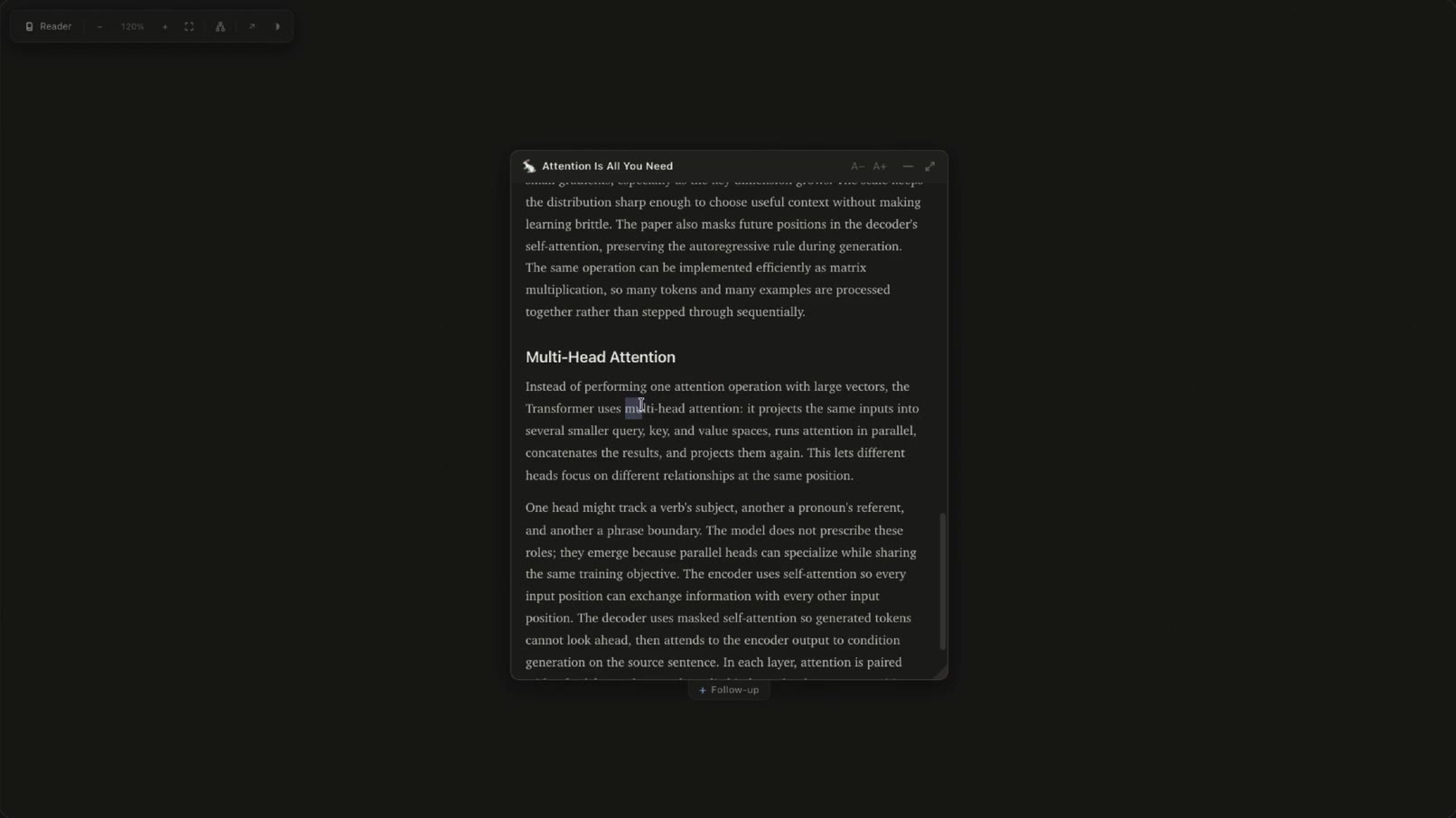
An infinite canvas for learning — select text, ask, and answers branch out as documents. MCP server for Claude Code, Codex, and any agent.
| Date | Stars |
|---|---|
| 2026-07-31 | 291 |
| 2026-08-05 | 295 |
| 2026-08-06 | 295 |
Today
— stars today
This week
— stars this week
This month
— stars this month
Momentum
0.0
growth rate 0.00%/day
# Rabbithole **An infinite canvas for learning.** Open a document, select any text, ask a question — and the answer opens as a fully-rendered child document. Follow whatever pulls at you, as deep as it goes. Every hole is saved and revisitable. 🌐 **[rabbithole.ing](https://rabbithole.ing)** There are two ways in: - **The web app** — [rabbithole.ing](https://rabbithole.ing). Bring an OpenRouter key, run a local model, or point it at your own endpoint. Static site, no account, no backend: your key stays in your browser, and so do your documents. - **The MCP server** — for terminal agents. Claude Code, Codex, or any MCP client does the answering; Rabbithole gives it a canvas in your browser. The server, storage, and canvas all run on your machine — your documents and questions go only to the agent you already use. ## Use it on the web Open **[rabbithole.ing](https://rabbithole.ing)** and start from anywhere: drop in a PDF or Markdown file, paste a URL, import a `.rabbithole` or snapshot `.html` — or just ask a question and let the answer become your first document. Three ways to run a model: - **OpenRouter** (recommended) — one key, every major model. The model picker pulls OpenRouter's live catalog. - **Local** — Ollama on your machine, with setup help and installed-model discovery. No key required. - **Custom** — any other OpenAI-compatible endpoint: LM Studio, llama.cpp, vLLM, LiteLLM, or a hosted API. Paste the base URL, add a key if it needs one, and Rabbithole lists the models it offers. The endpoint has to allow browser requests from rabbithole.ing (CORS). Keys never leave the browser: they're stored locally (or session-only, your choice) and sent exclusively to the provider origin you configure. Exports scrub anything credential-shaped. #### Pointing a phone at a model on your network The model doesn't have to run on the device you're reading on. Serve Ollama from a machine on your network and point **Custom** at it: ```bash OLLAMA_HOST=0.0.0.0 OLLAMA_ORIGINS=https://rabbithole.ing ollama serve ``` Then open [rabbithole.ing](https://rabbithole.ing) on the phone and set the endpoint to `http://<that-machine's-lan-ip>:11434/v1` — for example `http://192.168.0.198:11434/v1`. The browser asks once whether the page may reach other devices on your local network; allow it. `OLLAMA_HOST=0.0.0.0` is what makes Ollama listen beyond its own machine, and `OLLAMA_ORIGINS` is what lets the page talk to it. This needs a browser that implements Local Network Access — Chrome 142 or newer, on desktop and Android. Safari has no equivalent, so on iOS run the browser version from that same machine over plain http instead (below), which sidesteps the question entirely. ### Run the browser version locally Requires Node 18+: ```bash git clone https://github.com/shlokkhemani/rabbithole.git cd rabbithole npm install npm run build npx -y serve web/dist ``` Open **[http://localhost:3000](http://localhost:3000)** (or the URL printed by `serve`). `serve` also prints a network URL — open that one from a phone or tablet on the same network and both the page and your model are plain http, so nothing has to be allowed or tunneled. The local browser build has the same OpenRouter and OpenAI-compatible local-model options as [rabbithole.ing](https://rabbithole.ing), and its documents and provider settings stay in that browser's local storage. Holes persist in IndexedDB, and each document gets a memorable local URL such as `rabbithole.ing/curious-teacup-abcdef`. That path names a record in *your* browser's database — it is not a sharing link. To move a hole between machines, export the `.rabbithole` file; to share something readable, download a snapshot. Self-hosting is static: run `npm run build` and serve `web/dist` from any host. The optional `workers/fetch-proxy` Cloudflare Worker enables URL ingestion for sources that block browser CORS (set `RABBITHOLE_PROXY_URL` at build time to point the app at your relay). S
Excerpt of 14,375 characters
Read on GitHubWould you bet a product on this? Bounded 0–100 and slow moving.
matched fp:e54d6b77fb092bc1, desc:mcp server