

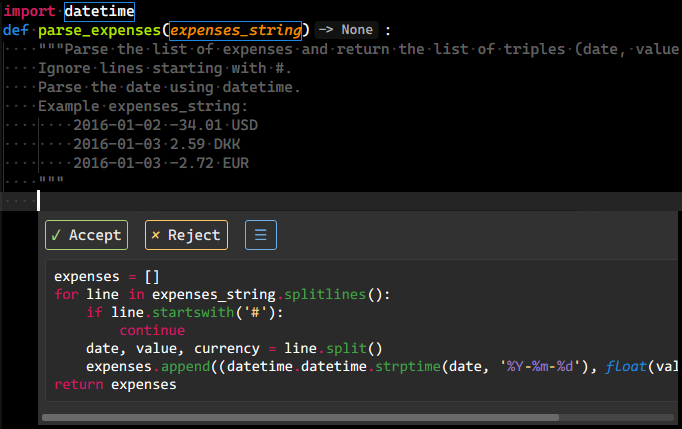
GitHub Copilot support for Sublime Text LSP plugin provided through @github/copilot-language-server.
This plugin uses Copilot distribution which uses OpenAI Codex to suggest codes and entire functions in real-time right from your editor.
- Inline completion popup.
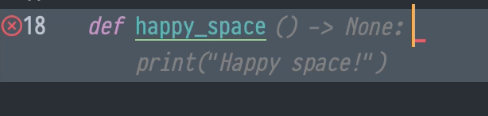
- Inline completion phantom.
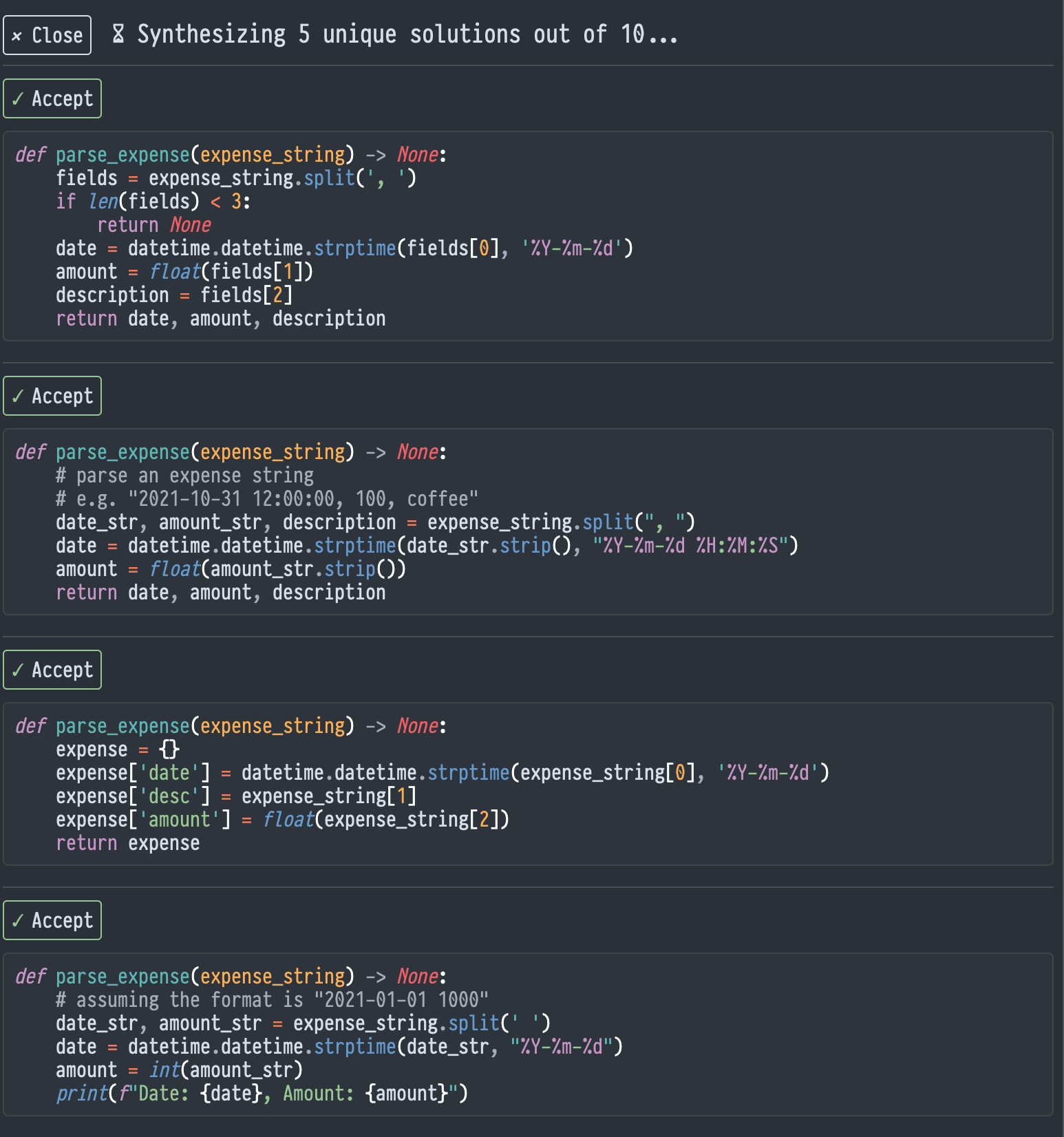
- Panel completion.
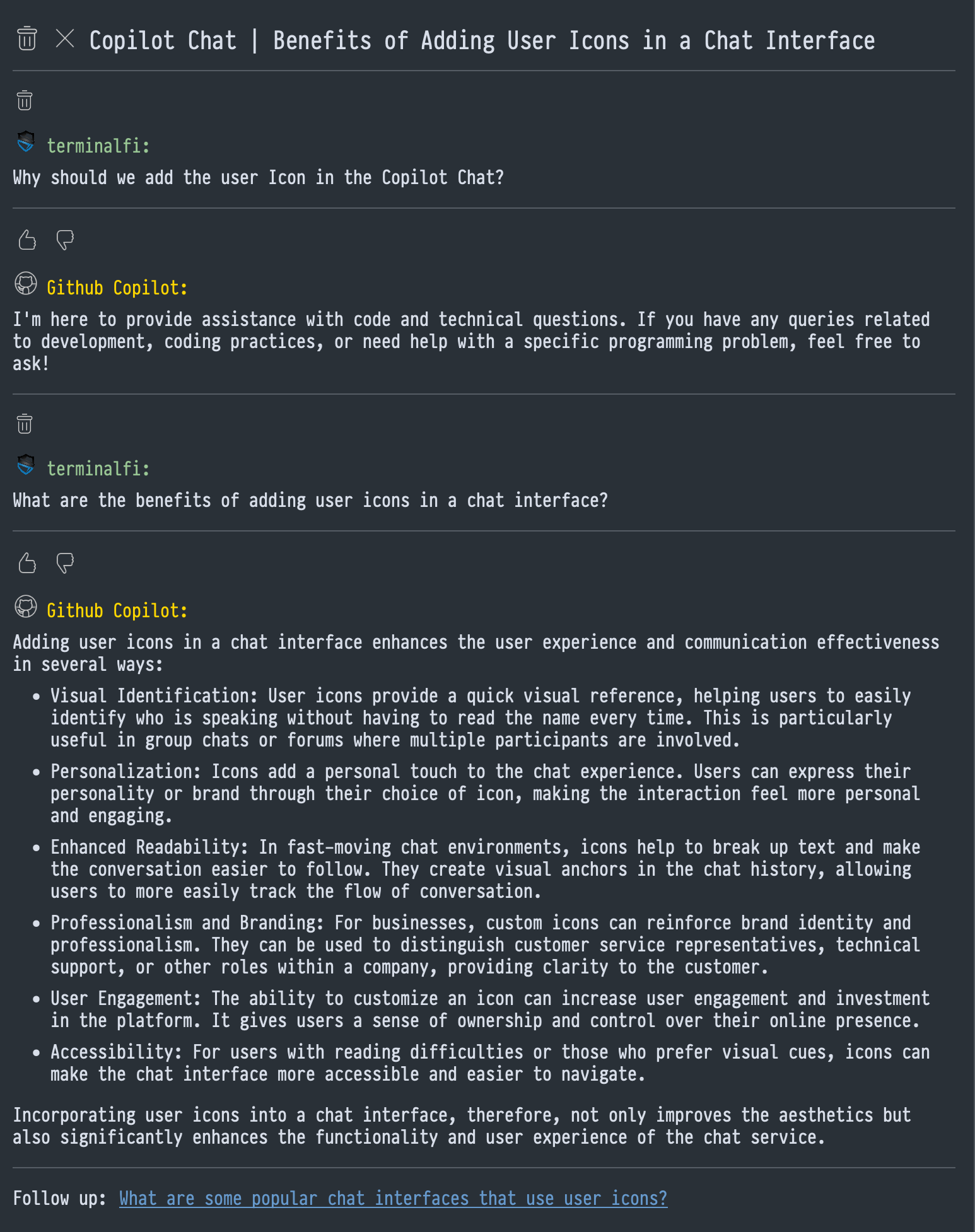
- Chat.
- Public network connection.
- Active GitHub Copilot subscription.
- Install LSP and LSP-copilot via Package Control.
- Restart Sublime Text.
On the first time use, follow the steps below:
- Open any file.
- Execute
Copilot: Sign Infrom the command palette. - Follow the prompts to authenticate LSP-copilot.
- The
User Codewill be auto copied to your clipboard. - Paste the
User Codeinto the pop-up GitHub authentication page. - Return to Sublime Text and press
OKon the dialog. - If you see a "sign in OK" dialog, LSP-copilot should start working since then.
- The
Settings are provide in the LSP-copilot.sublime-settings file, accessible using Preferences: LSP-copilot Settings in the command palette.
| Setting | Type | Default | Description |
|---|---|---|---|
| auto_ask_completions | boolean | true | Auto ask the server for completions. Otherwise, you have to trigger it manually. |
| debug | boolean | false | Enables debug mode for LSP-copilot. Enabling all commands regardless of status requirements. |
| hook_to_auto_complete_command | boolean | false | Ask the server for completions when the auto_complete command is called. |
| authProvider | string | The GitHub identity to use for Copilot | |
| github-enterprise | object | The configuration for Github Enterprise | |
| local_checks | boolean | false | Enables local checks. This feature is not fully understood yet. |
| telemetry | boolean | false | Enables Copilot telemetry requests for Accept and Reject completions. |
| proxy | string | The HTTP proxy to use for Copilot requests. It's in the form of username:password@host:port or just host:port. |
|
| completion_style | string | popup | Completion style. popup is the default, phantom is experimental (there are well-known issues). |
It's likely that Copilot's completion appears along with Sublime Text's autocompletion
and both of them use Tab for committing the completion. This may cause a nondeterministic result.
Thus, you may want to let only one of them (or none) use the Tab key.
If you don't want LSP-copilot to use the Tab key for committing the completion.
You can set LSP-copilot's commit_completion_on_tab setting to false and add a custom keybinding like below.
{
    "keys": ["YOUR_OWN_DEDICATE_KEYBINDING"],
    "command": "copilot_accept_completion",
    "context": [
        {
            "key": "copilot.is_on_completion"
        }
    ]
},If working behind a VPN and/or Proxy, you may be required to add your CA file into the NODE environment. See below for LSP-copilots support for this.
In LSP-copilot's plugin settings, add the following env key:
{
  "env": {
      "NODE_EXTRA_CA_CERTS": "/path/to/certificate.crt",
  },
  // other custom settings...
}


