

(中文 | English)










eSearch 是Information-portal的:electron:重写版(顺便加了亿些功能)
主要是想在 Linux 上(win 和 mac 上也能用)实现锤子大爆炸或小米传送门这样的屏幕搜索功能,当然也是一款方便的截屏软件。
经过数次版本迭代,eSearch 的功能愈加丰富
即拥有 截屏+OCR+搜索+翻译+贴图+屏幕翻译+以图搜图+滚动截屏+录屏
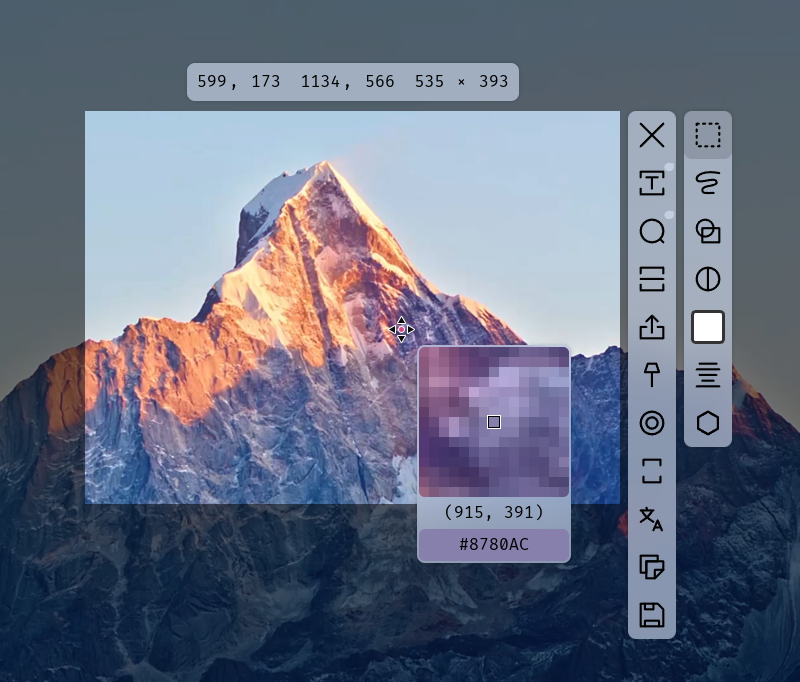
字体是FiraCode,字体可在设置里设置
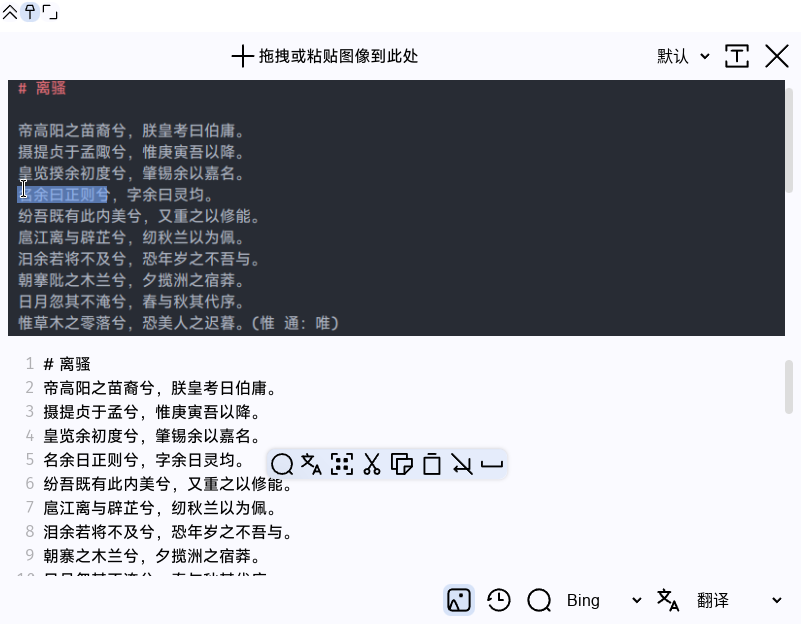
到网站eSearch下载
或在右侧 releases 打开标签,选择符合你系统的包并下载安装
国内可以用GitHub 镜像加速下载
ArchLinux 可在 AUR 查找安装 e-search或e-search-git
winget winget install esearch
暂时没有 Homebrew 包,欢迎有志愿的维护者提供支持
在你的启动器打开 eSearch,他将出现在托盘。
默认快捷键为 Alt+C(你也可以在设置里设置快捷键)
更多介绍见文档
框选裁切、取色器、自由画笔、几何、马赛克、模糊
框选除了通过方向键调节,还支持输入四则运算式调整
支持自定义框选后立马执行操作,如框选后自动 OCR
还支持滚动截屏,横向、竖向、任意方向都可以拼接
可为截屏设置背景(渐变、图片)、圆角、阴影
改变图像分辨率导出
抹除物体并修补图像
录制屏幕、自定义大小、摄像头
可提示光标位置和键盘击键
可设置虚拟背景
自动缩放聚焦到鼠标位置,录屏更生动
加速、删除,操作每个帧
滚轮缩放、透明度、自动归位、鼠标穿透
支持放大图像且不改变窗口大小,防止遮挡其他内容
可通过 CSS 设置滤镜、变换(如镜像)
开箱即用的离线 OCR(eSearch-OCR,基于PaddleOCR),框选文字后按下回车键即可
大字符集,支持生僻字、特殊符号(需要在设置下载 v5 模型)
离线 OCR 支持段落识别,也可以使用基于标点符号的分段算法
支持竖排文本,支持图片旋转识别
同时也支持百度、有道的在线 OCR
可后期编辑文字,在图片上选择文字,同步选区到编辑区,方便校对
支持多语言:中文、英文、韩文、日文、泰卢固文、卡纳达文、泰米尔文、拉丁文、阿拉伯字母、斯拉夫字母、梵文字母(需要在设置额外下载)
谷歌、百度、Yandex 的以图搜图引擎
可自定义多模态大模型接口,与 AI 交流图片
OCR 后可调用翻译,支持选词翻译
支持免费的翻译引擎,如谷歌翻译等,也可以自己设置其他翻译引擎的 API,如 DeepL、百度等,可以使用 ChatGPT 等 AI 翻译,甚至可以自定义本地 AI 翻译
可多个引擎同时翻译,择其善者
可以保存翻译结果到本地文件或通过网络保存到 Anki 等记忆软件
生成一个贴图窗口,并把图片文字替换成翻译后的文本
可设置定时翻译,适合视频、游戏等
二维码识别
1.mp4
截屏,自由调整框选大小(视频约 2.6MB)
3.mp4
取色器(视频约 1MB)
2.mp4
Ding 在屏幕上,透明度调节、归位以及鼠标操作(视频约 1.8MB)
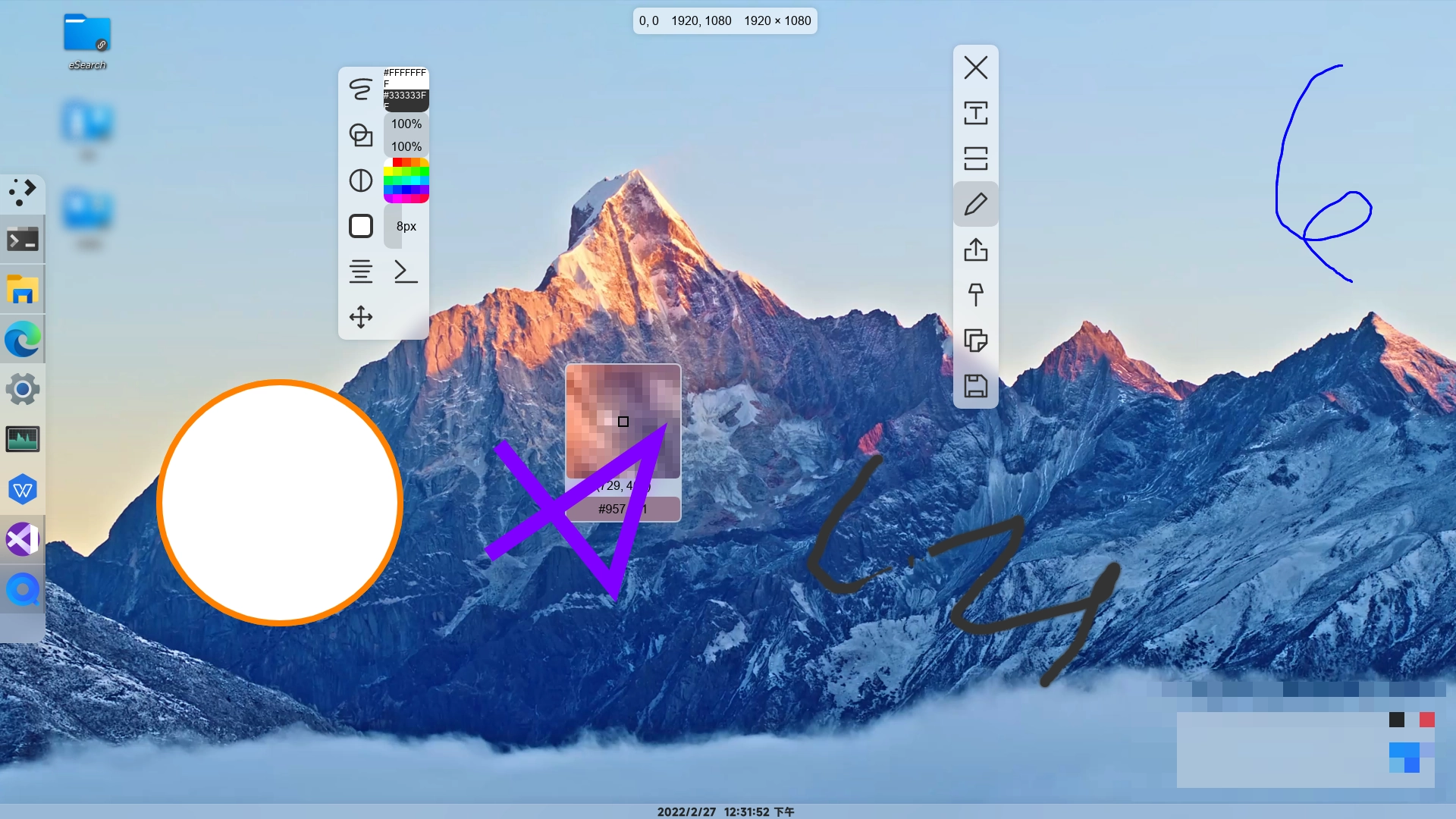
绘图界面
4.mp4
主页面搜索和其他应用编辑(视频约 1.6MB)
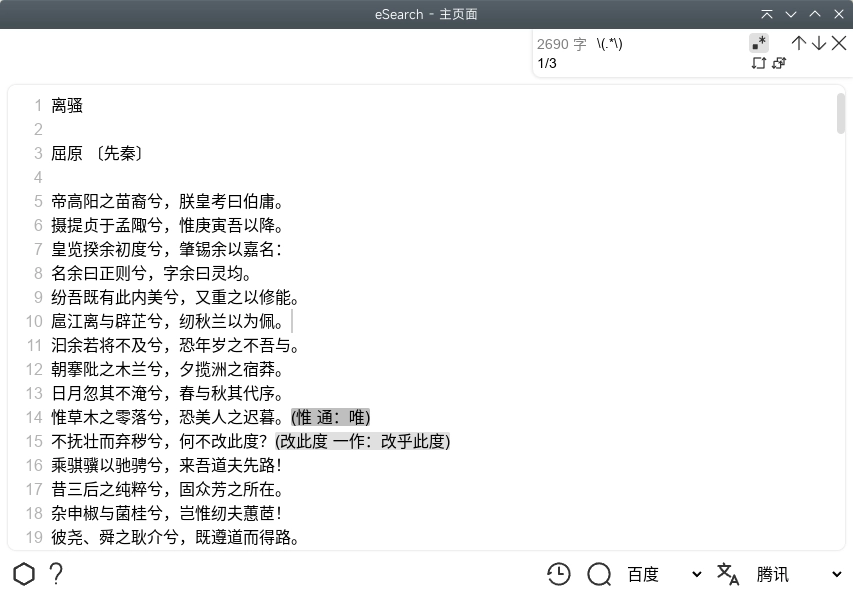
主页面查找替换(支持正则)
大多数按钮使用图标,简少了不必要的翻译
- 简体中文
- 繁体中文
- 世界语(Esperanto)
- 西班牙语(Español)
- 阿拉伯语(عربي)
- 英语(English)
- 法语(Français)
- 俄语(Русский)
git clone https://github.com/xushengfeng/eSearch.git
cd eSearch
npm install
# 编译
npm run dist
# 将在build目录产生安装包和解压的目录
# 运行
npm run start
# 调试
npm run dev在 ArchLinux,KDE plasma,Xorg 下测试通过
Windows10 和 Windows11 测试通过
macOS Catalina 测试通过
Electron 官方不再支持 Win7、Win8,所以 eSearch 也不再支持。
但可以自己编译,见文档,部分功能可能无法使用。
大部分 Windows 在安装后会提示下载依赖库,这是因为截屏库需要,点击下载,将自动打开微软官网下载,安装完成后可能需要重启。
Gnome 用户需要安装appindicator插件来使用托盘。
mac 对互联网下载的 dmg 做了部分限制。
可以在互联网上搜索“mac”、“文件损坏”等关键词。不同版本的系统适用的方法也不同。
- 跨平台需要,本来我是想在 Linux 上也能体验 Windows 下优秀的截屏工具,Linux 独占也不好,所以选择跨平台。
- qt 依赖 c++,学习成本太高。flutter 桌面版还不太成熟。我更擅长 js 开发。
- 截屏依赖本地系统,这是目前浏览器做不到的。
- 最后只有 js 类跨平台方案,我选择了较为成熟,使用最多的 electron。
在其他平台没有类似 Arch Linux 单独打包作为库的情况下,软件占用的存储空间是比较多的,但几十行 js 脚本的增加不多,带来的功能却显著地感知到,所以我会尽力发挥其潜力,做到更精美的 UI、更丰富的功能。
除了 Electron 的占用,还有 onnx 运行库(用于运行 AI 模型)、离线文字识别模型、录屏人像识别模型、高级编辑的物体移除模型等。
一般是因为不同版本的配置不兼容,可以尝试在 设置-高级-高级设置 里 恢复默认设置。
若未能解决问题,请提交 issue
请查看贡献指南
我在用 Windows 时一直用这个好用的截屏软件:Snipaste - 截图 + 贴图,但我切换到 Linux,Snipaste 不支持(2019 年,现在已支持),所以我选择了Flameshot,很可惜它没有直观的取色器。
促使我开发 eSearch 的另一个契机是我很享受在手机上使用锤子大爆炸或小米传送门这样的即时信息搜索工具,但我没有找到电脑上类似的代替品。
所以我干脆自己开发一个“截屏+OCR+搜索+贴图”的软件。最开始用 python+pyqt 开发出Information-portal,但因为我不熟悉 pyqt,所以我转战:electron:,开发出本软件。😄
精神支持:点亮右上角 star 星标 🌟
物质支持:个人主页赞赏
行动:反馈 bug、提供新功能点子、参与开发
GPL-3.0 © xushengfeng


