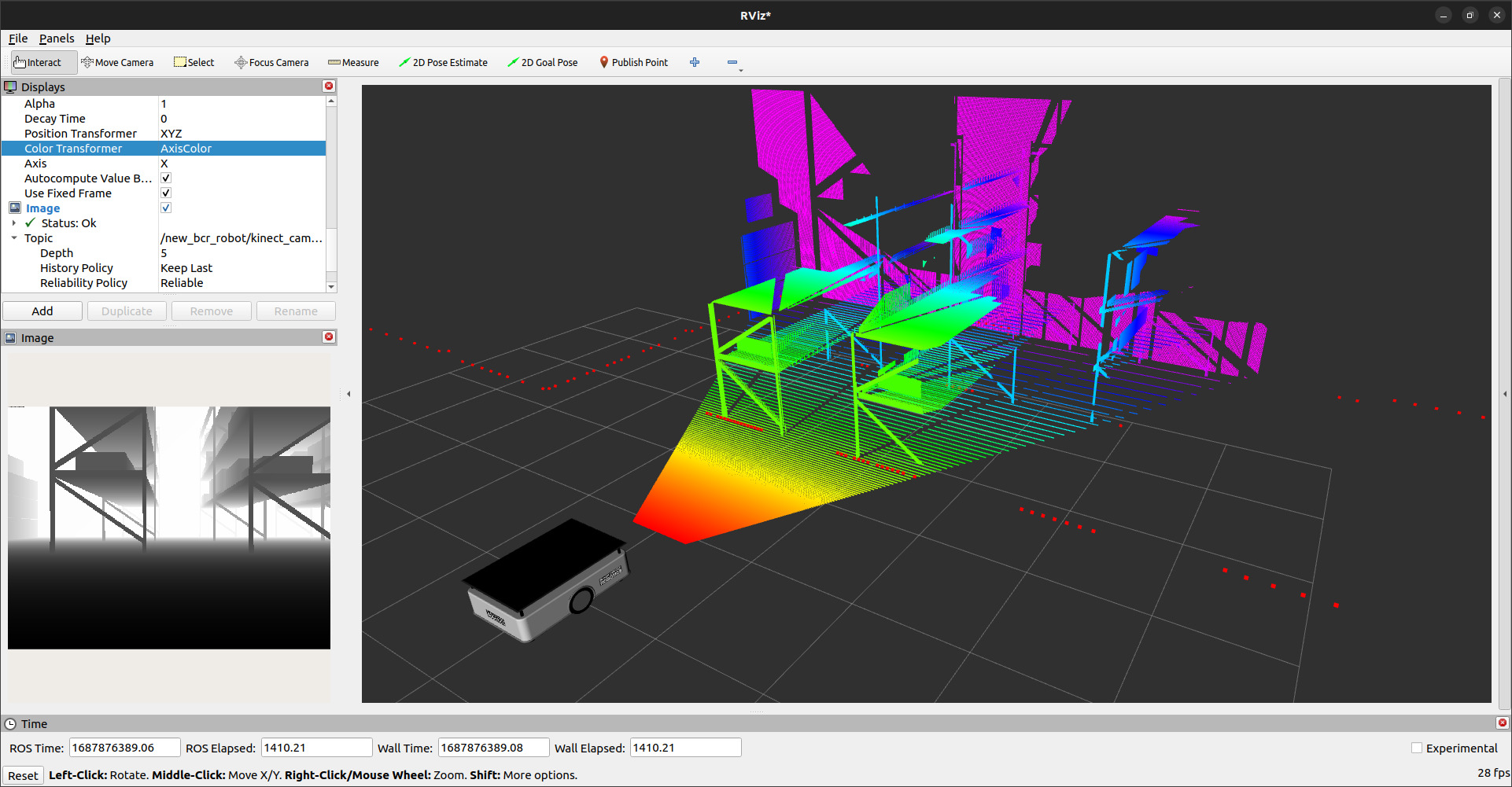
amr_showcase_navigation.mp4
This repository contains Gazebo, MuJoCo, and Isaac Sim simulations for a differential drive robot, equipped with an IMU, a depth camera, stereo camera and a 2D LiDAR. ROS2 versions also include Nav2 and SLAM Tool Box support. Currently, the project supports the following combinations -
- ROS Noetic + Gazebo Classic 11 (branch ros1)
- ROS2 Humble + Gazebo Classic 11 (branch ros2)
- ROS2 Humble + Gazebo Fortress (branch ros2)
- ROS2 Humble + Gazebo Harmonic (branch ros2)
- ROS2 Humble + Isaac Sim (branch ros2)
- ROS2 Jazzy + Gazebo Harmonic (branch ros2-jazzy)
- ROS2 Jazzy + Isaac Sim (branch ros2-jazzy)
- ROS2 Jazzy + MuJoCo Sim (branch ros2-jazzy)
Each of the following sections describes depedencies, build and run instructions for the combinations supported by the ros2-jazzy branch.
Install Gazebo harmonic using ROS2 binaries:
sudo apt install ros-jazzy-ros-gz-sim ros-jazzy-ros-gz-bridge ros-jazzy-ros-gz-interfacesInstall other dependencies with rosdep.
# From the root directory of the workspace. This will install everything mentioned in package.xml
rosdep install --from-paths src --ignore-src -r -ycolcon build --packages-select bcr_botTo launch the robot in Gazebo,
ros2 launch bcr_bot gz.launch.pyTo view in rviz,
ros2 launch bcr_bot rviz.launch.pyThe launch file accepts multiple launch arguments,
ros2 launch bcr_bot gz.launch.py \
	camera_enabled:=True \
	stereo_camera_enabled:=False \
	two_d_lidar_enabled:=True \
	position_x:=0.0 \
	position_y:=0.0  \
	orientation_yaw:=0.0 \
	odometry_source:=world \
	world_file:=small_warehouse.sdf
Note:
- To use stereo_image_proc with the stereo images excute following command:
ros2 launch stereo_image_proc stereo_image_proc.launch.py left_namespace:=bcr_bot/stereo_camera/left right_namespace:=bcr_bot/stereo_camera/rightInstall the simulation, controller, visualization, and navigation packages:
sudo apt update
sudo apt install \
  ros-jazzy-mujoco-ros2-control \
  ros-jazzy-mujoco-ros2-control-plugins \
  ros-jazzy-ros2controlcli \
  ros-jazzy-joint-state-broadcaster \
  ros-jazzy-imu-sensor-broadcaster \
  ros-jazzy-diff-drive-controller \
  ros-jazzy-depth-image-proc \
  ros-jazzy-twist-stamper \
  ros-jazzy-teleop-twist-keyboard \
  ros-jazzy-rviz2 \
  ros-jazzy-slam-toolbox \
  ros-jazzy-navigation2 \
  ros-jazzy-nav2-bringup
Install the remaining declared dependencies from the workspace root:
rosdep install --from-paths src --ignore-src -r -yRun from the workspace root:
colcon build --packages-select bcr_bot
source install/setup.bashLaunch the robot in the MuJoCo warehouse:
ros2 launch bcr_bot mujoco.launch.pyThe launch enables wheel control and odometry, IMU, 2D LiDAR, the depth camera, and stereo cameras. A colored point cloud is generated for the depth camera.
To view the robot and sensor data in RViz, open another sourced terminal:
ros2 launch bcr_bot rviz.launch.pyIn addition to ROS2 Humble Isaac Sim installation with ROS2 extension is required. Remainder of bcr_bot specific dependencies can be installed with rosdep
# From the root directory of the workspace. This will install everything mentioned in package.xml
rosdep install --from-paths src --ignore-src -r -ycolcon build --packages-select bcr_botTo launch the robot in Isaac Sim:
- Open Isaac Sim and load the
warehouse_scene.usdorscene.usdfrom here. - Add in extra viewports for different camera views.
- Start the Simulation: Run the simulation directly within Isaac Sim.
- The following USDs are included in the package:
warehouse_scene.usd- Warehouse scene with a robot.scene.usd- Scene with a robot in a empty world.bcr_bot.usd- Robot model that can be imported into any scene.ActionGraphFull.usd- Action graph for the robot to publish all the required topics.
To view in rviz:
ros2 launch bcr_bot rviz.launch.pyNOTE: The command to run mapping and navigation is common between all versions of gazebo and Isaac sim see here.
SLAM Toolbox is an open-source package designed to map the environment using laser scans and odometry, generating a map for autonomous navigation.
NOTE: The command to run mapping is common between all versions of gazebo and MuJoCo.
To start mapping:
ros2 launch bcr_bot mapping.launch.pyUse the teleop twist keyboard to control the robot and map the area:
ros2 run teleop_twist_keyboard teleop_twist_keyboard --ros-args -r cmd_vel:=/bcr_bot/cmd_velTo save the map:
cd src/bcr_bot/config
ros2 run nav2_map_server map_saver_cli -f bcr_mapNav2 is an open-source navigation package that enables a robot to navigate through an environment easily. It takes laser scan and odometry data, along with the map of the environment, as inputs.
NOTE: The command to run navigation is common between all versions of gazebo, MuJoCo and Isaac sim.
To run Nav2 on bcr_bot:
ros2 launch bcr_bot nav2.launch.pyTo choose another map, pass its YAML path
ros2 launch bcr_bot nav2.launch.py map:=/full/path/to/map.yamlFor the included MuJoCo warehouse map:
ros2 launch bcr_bot nav2.launch.py map:="$(ros2 pkg prefix --share bcr_bot)/config/bcr_map_mujoco.yaml"-
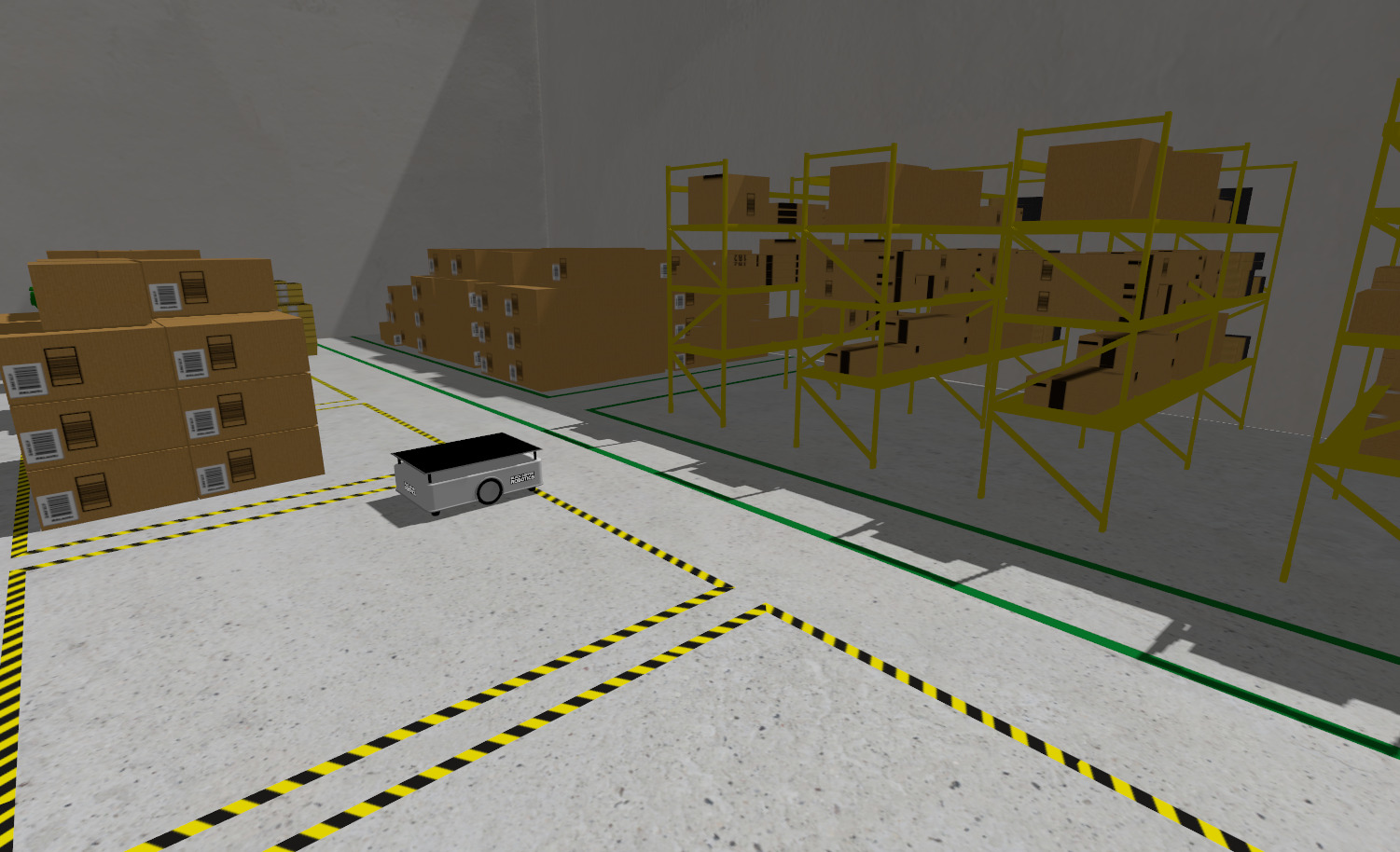
Gz Sim (Ignition Gazebo) (small_warehouse World):
-
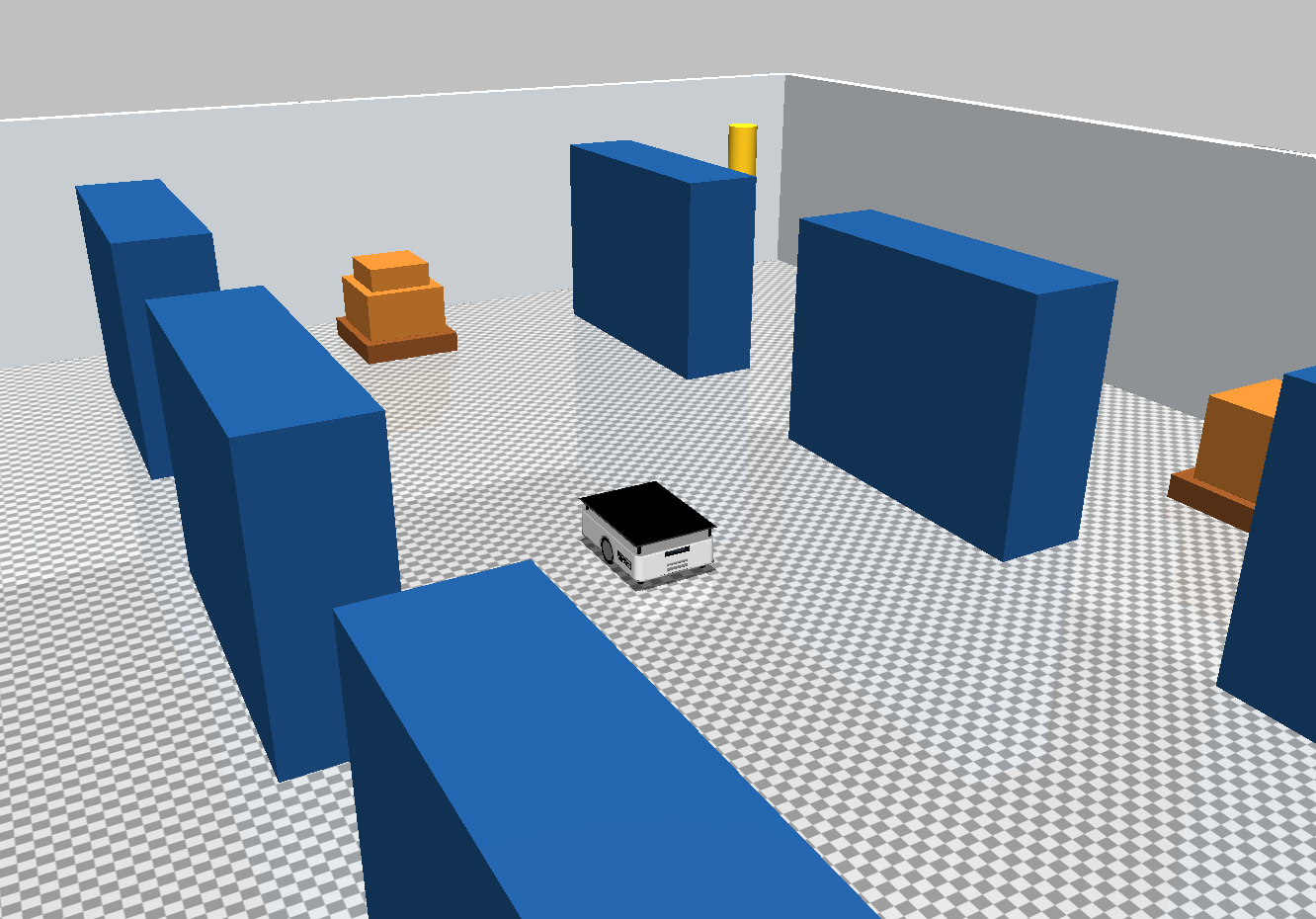
MuJoCo:
-
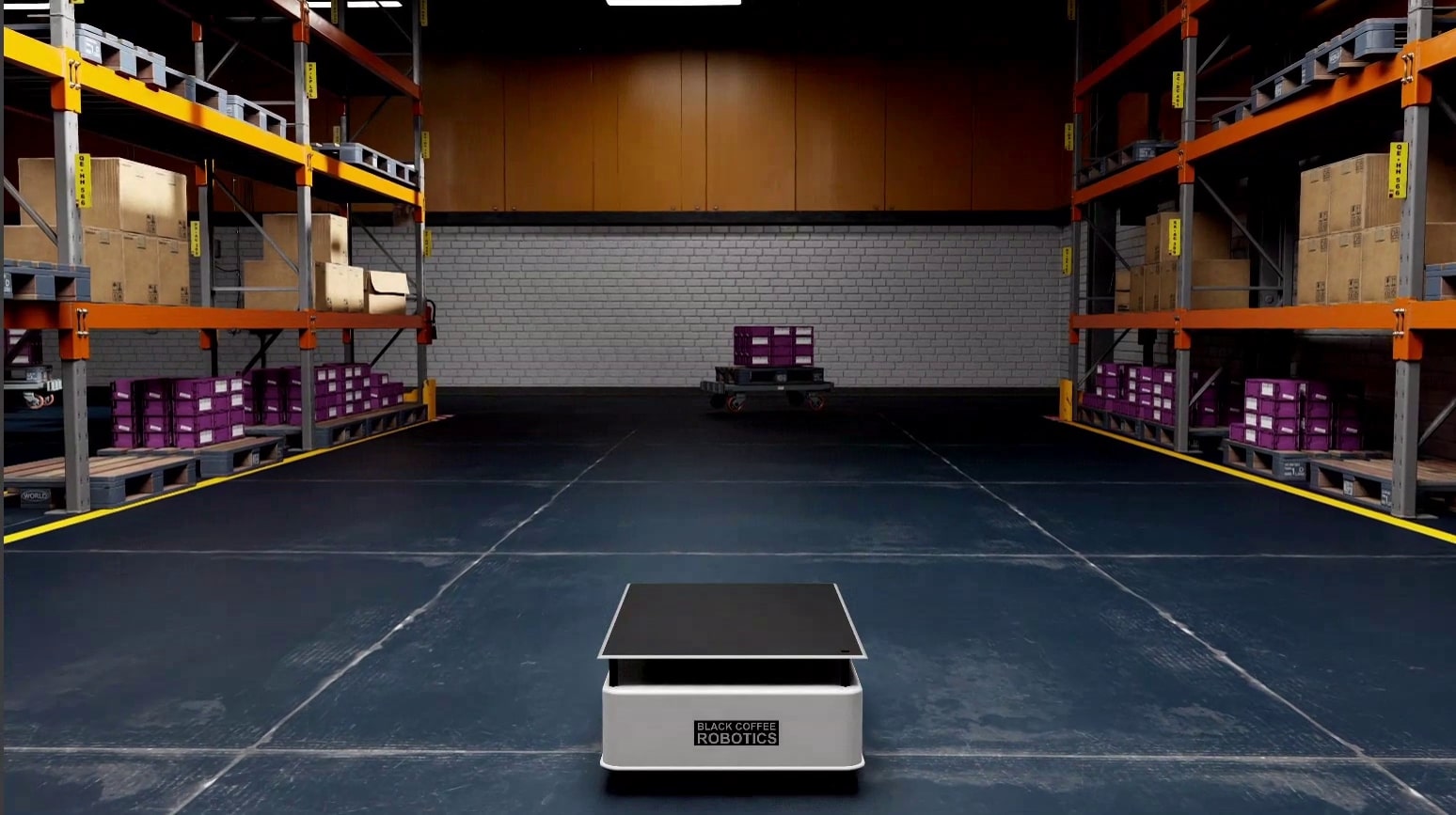
Isaac Sim:
-
Rviz (Depth camera) (small_warehouse World):