

*Hidenobu Matsuki · *Riku Murai · Paul H.J. Kelly · Andrew J. Davison
(* Equal Contribution)
Paper | Video | Project Page
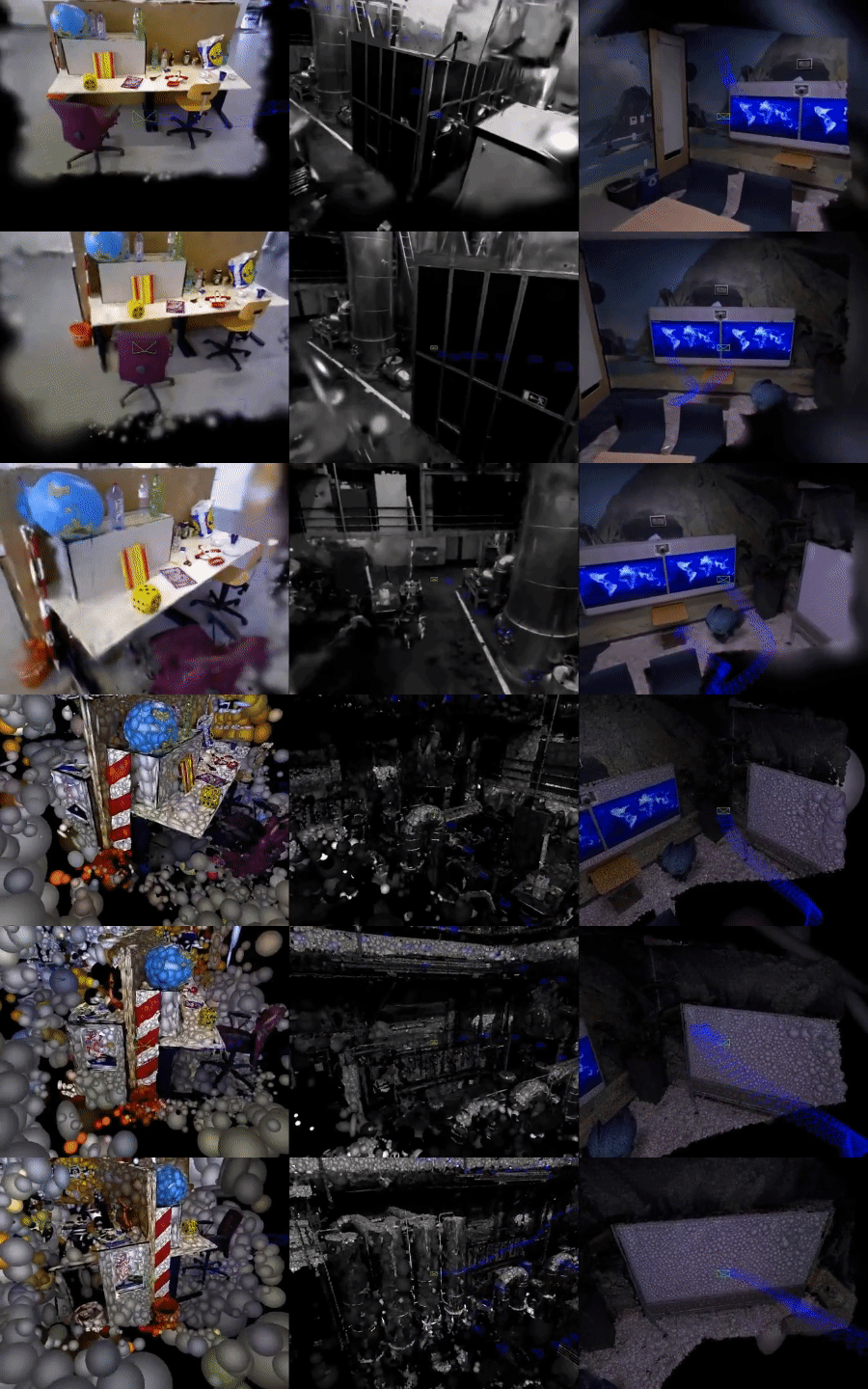
This software implements dense SLAM system presented in our paper Gaussian Splatting SLAM in CVPR'24. The method demonstrates the first monocular SLAM solely based on 3D Gaussian Splatting (left), which also supports Stereo/RGB-D inputs (middle/right).
- In an academic paper, please refer to our work as Gaussian Splatting SLAM or MonoGS for short (this repo's name) to avoid confusion with other works.
- Differential Gaussian Rasteriser with camera pose gradient computation is available here.
- [New] Speed-up version of our code is available in
dev.speedupbranch, It achieves up to 10fps on monocular fr3/office sequence while keeping consistent performance (tested on RTX4090/i9-12900K). The code will be merged into the main branch after further refactoring and testing.
git clone https://github.com/muskie82/MonoGS.git --recursive
cd MonoGS
Setup the environment.
conda env create -f environment.yml
conda activate MonoGS
Depending on your setup, please change the dependency version of pytorch/cudatoolkit in environment.yml by following this document.
Our test setup were:
- Ubuntu 20.04:
pytorch==1.12.1 torchvision==0.13.1 torchaudio==0.12.1 cudatoolkit=11.6 - Ubuntu 18.04:
pytorch==1.12.1 torchvision==0.13.1 torchaudio==0.12.1 cudatoolkit=11.3
bash scripts/download_tum.sh
python slam.py --config configs/mono/tum/fr3_office.yaml
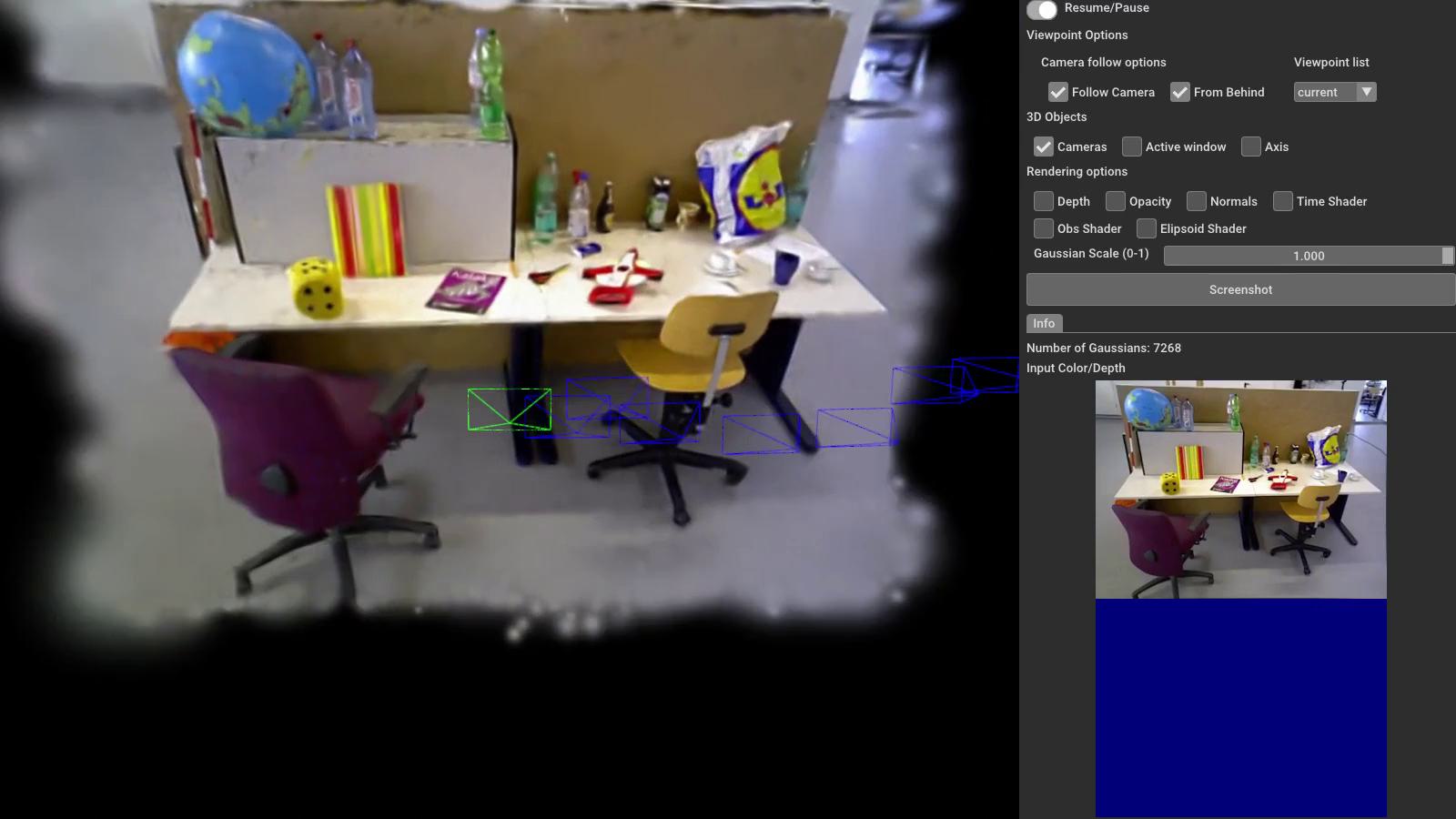
You will see a GUI window pops up.
Running the following scripts will automatically download datasets to the ./datasets folder.
bash scripts/download_tum.shbash scripts/download_replica.shbash scripts/download_euroc.shpython slam.py --config configs/mono/tum/fr3_office.yamlpython slam.py --config configs/rgbd/tum/fr3_office.yamlpython slam.py --config configs/rgbd/replica/office0.yamlOr the single process version as
python slam.py --config configs/rgbd/replica/office0_sp.yamlpython slam.py --config configs/stereo/euroc/mh02.yamlFirst, you'll need to install pyrealsense2.
Inside the conda environment, run:
pip install pyrealsense2Connect the realsense camera to the PC on a USB-3 port and then run:
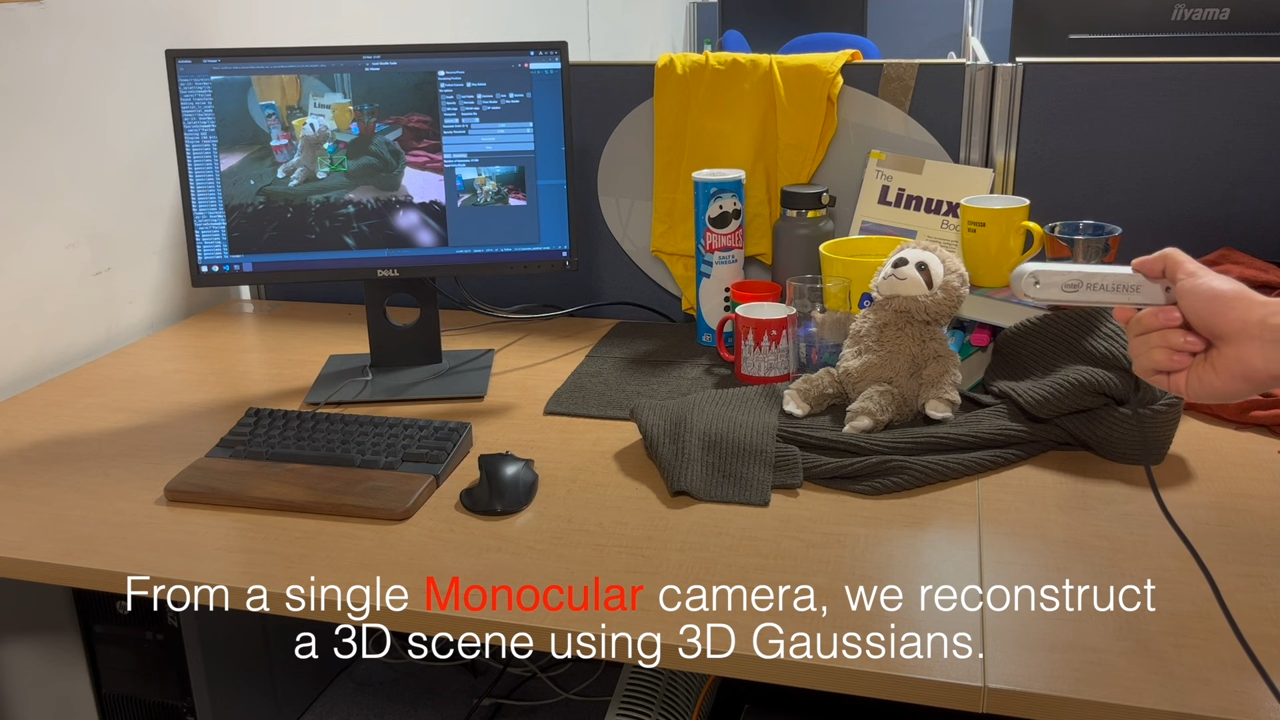
python slam.py --config configs/live/realsense.yamlWe tested the method with Intel Realsense d455. We recommend using a similar global shutter camera for robust camera tracking. Please avoid aggressive camera motion, especially before the initial BA is performed. Check out the first 15 seconds of our YouTube video to see how you should move the camera for initialisation. We recommend to use the code in dev.speed-up branch for live demo.
To evaluate our method, please add --eval to the command line argument:
python slam.py --config configs/mono/tum/fr3_office.yaml --evalThis flag will automatically run our system in a headless mode, and log the results including the rendering metrics.
There might be minor differences between the released version and the results in the paper. Please bear in mind that multi-process performance has some randomness due to GPU utilisation. We run all our experiments on an RTX 4090, and the performance may differ when running with a different GPU.
This work incorporates many open-source codes. We extend our gratitude to the authors of the software.
- 3D Gaussian Splatting
- Differential Gaussian Rasterization
- SIBR_viewers
- Tiny Gaussian Splatting Viewer
- Open3D
- Point-SLAM
MonoGS is released under a LICENSE.md. For a list of code dependencies which are not property of the authors of MonoGS, please check Dependencies.md.
If you found this code/work to be useful in your own research, please considering citing the following:
@inproceedings{Matsuki:Murai:etal:CVPR2024,
  title={{G}aussian {S}platting {SLAM}},
  author={Hidenobu Matsuki and Riku Murai and Paul H. J. Kelly and Andrew J. Davison},
  booktitle={Proceedings of the IEEE/CVF Conference on Computer Vision and Pattern Recognition},
  year={2024}
}


